![[KNA002] SHINE logo](https://cdn.linksharehub.com/ocp/?u=https%3A%2F%2Fl4.fancapitalize.com%2Fimages%2F2025%2F12%2F6b4444f70ba4adf547a7e7a451942042.jpg&t=webp)
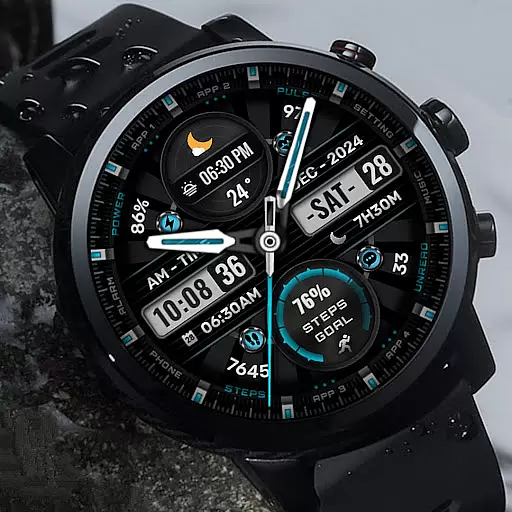
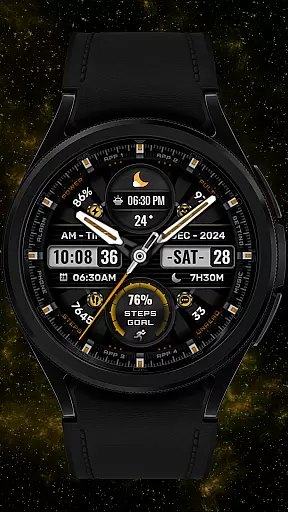

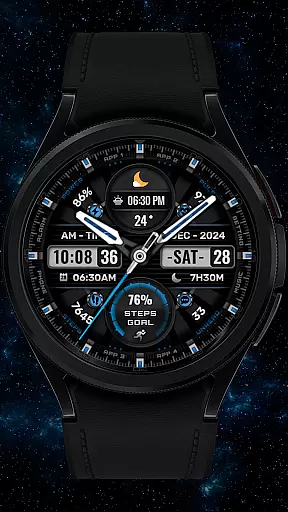
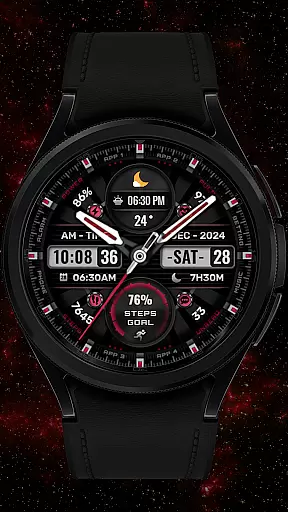
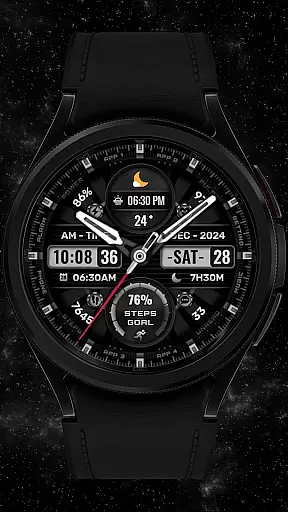
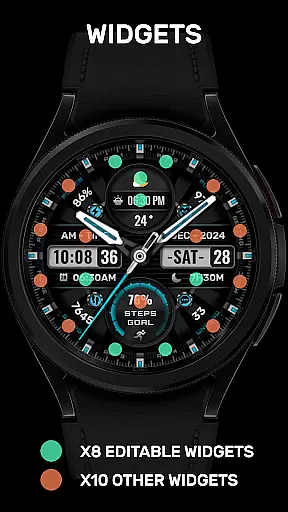
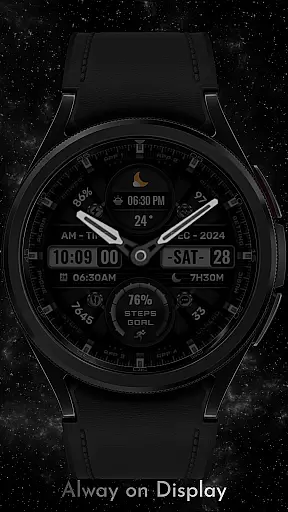
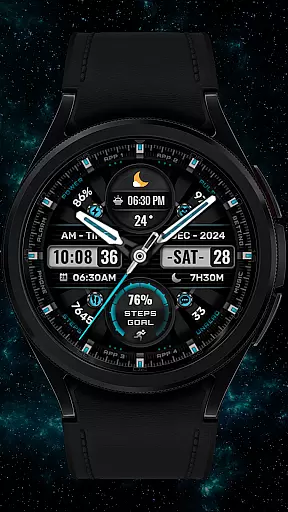

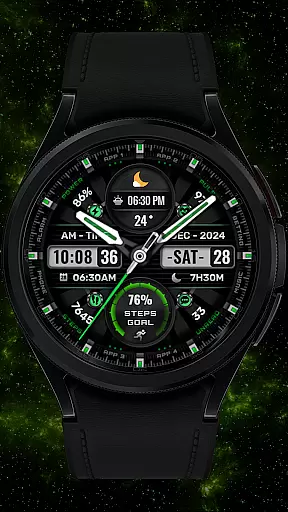
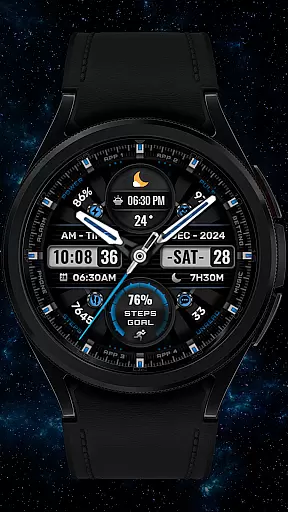
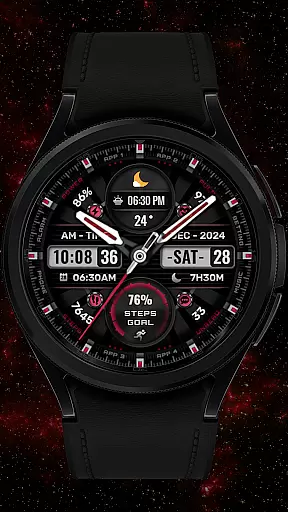


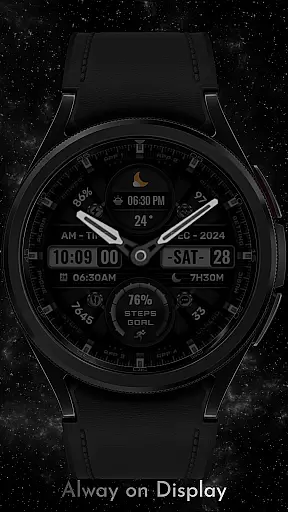
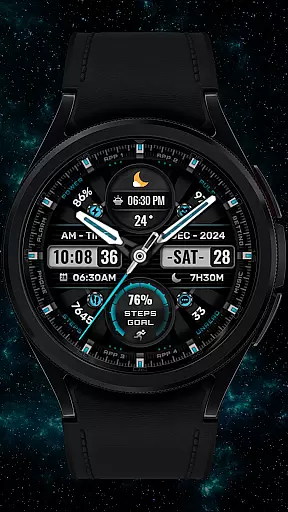
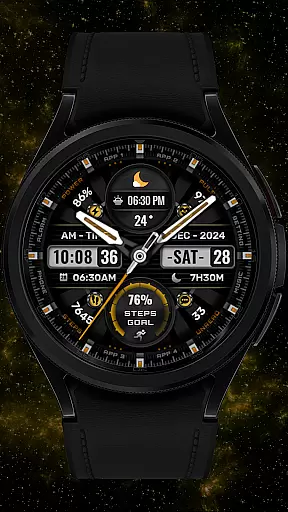
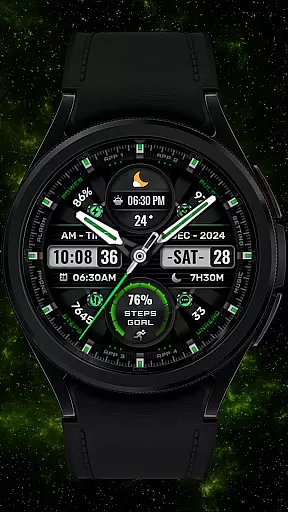
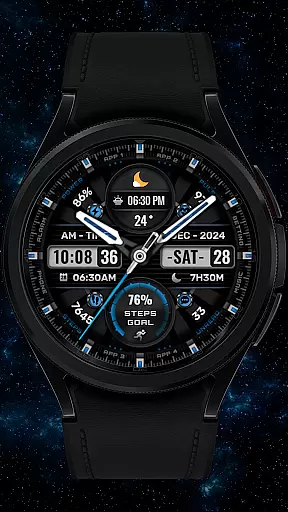
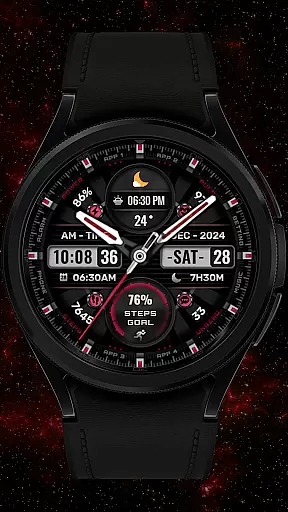
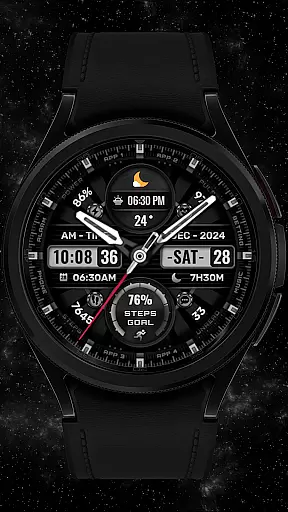

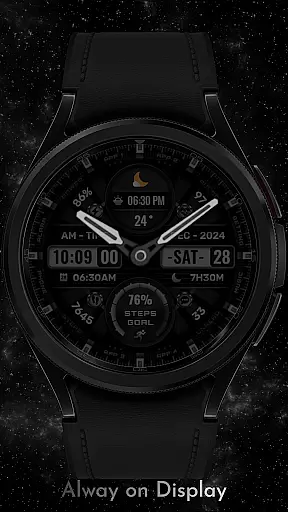


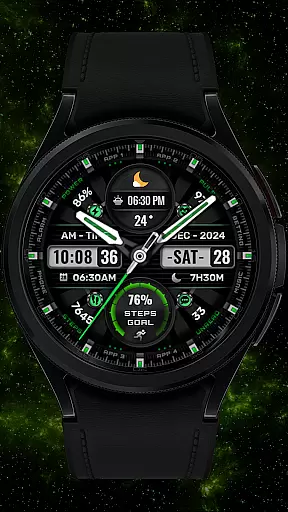

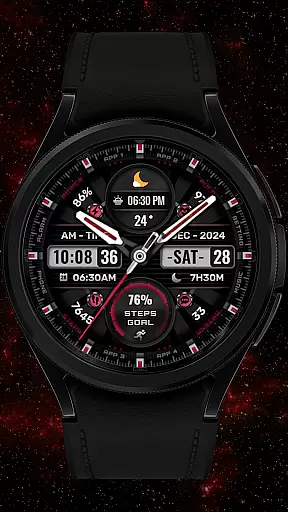
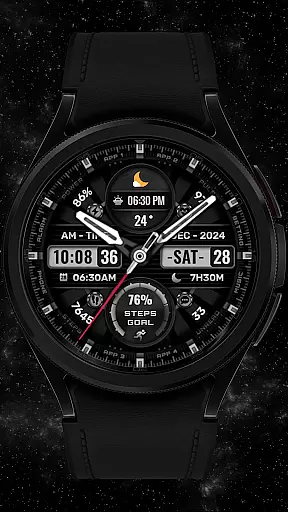

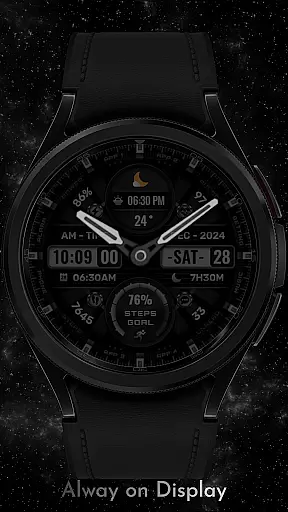
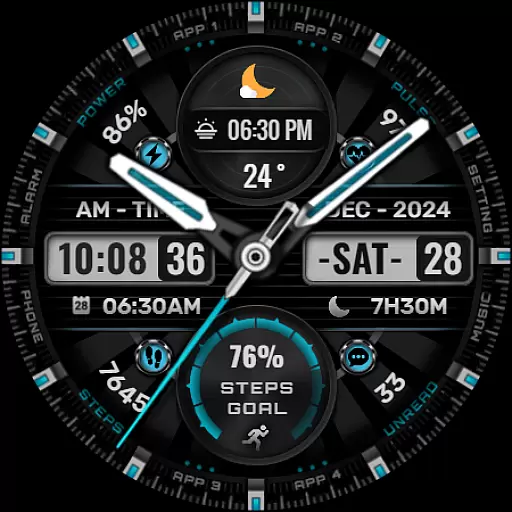
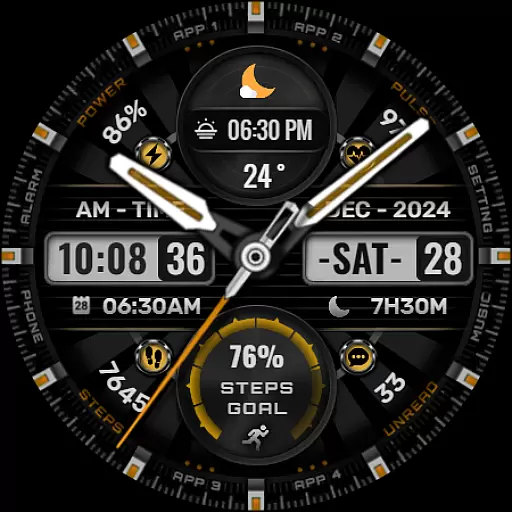

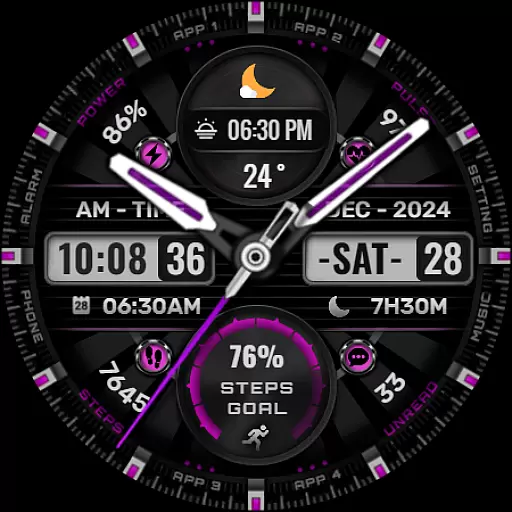
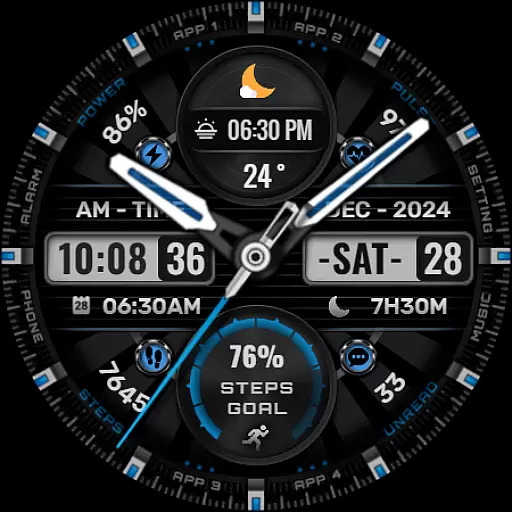

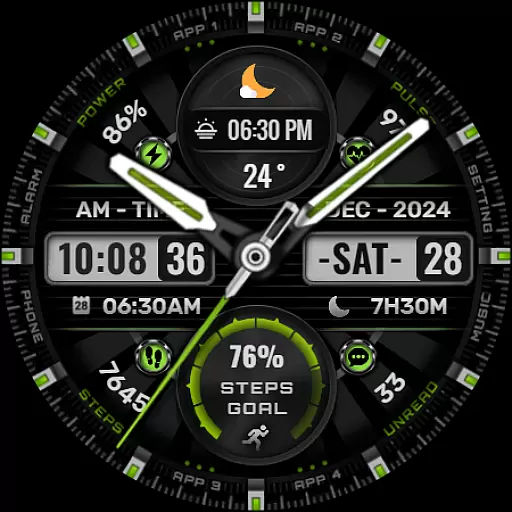
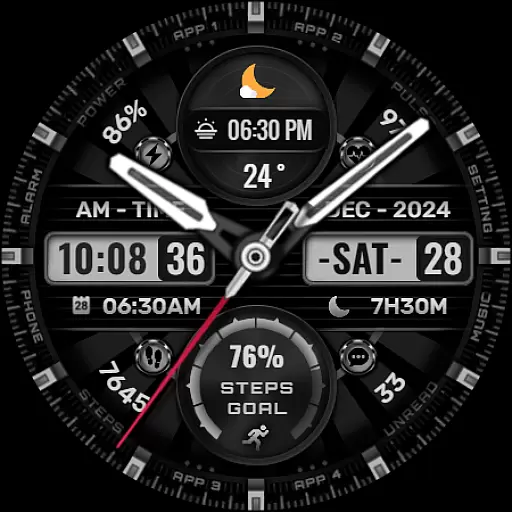
[KNA002] SHINE is a feature-rich watch face designed specifically for Wear OS devices, offering users a customizable and visually appealing experience. Compatible with API level 30+ devices such as Google Pixel and Galaxy Watch 4, 5, 6 series, this watch face brings both style and functionality to your wrist.
The watch face includes an array of practical features like date, day of the week, and month displays. With support for up to 8 editable complications, users can personalize their watch face with data such as weather, heart rate, battery level, and more. The customization options extend to 8 color backgrounds, analog hands, and step progress indicators, allowing users to tailor the appearance to their preferences.
Perfect for those who value both aesthetics and utility, [KNA002] SHINE ensures that your smartwatch not only looks great but also provides quick access to essential information, enhancing daily productivity and convenience.
One of the standout features of [KNA002] SHINE is its extensive customization capabilities. Users can choose from hybrid styles and have the option to display various types of information including steps count, heart rate, battery level, calendar events, and even sunrise & sunset times. This flexibility ensures that each user can create a personalized watch face that suits their lifestyle.
The app supports up to 8 editable complications, which means you can select from a wide range of data points such as weather updates, world clock, barometer readings, and more. This makes it incredibly versatile for different user needs, whether you're tracking fitness goals or staying updated with global time zones.
Additionally, the ability to customize colors for the background, analog hands, and step progress adds another layer of personalization. By following simple steps - touching and holding the display, then tapping on the customize option - users can easily modify these settings. Note that some features may vary depending on the specific model of your Wear OS device.
When it comes to designing watch faces for Wear OS devices, having a comprehensive set of creative tools is essential. The [KNA002] SHINE watch face offers an impressive suite of features that cater to both amateur designers and seasoned professionals.
This application provides users with hybrid styles, displaying the date, day of the week, and month, which adds a layer of personalization and functionality. With 8 editable complications, users can tailor their watch faces to show the information most relevant to them, such as steps count, heart rate, battery level, calendar events, and even sunrise and sunset times.
The ability to choose from 8 different colors for the background, analog hands, and steps progress ensures that each user's watch face is unique to their style and mood. This flexibility in design empowers users to match their wearable tech with their personal aesthetic preferences.
By offering these robust customization options, [KNA002] SHINE stands out as a creative powerhouse in the realm of Wear OS watch faces, ensuring that users have all the necessary tools at their disposal to create a personalized and functional timepiece.
A versatile canvas is crucial for unleashing creativity in art and design, especially when crafting watch faces for Wear OS. The [KNA002] SHINE app excels in providing canvas and format flexibility, allowing designers to bring their visions to life without constraints.
With compatibility across API level 30+ devices, including Google Pixel and Galaxy Watch series, this app ensures that your designs will reach a wide audience. It's important to note that not all features may be available on every device due to hardware limitations, but the core experience remains consistent and rich.
Designers can customize their watch faces by simply touching and holding the display, then tapping on the customize option. This intuitive process opens up a world of possibilities, from selecting among various data points like weather, world clock, and barometer readings, to adjusting visual elements to fit the screen perfectly.
Ultimately, the canvas/format flexibility offered by [KNA002] SHINE means that whether you're looking to make subtle tweaks or complete overhauls to your watch face, the app supports your creative journey every step of the way, making it a top choice for those seeking a customizable wearable experience.
Highly customizable
Supports 8 complications
Versatile design options
Compatible with latest Wear OS
User-friendly interface
Limited to Wear OS
Some features not available on all watches
Requires latest Android version
No automatic application
Manual setup needed

AR Anime Drawing: How to draw anime with AR drawing & sketching apps!
 4.00
4.00
Draw glowing spinners, relax, and spin your creative art
4.60
800+ Drawing, Painting Lessons App to Practice, Sketch & Paint Art.
4.30
Painting, drawing, & sketching
4.50
Novices can also easily complete diamond painting masters
4.70
Resize photos and print photos in exact size with our powerful photo printer!
3.80
Experience next-gen icons with a modern liquid glass look.
3.60
Bring One UI 8.5 Icons to life -elegant dark icons with a modern, premium touch.
4.30
Just trace a projected picture on paper and color! Draw & Paint with AR drawing
4.40
Photo blender app to create overlay photos & double exposure.
4.40
Image/ Text to Video Generator
4.40
Everything you need to create hand drawn animation, anywhere you go!
4.40
Floor Plan Creator lets you create, edit and share floor plans.
4.00
Paint with oils and sketch with natural tools on a realistic virtual canvas.
3.80
Apply cartoon, caricature, and portrait effects to make your photos stand out!
3.60
Art of Combination Wear OS Watch Faces
3.30
Draw anime easily with AR guidance, sketch templates & trace tools!
3.10
Download now for a stylish and functional timepiece
4.3
Transform photos into amazing monochrome dither art with professional algorithms
4.0


User Reviews