
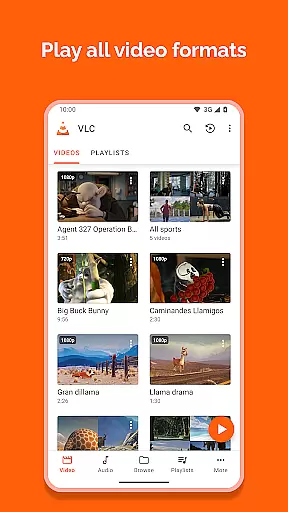
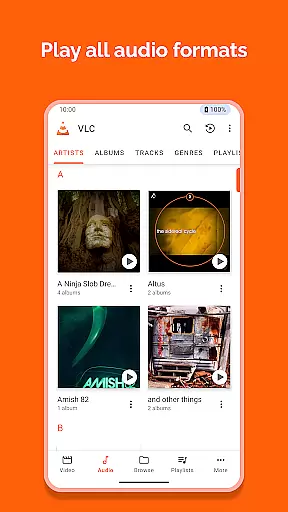
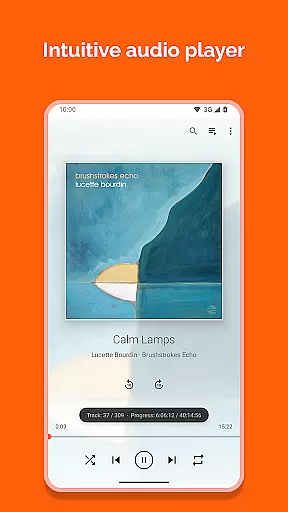
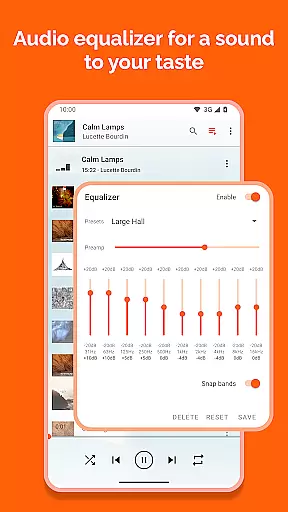
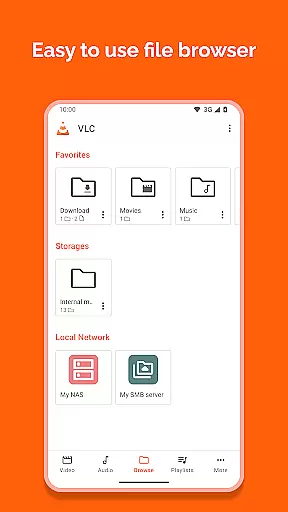
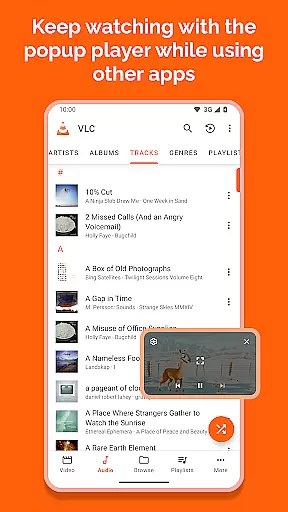
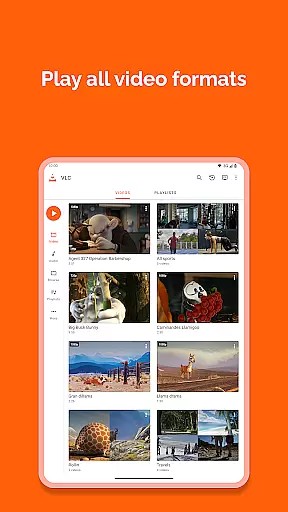
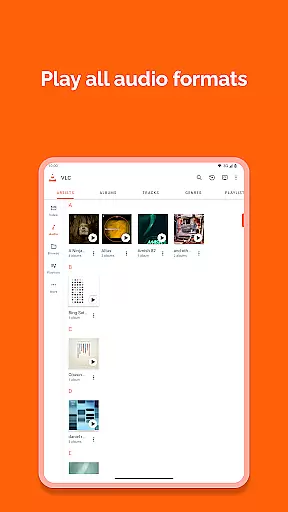
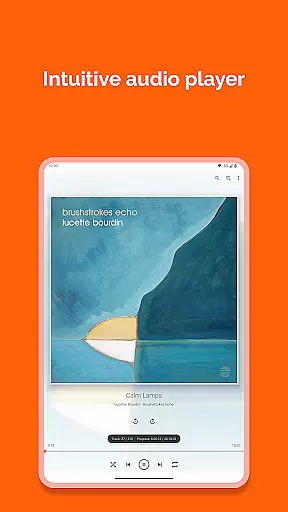
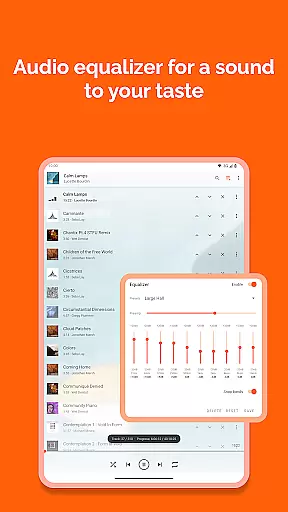
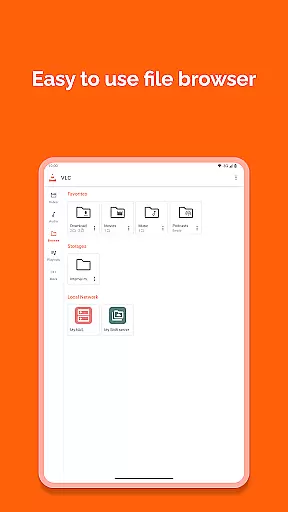
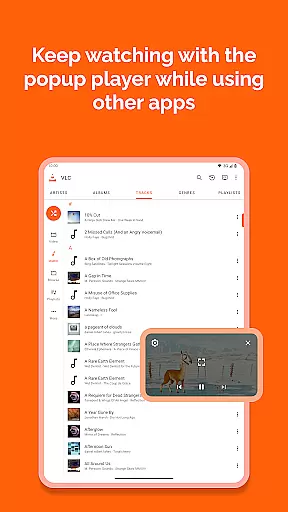
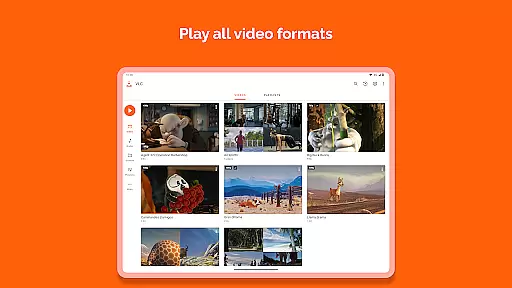
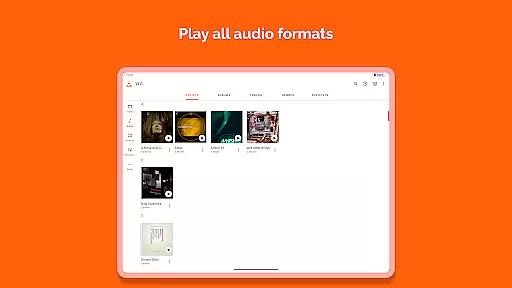
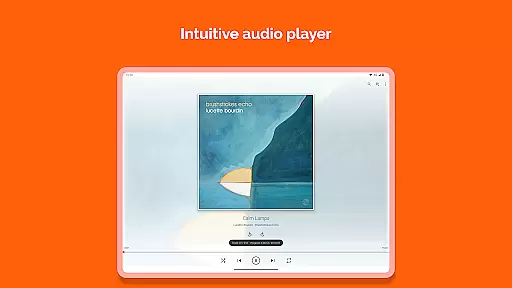
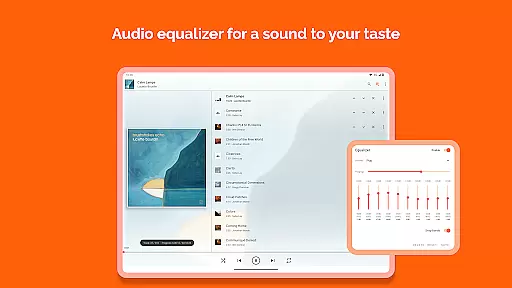
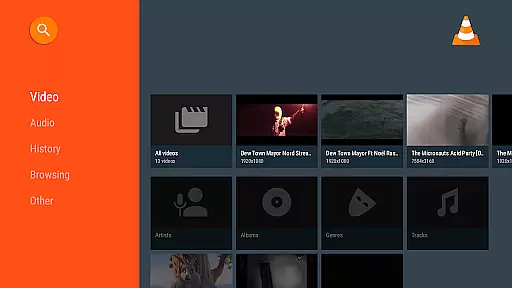
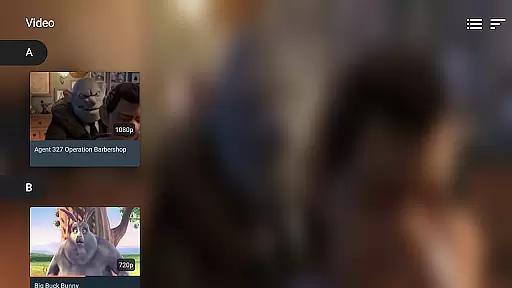
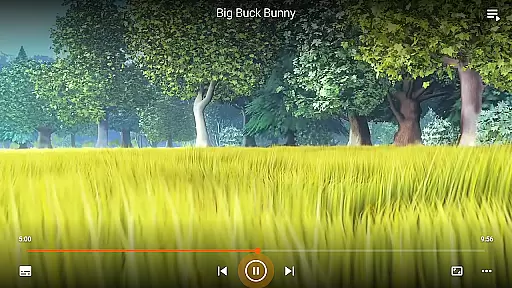
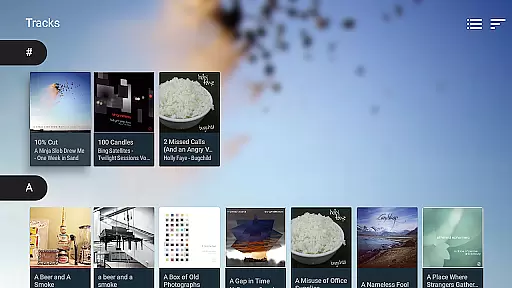
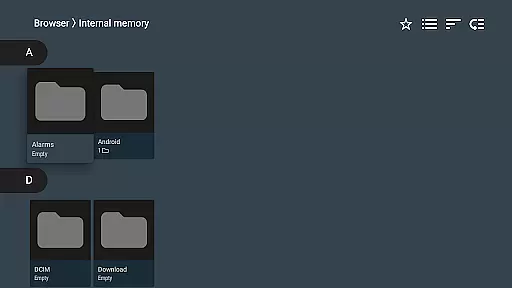
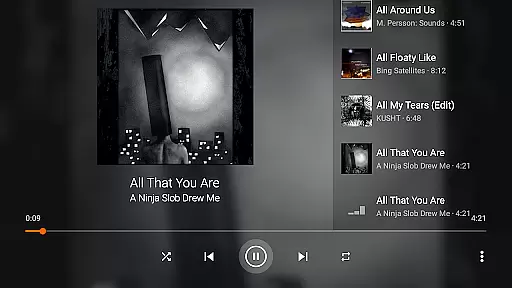
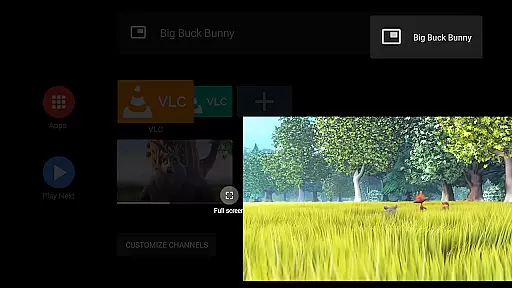
VLC for Android is a versatile, free, and open-source media player that supports a wide range of video and audio formats. As a mobile version of the renowned VLC media player, it mirrors the capabilities of its desktop counterpart, allowing users to play virtually any multimedia file, including network streams, DVD ISOs, and disk shares.
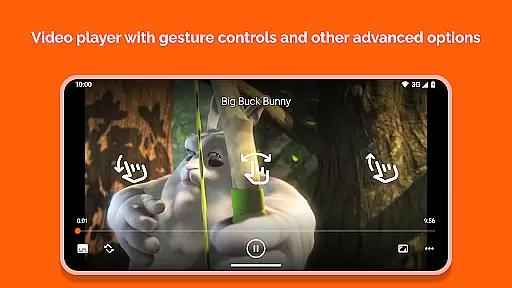
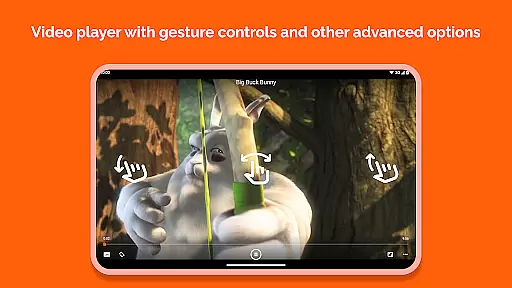
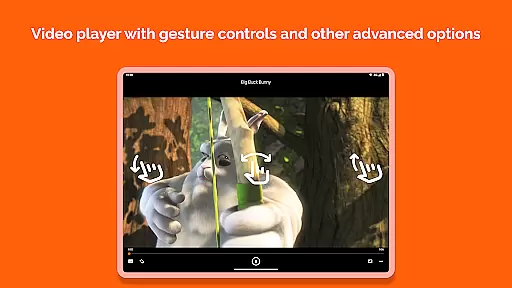
Designed with user convenience in mind, this app offers advanced playback features such as auto-rotation, multi-track audio support, and gesture controls for adjusting volume and brightness. Its comprehensive media library and equalizer make it an indispensable tool for managing and enjoying your entire collection of media files on Android devices.
VLC for Android stands out with its extensive format compatibility, supporting everything from standard MP4 files to more complex formats like MKV, AVI, and FLAC without requiring additional codec downloads. The inclusion of advanced features such as subtitle support, Closed Captions, and Teletext makes it ideal for users seeking a customizable viewing experience.
Beyond basic playback, VLC provides practical tools like a media library for organizing audio and video files, a widget for audio control, and support for audio headsets. It also includes gesture-based controls for volume, brightness, and seeking, alongside options for aspect-ratio adjustments and auto-rotation, ensuring a seamless experience across different types of media content.
VLC for Android stands out as a versatile video player due to its extensive video format compatibility. This app supports virtually all video formats, including but not limited to MKV, MP4, AVI, MOV, Ogg, FLAC, TS, M2TS, Wv, and AAC. The inclusion of all necessary codecs within the app eliminates the need for any additional downloads or plugins.
For users, this means unparalleled convenience and flexibility in playing back media files from various sources without encountering format incompatibility issues. Whether it's local video files, network streams, DVD ISOs, or disk shares, VLC for Android handles them all with ease.
The app's ability to play network streams, including adaptive streaming, further enhances its utility for users who rely on internet-based content. This feature ensures smooth playback even under varying network conditions, making it an ideal choice for streaming high-quality videos.
Moreover, support for subtitles, Teletext, and Closed Captions adds another layer of accessibility and user experience enhancement. Users can enjoy their multimedia content with the assurance that they won't miss out on important dialogue or information, regardless of the original language or audio track limitations.
While VLC for Android is primarily recognized for its robust video playback capabilities, it also incorporates AI-powered editing features that enhance the overall user experience. Although the app doesn't position itself as a dedicated video editor, it leverages artificial intelligence to optimize certain aspects of media handling and playback.
One notable implementation of AI technology is evident in its efficient management of network streams and adaptive streaming protocols. By intelligently adjusting to network conditions, VLC ensures minimal buffering and optimal video quality, providing users with a seamless viewing experience even when bandwidth fluctuates.
Additionally, the app's sophisticated media library utilizes AI algorithms to organize and categorize audio and video files effectively. This smart organization allows users to browse their collections more intuitively, enhancing discoverability and access to desired content without manual sorting.
Furthermore, VLC's gesture controls for volume, brightness, and seeking demonstrate an understanding of modern user interface expectations. These intuitive controls, while not strictly AI-driven, reflect a thoughtful approach to user interaction that aligns with contemporary smart device functionalities, contributing to a more engaging and user-friendly media consumption environment.
User-friendly interface
Wide format support
No ads or in-app purchases
Regular updates
Free and open source
Occasional bugs
Heavy on battery
Complex for beginners
Limited UI customization
Large app size

Powerful, professional, versatile teleprompter. Developed by an active film crew
 4.00
4.00
Save photos and videos from social apps in one tap.
3.60
IPTV-Smarters Player Pro M3U - Watch Live Stream TV Channels with Chromecast
4.00
HD video maker with no watermark, no ads & vlog maker with music, PIP, text
4.50
Download videos easily & play them all in one smart, powerful video manager.
3.40
Fast & easy HD video downloader for all formats, support 4K playback & download.
4.60
Make your own Animations, Video and Photo Edits, Visual Effects, and more!
4.00
IPTV Loader, loads your own Playlist. DOES NOT CONTAIN ANY LIST OR CHANNELS
4.60
Video&Drama Player All Format is a HD video player, music player
3.00
Pro video editor app for Instagram, edit video with song, AI, effect & slowmo.
4.80
High-Quality USB Camera Viewer & HDMI Display
4.70
Video Player - Unlimited features, 30 days money back guarantee.
4.60
Watch a large amount of high-definition short drama content
4.60
AirMirror Receiver - Screen mirroring/cast web videos to Android TV by AirPlay.
4.40
Powerful Video Editor & Photo Editing App —— Quick Edits & Stunning Effects!
4.30
Web Browser for LG TV to stream webvideos, online movies and livestreams in HD
4.20
Online Videos Player
3.90
HD video & music player - All format support with floating & PIP mode!
3.80
Live TV, anywhere in your home
3.80


User Reviews