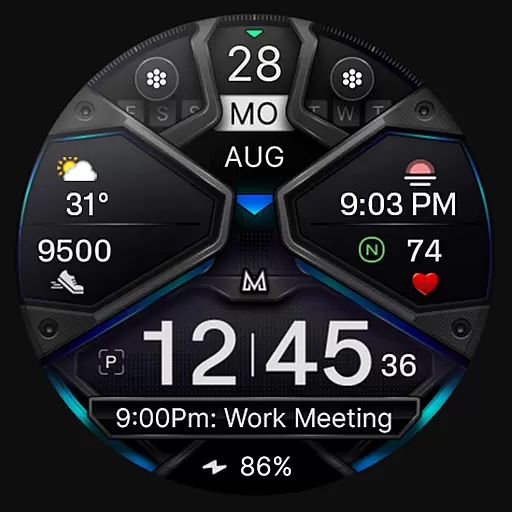
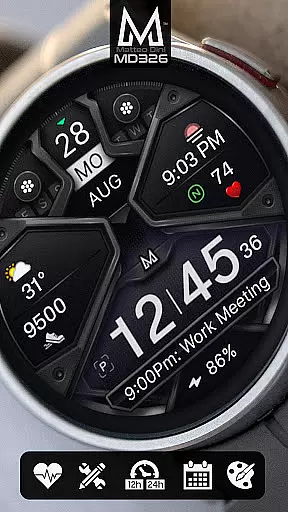
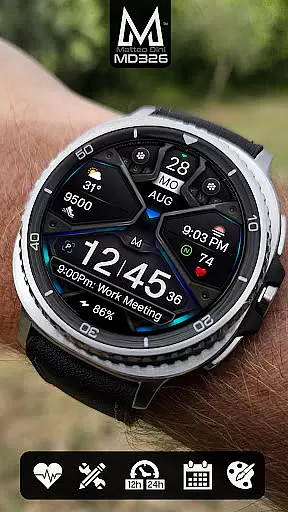
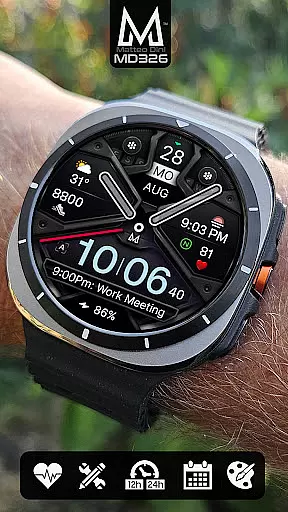
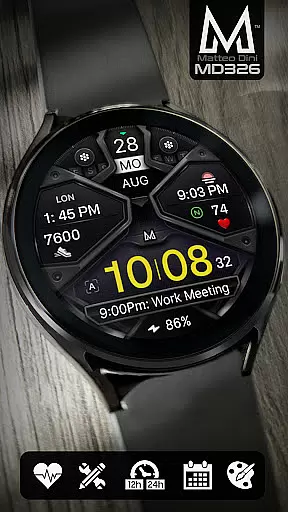
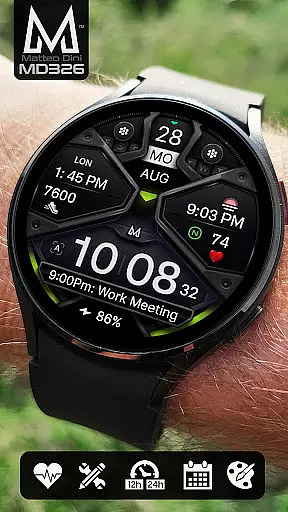
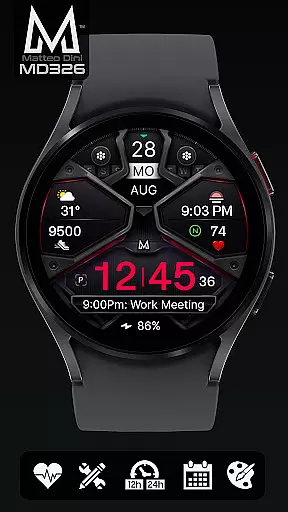
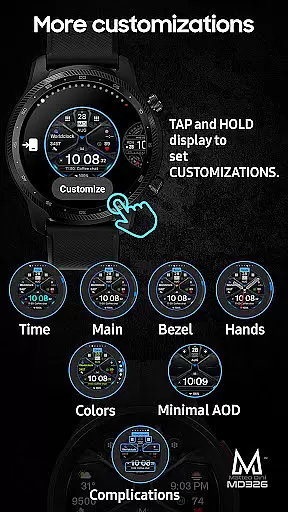
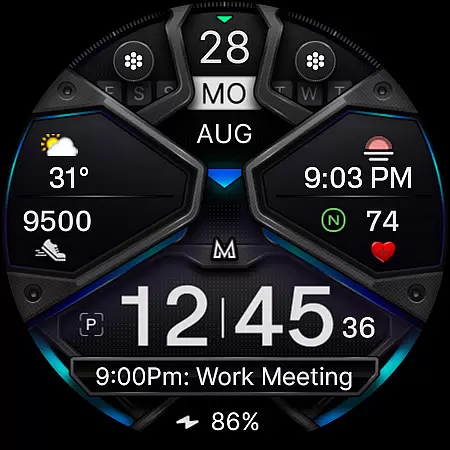
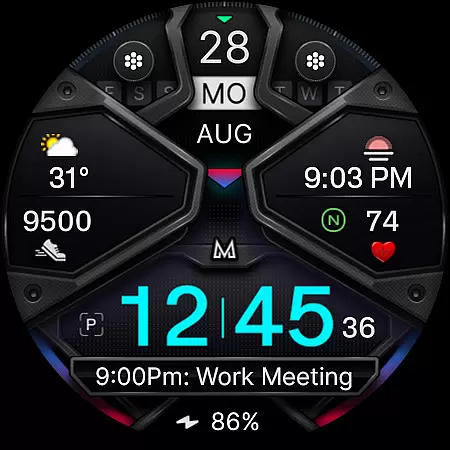
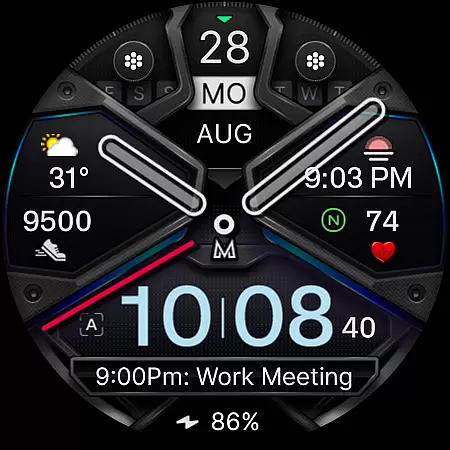
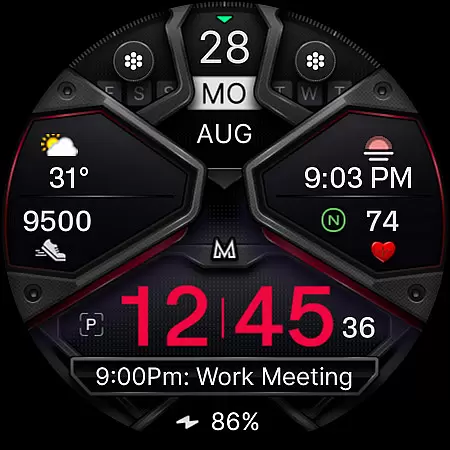
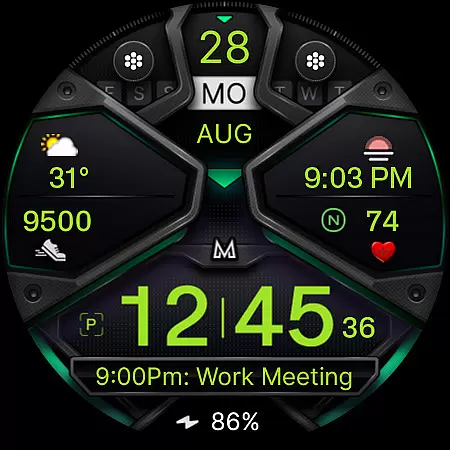
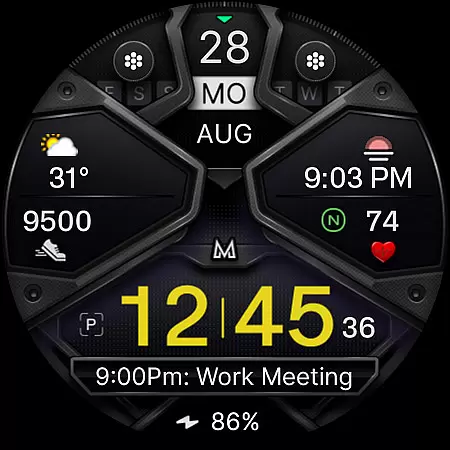
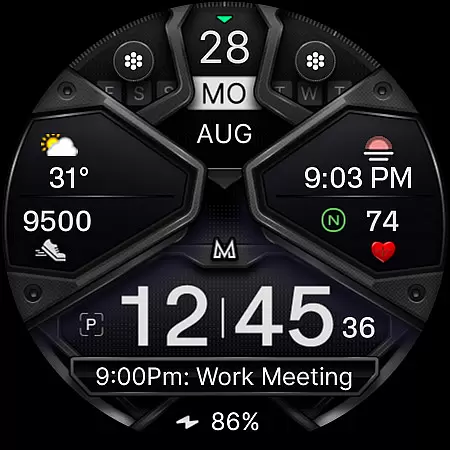
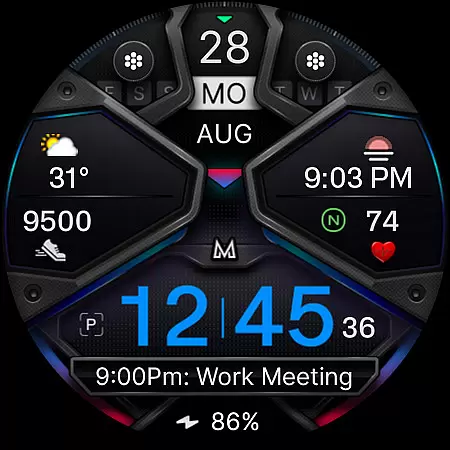
MD326 3D Modern Watch Face offers a sophisticated and customizable timekeeping solution for Wear OS devices. Designed with advanced features, this watch face supports all Wear OS devices with API Level 33+ including Samsung Galaxy Watch 4-8, Ultra, and Pixel Watch.
The watch face includes 3 preset app shortcuts, 2 customizable shortcuts, and 3 complications that can display data such as weather, barometer readings, UV index, and chance of rain. Users can personalize the appearance by changing colors of the time, bezel, background, and more. The Always ON Display feature ensures visibility even when the watch is inactive.
Ideal for users seeking both functionality and style, MD326 enhances daily productivity while complementing modern aesthetics. Its compatibility with various metrics and customization options makes it suitable for tech-savvy individuals who value both form and function in wearable technology.
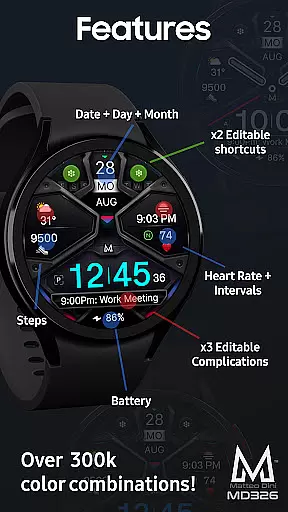
MD326 3D Modern Watch Face stands out with its comprehensive feature set tailored for personalization and utility. It automatically adjusts to 12/24hr formats based on phone settings and displays essential information like date, day, month, battery status, steps, and heart rate with intervals.
Customization is at the core of this watch face. Users can modify the appearance by changing colors of various elements including time, bezel, and background. With touch-and-hold functionality directly on the watch screen, users can easily access customization options. The inclusion of preset app shortcuts for Calendar, Battery, and Measure Heart Rate adds convenience.
For those who desire specific data at a glance, the three customizable complications allow integration of widgets such as weather forecasts or world clocks. Additionally, optional minimal styles in Always ON Display mode ensure discretion without sacrificing utility. These features collectively provide an adaptable and user-centric experience.
Companion app integration is essential for a seamless smartwatch experience. MD326 3D Modern Watch Face offers users the ability to customize their watch face directly on their Wear OS device, bypassing potential issues with the Samsung Wearable app's editor. This ensures that complex features like customizable shortcuts and complications are easily accessible.
The customization process is straightforward. Users can tap and hold the display on their watch, then select the customize option to personalize various elements. This includes setting up three preset app shortcuts such as Calendar, Battery, and Measure Heart Rate, along with two additional customizable shortcuts. The watch face also supports three customizable complications where users can choose data like weather, barometer readings, or UV index.
This direct approach to customization enhances user convenience. By allowing modifications on the watch itself, users can quickly adapt their watch face to display the information most relevant to them without needing to rely on a companion smartphone app. This feature is particularly beneficial until Samsung addresses the loading issues within its Wearable app.
Overall, this level of integration provides a reliable and efficient way for users to tailor their smartwatch experience according to their preferences and needs.
Ensuring broad device compatibility is crucial for any Wear OS application. MD326 3D Modern Watch Face supports all Wear OS devices with API Level 33+ (Wear OS 4 and later versions). This includes popular models such as Samsung Galaxy Watch 4-8, Ultra, and Pixel Watch, making it accessible to a wide range of users.
The watch face boasts an array of features designed to enhance usability across compatible devices. These include time display options based on phone settings (12/24hr), date, day, month, battery status, step count, heart rate monitoring with intervals, and an Always ON Display with optional minimal style. Additionally, users have the flexibility to hide hands and change colors of time, bezel, background, and general elements.
Device compatibility extends beyond just supporting hardware specifications. It involves optimizing performance and ensuring that features function correctly across different devices. For instance, while some functionalities might not be available on certain watches due to hardware limitations, MD326 maintains core features consistently.
By focusing on comprehensive compatibility, MD326 3D Modern Watch Face delivers a versatile and adaptable user experience suitable for various Wear OS devices. Users can enjoy a personalized and functional watch face regardless of their specific device model.
Highly customizable design
Supports latest Wear OS devices
Comprehensive feature set
Always ON Display option
Intuitive customization process
Complex setup for beginners
Limited support on older devices
Preset shortcuts not editable
Some features device-dependent
Editor issues with Samsung app

WTW M17 is a premium and luxurious hybrid watch face
 4.70
4.70
Christmas and New Year - Themed Watchface
4.5
Precision analog watch face with 7 complications and style options
4.5
Snowflake Rose Gold Watch Face - Digital, modern, & sleek with GYRO effect.
4.10
Wear Os Watch Face - Animated Snow Effect & Magic Spark - 6 Scenes
4.10
Simple Analog-Digital Watchface For Wear OS 3.0 and Up Smartwatches
4.0
Digital watch face with big numbers and many customization for Wear OS devices
4.40
sleep, alarm, snoring, stress, healing, focus, sound therapy, circadian rhythm
4.10
The #1 source of faces for your smartwatch!
4.00
The Chevron App allows you to pay for fuel from the comfort of your car!
4.80
Nutrition, Macro tracker: Food, fitness & healthy diet tracking for weight loss
4.60
Retro digital watch face with customizable colors and a unique lighting effect
4.60
Beautiful artistic animated digital watch face, with a customizable layout!
4.40
Digital watch face. For Wear OS devices.
4.40
A customizable Christmas watch face for Wear OS with a countdown.
4.20
Daily Weather forecast with 15 weather images for Day & Night plus Big Bold time
4.10
Your local weather forecast, storm tracker, radar maps & live weather news
3.40
Watch face designed for Thanksgiving Day. 7 Background Styles included.
3.20
Contemporary digital watch face with five complications
4.0


User Reviews