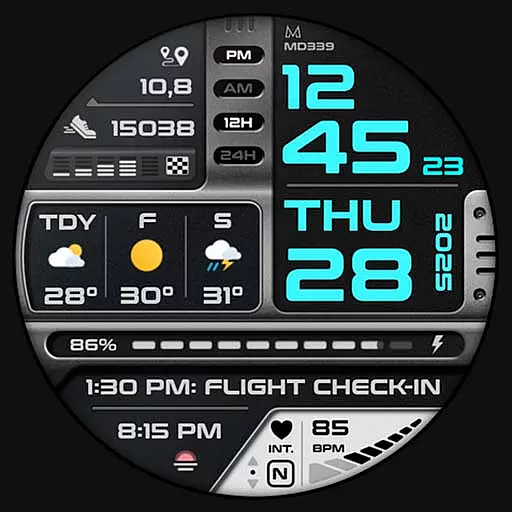
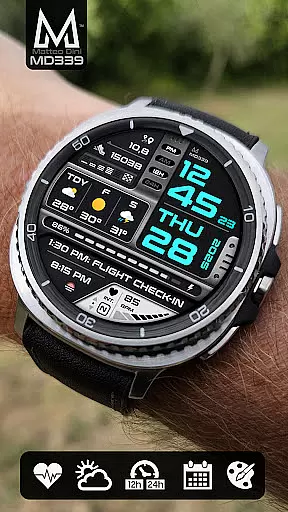
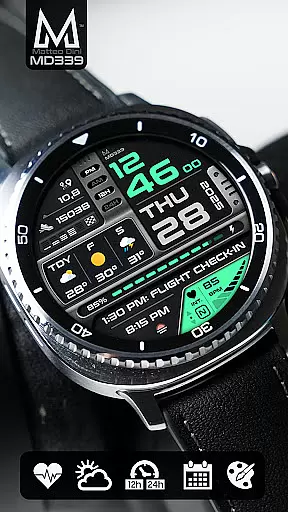
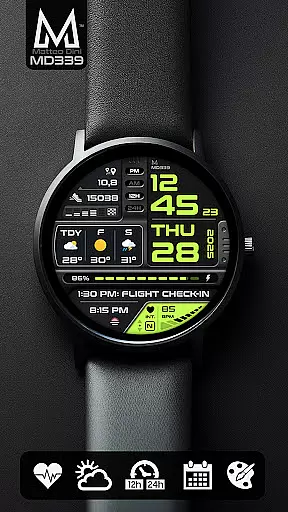
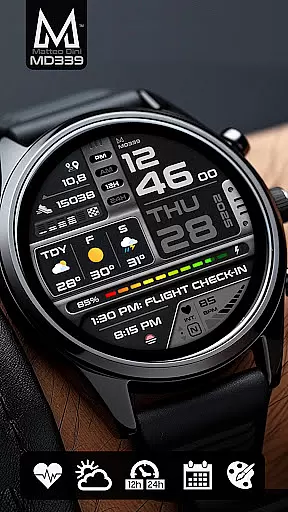
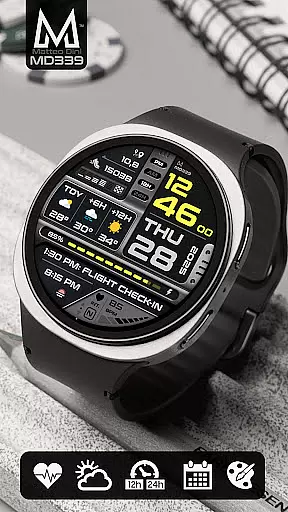
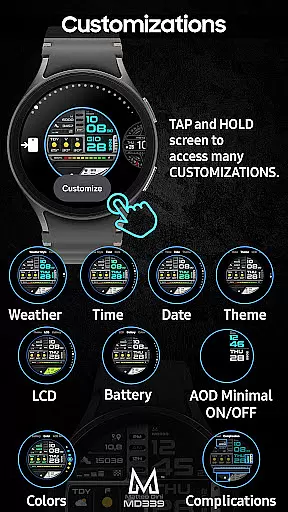
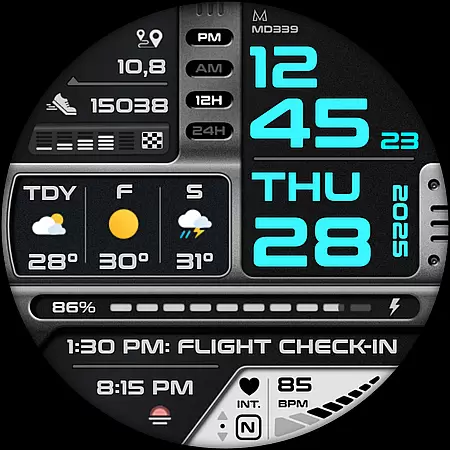
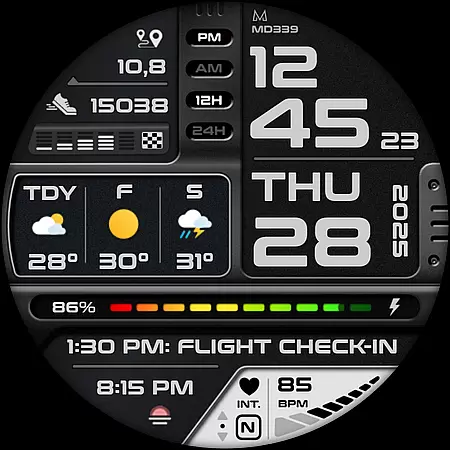
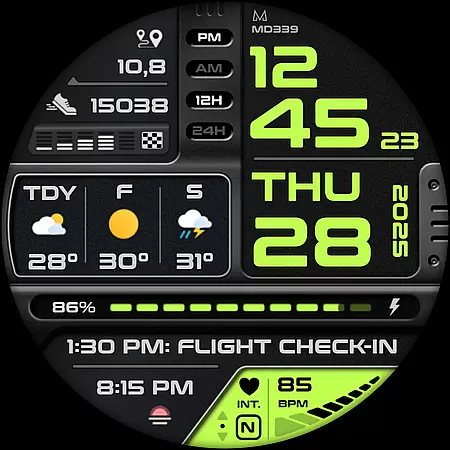
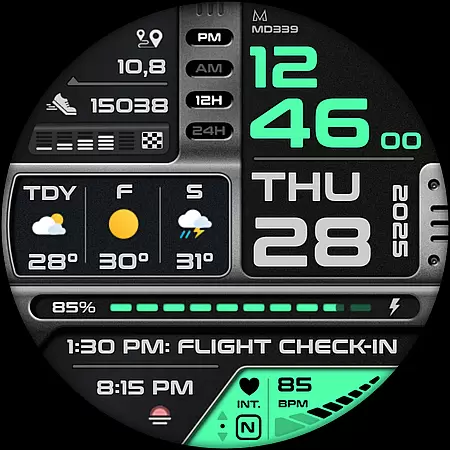
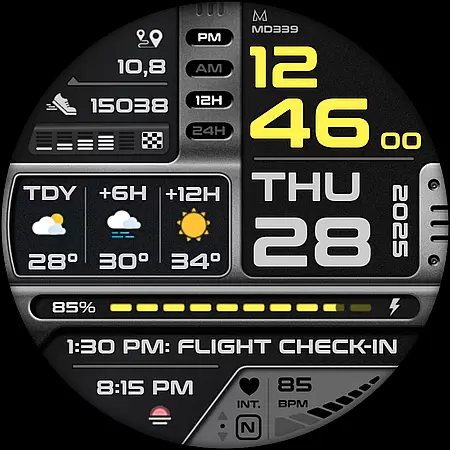
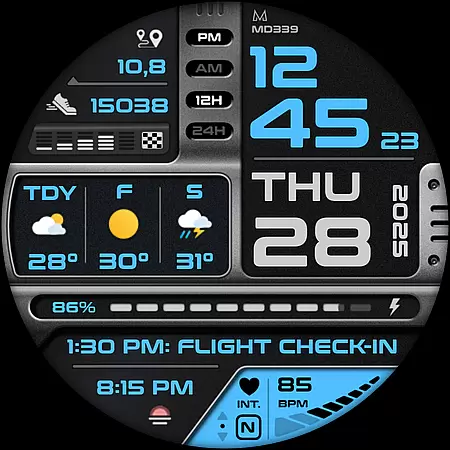
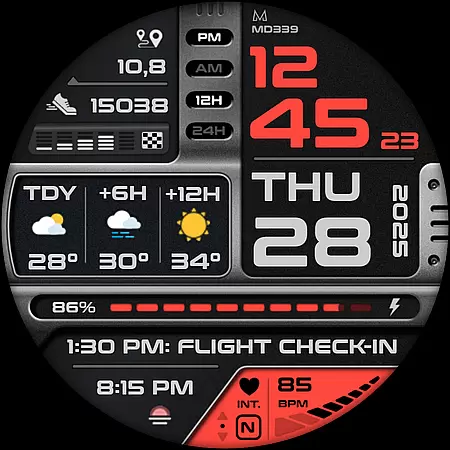
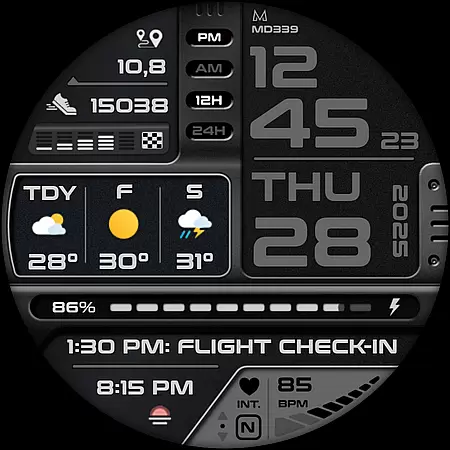
MD339 Digital watch face is a cutting-edge application designed specifically for Wear OS devices, ensuring compatibility with the latest API standards. This advanced watch face offers users an array of customization options and features that cater to both aesthetic preferences and functional needs.
With support for devices like Samsung Galaxy Watch 4-8, Ultra, and Pixel Watch, this app provides a modern digital watch face experience. Users can enjoy features such as heart rate monitoring, step tracking, and customizable shortcuts, making it a versatile tool for managing daily activities and staying informed at a glance.
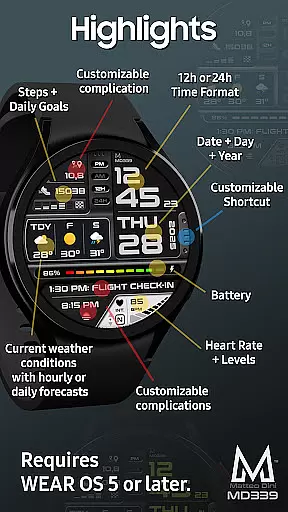
The MD339 Digital watch face stands out with its rich feature set tailored for personalization and utility. It includes six preset app shortcuts and one customizable shortcut, allowing quick access to frequently used functions like calendar, weather, and heart rate measurement.
Additionally, the watch face supports three customizable complications, enabling users to display preferred data such as barometer readings, distance walked, or UV index. The inclusion of current weather conditions with hourly or daily forecast options further enhances its practicality, adapting seamlessly to user preferences and device capabilities.
Companion app integration is essential for a seamless wearable experience. The MD339 Digital watch face excels in this area by offering advanced features that sync effortlessly with your smartphone. This ensures that all your critical data, such as weather forecasts, heart rate, and step counts, are consistently up-to-date.
The watch face adheres to the latest format standards required by Google Play, ensuring compatibility and optimal performance. Users can customize their watch face directly from their phone, selecting preferred data complications like barometer readings, distance walked, or UV index. These customizations sync instantly, providing a personalized and dynamic wearable experience.
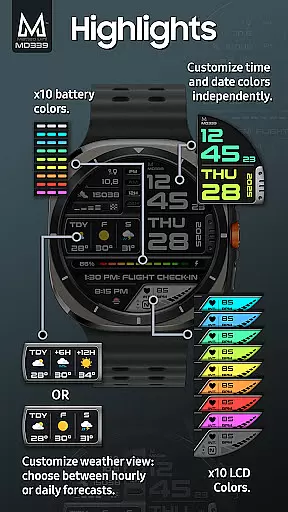
Additionally, the MD339 supports full customization of appearance elements, including time/date colors, fonts, and battery indicator colors. This level of personalization allows users to tailor their watch face to match their style while maintaining functional utility. With support for both light and dark themes, it caters to user preferences across different environments and times of day.
Device compatibility is crucial for ensuring that a digital watch face functions correctly across various Wear OS devices. The MD339 Digital watch face is designed to support all Wear OS devices with API Level 34 and above, including popular models like Samsung Galaxy Watch 4-8, Ultra, and Pixel Watch.
This wide compatibility range ensures that users with newer devices can take full advantage of the watch face's advanced features without worrying about hardware limitations. However, it is important to note that older models, such as the Galaxy Watch 4 or 5, may encounter customization issues due to less recent hardware capabilities.
To enhance user experience, the MD339 leverages built-in weather providers on the watch, allowing users to choose between daily or hourly forecasts. Despite occasional data unavailability due to provider limitations, the ability to switch forecast types provides flexibility and convenience. Temperature display adjusts based on phone settings, either in Celsius or Fahrenheit, further enhancing usability.
Highly customizable
Modern design
Feature-rich
Wide device support
Active user support
Older device issues
Weather dependency
Complex setup
Limited complication control
Premium feel

Watch the sharpness of the sky on your wrist..
 3.70
3.70
Monitor health with the stress test and pulse checker in the heart rate app.
4.60
Locate your family members by GPS phone location tracker everywhere and anytime
4.30
The ultimate destination for kids ages 3-8 to explore the Marvel Universe!
4.30
Gym & home workout plans with strength training, exercise tracking, HIIT & more.
4.60
Period, ovulation & pregnancy tracker. Fertility insights & menstrual calendar.
4.90
Minimalistic design modern digital watch face.
4.2
Premium hybrid watch face with many customizations for Wear OS devices.
4.40
Fast and smart typing with Emojis, GIFs, and more
4.50
WTW M17 is a premium and luxurious hybrid watch face
4.70
A realistic hybrid watch face with many customization options.
4.60
Find EV charging stations
4.30
"PER27 Galaxy Digital" is a digital Wear OS watch face designed by PERSONA
4.10
The #1 source of faces for your smartwatch!
4.00
Hyper-Realistic Airplane Dashboard Watch Face With 10 Skins and Custom AOD
4.00
Structured watch face with seven complications and modular UI elements
3.90
Get helpful reminders, take progress photos and find answers to your questions.
3.90
Professional weather radar and more
3.90
an Analog Watch Face for winter season with freeze winter background for Wear OS
4.4


User Reviews