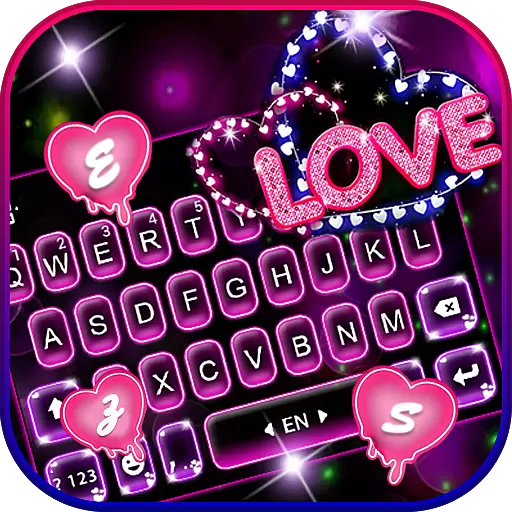
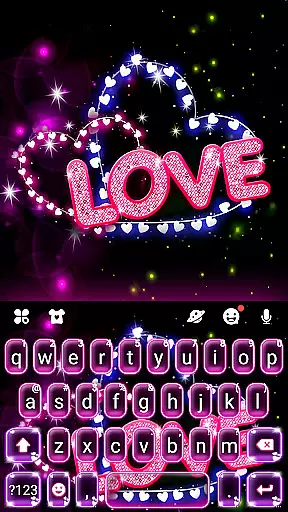
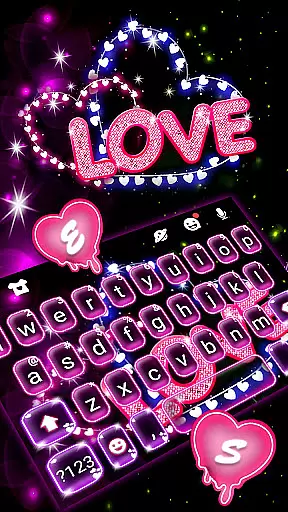
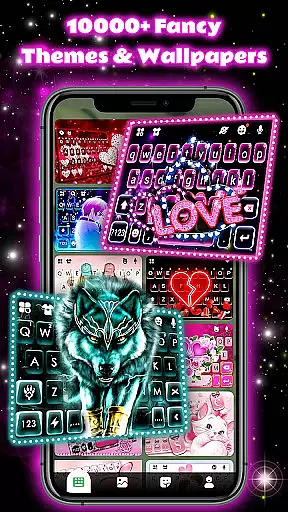
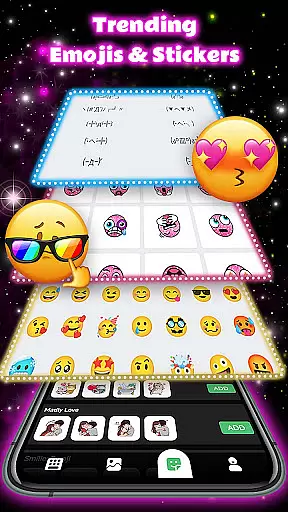
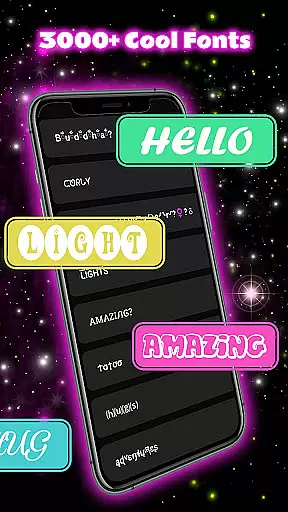
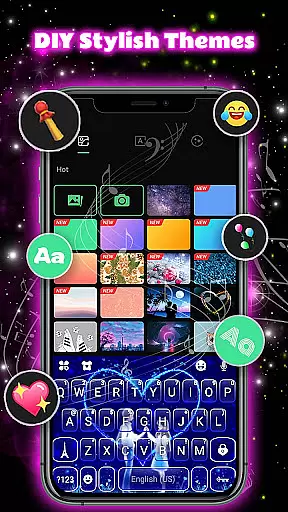
Neon Love Theme is a personalized keyboard application designed to enhance your typing experience with fun and creativity. This app offers a customizable keyboard interface featuring over 150 language options, 6000+ keyboard backgrounds, unique fonts, emojis, and sound effects. Whether you want to express your mood through colorful themes or enjoy seamless multi-language typing, Neon Love has you covered.
The app stands out with its regular theme updates, providing users with fresh HD wallpapers in various styles such as cool, cute, romantic, and more. Compatible with nearly all Android devices, this keyboard supports popular models from Samsung, Sony, Huawei, and others. With features like auto-correction, next-word prediction, and sticker integration, it ensures both functionality and personalization.
Perfect for those who seek a balance between utility and aesthetics, Neon Love Theme transforms your keyboard into an extension of your personality while maintaining privacy and security.
Neon Love Theme distinguishes itself through a variety of innovative features tailored to elevate your typing experience. One standout feature is the extensive customization capability, allowing users to personalize their keyboard with thousands of background themes, unique fonts, and playful emojis. These elements not only make conversations lively but also reflect individual style.
Another key aspect is the robust multi-language support, covering over 150 languages, which makes it ideal for global users. The app's auto-correction and word prediction tools ensure smooth communication, while the ability to add GIFs, stickers, and emoticons enhances interaction. Additionally, frequent theme updates provide fresh content weekly, keeping the keyboard visually appealing.
With compatibility across most Android devices and a strong focus on user privacy, Neon Love Theme combines practicality with creative freedom, making it a top choice for personalized mobile keyboards.
In today's digital age, personalizing your mobile experience is more important than ever. Neon Love Theme offers an extensive range of customization options that allow users to tailor their keyboard to reflect their personality and mood. With over 6000 keyboard backgrounds, various fonts, emojis, sounds, and layouts, this application ensures that your typing experience is both unique and enjoyable.
The app provides a rich selection of themes covering more than 150 languages, ensuring that users from different linguistic backgrounds can enjoy a personalized typing experience. Whether you're interested in cute, romantic, cool, or sporty themes, Neon Love has something for everyone. The regular updates, about five times a week, introduce new and exciting themes, keeping the content fresh and engaging.
Users benefit from the ability to switch between multiple languages on the fly, making it ideal for multilingual conversations. Adding emoticons, GIFs, stickers, and custom text anywhere in your dialogue enhances communication, allowing for more expressive interactions. This level of customization not only makes conversations more lively but also helps users communicate more effectively by auto-correcting typos and predicting the next word.
Compatibility is key when it comes to choosing a theme that works seamlessly across different devices. Neon Love Theme stands out by offering broad compatibility with almost all Android phones. Whether you own a Samsung Galaxy, Sony Xperia, Huawei, HTC, OPPO, Xiaomi, Nokia, VIVO, or Moto device, this theme is designed to integrate smoothly, providing a consistent and high-quality experience regardless of your smartphone model.
The developers have ensured that Neon Love Theme supports a wide array of devices, including popular models like Samsung Galaxy Note series, S series, Sony Xperia Z series, Huawei P and Mate series, and many others. This extensive device support means that no matter what phone you use, you can enjoy the vibrant and dynamic features of Neon Love without worrying about compatibility issues.
Moreover, the theme's commitment to privacy and security adds another layer of user confidence. By not collecting personal information or photos used as HD wallpapers, and by using input data solely to improve word prediction accuracy, Neon Love Theme guarantees a secure and trustworthy customization experience. This focus on user safety, combined with its broad compatibility, makes Neon Love a reliable choice for anyone looking to personalize their mobile device.
Highly customizable
Multi-language support
Frequent theme updates
User-friendly interface
Privacy-focused design
Limited iOS support
Occasional ads
Heavy on storage
Complex setup
Premium features cost

Vertically oriented rectangular icons
 4.70
4.70
Ultimate widget creator. Design custom widgets for a truly unique home screen!
3.90
Aesthetic Widgets, HD Wallpapers, Themes in Mico Widget for Home and Lock Screen
4.50
Zip lock screen with magic wallpaper to decorate your phone with fun zipper lock
4.60 4.50
4.50 4.50
4.50
Embrace the Night. Unleash the power of darkness with Raven Dark Icon Pack
4.60
Your go to Weather App & Home Screen. Get your weather at a swipe of a finger!
3.80
set a new experience for the Android mobile phone
4.20
Winter's Journey: digital watch face for Galaxy Watch & Wear OS
4.80
Personalize your phone with stunning HD and 4K wallpapers!
4.70
400+ Beautifully crafted widgets inspired by NOTHING.
4.70
A minimalist productivity launcher. One-hand-friendly. Zero ads.
4.70
Classic analogue watch face. For wear os devices.
4.60
Transform your phone with Launcher iOS 26 - Smooth & elegant iOS experience
4.50
A light in the dark, a unique style and an andless cutomization!
4.30
Customizable flower power digital watch face for Wear OS watches.
4.00
Design your screen with unique, vibrant clocks
3.80 3.50
3.50


User Reviews