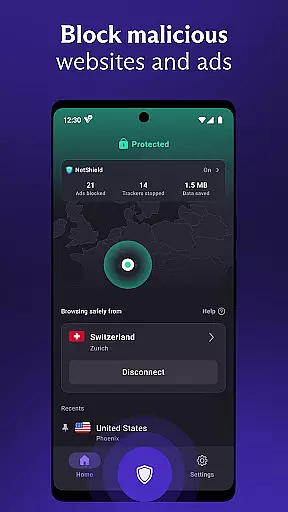

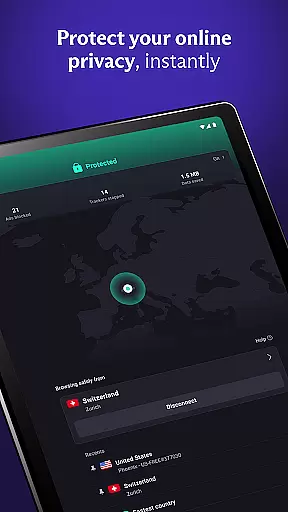
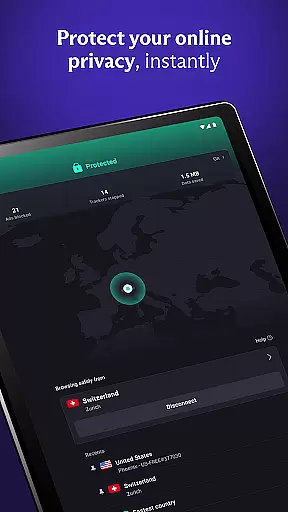
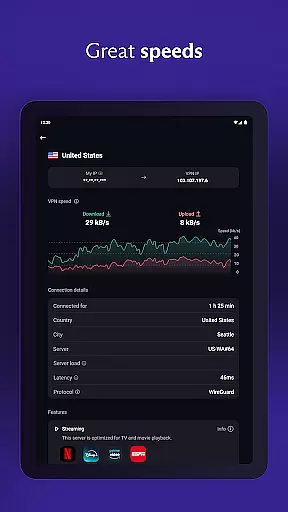
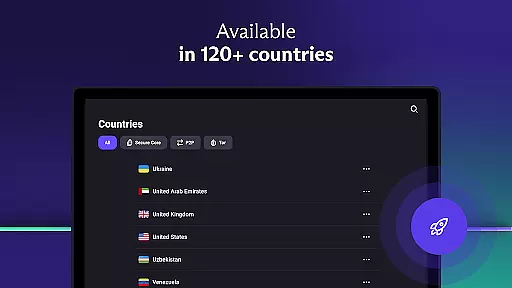

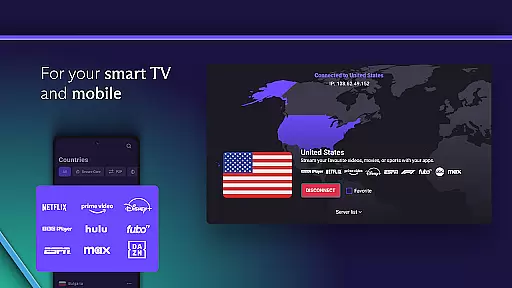

Proton VPN is a secure and privacy-focused virtual private network application developed by the team behind Proton Mail. This free-to-use app offers unlimited data access with no bandwidth or speed restrictions, ensuring users can browse the internet without compromising their personal information. With a strict no-logs policy and advanced security features such as DNS leak protection and perfect forward secrecy, Proton VPN guarantees that your online activities remain private and protected from third-party tracking.
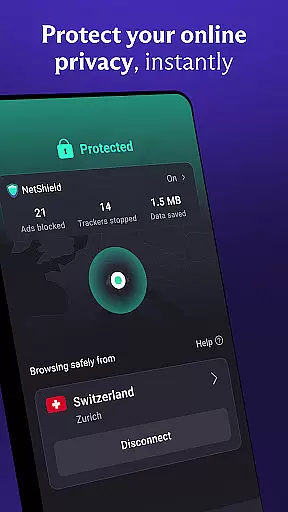
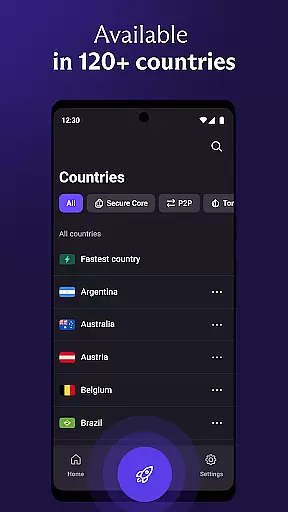
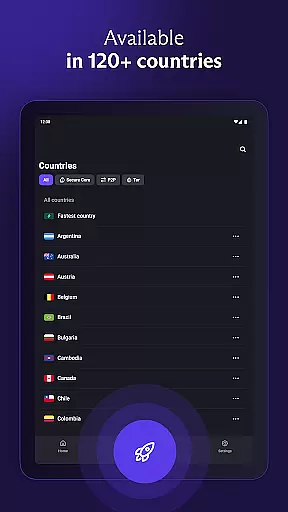
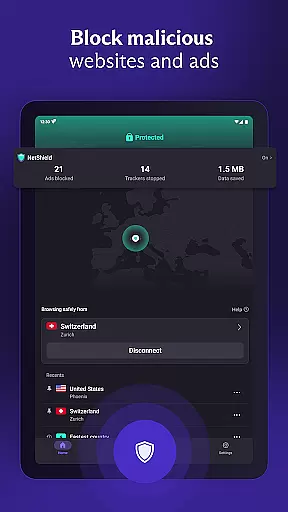
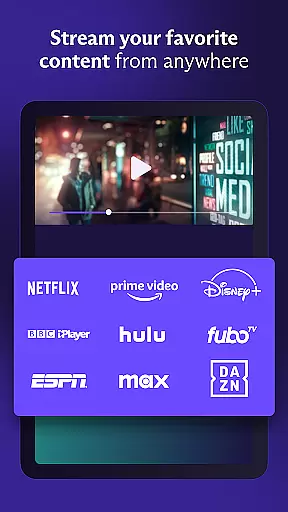
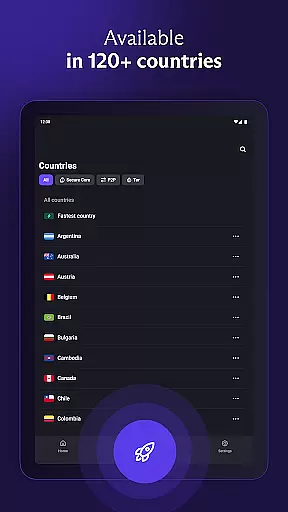
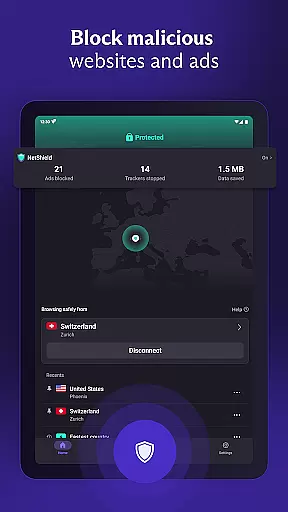
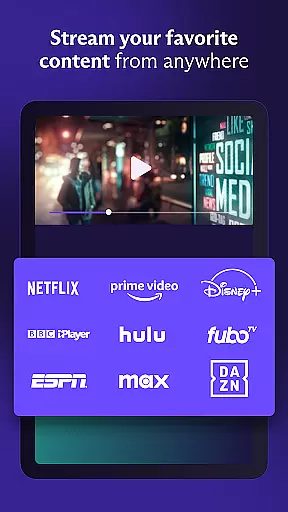
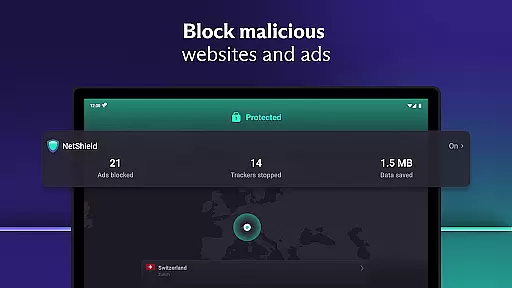
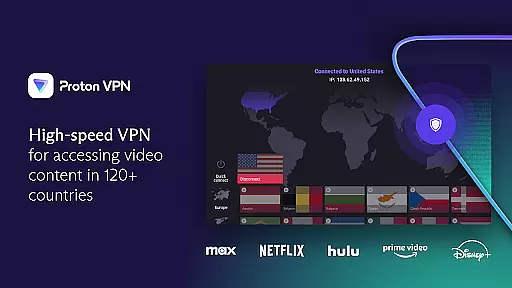
The app provides access to over 15,000 high-speed servers across 126 countries, enabling users to bypass geo-restrictions and access blocked content worldwide. Whether you're looking to stream videos on platforms like Netflix or simply want to protect your connection on public Wi-Fi networks, Proton VPN delivers a reliable solution. Its unique features, including the NetShield ad blocker and Secure Core architecture, make it an ideal choice for those seeking enhanced privacy and unrestricted internet access.
Proton VPN stands out with its comprehensive set of features designed to maximize user privacy and security. The app employs the highest strength encryption protocols, including OpenVPN and WireGuard, ensuring that your internet connection remains safe from potential threats. Additionally, the service includes advanced options like split tunneling, which allows users to select specific apps to route through the VPN tunnel while letting others access the internet directly.
One of the key highlights of Proton VPN is its ability to unblock restricted content and bypass censorship barriers. With support for file-sharing and P2P connections, users can enjoy fast and unrestricted access to streaming services like Hulu and BBC iPlayer. The inclusion of Secure Core servers adds another layer of protection against network-based attacks, making it one of the most robust solutions available in the market today. These features collectively ensure that Proton VPN not only meets but exceeds the expectations of privacy-conscious individuals.
Proton VPN excels in delivering core functions with remarkable accuracy and effectiveness, ensuring users experience secure and private internet access. The app employs advanced protocols like OpenVPN and WireGuard, which are proven to be highly secure, guaranteeing that all data transmitted through its network remains encrypted and protected from unauthorized access.
The implementation of Perfect Forward Secrecy ensures that even if encryption keys are compromised in the future, past communications remain safe, providing an additional layer of security. Furthermore, Proton VPN's no-logs policy means that user activities are not tracked or stored, reinforcing privacy protection. This approach is crucial for maintaining confidentiality, especially when bypassing geo-restrictions or accessing sensitive content.
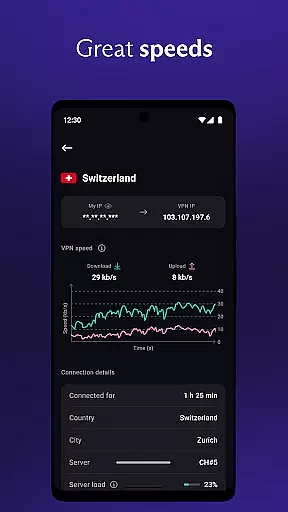
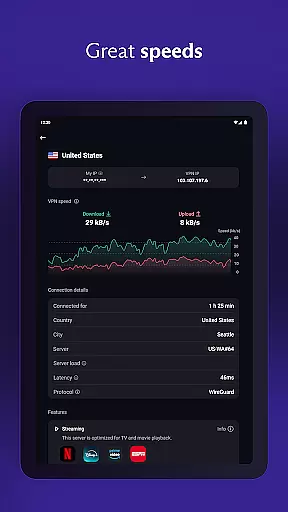
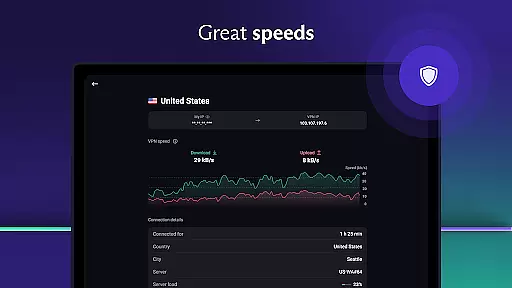
For users seeking high-speed connections, Proton VPN offers a vast network of servers across 126 countries, supporting fast browsing and streaming experiences. With speeds reaching up to 10 Gbps and the innovative VPN Accelerator technology enhancing connection speeds by up to 400%, users can enjoy seamless internet access without compromising on security or performance.
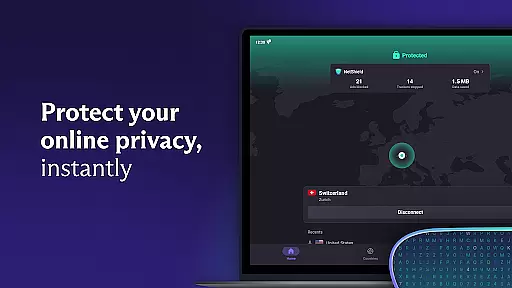
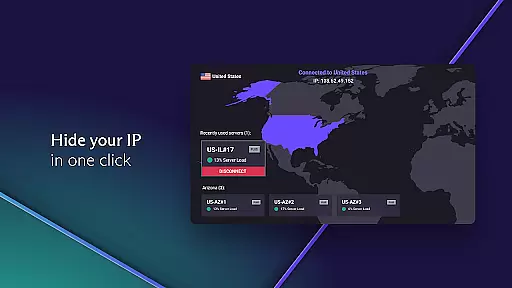
Proton VPN stands out for its interface simplicity and intuitiveness, making it accessible even to those new to virtual private networks. Upon launching the app, users are greeted with a clean and straightforward layout that prioritizes ease of use without sacrificing functionality. Key features such as Quick Connect are prominently displayed, allowing users to establish a secure connection with just one click, ideal for safeguarding public Wi-Fi hotspot usage.
The app also includes customizable options, enabling users to tailor their experience according to specific needs. For instance, advanced settings allow for protocol selection and split tunneling configurations, empowering users to optimize their connection based on individual preferences or requirements. Despite these sophisticated capabilities, the interface remains uncluttered and easy to navigate.
Moreover, Proton VPN supports multi-platform integration, extending its intuitive design across Android, iOS, Windows, macOS, and Linux devices. This cross-platform consistency ensures that users can enjoy a uniform experience regardless of the device they choose, promoting convenience and enhancing overall usability. By combining robust security measures with an approachable interface, Proton VPN successfully caters to both novice and experienced users alike.
Free unlimited data usage
No logs policy ensures privacy
Advanced security features included
High-speed server connections
Multi-platform compatibility
Limited free server locations
Premium features require subscription
Occasional connection drops reported
Interface may feel complex for beginners
Customer support response time varies

card-reader app
 2.20
2.20
Excellent scientific calculator with symbolic algebra, integrals, derivatives
4.80
Navigate with Ease and Style
4.90
View detailed information about your Nissan Leaf the dealer never shows you.
4.10
Monitor car performance in real time and troubleshoot malfunctions.
4.80
Mirror your screen to Chromecast and Android TV - Super fast and simple
4.60
Making emulation easy for everyone!
4.30
Creation, Learning, Entertainment & More — The All-in-One AI Search Engine
4.70
Your personal health butler
3.60
Enjoy smooth gameplay with Game Booster
4.90
Powerful collection of electronics tools and reference.A must for any enthusiast
4.90
Easily install aab(Android App Bundle) files on your Android device with our app
4.80
Learn the vast amount of system information about device and monitor it's state
4.70
ADB support Android 4.X-Android 13(Support wireless pair mode).No root required!
4.70
Remote for Roku, Fire TV, Samsung TV, LG TV, Android TV, Chromecast and VIZIO TV
4.20
Effortlessly run ADB commands directly on your device without a PC.
4.20
Family Locator, Share location, StayConnect with your family in real time
3.90
Smart and comfortable browsing experience.
3.80
Clean the junk files on your device
3.40


User Reviews