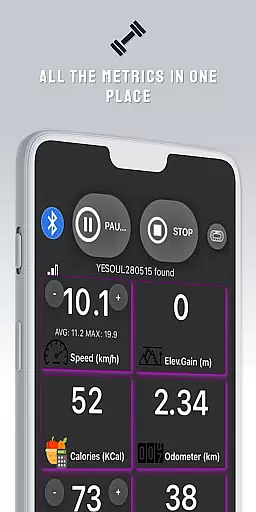
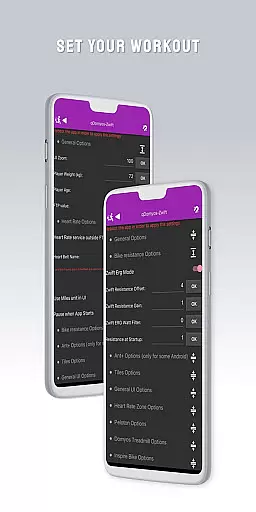
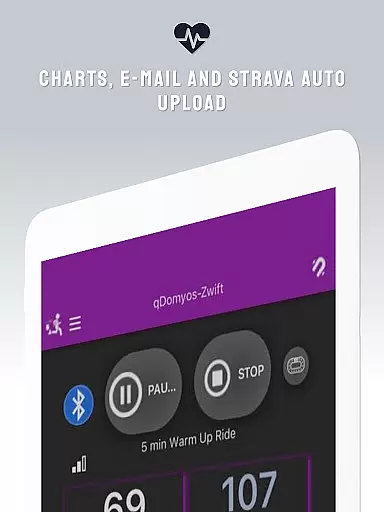
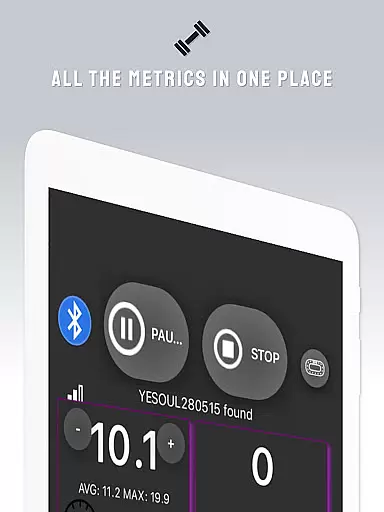
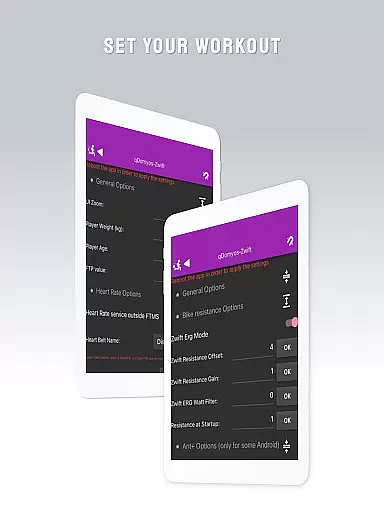
QZ is a versatile connectivity app designed to bridge the gap between various exercise equipment and popular fitness platforms like Zwift. This innovative application allows users to connect their Domyos, Echelon, Proform, Flywheel, Yesoul, and Toorx treadmills or bikes to Zwift, giving new life to their existing machines.
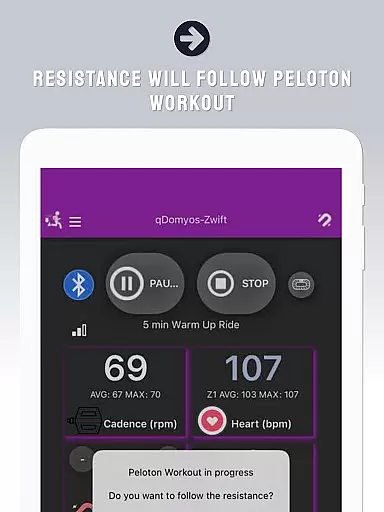
In addition to basic connectivity features, QZ offers advanced functionalities such as automatic resistance adjustment for Peloton workouts and Strava Autopload capabilities. The app also supports Wear OS integration, enabling heart rate monitoring through compatible smartwatches. With its extensive compatibility list covering multiple brands and models, QZ provides a comprehensive solution for fitness enthusiasts looking to enhance their home workout experience.
One of the standout features of QZ is its wide-ranging compatibility with various exercise equipment brands and models. The app supports connection with Domyos, Echelon, Proform, Flywheel, Yesoul, Toorx, Keiser M3i, Sportstech, Inspire, Schwinn IC4, Bowflex C6, Fassi, JK Fitness treadmills, and more. This extensive compatibility ensures that users can utilize their existing equipment without worrying about brand-specific limitations.
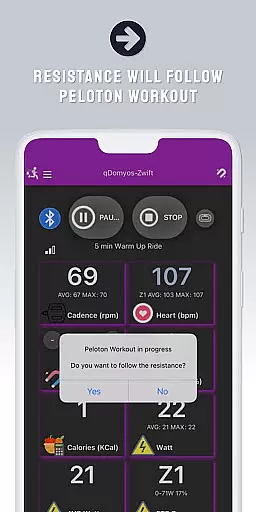
Another notable feature is the automatic resistance adjustment for Peloton workouts, which enhances the user's workout experience by dynamically changing resistance levels based on the workout requirements. The app also includes Strava Autopload functionality, allowing seamless integration with the popular fitness tracking platform. Furthermore, QZ's support for Wear OS enables users to monitor their heart rate directly from compatible smartwatches, providing real-time health data during workouts.
Companion app integration is essential for users who want a seamless experience between their wearable devices and main applications. QZ (qdomyos-zwift) excels in this area by offering robust connectivity options.
The app allows you to connect your smartphone to treadmills or bikes, making them recognizable by zwift. This means that whether you're using a Domyos treadmill or an Echelon bike, the connection is smooth and reliable, ensuring that your workout data is accurately transmitted.
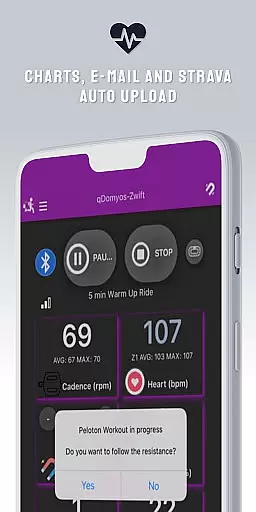
Additionally, QZ supports Strava Autopload, enhancing your ability to share and track your fitness achievements effortlessly. With this feature, every completed workout can be automatically uploaded to Strava, keeping all your fitness data in one place.
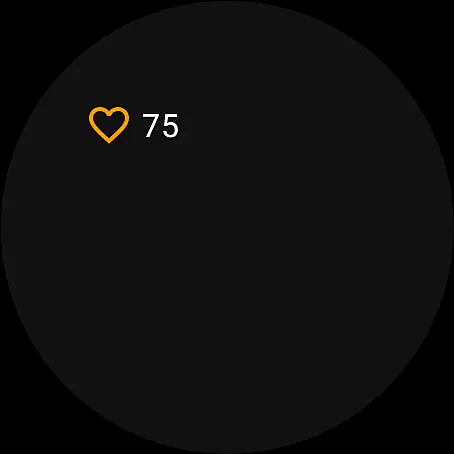
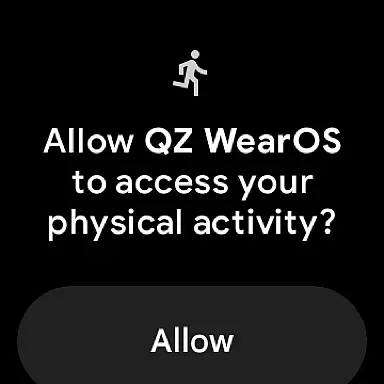
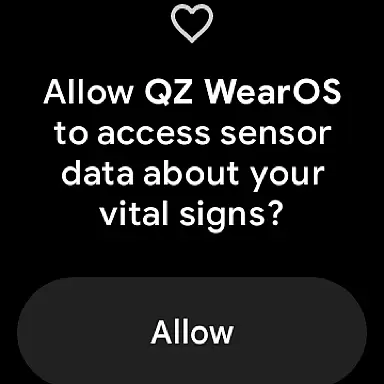
For users with Wear OS devices, QZ offers an accompanying app that reads heart rate data from the watch and sends it to the main app. This ensures that all vital stats are centralized, providing a comprehensive view of your performance metrics.
Device compatibility is crucial for ensuring that your wearable technology works harmoniously with your fitness applications. QZ (qdomyos-zwift) stands out by supporting a wide range of devices and brands.
This app is compatible with all Echelon and Domyos bikes and treadmills, as well as various models from Yesoul, Toorx, and Proform. Whether you have a Keiser M3i bike or a Schwinn IC4, QZ has got you covered without needing additional converters.
Moreover, QZ extends its compatibility to include Wear OS devices. By downloading the companion app on your smartwatch, you can utilize its heart rate monitoring capabilities. The watch reads your heart rate and transmits this data to the main QZ app, ensuring accurate and real-time health tracking.
With such extensive device support, QZ ensures that regardless of your equipment, you can enjoy an integrated and efficient workout experience. This broad compatibility makes it a versatile choice for fitness enthusiasts using different types of exercise machines and wearables.
User-friendly interface
Wide equipment compatibility
Automatic resistance control
Strava integration
Wear OS support
Limited official endorsements
No iOS version available
Occasional connectivity issues
Requires technical setup
Premium features may cost extra

Highly customizable hybrid watch face for Wear OS, perfect for everyday use.
 4.60
4.60
Precision analog watch face with 7 complications and style options
4.1
A full-featured Amazon Alexa voice assistant that can show you things.
3.70
Watch face for Wear OS.
4.20
Structured watch face with seven complications and modular UI elements
3.90
Hyperlocal rain alerts by MyRadar using patent-pending technology, radar & more
4.80
Locate your family members by GPS phone location tracker everywhere and anytime
4.30
Viewer for Wyze/Yi/Eufy/Arlo/ONVIF/RTSP/P2P IP cams w/ adv. features & DIY DVR
4.00
Control your Samsung Smart TVs, appliances, and SmartThings-compatible devices
4.60
A modern hybrid informative watch face for Wear OS designed by BALLOZI
4.80
Monitor health with the stress test and pulse checker in the heart rate app.
4.60
Simple, helpful messaging by Google
4.60
Digital watch face. For Wear OS devices.
4.40
Bold weather Digital watchface with forecast & optional animated background
4.40
The ultimate destination for kids ages 3-8 to explore the Marvel Universe!
4.30
Stay in touch with your friends and family using LINE!
3.40
Watch face designed for Thanksgiving Day. 7 Background Styles included.
3.20
A watch face that fuses motorsport precision with contemporary smartwatch design
4.3
Sleek, highly customizable watch face inspired by Galaxy Watch Circle Dashboard.
4.2


User Reviews