
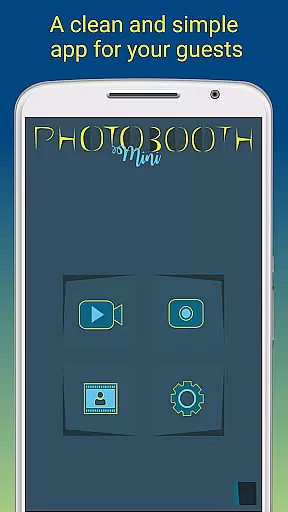
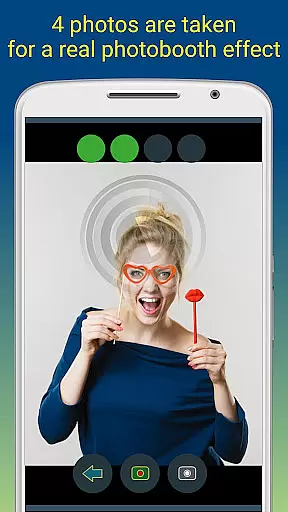
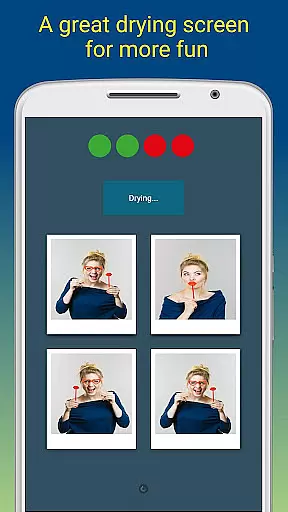
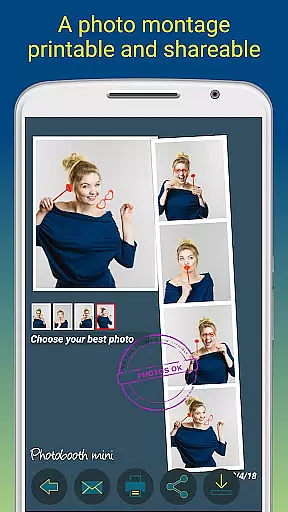
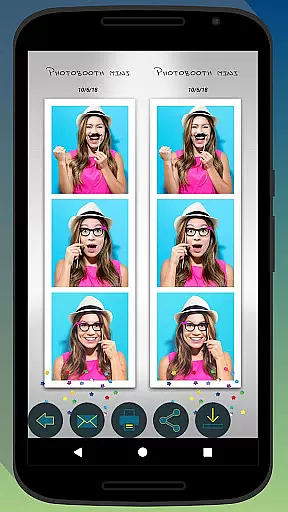
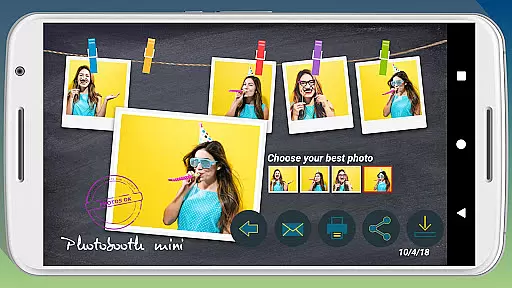
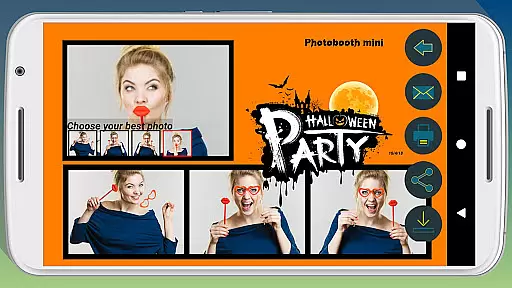
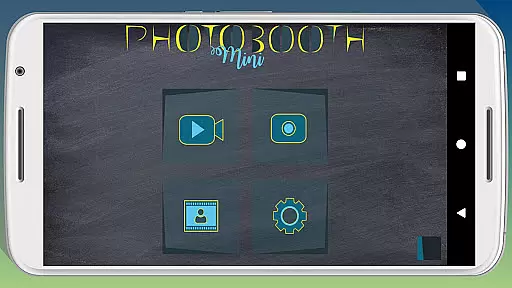
Photobooth mini FULL is a feature-rich photography application designed to capture fun and memorable moments at parties and social gatherings. The app offers a full-screen preview that adapts to the user's distance, mimicking a real photo booth experience. With functionalities such as a timer, multiple picture capture, and video messaging, it ensures an engaging experience. Users can take 4 to 5 pictures per session, enjoy a realistic drying effect with sound, and customize their photos with text and date stamps.
This app stands out for its extensive configurability and seamless integration into party environments. It allows users to replace background images, configure timers, and even works offline by queuing email requests until internet access is restored. Designed for continuous use, Photobooth mini FULL can operate for days, saving countless photos. Guests can directly print, share, and email their captured memories, making it an ideal tool for event entertainment and preserving cherished moments.
Photobooth mini FULL boasts an array of distinctive features tailored for optimal user engagement. One notable feature is its full-screen preview, which intelligently adjusts based on the user's distance, providing an authentic photo booth simulation. This functionality is further enhanced by the ability to maintain zoom levels using volume buttons, ensuring consistent framing. The inclusion of a timer and the option to capture 4 to 5 images per session add layers of enjoyment and spontaneity to the photo-taking process.
Beyond basic photography, the app incorporates creative elements like a drying effect accompanied by blowing sounds and video messaging capabilities. Its standout trait is the high degree of customization available, allowing users to tailor background images and adjust various settings to suit their specific needs. Additionally, the app facilitates uninterrupted usage during events by storing email requests and automatically sending them once network connectivity is established, thus enhancing user convenience and satisfaction.
Real-time capture and preview functionality is essential for ensuring that users can take high-quality photos with accurate framing and focus. Photobooth mini FULL offers a full-screen preview that adapts to the distance of the face, simulating a real photo booth experience. This feature allows users to zoom in or out using the volume buttons while maintaining the chosen distance, providing precise control over the shot composition.
The application's timer function adds an element of anticipation, giving users time to prepare their poses before the photos are taken. With the capability to take 4 to 5 pictures in one session, it enhances the fun factor and ensures that there are multiple shots to choose from. The instant feedback provided by the real-time preview helps users adjust their poses and expressions, resulting in better final images.
Photobooth mini FULL is designed for social gatherings, making it easy for users to capture memories during parties. Its always-active mode and user-friendly interface ensure that everyone, regardless of technical skill, can use the app effortlessly. The combination of real-time capture and preview with customizable settings makes this app a versatile tool for creating lasting memories.
AI beauty and enhancement features have become increasingly popular in photography apps, offering users the ability to improve their photos instantly. Photobooth mini FULL incorporates AI technology to enhance images naturally, without over-processing. This ensures that the final photos retain their authenticity while benefiting from subtle improvements in lighting, color balance, and skin tone adjustments.
The drying effect with a blowing sound adds a playful touch to the photo-taking process, enhancing the overall user experience. Additionally, the app allows users to add personalized text and dates to their photos, further customizing the memories captured. These enhancements not only make the photos more visually appealing but also preserve the natural essence of the moment.
For those looking to customize their photo booth setup, Photobooth mini FULL provides extensive configuration options. Users can replace background images and adjust settings such as the timer, tailoring the app to fit their specific needs. By focusing on natural enhancement rather than drastic alterations, Photobooth mini FULL ensures that every photo remains true to the original scene, delivering professional-quality results with minimal effort.
User-friendly interface
Highly customizable settings
Offline email queuing
Realistic photo booth experience
Continuous event usage
Complex setup for beginners
Requires additional hardware
Limited free features
Occasional bugs reported
Heavy app size

Effortlessly organize, view and share your photos & videos with Gallery app!
 4.40
4.40
Photo editor: face & body editor, beauty cam, filters and quality enhancer.
4.00
Professional video recording application with manual controls for filmmakers!
2.80
Cartoon and artistic effects for your photos and videos
4.70
Automatically backup your photos and videos to computer, NAS and Cloud services
4.60
Transform Photos: Edit, Beautify and Craft Memories & Make Collages!
4.10
Turn photos into cartoons & avatars! - Photo Editor, Cartoon Face!
3.90
RAW video capture with advanced controls
4.40
Effortlessly make high-quality GIFs from images & videos without any watermarks.
4.70
Enhance, upscale, and transform your images — on your device, without limits
4.70
Unblur, enhance & restore photos with powerful AI photo enhancer tools.
4.60
HD Camera Pro with HD Video shooting, Panorama, Photo editor , Beauty Camera.
4.50
Photo editor & gallery. Crop pictures & edit photos offline, no wifi!
4.50
Turn your phone into a professional camera - full DSLR manual photography
4.30
Smart, light, and fast photo and video gallery
4.30
All-in-One Editor & AI Photo Enhancer, Beautify & Retouch, Collage, Cartoonify
4.20
Professional photography on your mobile phone
4.20
USB Storage Access for Photos, Videos, Music and Documents
3.80
Superimpose one photo on top of another using the original Superimpose app!
3.20


User Reviews