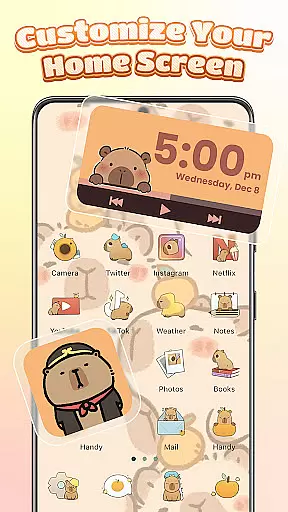
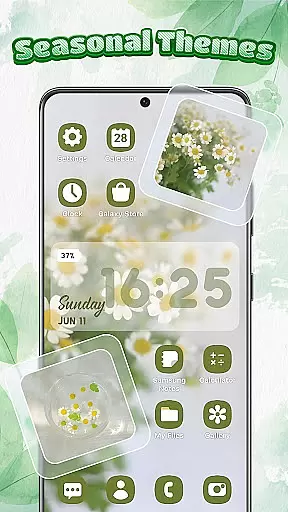
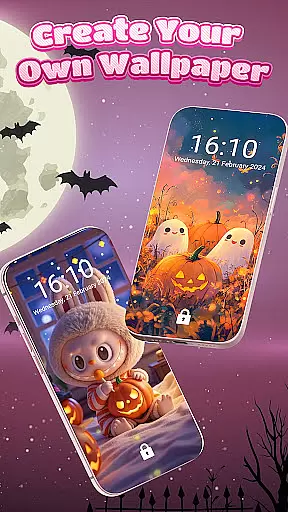
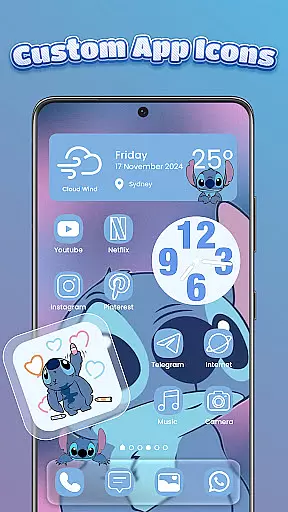
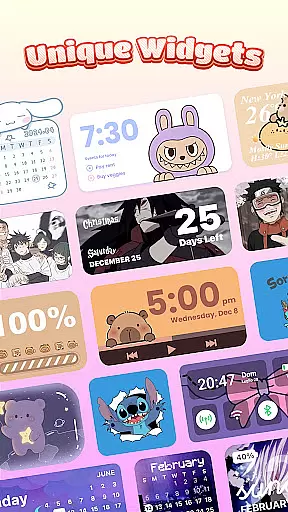
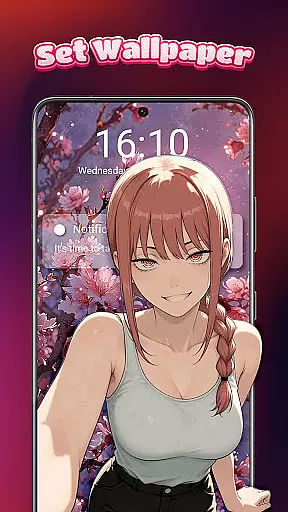
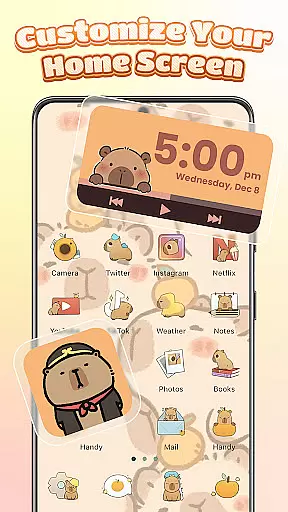
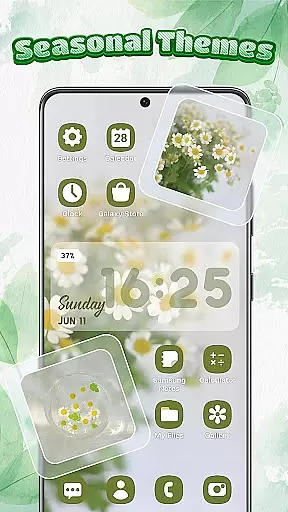
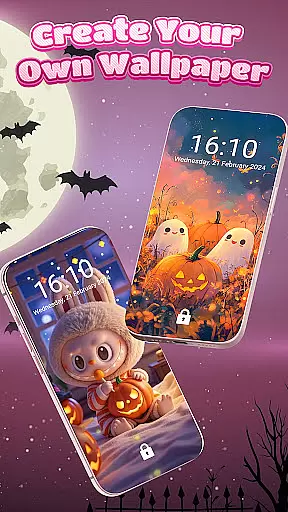
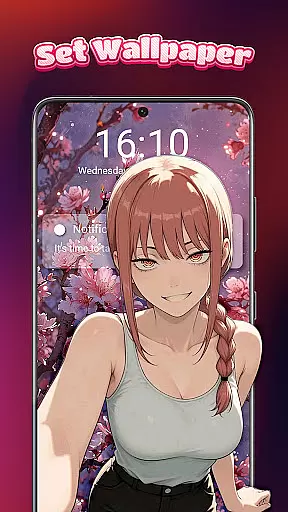
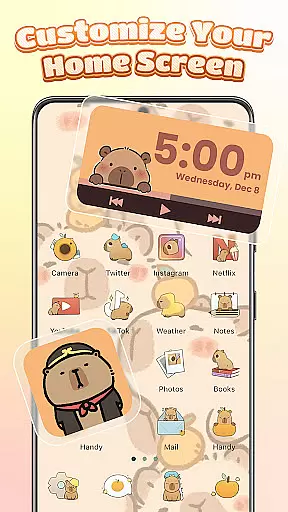
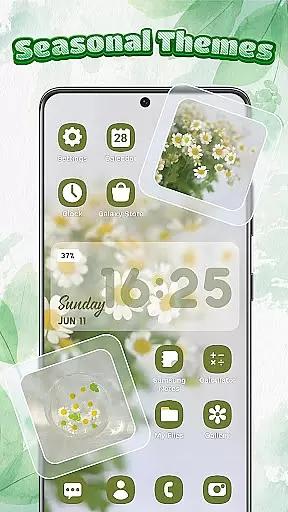
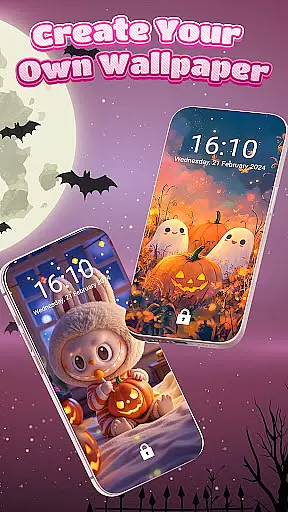
Themebox is a comprehensive personalization app designed to transform your smartphone's appearance through customizable themes, widgets, and app icons. This powerful tool offers over 1000 beautifully crafted themes, color widgets, wallpapers, and icon packs that cater to various aesthetic preferences.
The app allows users to create their perfect home screen by providing extensive customization options including app icon changer, DIY icon styles, font adjustments, transparency control, and personalized wallpapers. Whether you prefer pastel tones, dark mode elegance, neon effects, or minimal anime designs, Themebox delivers the creative freedom to design a unique phone interface.
With its user-friendly interface and one-tap application feature, Themebox makes home screen customization accessible to all Android users who value personalized aesthetics and functional design elements.
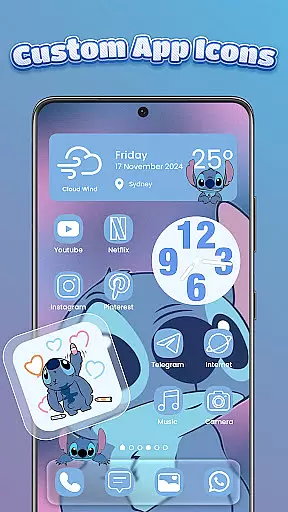
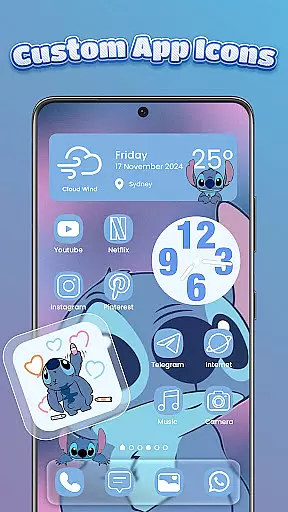
Themebox stands out with its diverse range of features that enable complete home screen transformation. The app icon changer provides numerous icon packs with options to customize names, styles, fonts, colors, and transparency levels, allowing for endless creative combinations.
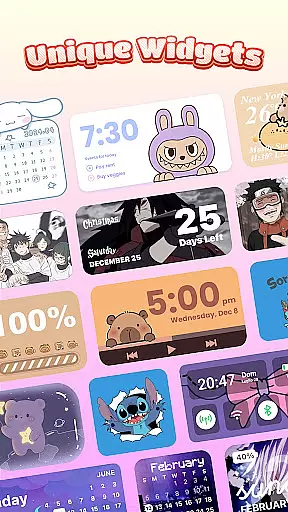
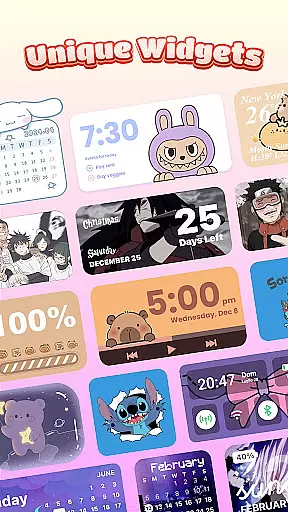
The app includes various interactive color widgets such as battery status indicators, calendar displays, weather updates, and smart control panels. These widgets can be customized to match your chosen theme, creating a cohesive and functional layout. Additionally, the smart control center offers quick access to essential system settings through a floating panel.
Themebox also features daily theme updates, exclusive releases, and supports multiple styles including anime, neon, minimalist, pastel, and vintage designs. The app maintains optimal performance with its lightweight architecture while delivering professional-grade customization tools.
Themebox offers an extensive range of customization options that allow users to personalize their smartphone experience like never before. With over 1000 beautifully designed themes, the app caters to various aesthetic preferences including pastel, dark mode, neon, minimal anime styles, and more.
The app icon changer feature is particularly robust, providing a vast selection of icon packs that vary from cute and colorful to sleek and modern designs. Users can mix and match different styles, adjust fonts, colors, transparency levels, and backgrounds with ease, ensuring that every app icon on their home screen reflects their unique style.
Additionally, Themebox includes customizable color widgets for battery status, calendar, weather, and even image widgets which can be personalized with photos from your gallery. This level of detail extends to the smart control centeru2014a floating panel that provides quick access to essential system settingsu2014enhancing both functionality and visual appeal.
By offering such diverse customization features, Themebox empowers users to create a home screen that not only looks good but also feels intuitive and personal, elevating the overall user experience.
Themebox excels in theme compatibility by ensuring that all its design elements work seamlessly together. The app's vast library of wallpapers, themes, and icon packs are crafted to maintain visual consistency across the user's home screen, regardless of the chosen style or combination of features.
Whether you're looking for anime-inspired visuals, vintage aesthetics, minimalist designs, or vibrant neon themes, Themebox guarantees that each element will integrate smoothly into your deviceu2019s interface. This attention to detail ensures that whether you choose a pre-designed theme or decide to create your own DIY aesthetic, every component will align perfectly.
Moreover, daily updates and exclusive releases keep the content fresh while maintaining high standards of quality and compatibility. Users can trust that new additions will fit within their existing customized setups without causing disruptions or inconsistencies.
This dedication to cohesive theming makes Themebox stand out as a top choice for those who value both form and function in their mobile devices, allowing users to enjoy a fully synchronized and visually pleasing environment tailored specifically to their tastes.
User-friendly interface
Extensive customization options
Regular theme updates
Lightweight performance
Versatile widget selection
Limited iOS compatibility
Advanced features require permissions
Some elements may need refinement
Premium themes cost extra
Occasional bugs in new releases

Classic analogue watch face. For wear os devices.
 4.60
4.60
Vertically oriented rectangular icons
4.70
Beautiful realistic hybrid watch face with numerous customization options.
4.50
A retro cartoon style watch face and a punch right in the face of the copyright
4.60
Transform your phone with Launcher iOS 26 - Smooth & elegant iOS experience
4.50
A launcher for Samsung Good Lock and Good Guardians modules without ads
4.70
Modern Glass Icon Pack with glossy icons, clean minimal theme & aesthetic style
4.1
Enjoy a variety of amazing live wallpapers and colorful EDGE lighting borders!
4.80
Customize phone with anime themes, 3D icons, aesthetic widgets & wallpapers
4.80
One 8 icons glass color version
4.80
300+ Stunning and well-designed widgets inspired by NOTHING.
4.70
Bring adorable pets to life on your screen. Playful, interactive and full of fun
4.60
Embrace the Night. Unleash the power of darkness with Raven Dark Icon Pack
4.60
Handcrafted pixel art icons, widgets & wallpapers
4.60
Aesthetic Widgets, HD Wallpapers, Themes in Mico Widget for Home and Lock Screen
4.50
Themes - Widget & Wallpaper: Customize home screen, icon changer w unique themes
4.30
Romantic Kiss Stickers App. Start romantic messaging now!
4.30
Create unique, fun emojis with Funny Emoji Maker! Unlimited creativity!
4.00
Capture moments that pass like a storm, second by second.
4.5


User Reviews