
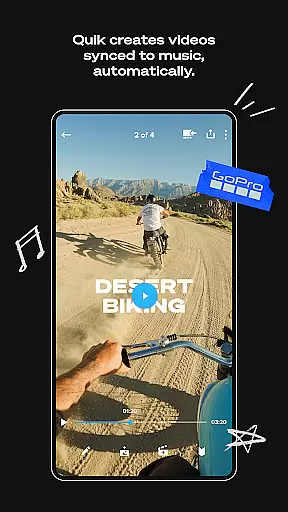
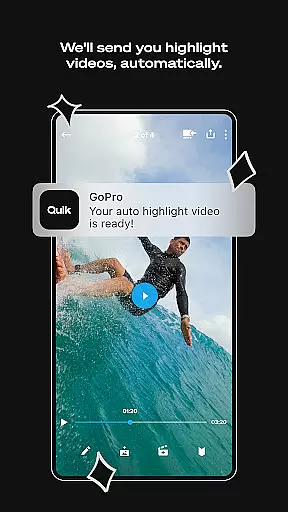
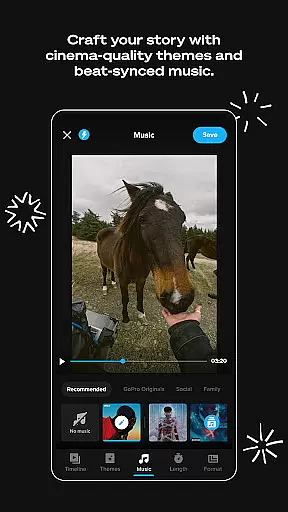
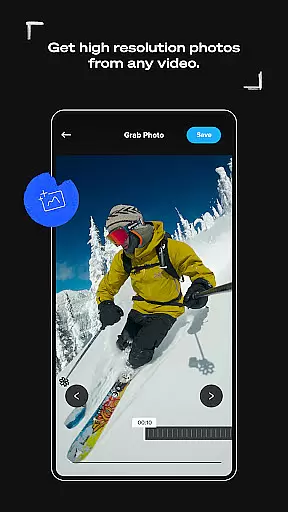
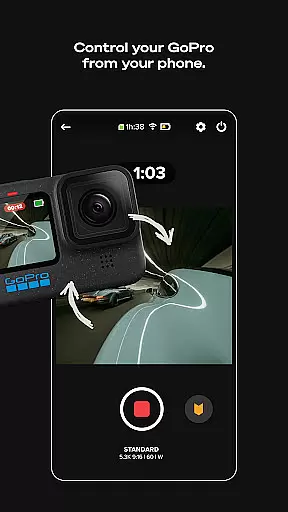
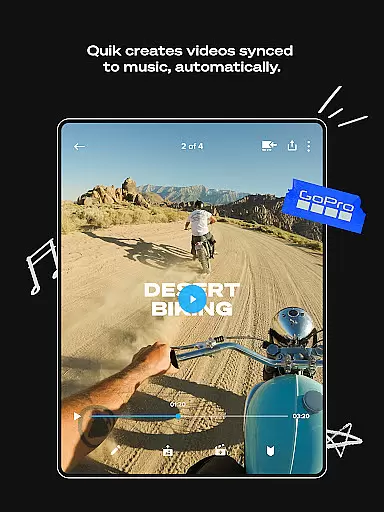
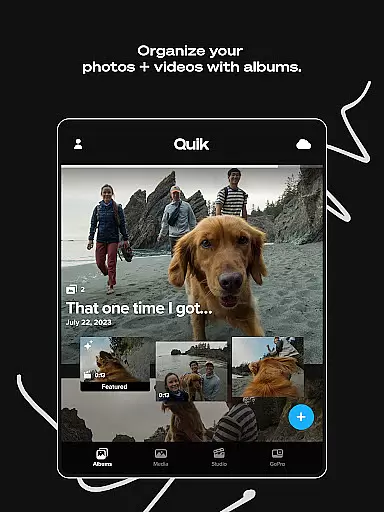
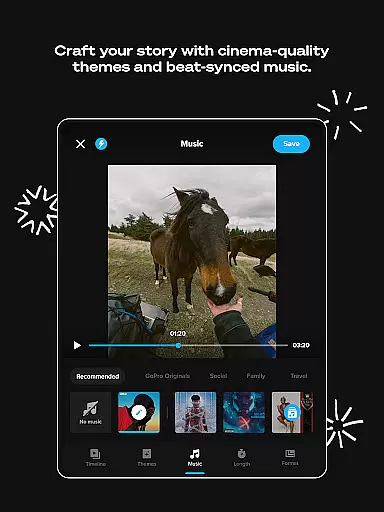
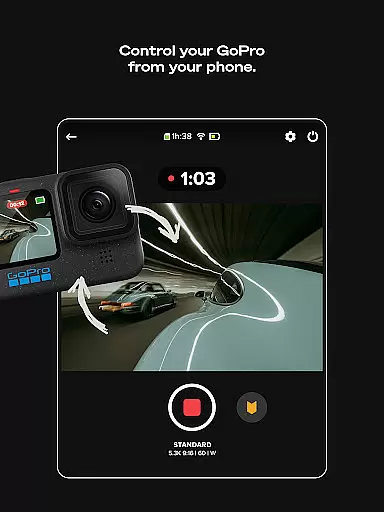
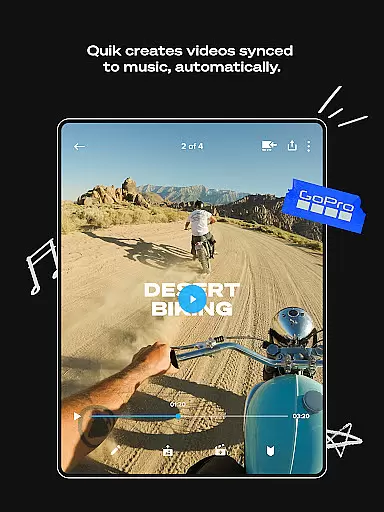
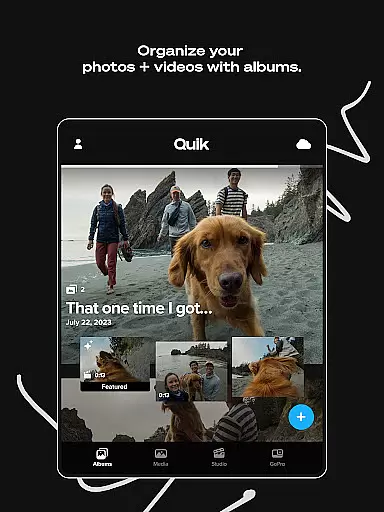
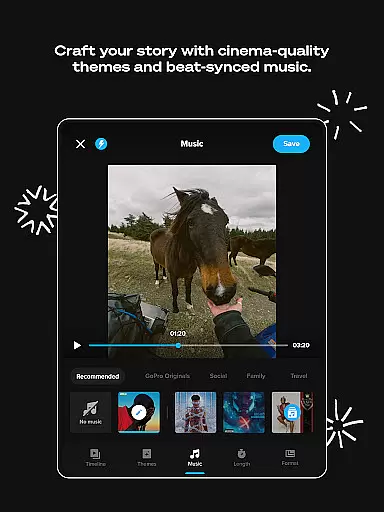
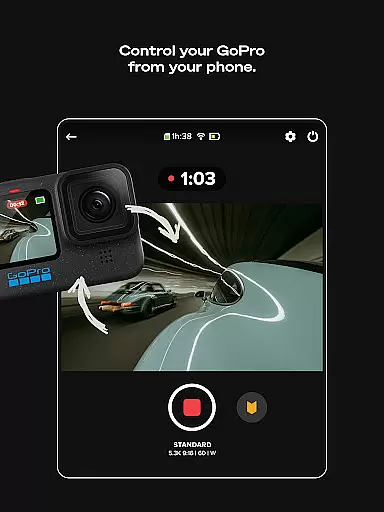
GoPro Quik is a powerful video editing application designed for both casual users and professional content creators. The app's standout feature is its automatic video editing capability, which intelligently selects the best moments from your footage, applies transitions, and syncs everything to music, creating polished videos with minimal effort. This functionality is particularly beneficial for GoPro camera owners who want to quickly transform their action-packed recordings into engaging stories.
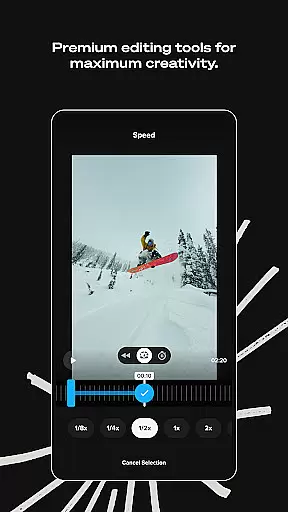
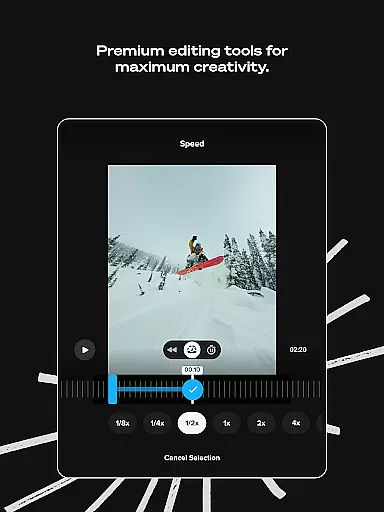
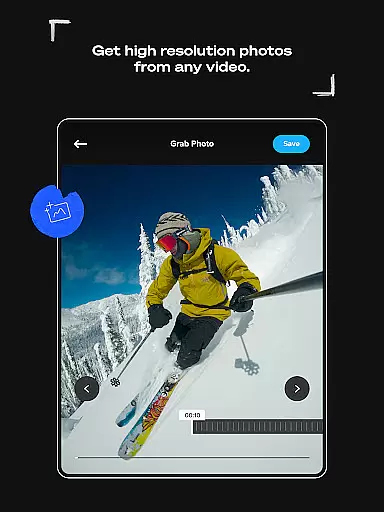
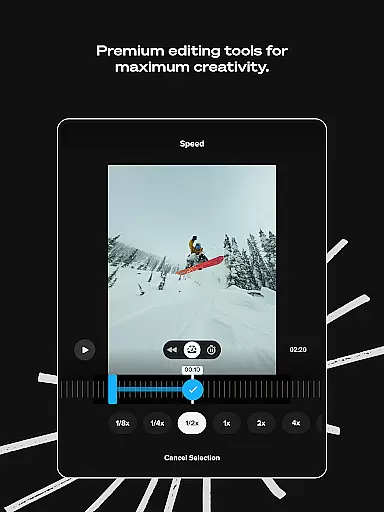
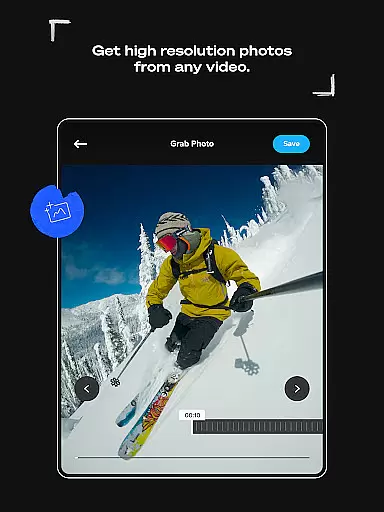
In addition to its automated tools, Quik offers a comprehensive suite of premium editing features. Users can take advantage of advanced options like color correction, trimming, beat-synced transitions, and specialized filters optimized for specific environments such as snow and water. With cloud integration, all media is automatically uploaded and backed up at full quality, allowing seamless access across devices. Whether you're looking to create dynamic social media clips or high-resolution photo exports, Quik provides the tools necessary to elevate your content effortlessly.
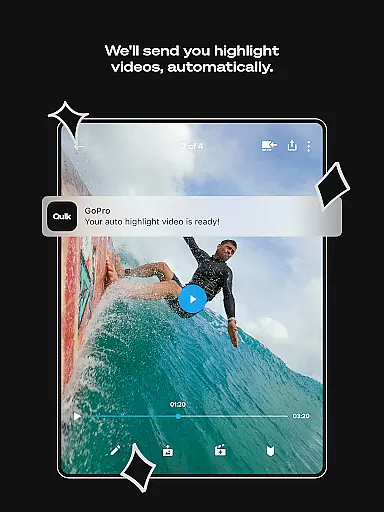
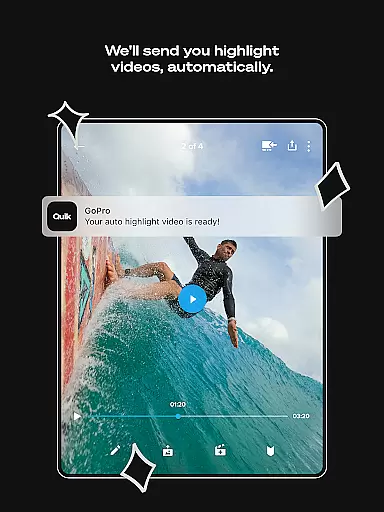
Quik distinguishes itself through a robust set of innovative features tailored for modern content creators. One of its most notable capabilities is Automatic Highlight Videos, where the app analyzes footage to identify key moments, syncing them with music beats and applying cinematic transitions. This feature drastically reduces the time required to produce professional-grade videos. Additionally, the app supports unlimited cloud storage at 100% quality for GoPro footage, along with cross-device synchronization, ensuring that users can access and edit their files anytime, anywhere.
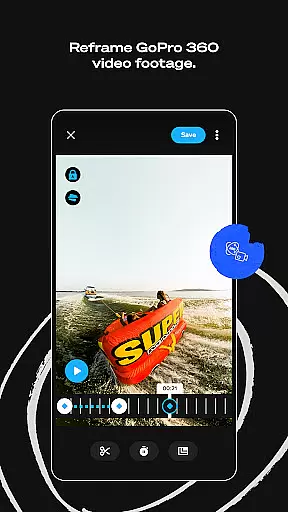
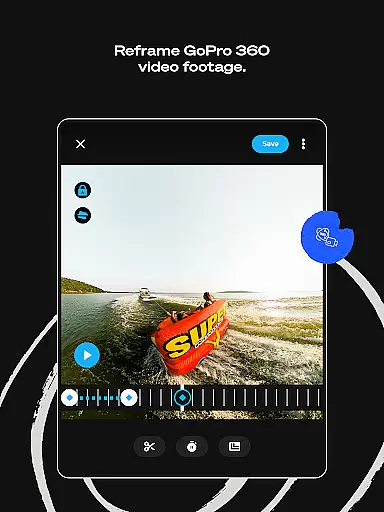
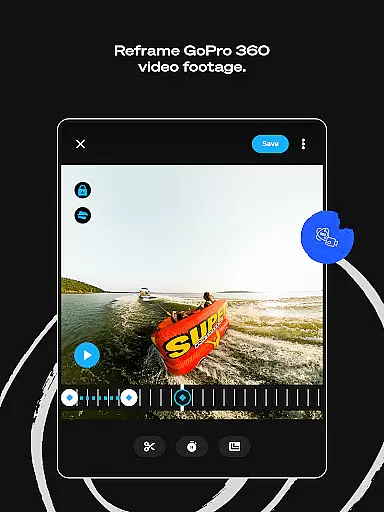
For those seeking more control, Quik includes an array of premium editing tools. These include customizable themes, text overlays, frame adjustments, and even the ability to transform 360-degree footage into traditional video using Reframe technology. Exclusive filters and effects further enhance creativity, while functionalities like Auto Upload and Beat Sync streamline workflows. Whether you're refining colors, adding stickers, or experimenting with aspect ratios, Quik empowers users to craft visually stunning narratives with precision and ease.
GoPro Quik supports a wide range of video formats, ensuring that users can import and edit footage from various sources without compatibility issues. The app automatically detects and processes different file types, making it easy to work with videos from GoPro cameras as well as other devices.
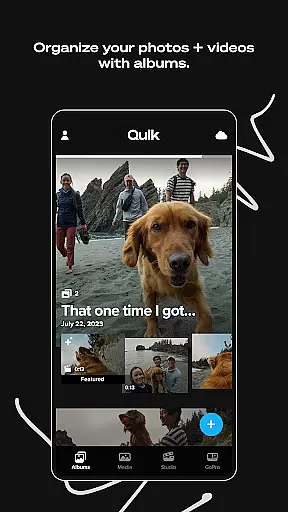
The application's strength lies in its ability to maintain 100% quality of the original footage when backing up to the cloud, which is particularly beneficial for users who demand high standards in their video projects. This feature is especially useful for those subscribing to Premium or Premium+ plans, allowing storage of unlimited GoPro footage and up to 500GB from other cameras.
For content creators who use multiple devices, the cross-device sync ensures that all edits are updated across platforms. This seamless integration means you can start editing on one device and continue on another without losing any progress or quality, thus enhancing productivity and convenience.
Quik stands out with its advanced AI-powered editing capabilities, which automate the video creation process. The app intelligently identifies your best shots, syncing them to music beats and adding professional transitions, resulting in polished videos ready for sharing.
Premium tools offer extensive customization options such as color adjustments, trimming, and adding stickers. These features allow users to enhance their videos creatively while maintaining ease of use. Additionally, the Beat Sync functionality ensures that every transition and effect aligns perfectly with the audio track.
Another innovative feature is the Reframe tool, enabling users to transform 360-degree footage into traditional video formats. By selecting keyframes, creators can experiment with different perspectives and produce cinematic transitions effortlessly. Such robust AI assistance makes video editing accessible even to novices while still appealing to seasoned editors.
User-friendly interface
Automatic video editing
Premium customization tools
Unlimited cloud storage
Cross-device synchronization
Premium subscription required
Limited free storage
Advanced features locked
Occasional bugs reported
High device compatibility

Video Player - Unlimited features, 30 days money back guarantee.
 4.60
4.60
Live TV, anywhere in your home
3.80
Play and download HD videos from all sources — fast, simple, and all-in-one.
4.5
The essential companion to your Blue Iris PC software
2.50
Browser + Remote for Roku to stream webvideos, online movies and livestreams
4.60
Web Browser for LG TV to stream webvideos, online movies and livestreams in HD
4.20
A Simple app to download Video & Music from the Internet.
4.70
Video&Drama Player All Format is a HD video player, music player
3.00
Manage your YouTube channel on the go
4.40
Pro video editor app for Instagram, edit video with song, AI, effect & slowmo.
4.80
All in one HD video downloader & player for multiple formats with full privacy
4.70
Fast, private downloading, video saving, social media
4.50
Browser for Fire TV to stream webvideos, online movies, livestreams in HD
4.40
Movie maker & video editing app with AI effects and green screen
4.30
Video Downloader is an utility that can save videos and music from web sites
4.20
Turn your phone into a wireless camera!
4.20
Powerful video player with advanced hardware acceleration and subtitle supports
4.20
Explore the largest library of free GIFs, Stickers & Memes - or create your own!
3.90
Capture images & record videos for USB Camera, Webcam, Microscopes, Endoscopes
3.80


User Reviews