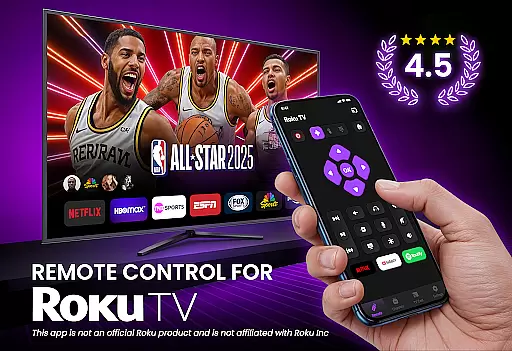
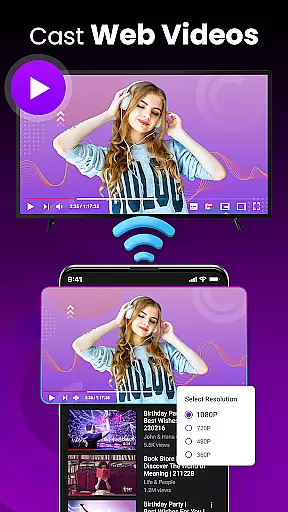
TV Remote Control for RokuTV transforms your smartphone into a universal remote, offering complete control over your Roku TV. With features like effortless navigation, screen mirroring, and quick-launch shortcuts, this app eliminates the need for a physical remote.
The application provides full remote functionality including play, pause, volume control, and channel switching. Its intuitive swipe pad and smart keyboard make menu navigation and typing significantly faster and easier. Compatible with all Roku TV models, it ensures a reliable connection every time you use it.
Whether you want to cast media, control your TV settings, or type with ease, this app serves as the ultimate tool for Roku TV owners, streamlining your entertainment experience.
TV Remote Control for RokuTV boasts an array of advanced features designed to enhance user convenience. The app offers instant setup by connecting automatically when your phone and Roku TV are on the same Wi-Fi network, eliminating complicated pairing processes.
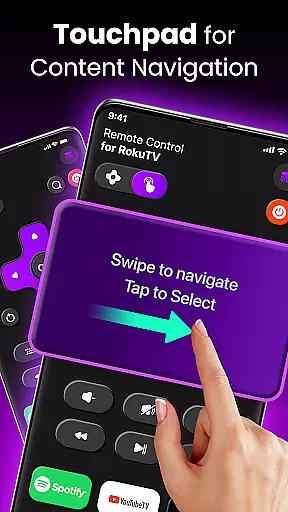
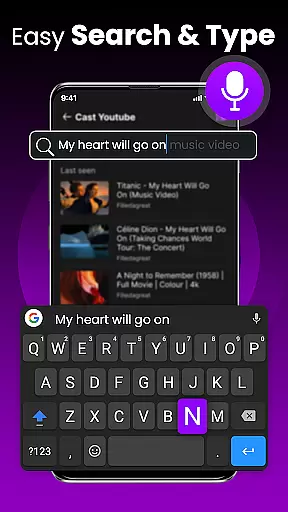
One standout feature is the modern swipe-based touchpad, which replaces traditional clunky buttons for seamless navigation. Additionally, the integrated smart keyboard allows for fast typing, making tasks like searching for movies or entering passwords much simpler.
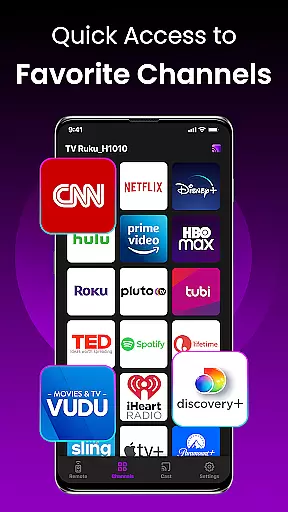
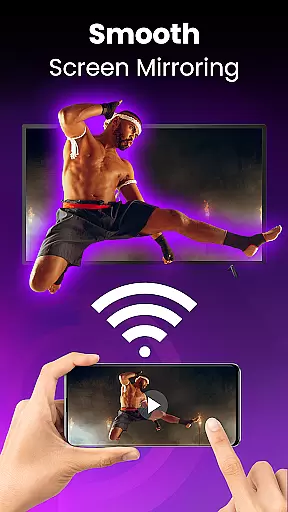
Other notable functionalities include screen mirroring, quick-launch shortcuts for favorite apps like Netflix and Hulu, and universal compatibility with all Roku TV models. These tools collectively ensure that users enjoy a smooth, efficient, and versatile TV control experience.
TV Remote Control for RokuTV ensures core function accuracy and effectiveness by providing a seamless replacement for your physical Roku remote. The app delivers precise control over all essential TV functions, including navigation, media playback, and volume adjustments.
The application's responsive controls allow users to play, pause, fast forward, and rewind content effortlessly. Its intuitive interface guarantees that every command is executed accurately, eliminating the delays or misfires often associated with traditional remotes.
One standout feature is the smart keyboard, which significantly enhances typing speed and accuracy when entering passwords or searching for content. This functionality transforms the often tedious task of text input into a smooth and efficient process.
By combining reliable connectivity with universal compatibility across all Roku TV models, the app ensures consistent performance regardless of the specific device being used. This reliability establishes TV Remote Control as an indispensable tool for Roku users.
The interface simplicity and intuitiveness of TV Remote Control for RokuTV make it exceptionally user-friendly. Designed with a clean layout, the app prioritizes ease of use without compromising functionality, ensuring that even first-time users can navigate effortlessly.
A key element is the swipe-based touchpad, which replaces traditional clunky buttons with a modern, responsive control surface. This innovative approach allows users to glide through menus and options smoothly, enhancing the overall user experience.
Additionally, the app features prominently placed shortcuts to popular channels like Netflix and Hulu, enabling quick access to frequently used applications. These one-tap shortcuts reduce the steps needed to launch favorite content, streamlining the viewing process.
With its straightforward three-step connection process, users can start controlling their TVs within seconds of opening the app. This simplicity extends to daily use, where automatic reconnection ensures the app is always ready when needed, maintaining a consistently intuitive experience.
User-friendly interface
Fast and reliable connection
Smart keyboard for easy typing
Universal Roku TV compatibility
Effortless screen mirroring
Requires Wi-Fi connection
No physical remote backup
Limited to Roku devices
Dependent on phone battery
Third-party application

Transfer Files, APK from Phone to Watch & Install.
 4.1
4.1
A recovery soft,it features photo recovery, video recovery, file recovery.
3.40
VESC Tool can monitor and configure VESC-compatible devices over BLE and Wifi
4.20
Create your own live wallpaper or check out thousands already made presets
3.90
MS-DOS in your pocket. Play old DOS games anywhere you are ;)
4.10
Signal Strength, Mobile, Wifi, Speed Test, Bad Signals, Cellular, 5G, LTE, 4G
4.20
PC precision for mobile gaming: dominate with keyboard and mouse!
4.30
Quickly check the frequency of the Earth
4.30
Download any file easily and quickly with Downloader
4.4
Navigate with Ease and Style
4.90
Small and simple app to Verify Root Access and BusyBox Install!
4.70
Canon PRINT is a companion app for your Canon printer.
4.60
Planner and Tracker for Stardew Valley
4.60
Making emulation easy for everyone!
4.30
Carry a FTP server in your pocket and avoid USB cables for file transfer
4.20
View detailed information about your Nissan Leaf the dealer never shows you.
4.10
A convenient photo, video, and file recovery tool.
4.00
Amateur Radio app for APRS: Track friends, exchange messages, get tactical info.
3.90
Safely recover deleted photos, videos, and files with a single easy tap.
3.70


User Reviews