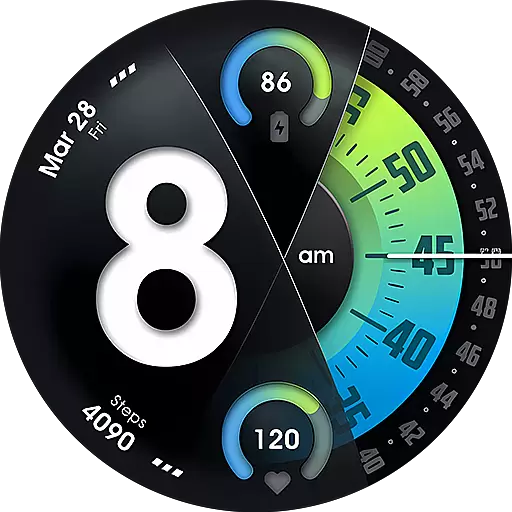
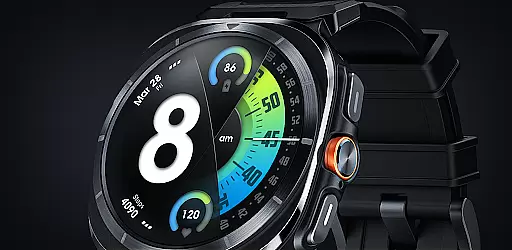
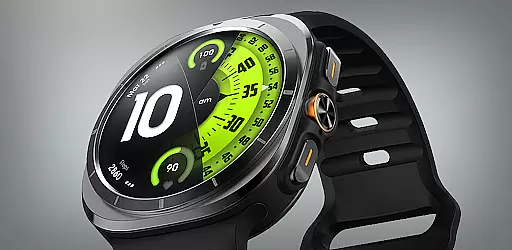
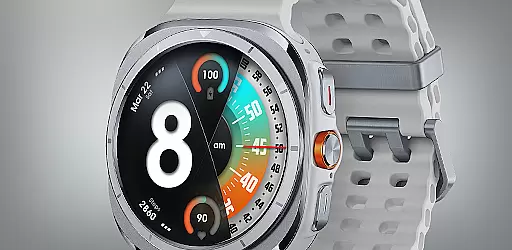
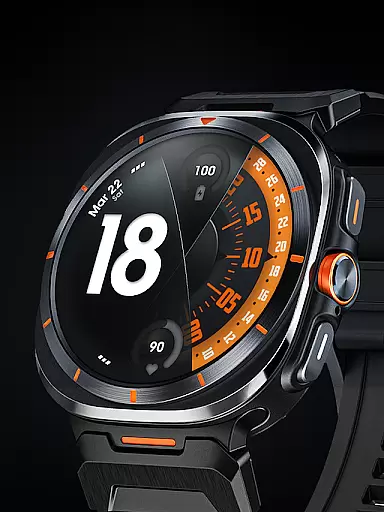
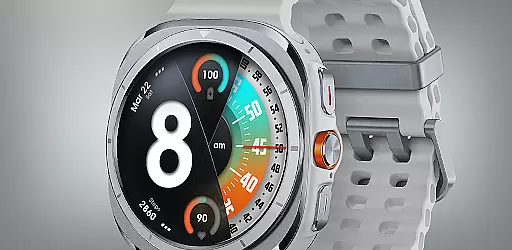
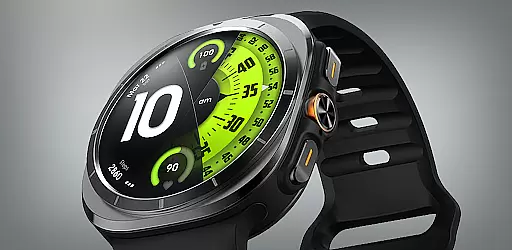
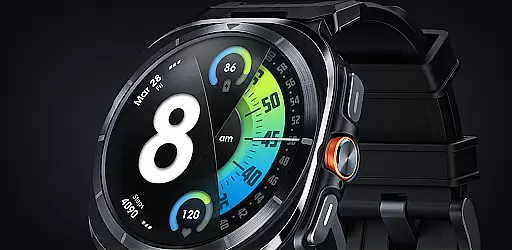
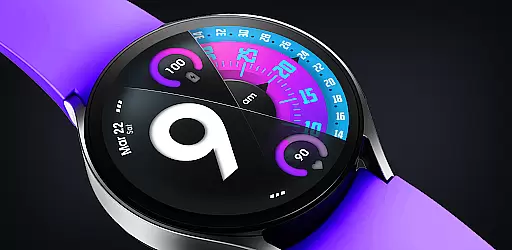
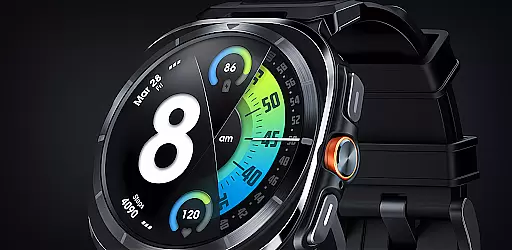
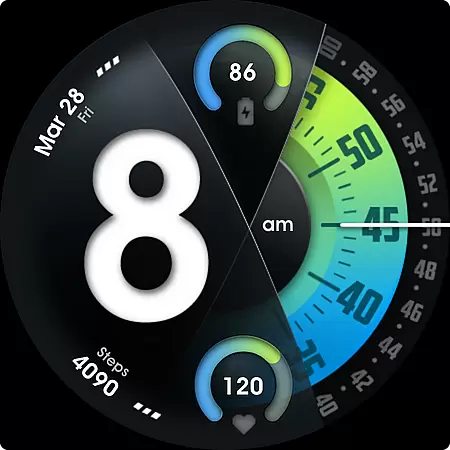
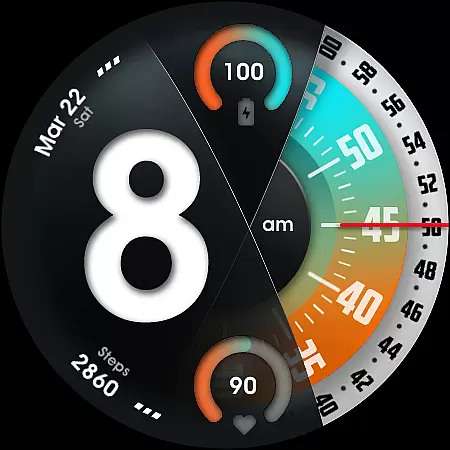
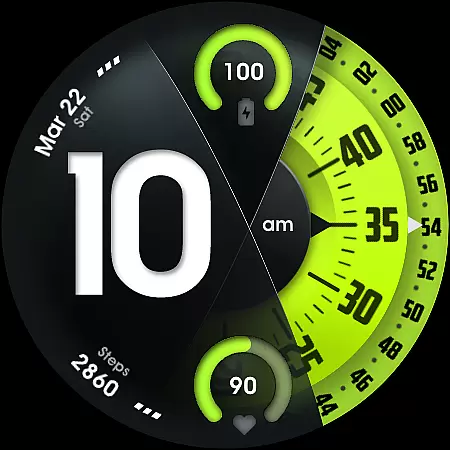
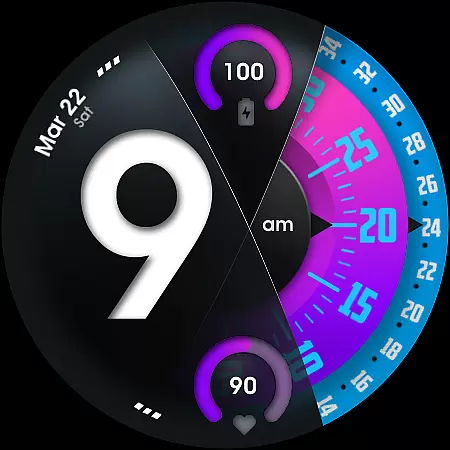
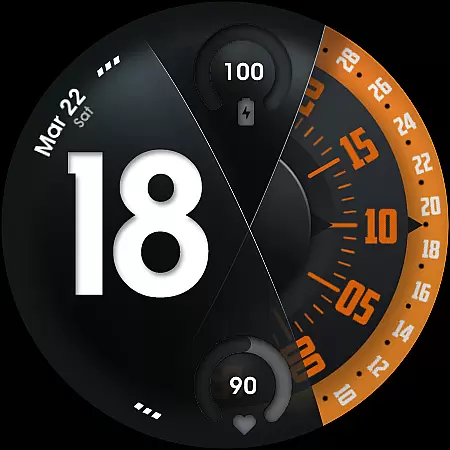
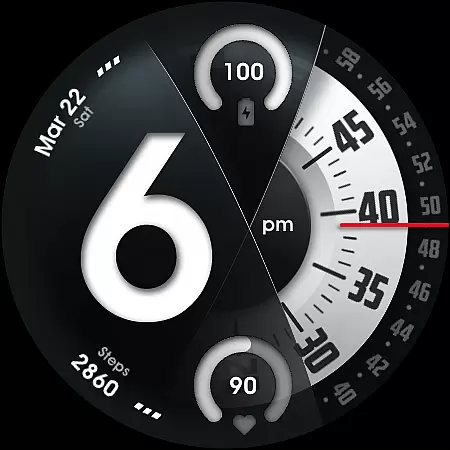
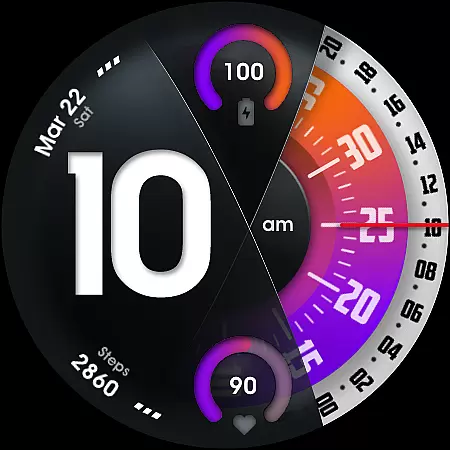
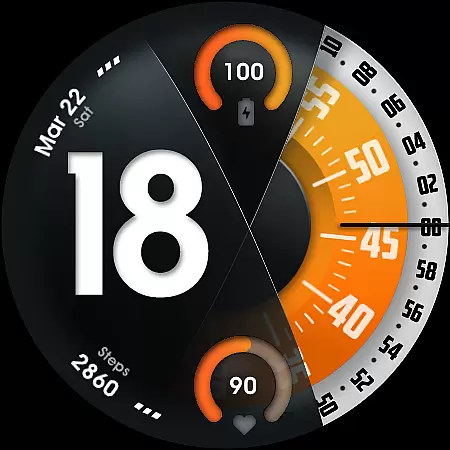
UsA Florencia Neo is a redesigned watch face for Wear OS devices, offering a unique blend of digital and analog styles. This innovative timepiece stands out with its distinctive design aesthetic that combines digital hours with classic analog minute and second hands. The watch face is compatible with Wear OS 4 or newer, including Galaxy Watch 4/5/6/7/8 Series, Pixel Watch series, and other Wear OS 4+ devices.
Designed for users seeking both functionality and style, this watch face provides essential features like battery information, heart rate monitoring, and customizable design elements. With support for multiple color combinations, customizable seconds blades, and line index indicators, users can personalize their watch face to suit their preferences. Its compatibility with two custom info complications and app shortcuts further enhances its utility.
This watch face is ideal for tech-savvy individuals who value both aesthetics and practicality in their wearable devices. Whether you're monitoring your fitness metrics or simply appreciating a well-designed timepiece, UsA Florencia Neo offers a seamless experience across various smartwatch platforms.
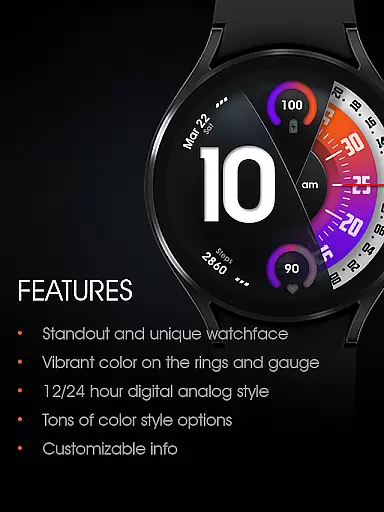
UsA Florencia Neo boasts an array of features designed to enhance user experience. One of its standout characteristics is the 12/24 hour digital analog style, which caters to different time display preferences. Users can also access real-time battery and heart rate information through intuitive gauges, allowing them to stay informed about their device's status and health metrics.
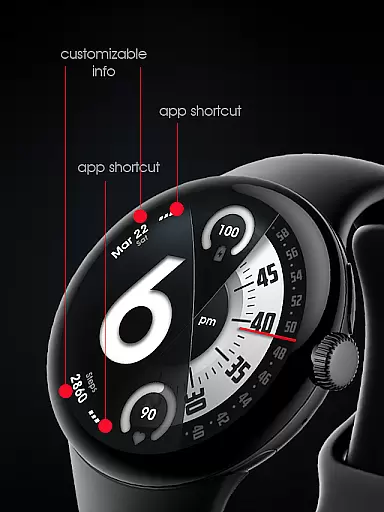
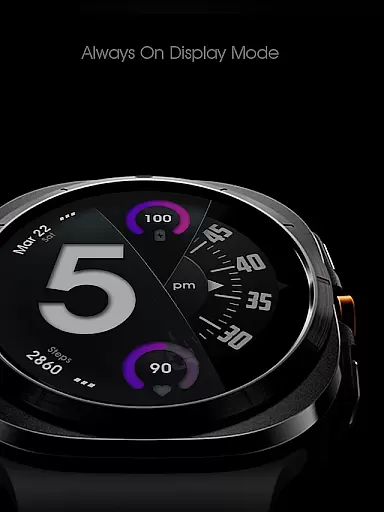
Customization is at the core of this watch face, offering many color style combinations and options to modify seconds blade styles and line index indicators. Additionally, it supports two custom info complications and two custom app shortcuts, providing quick access to frequently used functions. A specially designed Always On Display (AOD) ensures essential information remains visible even when the watch is idle, albeit with increased battery consumption.
The watch face integrates seamlessly with the built-in heart rate settings, syncing measurement intervals for accurate tracking. Users can switch between 12-hour and 24-hour modes via their phone’s date and time settings, ensuring synchronization with personal preferences. These comprehensive features make UsA Florencia Neo a versatile and user-friendly choice for smartwatch enthusiasts.
Companion app integration is essential for a seamless wearable experience. UsA Florencia Neo ensures that your watch face settings are perfectly synchronized with your smartphone. This synchronization allows for effortless customization and management of the watch face directly from your phone.
The companion app provides an intuitive interface where users can adjust various settings such as time format, color styles, and complications. With just a few taps, you can personalize the digital-analog display to suit your preferences. The ability to sync these settings across devices enhances user convenience significantly.
Moreover, the companion app supports real-time updates and notifications. Whether it's adjusting the heart rate measurement interval or updating battery information, the changes reflect immediately on your wearable device. This feature ensures that you always have the latest information at a glance without any manual intervention.
By leveraging companion app integration, UsA Florencia Neo offers a cohesive ecosystem where both the smartphone and smartwatch work in harmony. This results in a more engaging and efficient user experience, making daily interactions smoother and more enjoyable.
Ensuring broad Wear OS and device compatibility is crucial for maximizing usability. UsA Florencia Neo is designed to work seamlessly with Wear OS API 33+ (Wear OS 4 or newer), ensuring that users benefit from the latest advancements in wearable technology. Compatibility extends to popular models like Galaxy Watch 4/5/6/7/8 Series, Pixel Watch series, and other devices running Wear OS 4 or newer.
This extensive compatibility means that regardless of your choice of smartwatch, you can enjoy the unique design aesthetic and advanced features offered by UsA Florencia Neo. From digital-analog time displays to customizable complications, every feature is optimized to perform flawlessly across supported devices.
Furthermore, the requirement for body sensor permission to display current heart rate data underscores the importance of maintaining robust device compatibility. By aligning with built-in heart rate settings, the watch face ensures accurate and timely health data presentation. Users can trust that their wearable device will consistently deliver reliable performance.
Overall, UsA Florencia Neo's commitment to wide-ranging compatibility enhances its appeal, offering users flexibility and assurance that their investment in wearable tech will be well-supported and future-proofed.
Unique design aesthetic
Customizable features
Real-time health tracking
Wide compatibility
User-friendly interface
Battery consumption in AOD
Limited to Wear OS 4+
Requires specific permissions
Premium pricing
Complex setup process

A customizable Christmas watch face for Wear OS with a countdown.
 4.20
4.20
Christmas Theme Watch Face for Wear Os
5.00
Wear Os Watch Face - Animated Snow - Sesonal for Christmas & Winter
4.2
MyNISSAN® lets you remotely control your car from your phone.*
4.50
Simple Analog-Digital Watchface For Wear OS 3.0 and Up Smartwatches
4.4
Reliable phone calls with spam protection, caller ID and more helpful features
4.40
Hybrid watch face for Wear OS with customizable complications by Matteo Dini MD
4.70
Fast and smart typing with Emojis, GIFs, and more
4.50
Want to take charge of your health? Let Google Fit help you reach your goals.
3.50
Diet tracker for weight loss - track calories, food and macros. Simple and easy!
4.70
WTW M17 is a premium and luxurious hybrid watch face
4.70
Highly customizable hybrid watch face for Wear OS, perfect for everyday use.
4.60
Stylish, Energizing and Modern Watch Face crafted by Dominus Mathias.
4.50
Christmas watch face. For Wear OS devices.
4.30
Calming & relaxing sounds for sleeping and stress relief. Stay focused all day!
4.20
Connect, create, and collaborate with Gmail, part of Google Workspace.
4.10
Precision analog watch face with 7 complications and style options
4.0
3 Complications. All shadow on/off. 30 Themes color palette...
4.0
Fitness interactive virtual pet super fighter boy watch face
4.1


User Reviews