
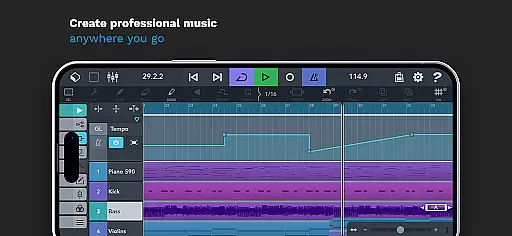
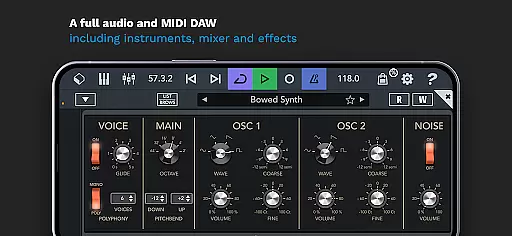
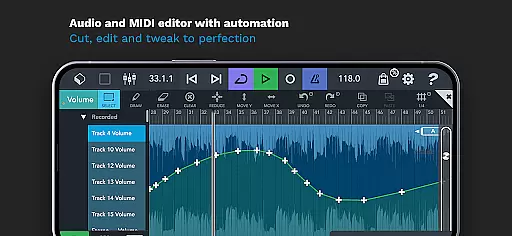
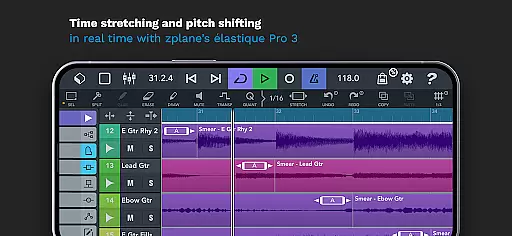
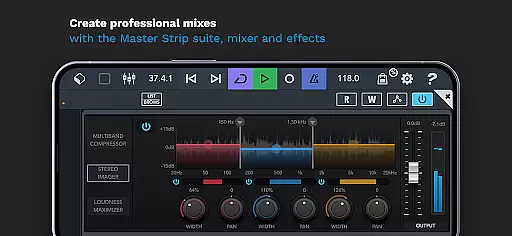
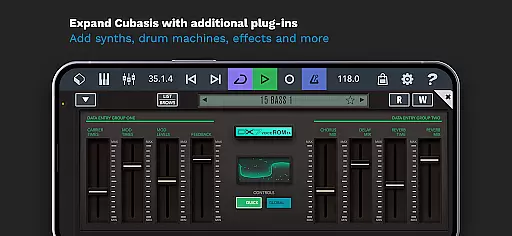
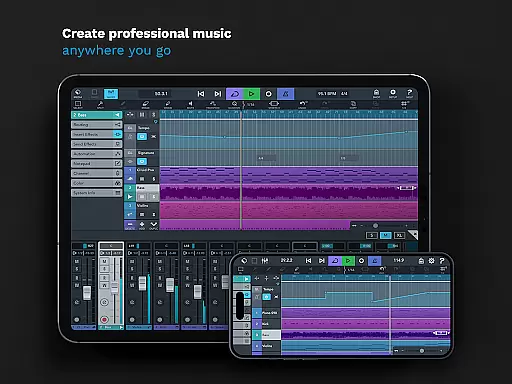
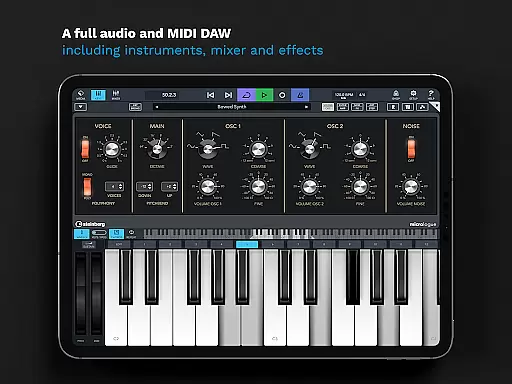
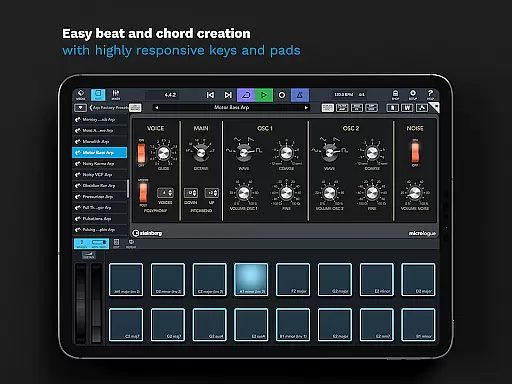
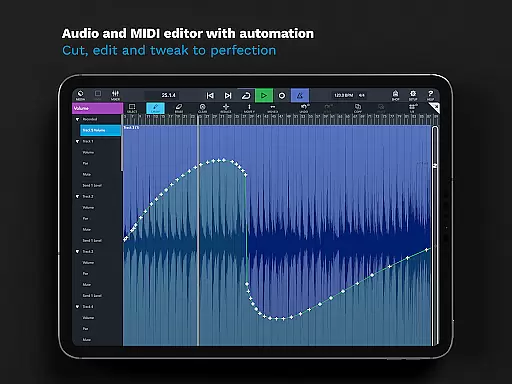
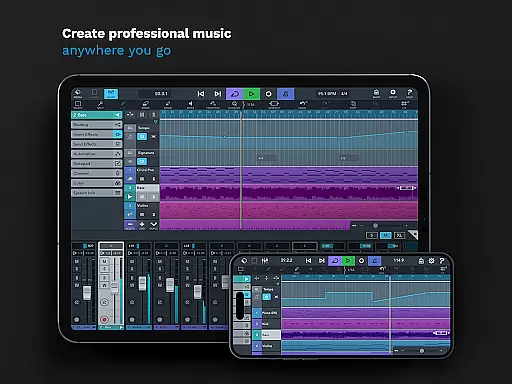
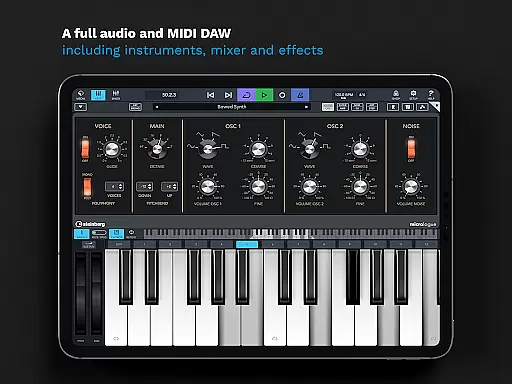
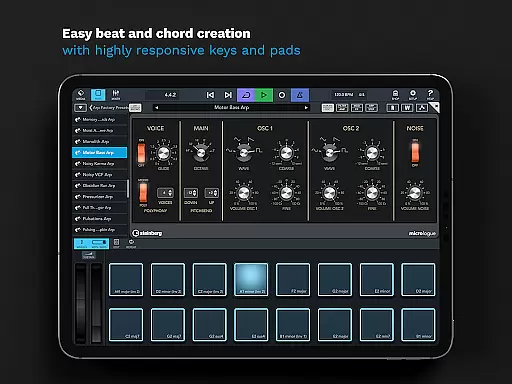
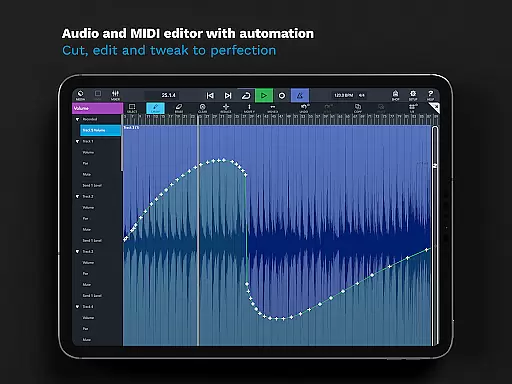
Cubasis 3 is a multi-award winning mobile DAW and complete music production studio that allows musicians to capture ideas and create professional-quality songs on Android devices. The app provides an intuitive interface for audio and MIDI editing, real-time time-stretching, pitch-shifting, and includes virtual instruments like Micrologue synthesizer and MicroSonic sound library.
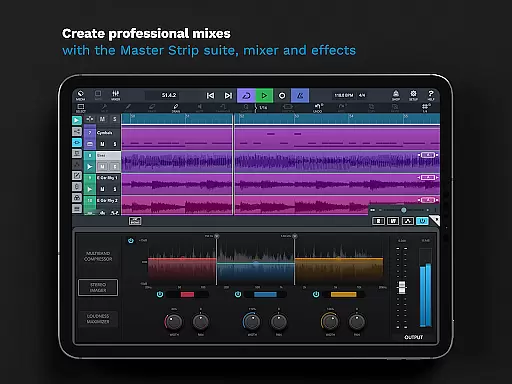
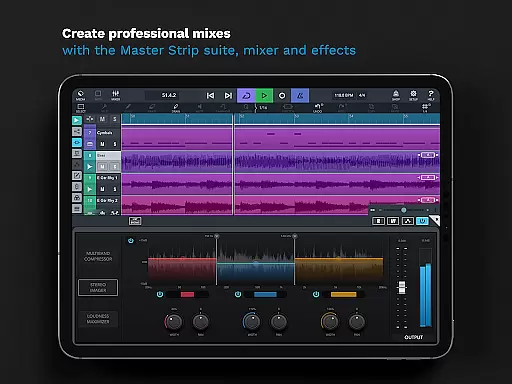
With unlimited audio and MIDI tracks, Cubasis 3 offers advanced features such as 32-bit floating-point audio engine, high-resolution audio support, and professional mixing tools including Master Strip Suite and studio-grade effects. The app also supports external gear integration and third-party apps, making it a versatile tool for both beginners and experienced producers.
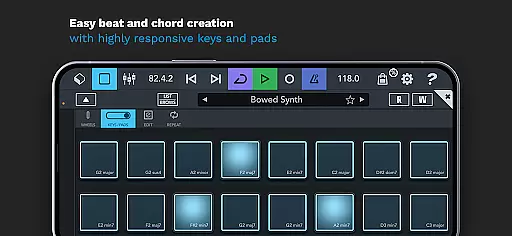
Ideal for mobile music production, Cubasis 3 enables users to record, mix, and edit audio while on the go. Its comprehensive feature set and responsive workflow make it suitable for creating beats, loops, and full compositions directly on smartphones or tablets, providing a professional studio experience in a portable format.
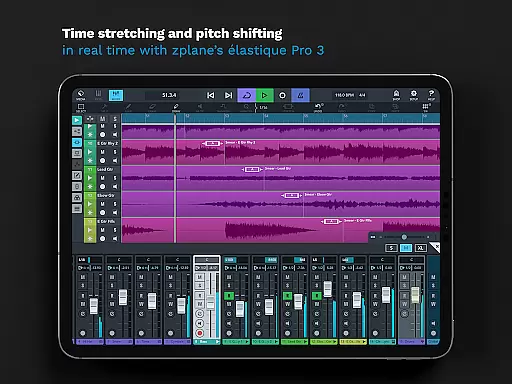
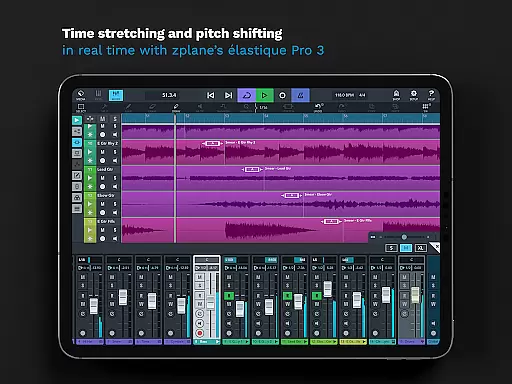
Cubasis 3 stands out with its robust feature set tailored for music creators. It includes an advanced audio engine supporting 24-bit/48 kHz resolution, alongside zplane's élastique 3 technology for real-time time-stretching and pitch-shifting. These capabilities ensure pristine audio quality and flexible manipulation of musical elements during production.
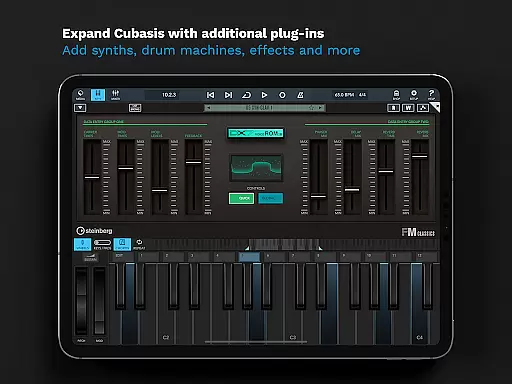
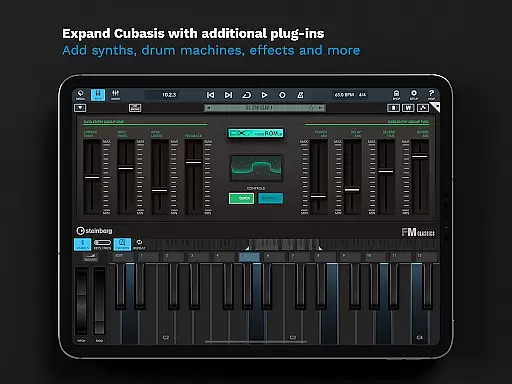
The app integrates a variety of virtual instruments and effects, such as the Micrologue analog synthesizer with 126 presets and MicroSonic offering over 120 instrument sounds. Additionally, its mixer provides studio-grade channel strips and 17 effect processors per track, along with sidechain support and fully automatable Spin FX for creative DJ-style effects.
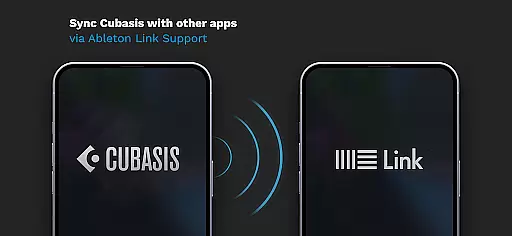
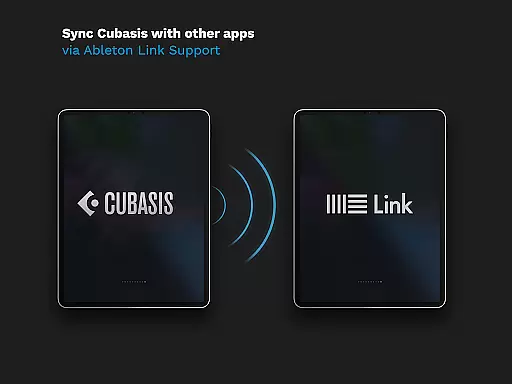
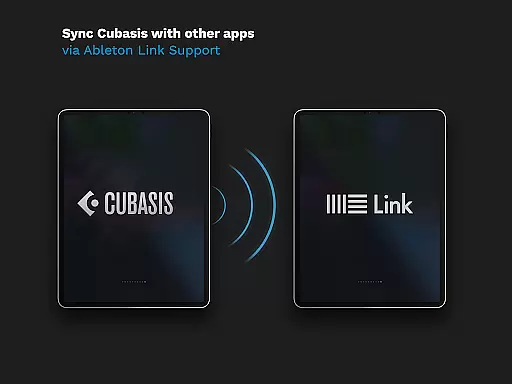
Cubasis 3 also excels in compatibility and workflow optimization. It supports MIDI Learn, Mackie Control, HUI protocol, Ableton Link, and various export options including Google Drive and Dropbox. With keyboard shortcuts, mouse support, and extensive hardware connectivity, it ensures seamless operation across different devices and setups.
When it comes to music production, having access to a vast and diverse music library is essential. Cubasis 3 offers an extensive collection of over 120 virtual instrument sounds, including acoustic pianos, synthesizers, and drum kits. These high-quality sounds are designed to inspire creativity and provide users with the tools they need to create professional-sounding tracks.
In addition to its rich sound library, Cubasis 3 ensures that all included content is fully licensed and authentic. This means musicians can focus on their creative process without worrying about copyright issues. The app's commitment to copyright authenticity extends to its support for third-party plugins and instruments, allowing users to expand their sonic palette while maintaining legal compliance.
The value of a comprehensive music library cannot be overstated. With Cubasis 3, users gain access to MicroSonic's diverse instrument collection and the Micrologue virtual analog synthesizer featuring 126 ready-to-use presets. These resources enable producers to experiment with different genres and styles, from electronic music to orchestral compositions, all within a single mobile application.
Audio quality is paramount in music production, and Cubasis 3 delivers exceptional standards in this area. The application features a 32-bit floating-point audio engine capable of handling high-resolution audio processing. This advanced technology ensures that every note and sound remains crystal clear throughout the entire production process, from initial recording to final mixdown.
Cubasis 3 supports audio I/O resolutions of up to 24-bit/48 kHz, providing users with professional-grade audio quality directly on their mobile devices. This level of fidelity is crucial when working on complex musical arrangements or when precise sound reproduction is required. The app's real-time time-stretching and pitch-shifting capabilities, powered by zplaneu2019s u00e9lastique 3 technology, further enhance the audio processing toolkit available to musicians.
For those seeking ultimate control over their sound, Cubasis 3 offers a range of audio quality options. Users can choose from various sample rates and bit depths to match their specific project requirements. Additionally, the app includes studio-grade effects and mastering tools, such as the Master Strip plug-in suite, which allows producers to polish their tracks to perfection. These features make Cubasis 3 a powerful solution for both amateur musicians and seasoned professionals looking to create high-quality music on the go.
Professional-grade audio engine
Intuitive user interface
Extensive plugin support
Real-time audio manipulation
Versatile export options
Limited hardware support
High system requirements
Complex for beginners
Additional in-app purchases
No desktop version

Over 100 million tracks available for high quality streaming and download
 4.60
4.60
Gorgeous UI, Powerful music Search and Equalizer, the great choice for you!
4.70
The only true audiophile music player with Hi-Fi audio rendering and DSP engine
3.90
Unleash your creativity! Turn simple prompts into full fledged songs.
4.70
Voice recorder - Audio recorder. Best recorder for recording
4.90
Offline Music Player & MP3 Player.Powerful equalizer, Lyrics, Themes, Tag Editor
4.80
Learn the notes on the guitar fretboard fast with this easy and fun app
4.60
Sheet music reader, piano & music note player. Play music score & learn to read.
3.90
MilkDrop for Android TV
3.00
Music, News & Sports Radio Tuner App. Tune in Live FM & AM Radio Stations.
4.80
Play your hearts out on TouchTunes jukeboxes & connect with fellow music lovers.
4.80
The best music and audio player, with beautiful UI, music search and equalizer.
4.60
Bass Booster & Volume Equalizer Pro improves your music and video sound quality
4.60
Reverse your voice & songs instantly! Fun singing challenge with cool effects.
4.60
Learn and play 2M+ music tabs & chords on guitar, ukulele, bass, and more
4.30
Offline and always ad-free - stream in the highest quality available.
4.10
VB-AUDIO Software / VBAN-Receptor allows listening to any VBAN Streams
4.10
Next generation modular control surface
4.10
The iconic iOS metronome app is now on Android.
3.70


User Reviews