
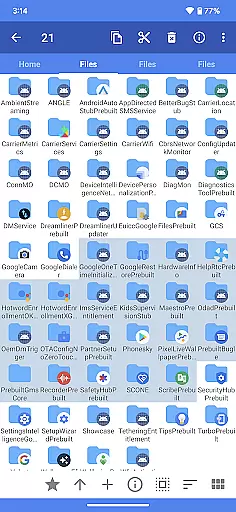
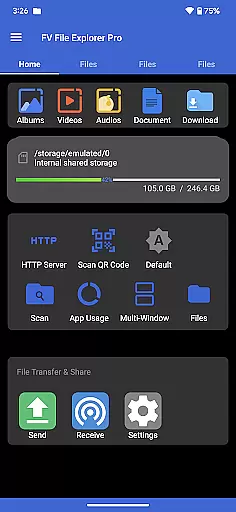
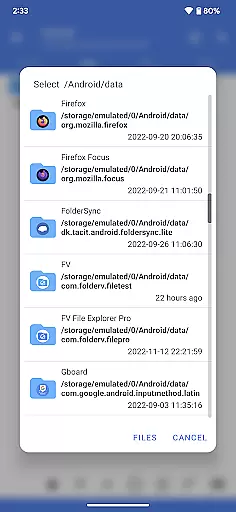
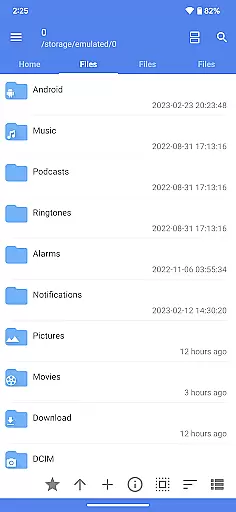
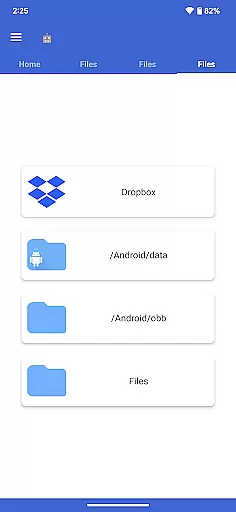
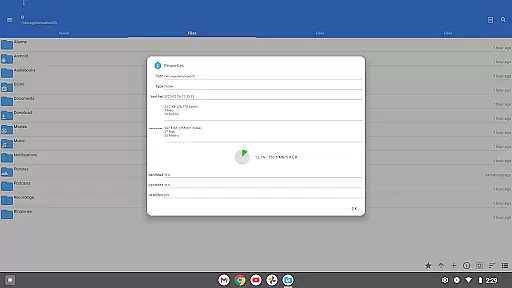
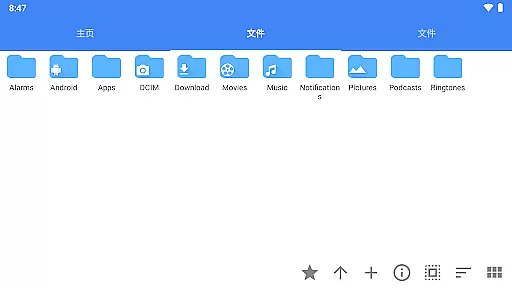
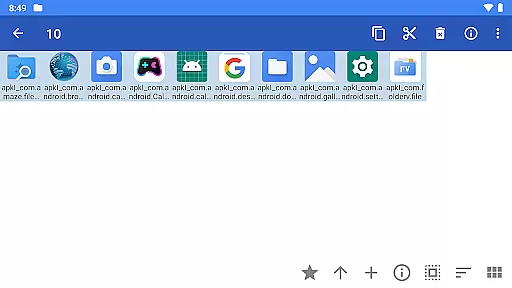
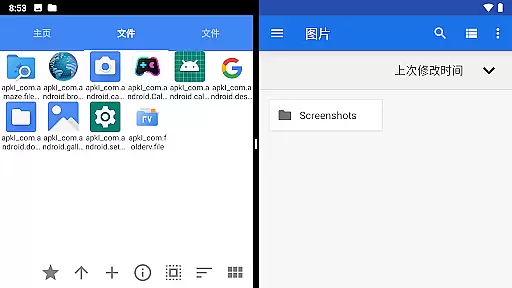
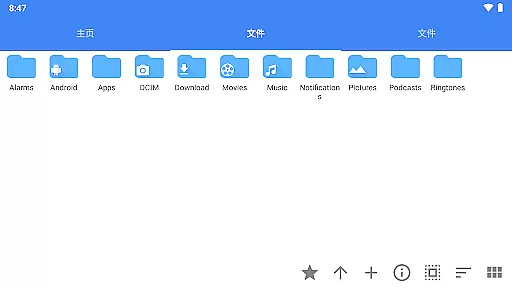
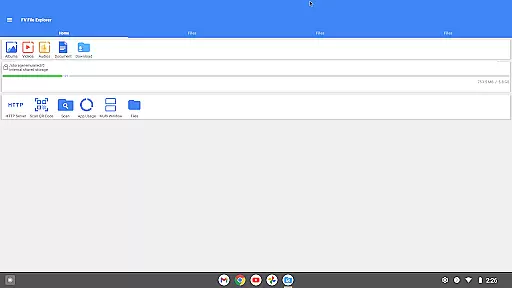
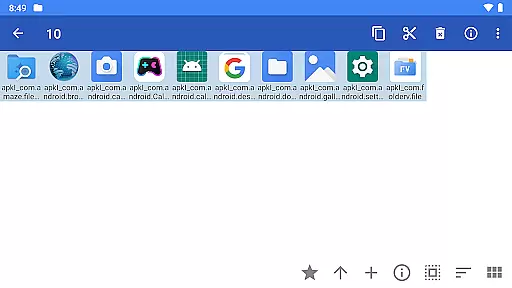
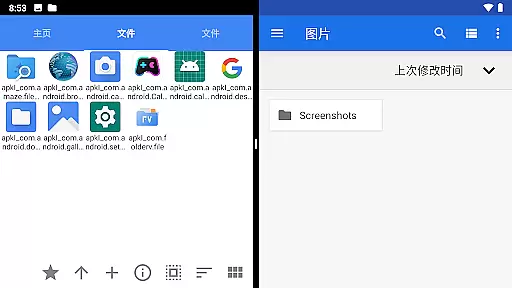
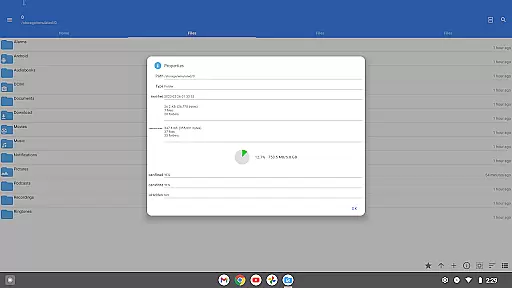
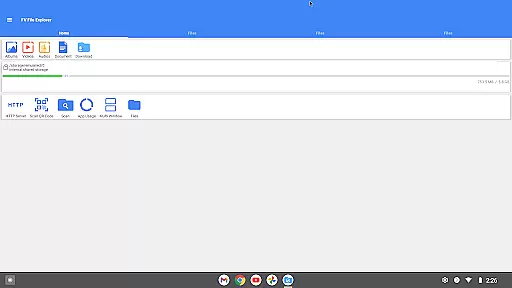
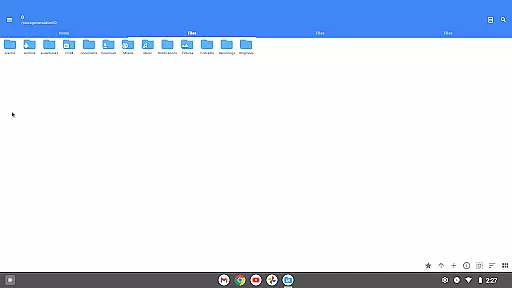
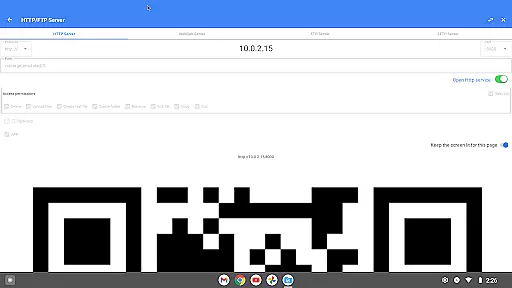
FV File Pro is a robust file management tool designed for Android users who need efficient and versatile control over their files. This app allows seamless access to critical directories such as /Android/data and /Android/obb on Android 13 without requiring root permissions, making it an essential utility for advanced users.
With its Material Design UI, FV File Pro offers a visually appealing and intuitive user experience. The app supports viewing multiple image formats including JPG, PNG, BMP, TIFF, WebP, HEIF, AVIF, ICO, and APNG. Additionally, it provides powerful decompression capabilities for various compressed file types like ZIP, RAR, 7Z, ISO, and DMG.
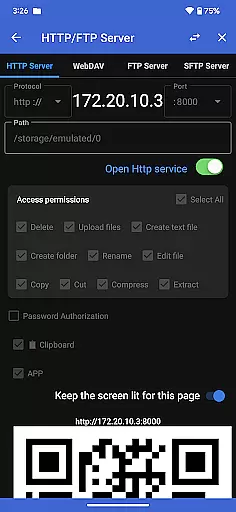
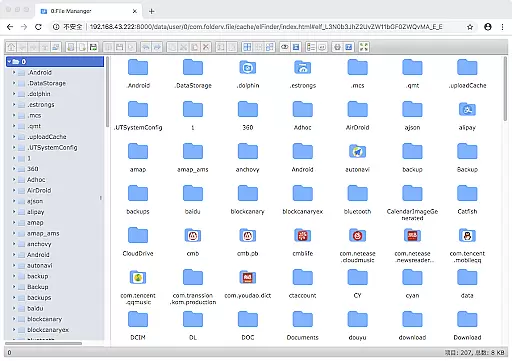
One of the standout features is the ability to manage files over a wireless network using HTTP, FTP, or SFTP within a local area network (LAN), eliminating the need for data cables. This makes transferring documents, pictures, and text files between your computer and mobile device effortless. Moreover, the integrated WebDAV server functionality enables easy connections from Mac Finder, enhancing cross-platform usability.
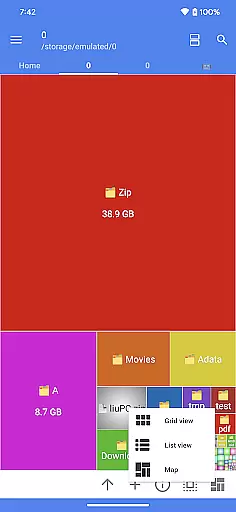
FV File Pro stands out with its comprehensive feature set tailored for both casual and power users. One of its key functionalities is the treemap visualization for storage, which represents each file as a colored rectangle. The size of these rectangles corresponds to the file's size, providing a clear and intuitive overview of disk usage.
The app also excels in managing multimedia and document files. It supports scanning QR codes and barcodes in various formats, offering a convenient way to interact with encoded information. Furthermore, FV File Pro includes support for markdown file previews, allowing users to view formatted text directly within the app.
Another notable feature is the built-in HTTP file download function, enabling users to fetch files from the web effortlessly. Whether you're handling images, compressed archives, or needing network-based file management, FV File Pro delivers a seamless and efficient experience across different file types and use cases.
FV File Pro stands out as a robust file management tool designed for Android users, offering precise and effective core functions that cater to both casual and power users. The app provides seamless access to typically restricted directories such as /Android/data and /Android/obb on Android 13 without requiring root permissions, ensuring that all users can manage their files with ease.
One of the key highlights is its support for viewing multiple image formats including JPG, PNG, BMP, TIFF, WebP, HEIF, AVIF, ICO, and APNG. This extensive compatibility ensures that users can open nearly any image file they encounter, making it an indispensable tool for graphic designers and photographers alike.
In addition to image support, FV File Pro excels in handling various compressed file types like ZIP, RAR, 7z, ISO, and DMG. The decompression feature is not only fast but also reliable, allowing users to extract files without the fear of data corruption or loss. This functionality significantly enhances productivity by reducing the time spent on file management tasks.
Overall, the app's dedication to providing accurate and effective core functions makes it an essential utility for anyone looking to efficiently manage their digital content on an Android device.
The user interface of FV File Pro is crafted with simplicity and intuitiveness in mind, ensuring that even those who are not tech-savvy can navigate and utilize its features with minimal learning curve. By adopting Material Design principles, the app offers a visually appealing and consistent experience across different devices and screen sizes.
Managing files over a wireless network has never been easier. Users can transfer documents, pictures, and text files between their computer and mobile phone via HTTP, FTP, or SFTP within the local area network (LAN) without the need for cumbersome data cables. This streamlined approach saves time and eliminates the hassle of using mobile data to share files with colleagues or family members.
Another remarkable feature is the built-in WebDAV server, which allows users to connect directly from their Mac Finder by simply entering the server address. This integration simplifies file sharing and collaboration, particularly for professionals working in creative fields who require constant access to large files.
With treemap visualizations for storage, users gain a clear understanding of their file distribution and disk usage. Each file is represented as a colored rectangle, the size of which corresponds to the file's actual size, enabling users to identify and manage large files effortlessly. This intuitive visualization aids in maintaining an organized and efficient storage system.
User-friendly interface
Extensive format support
Wireless file management
Advanced visualization tools
Cross-platform compatibility
Requires Android 13
No cloud integration
Limited iOS support
Complex for beginners
Occasional bugs

Just one-tap to easy translate in any language after calls within seconds.
 4.20
4.20
Complete kernel toolbox with features to manage and tweak your rooted device
4.30
Use your phone as a webcam on your computer over WiFi or USB.
4.40
Save any video in HD - paste the link, download fast and watch offline.
4.1
HD Video player and downloader for all formats, fast & smooth 4K video playback.
4.60
Universal TV remote control all TVs, Roku, LG, Samsung, Fire, Vizio, Sony, TCL.
4.40
card-reader app
2.20
Monitor car performance in real time and troubleshoot malfunctions.
4.80
Button mapper, mouse toggle, sleep timer and a lot of another features
4.50
Navigate with Ease and Style
4.90
Best leveling tool for your Android device. Hang paintings like a pro.
4.90
Excellent scientific calculator with symbolic algebra, integrals, derivatives
4.80
Keep track of your Palia friendships, tasks, and inventory with Palia Notebook
4.60
Planner and Tracker for Stardew Valley
4.60
Making emulation easy for everyone!
4.30
App that Recover your pictures, videos or files after you delete them.
4.20
Amateur Radio app for APRS: Track friends, exchange messages, get tactical info.
3.90
Unleash gamepad precision for ultimate mobile gaming dominance.
3.90
Fun lie-detection pranks for friends and parties.
3.80


User Reviews