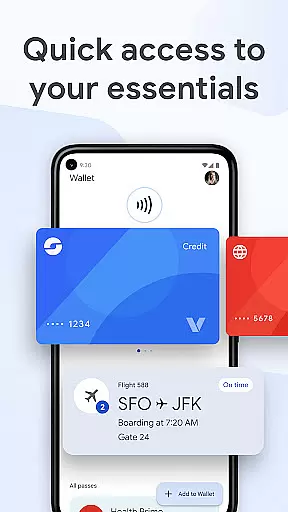
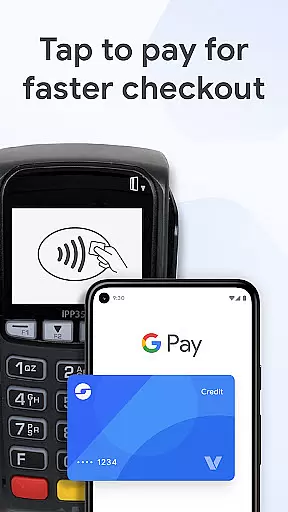
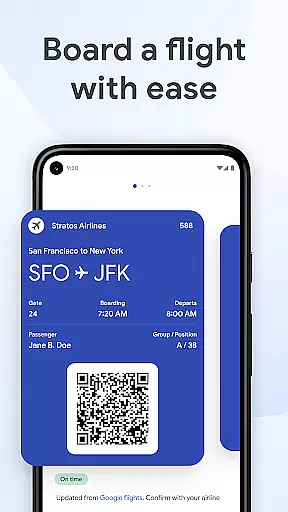
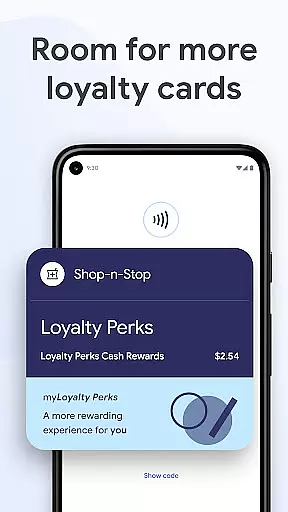
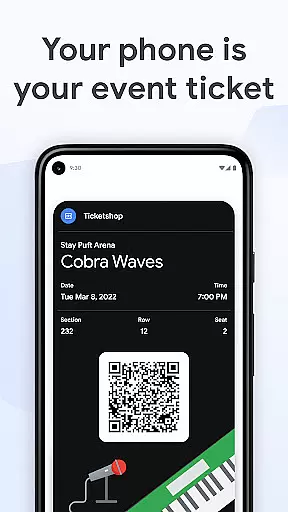
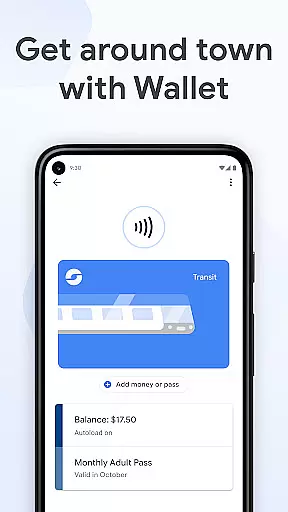
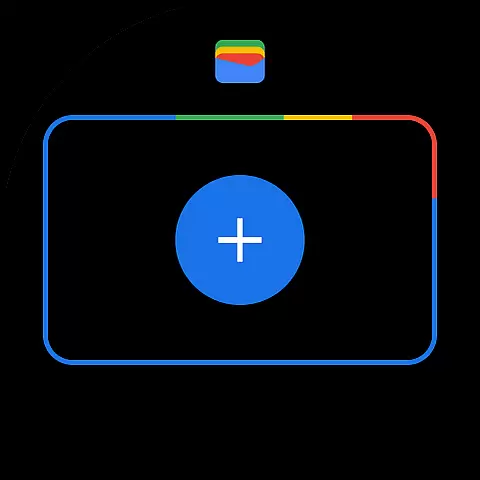
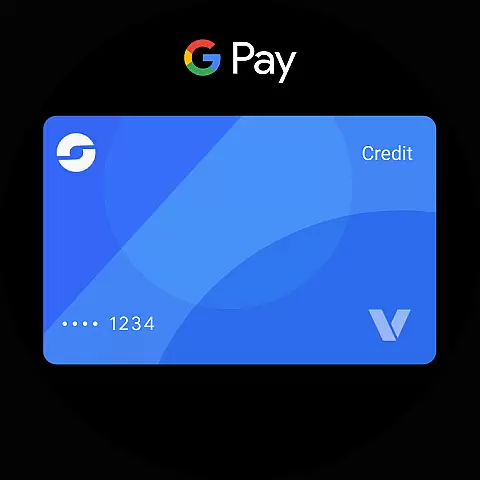
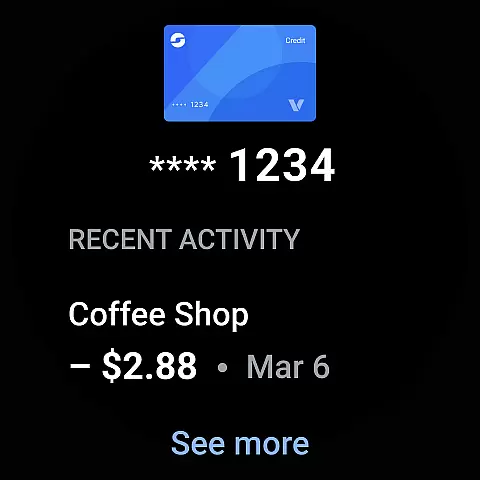
Google Wallet is a versatile digital wallet solution designed specifically for Android Wear and Android devices, enabling users to carry out everyday tasks seamlessly. With its integration into Wear OS, the app allows you to access essential features directly from your smartwatch, such as boarding passes, event tickets, loyalty cards, and even digital car keys. The app ensures that all your critical information is stored securely in one place, making it easy to retrieve when needed.
One of Google Wallet's standout features is its ability to provide timely suggestions based on context, ensuring that you have the right card or pass ready at the right moment. Whether you're traveling, shopping, or attending events, Google Wallet simplifies the process by offering quick access through phone shortcuts, Google Assistant, or directly via the Wear OS interface. This makes daily interactions faster and more efficient, enhancing both convenience and productivity.
Google Wallet offers an array of features tailored to make life easier for Android Wear users. First and foremost, it provides three convenient ways to access your essentials: through your phone’s quick settings, the Wallet app on your homescreen, or via Google Assistant. For Wear OS users, complications on the main watch face allow instant access to your digital wallet, ensuring that you can retrieve important items like transit passes or event tickets without needing to pull out your phone.
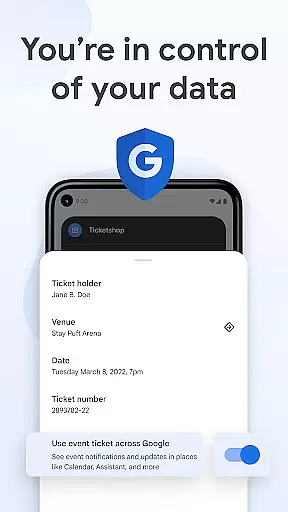
The app supports various types of cards and passes, including credit/debit cards, loyalty programs, and even government IDs like driver’s licenses in supported regions. Additionally, Google Wallet integrates with other Google services, such as Calendar and Maps, to keep you informed about upcoming events and transactions. Security is another cornerstone of Google Wallet, leveraging Android's advanced protection mechanisms like 2-Step Verification and remote data erasure to safeguard your personal information.
Google Wallet offers seamless companion app integration, ensuring that your essential information is always accessible across multiple devices. The synchronization between the mobile app and Wear OS allows users to access their digital cards, tickets, and passes directly from their smartwatch. This connectivity provides unparalleled convenience for those who prefer having their essentials readily available on their wrist.
The app's integration extends beyond just wearable devices. It connects with other Google services like Google Maps, Calendar, and Assistant, creating a unified ecosystem. For instance, when you receive flight updates or event notifications, these are automatically reflected in your Wallet app. This ensures that all your critical information is updated in real time, no matter which Google service you're using.
Setting up this integration is straightforward. Users can import existing cards and passes saved in Gmail or other Google services with minimal effort. Once configured, the app continuously syncs data across devices, providing a consistent experience. This means whether you're using your phone, watch, or even asking Google Assistant, your wallet information is always up-to-date and easily accessible.
This level of integration not only enhances user convenience but also adds a layer of reliability. By ensuring that all devices have the latest information, users can trust that they have the correct details at any given moment. This interconnected system exemplifies how Google Wallet leverages companion app integration to deliver a seamless and efficient user experience.
Google Wallet excels in its compatibility with Wear OS and various Android devices, making it versatile for a wide range of users. Available on all Android phones running Lollipop 5.0 and above, as well as Wear OS and Fitbit devices, the app ensures broad accessibility. This extensive compatibility allows users to utilize Google Wallet regardless of their specific device, provided it meets the minimum requirements.
For Wear OS users, Google Wallet offers specialized features tailored to smartwatches. Users can access their boarding passes, event tickets, and loyalty cards directly from their watch face through complications. This functionality streamlines the user experience by reducing the need to pull out a phone for everyday tasks. Additionally, the app's design considers the limited screen real estate of wearables, presenting information in a clear and concise manner.
Device compatibility extends beyond just operating systems. Google Wallet integrates smoothly with Android's security features, such as 2-Step Verification and Find My Phone. These features enhance the overall security of your digital wallet, ensuring that your financial and personal information remains protected. Moreover, the ability to remotely erase data adds an extra layer of safety, particularly useful if a device is lost or stolen.
By focusing on comprehensive device compatibility, Google Wallet ensures that users can enjoy a consistent experience across different platforms. Whether you're using a smartphone, smartwatch, or even a Fitbit device, the app delivers reliable performance and easy access to your digital essentials. This commitment to compatibility underscores Google Wallet's dedication to providing a versatile and secure solution for managing your everyday needs.
Seamless Wear OS integration
Secure payment methods
Contextual suggestions
Comprehensive card support
Easy setup process
Limited regional support
Feature restrictions on older devices
Dependent on Google ecosystem
No standalone iOS version
Occasional sync issues

Christmas Theme Watch Face for Wear Os
 5.00
5.00
Deck out your Wear OS Watch face with a beautifully decorated pine wreath!
4.50
Digital watch face with big numbers and many customization for Wear OS devices
4.40
Stylish digital watch face for Wear OS devices with customizable features
4.2
Digital watch face. For Wear OS devices.
4.40
Locate your family members by GPS phone location tracker everywhere and anytime
4.30
Gym & home workout plans with strength training, exercise tracking, HIIT & more.
4.60
Back up your contacts & access them anywhere
4.30
Spam call blocker and caller ID for automatic call protection!
4.40
Period, ovulation & pregnancy tracker. Fertility insights & menstrual calendar.
4.90
Hyperlocal rain alerts by MyRadar using patent-pending technology, radar & more
4.80
Connect to your Bluelink equipped Hyundai vehicle from your smartphone.
4.50
Christmas watch face. For Wear OS devices.
4.30
"PER27 Galaxy Digital" is a digital Wear OS watch face designed by PERSONA
4.10
Watch the sharpness of the sky on your wrist..
3.70
Wear Os Watch Face - Animated Snow Effect & Christmas Lights
4.3
Christmas and New Year - Themed Watchface
4.0
an Analog Watch Face for winter season with freeze winter background for Wear OS
4.1
Christmas is near, let's count together the days left until Santa comes
4.5


User Reviews