
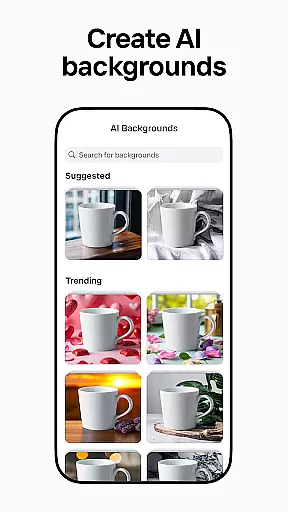
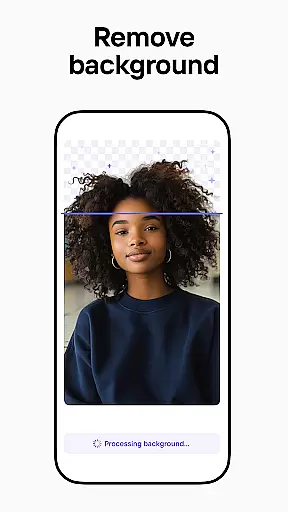
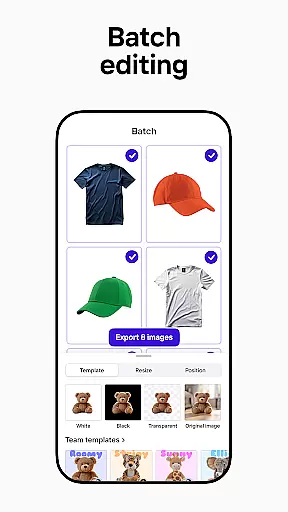

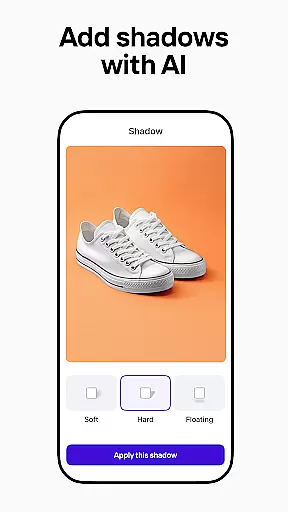
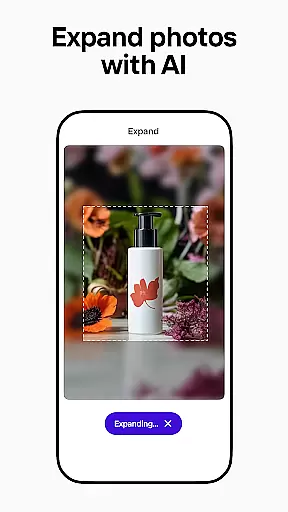
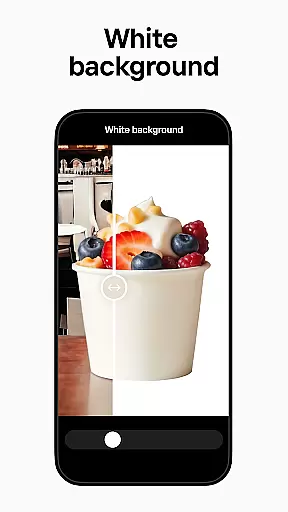
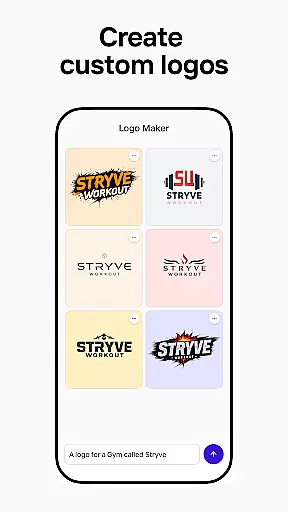
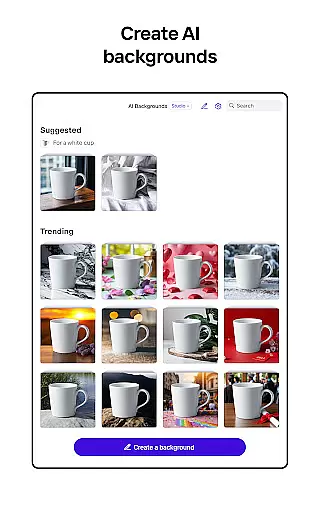
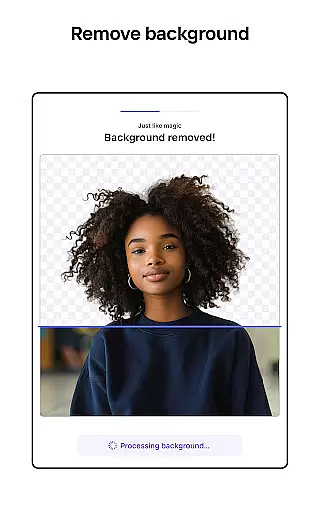
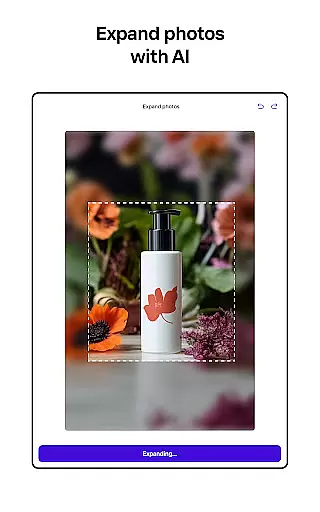
Photoroom AI Photo Editor is a powerful photography app that enables users to create professional-quality images with ease. The app's core functionality revolves around AI-powered design, background removal and replacement, and advanced photo editing tools.
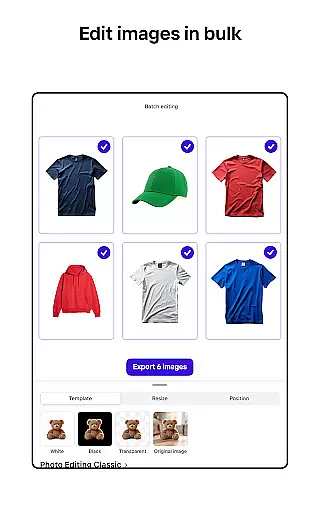
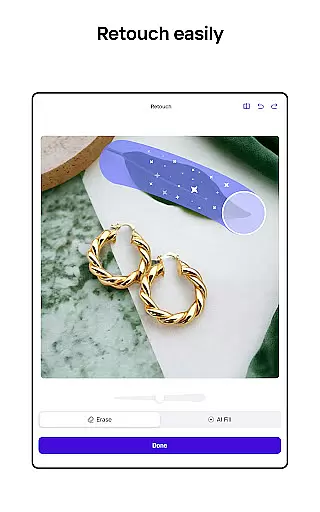
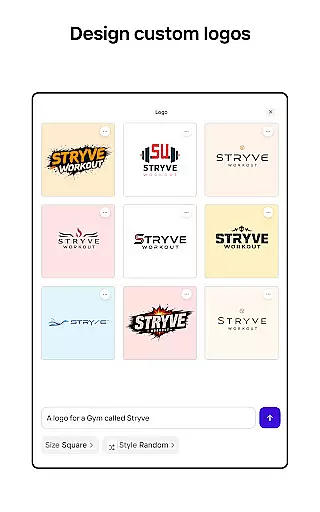
Users can leverage Photoroom's AI technology to generate backgrounds, social assets, scenes, and logos by simply describing their ideas. The app also offers enhanced photo editing features such as object erasure, image cleanup, and lighting adjustments. With batch editing capabilities and platform-specific optimization, it caters to various professional needs.
This app is particularly valuable for e-commerce sellers, content creators, and social media managers who need to produce high-quality visuals for multiple platforms while maintaining brand consistency.
Photoroom stands out with its comprehensive set of AI-powered features designed to streamline the photo editing process. The app's AI design capabilities allow users to create professional assets without any design experience, significantly reducing production time.
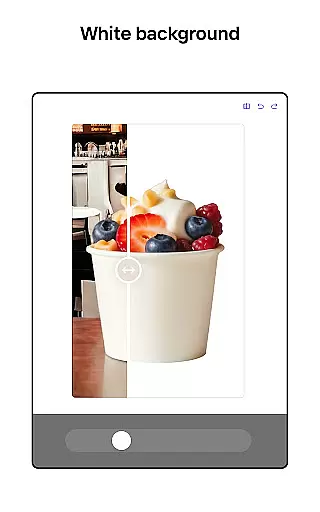
The background removal and replacement feature uses smart algorithms to erase unwanted elements and enhance product photos. Users can transform images instantly by showcasing clothing on virtual models or placing items in beautifully staged scenes using the Product Beautifier tool.
Additional notable features include batch editing for processing multiple images simultaneously, customizable templates for various occasions, and real-time collaboration tools for teams. These features collectively help users maintain consistent branding across all their visual content.
Real-time capture and preview functionality is essential for ensuring that every photo taken meets professional standards. With Photoroom AI Photo Editor, users can instantly see the results of their edits as they make them, providing immediate feedback on changes to backgrounds or object removals.
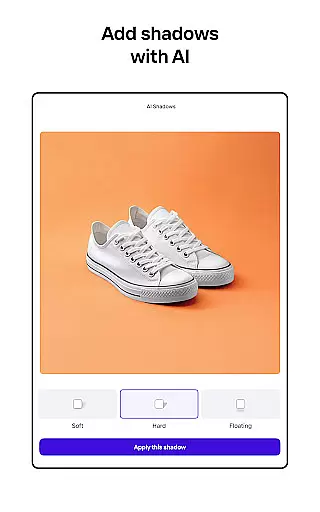
This application leverages advanced AI technology to allow seamless adjustments in lighting, shadows, and sharpness while maintaining the desired background. The real-time preview ensures that users can fine-tune their images with precision, achieving the exact look they envision without any guesswork.
For e-commerce sellers and content creators, this feature significantly enhances productivity by allowing quick iterations and refinements. Users can experiment with different design elements and immediately see how these changes affect the overall image quality, leading to faster decision-making and higher-quality outputs.
Ultimately, real-time capture and preview empower users to produce polished, professional-grade images efficiently. This capability not only saves time but also boosts confidence in the editing process, ensuring that each image aligns perfectly with branding requirements and marketing goals.
The AI Beauty & Enhancement Naturalness feature in Photoroom focuses on refining images while preserving a realistic appearance. By utilizing sophisticated algorithms, the app can erase unwanted objects, clean up imperfections, and enhance photos without making them look overly processed or artificial.
One of the standout aspects of this feature is its ability to maintain the authenticity of human subjects and products alike. Whether smoothing skin textures or adjusting product highlights, the enhancements appear natural and unobtrusive, which is crucial for maintaining viewer trust and engagement.
For social media managers and freelancers, this means delivering content that resonates with audiences on a genuine level. Enhanced images retain their original charm while benefiting from subtle improvements that elevate visual appeal, making posts more attractive across platforms like Instagram, Facebook, and YouTube.
By prioritizing natural enhancement, Photoroom ensures that users can achieve professional results that feel authentic. This approach not only meets industry standards but also supports brand consistency, helping businesses and individuals present their best selves online.
AI-powered design tools
Effortless background removal
Advanced photo editing
Batch processing capability
Real-time collaboration
Premium features locked
Subscription required
Limited free usage
Advanced tools complex
Export limits exist

A collection of tools and reference tables for DPs, ACs, DITs and Operators.
 4.70
4.70
How would you look like with a differently shaped nose, chin or lips?
3.90
[3DSteroid Pro] is a stereoscopic application for Android.
4.30
Turn your phone into a professional camera - full DSLR manual photography
4.30
Photo Exif Editor allows to view, add and modify EXIF data of multiple photos
4.50
A must-have app for landscape photographers
4.60
Smart, light, and fast photo and video gallery
4.30
Welcome to ProShot, the most powerful camera app on Android.
4.20
Solocator stamps photos you take with GPS location, Compass Direction, Date/Time
3.80
Gallery show photo, video, slideshow, is perfect 3D effect private photo albums.
4.80
Easily view, share, delete photos with Gallery.
4.70
Viewfinder, Light meter, Reciprocity failure time, DOF & Bellows Extension
4.60
Automatically backup your photos and videos to computer, NAS and Cloud services
4.60
Add Watermark - Sign your pictures with a text or logo. Effective, quick, easy!
4.50
Virtual makeup, hair filters & body tuner—edit from face to full body!
4.20
Gallery Slideshow is slideshow maker app for slideshow from your gallery photos.
3.90
Turn photos into cartoons & avatars! - Photo Editor, Cartoon Face!
3.90
Be your best in every shot! Fix, edit and retouch your face in selfies & photos.
3.70
Over 800 film simulation recipes for Fujifilm. Black Friday Offer!
4.5


User Reviews