
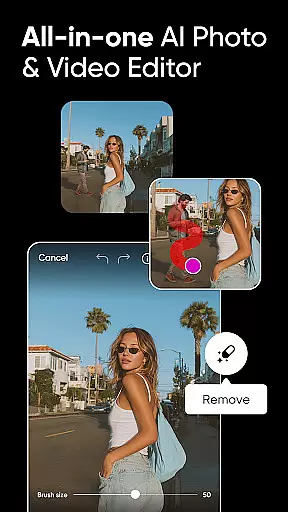


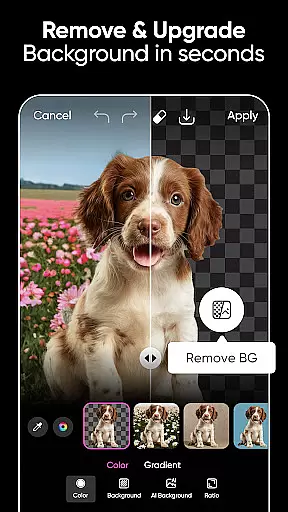
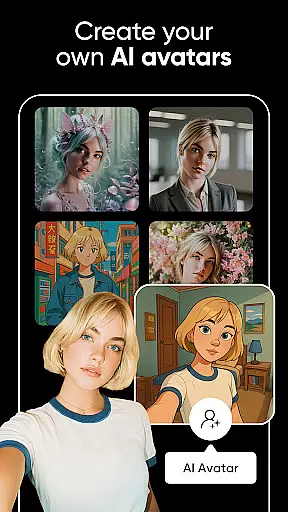

Picsart AI Photo Editor, Video is a comprehensive design studio that combines professional-grade tools with artificial intelligence to empower users in creating stunning visuals. The app offers an extensive suite of features including photo and video editing, background removal, AI enhancements, and graphic design capabilities.
Available for free, Picsart caters to both casual users and professionals who require advanced editing options. Its intuitive interface allows anyone to produce high-quality content, from social media posts to business materials, making it an essential tool for unleashing creativity.
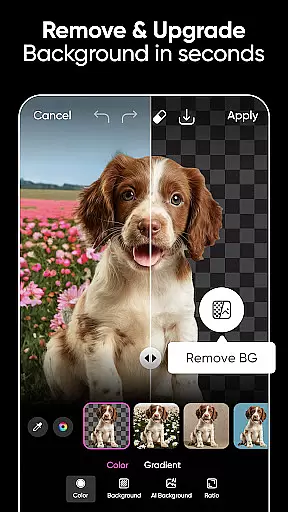
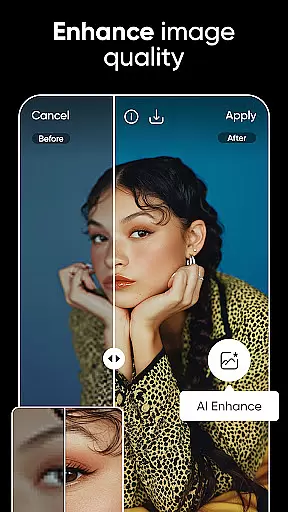
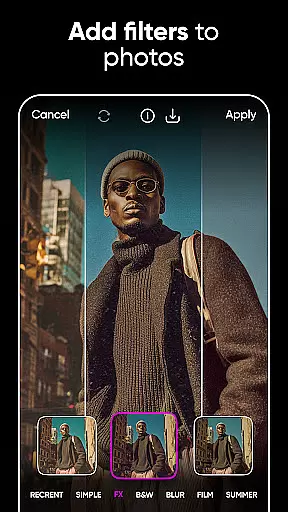
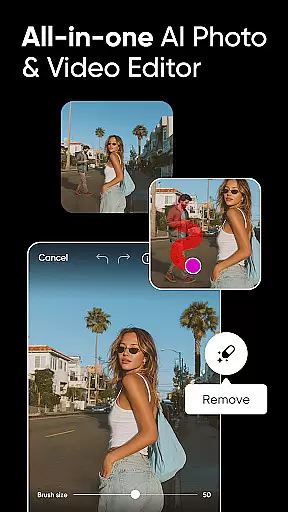
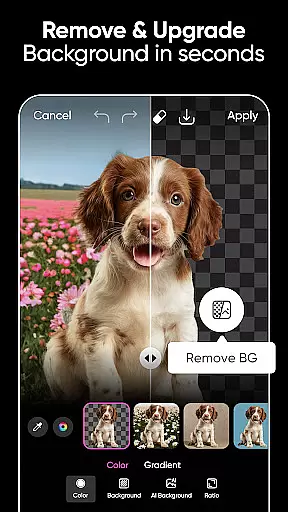
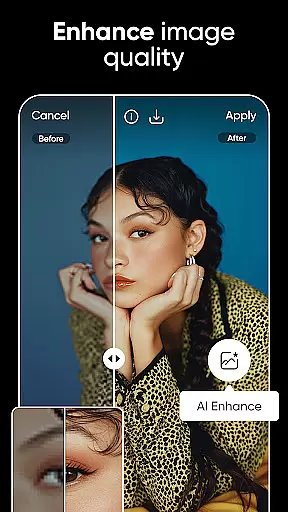
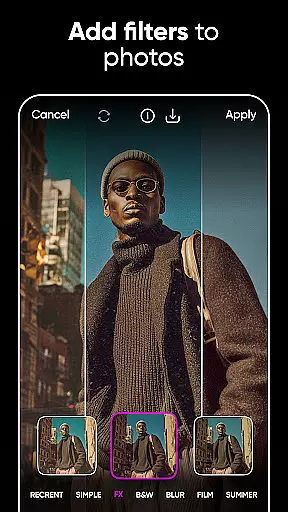
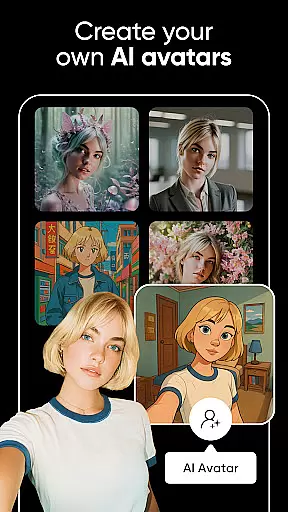
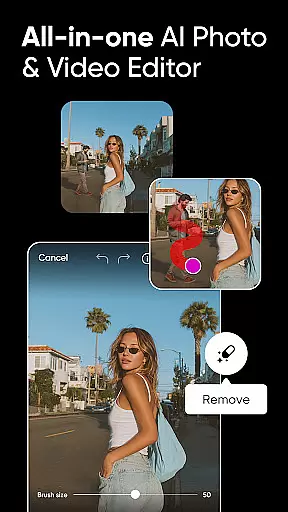
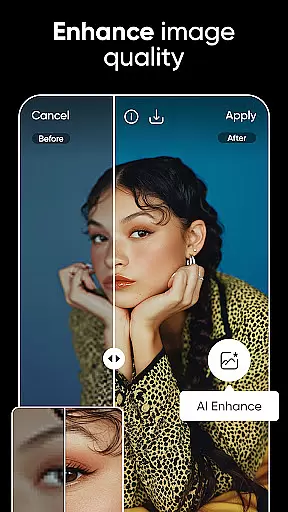
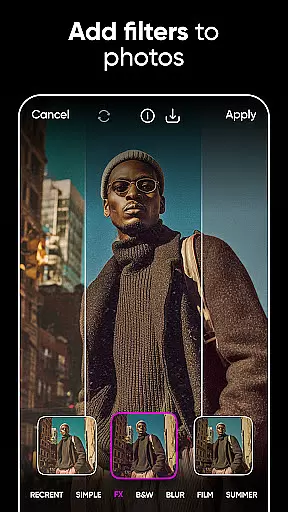
Picsart stands out with its powerful AI-driven tools such as the Background Remover, which allows users to seamlessly change scenes, and the AI Enhance feature that boosts image quality. Users can also experiment with AI filters and effects to transform their photos into works of art.
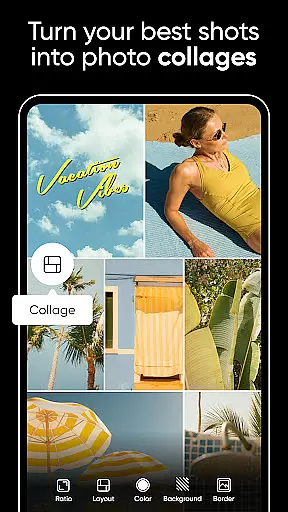
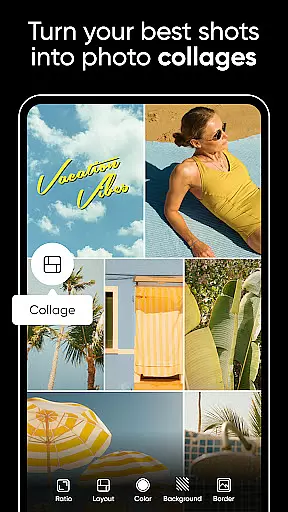
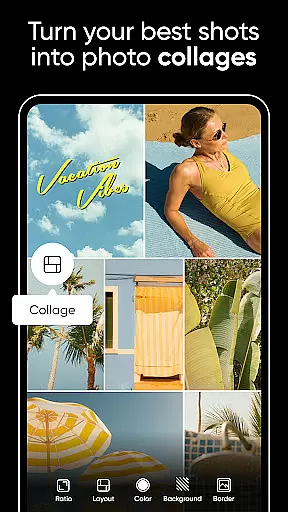
The app provides a rich library of customizable templates, stickers, and fonts, enabling users to personalize their projects extensively. With dedicated video editing features, Picsart ensures that creators can produce captivating videos complete with music and trendy filters.
Real-time capture and preview functionality is essential for any photography app, allowing users to see exactly what their final image will look like before taking the shot. Picsart AI Photo Editor offers a seamless experience in this aspect by integrating advanced AI algorithms that enhance the live viewfinder feed.
The app ensures that every adjustment made, whether it's applying filters or tweaking settings, is instantly reflected in the preview window. This immediate feedback empowers users to make informed decisions about composition, lighting, and effects without any guesswork.
For content creators and photographers, this feature significantly streamlines the workflow. By providing an accurate representation of the end result, Picsart enables users to focus on their creative vision, saving time during post-processing. The real-time preview also supports video editing, ensuring consistent quality across all media formats.
Ultimately, Picsart's real-time capture and preview capabilities ensure that users can achieve professional-grade results with minimal effort. Whether shooting product photos for business or capturing personal memories, the ability to visualize edits instantly enhances both efficiency and creativity.
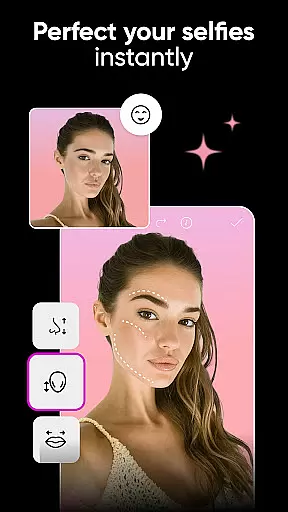
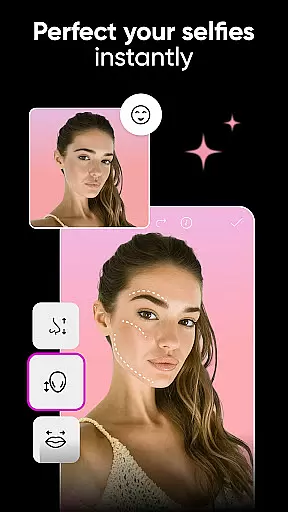
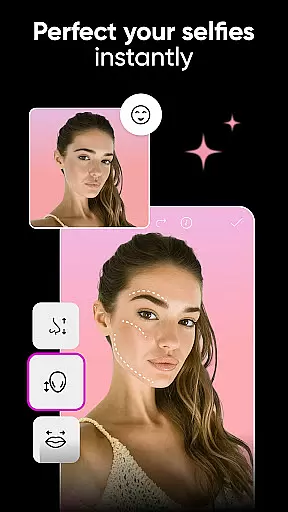
Picsart AI Photo Editor stands out with its AI-powered beauty and enhancement tools that prioritize natural-looking results. Unlike traditional editors that may produce artificial appearances, Picsart leverages sophisticated AI to maintain authenticity while enhancing features.
The AI Enhance tool works by intelligently analyzing facial structures and skin textures to apply enhancements that look genuine. It smooths imperfections without erasing unique characteristics, ensuring subjects retain their individuality. This approach is particularly beneficial for creating professional portraits or social media content where realism is key.
In addition to facial enhancements, Picsart offers a range of retouching options for overall photo improvement. From adjusting lighting to refining details, each tool is designed to elevate image quality while preserving the original essence. Users can fine-tune these adjustments to suit their preferences, striking a perfect balance between enhancement and natural beauty.
By focusing on natural enhancement, Picsart caters to modern aesthetic standards where authenticity is valued over exaggerated edits. This commitment to realistic beauty makes the app a go-to choice for anyone looking to enhance their photos professionally yet subtly.
User-friendly interface
Extensive AI functionalities
Versatile design templates
Comprehensive sticker library
Advanced video editing tools
Some features require subscription
Advertisements present in free version
Occasional performance lags
Limited offline functionality
Learning curve for beginners

Photo editor: face & body editor, beauty cam, filters and quality enhancer.
 4.00
4.00
HD Photo gallery and photo manager to edit, hide private photos, videos & albums
4.1
Create & Edit with AI: AI Remove, Enhance, Retouch, Filter
4.10
Photo prints, cards, & gifts at Walgreens. Easy ordering & fast local pickup !
4.80
Create Business Headshots, Polaroid Filter, Retake Photos,Profile Pics,AI Photos
4.50
Automatically backup your photos and videos to computer, NAS and Cloud services
4.60
Create amazing frames with up to five photos. Rounded corners, effects and more!
3.60
Easily create custom gifts, cards, photo books & more on the Shutterfly app!
4.60
Effortlessly make high-quality GIFs from images & videos without any watermarks.
4.70
Photo editor: AI filters, photo enhancer, pic collage maker, AI art generator.
4.80
Enhance, upscale, and transform your images — on your device, without limits
4.70
Fit multiple photos on one post. Create carousels & scroll layouts for Instagram
4.50
Search, tag and rate your way to an organized image gallery
4.40
[3DSteroid Pro] is a stereoscopic application for Android.
4.30
Smart, light, and fast photo and video gallery
4.30
A light meter for true photographers.
4.20
How would you look like with a differently shaped nose, chin or lips?
3.90
Hair color changer, AI haircut app, fun hair editor and buzz cut filter for all!
3.80
Add a dreamy vibe to your selfies and videos with soft style filters
4.4


User Reviews