
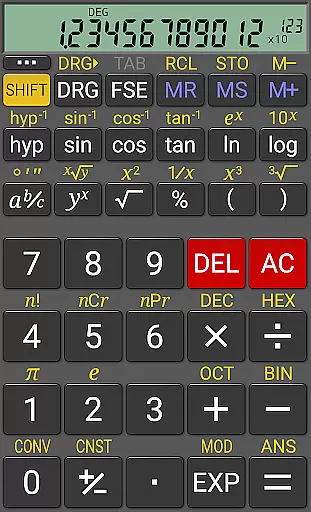
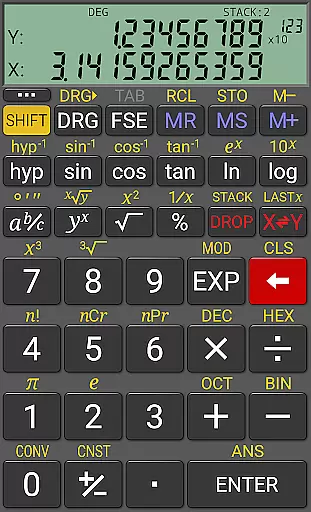
RealCalc Plus is the advanced version of RealCalc, a leading scientific calculator on Android. It mirrors the functionality of a real hand-held calculator and includes all standard scientific functions along with additional capabilities such as fraction calculations, degrees/minutes/seconds conversions, and history tracking. The app also offers customizable unit conversions, constants, and supports binary, octal, and hexadecimal calculations.
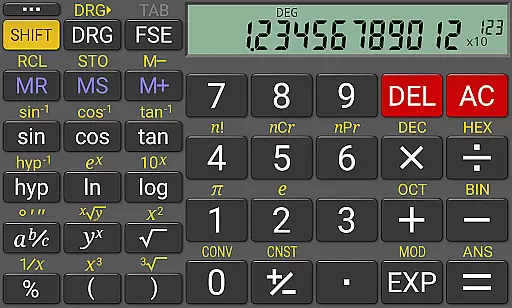
Designed for productivity, RealCalc Plus features a 12-digit display with extended internal precision up to 32 digits. Users can choose from various display styles and formats including scientific, engineering, and fixed-point modes. With its optional RPN mode and multi-window support, this app caters to both traditional algebraic and advanced RPN users, making it an essential tool for students, engineers, and professionals who require precise calculations on their mobile devices.
RealCalc Plus stands out with its comprehensive feature set tailored for scientific and engineering calculations. The app supports traditional algebraic or RPN operations, allowing users to select their preferred method. Fraction calculations and conversions to/from decimal are seamlessly integrated, alongside degrees/minutes/seconds calculations and conversions, catering to diverse mathematical needs.
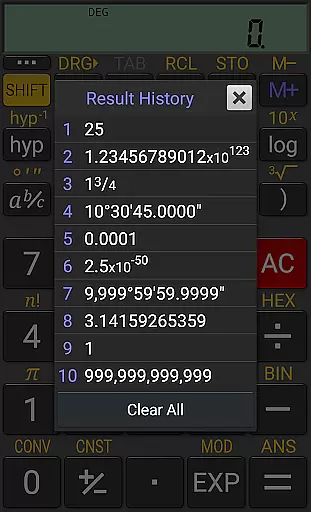
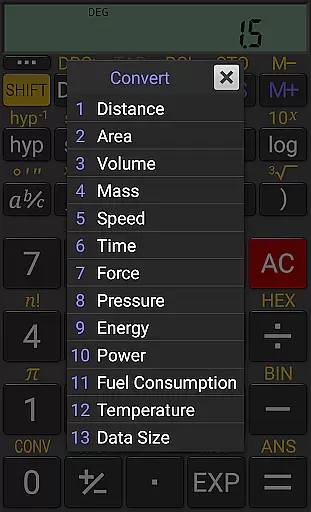
One of the key highlights is the user-customizable unit conversions and constants, which provide flexibility in handling different measurement systems and physical constants. The app maintains a result history and includes 10 memories for storing important values. Additionally, RealCalc Plus offers three distinct RPN styles, multi-window support with drag & drop, and external keyboard compatibility, ensuring a versatile and efficient user experience across various use cases.
RealCalc Plus excels in core task management by offering a comprehensive suite of scientific and mathematical functions. This includes traditional algebraic or RPN operation, enabling users to perform complex calculations with ease.
The calculator supports fraction calculations, conversion to/from decimal, and degrees/minutes/seconds computations. These features ensure that users can tackle a wide range of tasks, from basic arithmetic to advanced scientific equations, all within a single application.
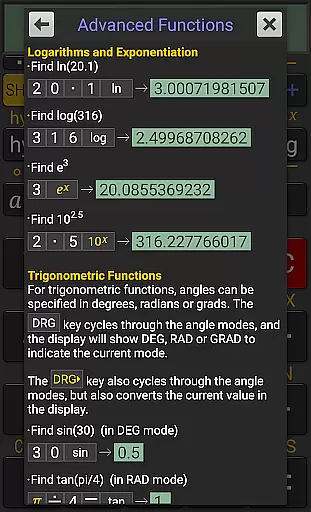
With 12-digit display and extended internal precision of up to 32 digits, RealCalc Plus provides accuracy and reliability for both simple and intricate calculations. The inclusion of trigonometric functions in degrees, radians, or grads further enhances its versatility.
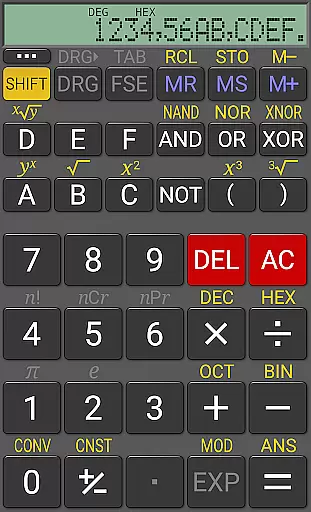
Moreover, the app's support for binary, octal, and hexadecimal calculations caters to professionals in computer science and engineering, making it an indispensable tool for productivity across various fields.
While RealCalc Plus focuses primarily on providing a robust set of calculation tools, it also offers reliable cross-device functionality through its intuitive design and consistent performance. Although direct cloud synchronization isn't its main feature, the app ensures that calculations remain accurate and accessible across different Android devices.
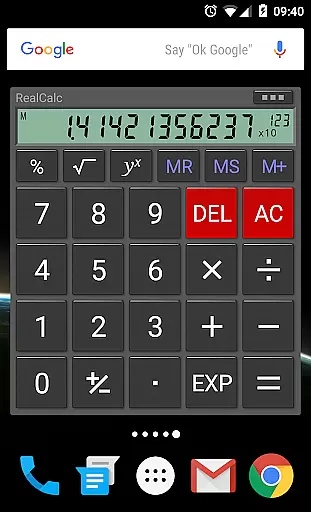
The inclusion of a homescreen widget with RPN support allows users to access their most recent calculations quickly, regardless of the device they are using. This instant access contributes to a seamless experience when switching between devices.
RealCalc Plus supports external keyboard input, which is particularly useful for users who work across multiple devices with varying input methods. This feature enhances the app's adaptability in different working environments.
Additionally, the app's multi-window support with drag & drop functionality enables efficient multitasking. Users can maintain workflow continuity even when alternating between different applications and devices, ensuring that their productivity remains uninterrupted.
User-friendly interface
Customizable settings
High precision calculations
Comprehensive help included
Versatile calculation modes
Paid version only
No graphing capabilities
Limited visual themes
Advanced features may overwhelm beginners
Occasional performance lags

Unlock AutoNotification
 4.00
4.00
Android Wallet Password Manager
4.80
We're working to become the best machining app on the market! www.cncdirt.com
4.80
Absolutely the best CNC machinist speed and feed calculator around. fswizard.com
4.60
Pwnagotchi companion app
4.20
Stay on top of your to-dos with Google Tasks, part of Google Workspace.
4.60
Enjoy classic gameplay with customizable features and retro-style graphics.
4.30
Intelligent AI Assistant
4.10
Lightweight PDF, Word, Excel reader.
4.60
Best Tool for the professionals Electrician, Electrical contractors, etc.
4.90
Mind Map and brainstorm, note taking and idea collection
4.80
Understand anything with a personalized AI research assistant
4.80
Scan paperwork into PDF/JPG, generate your own e-signature and send fax or email
4.70
Tally and goal counter for Wear OS & mobile
4.50
CalenGoo is a very flexible and feature-rich calendar app
4.40
Share files & memories safely. Keep your photos and videos secure.
4.40
A Revolutionary All-in-One Artificial Intelligence Tools
3.80
Auto-shutoff Alarm with Sunrise, Sunset & Fixed Options.
3.50
ID.me Authenticator is a simple and free Two Factor Authentication solution
3.50


User Reviews