
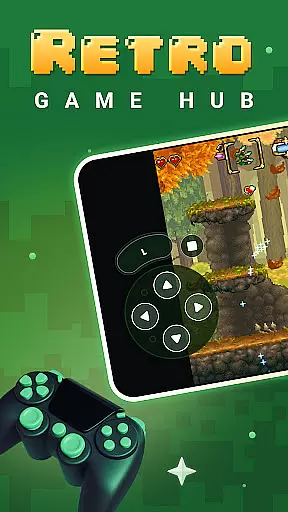
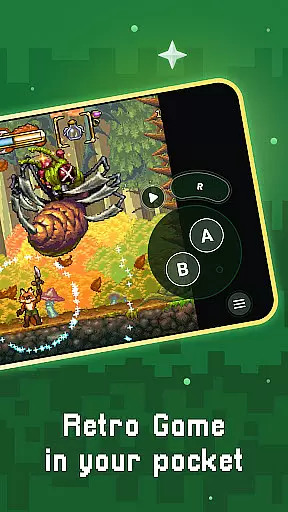
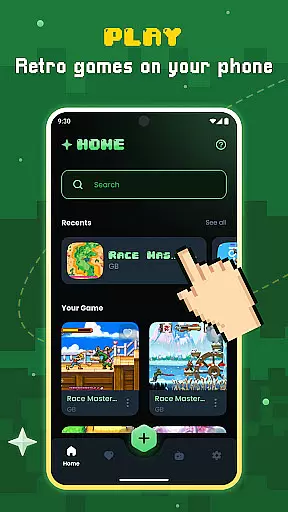
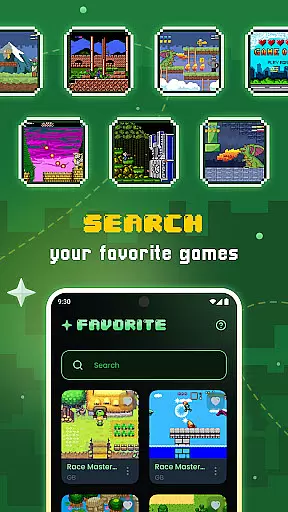
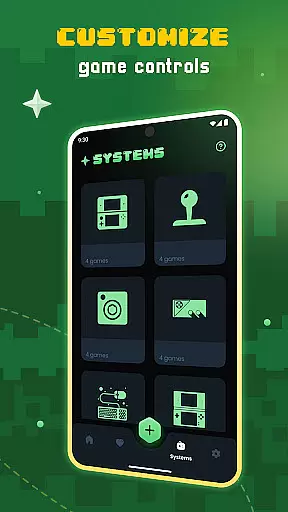
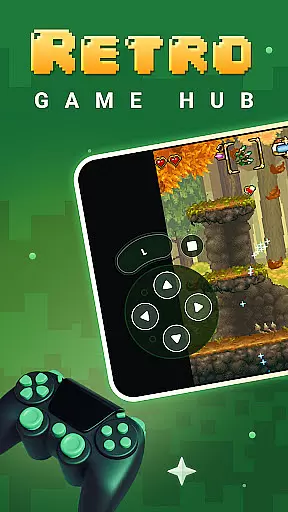
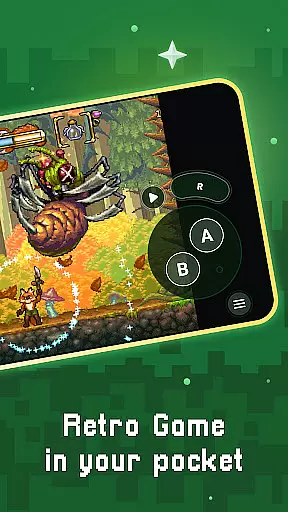
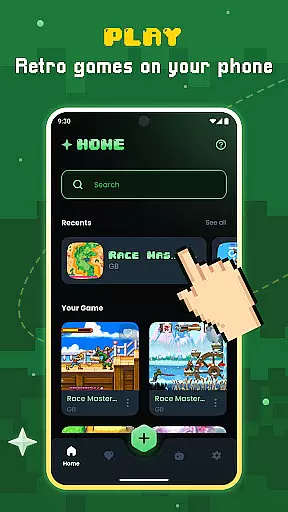
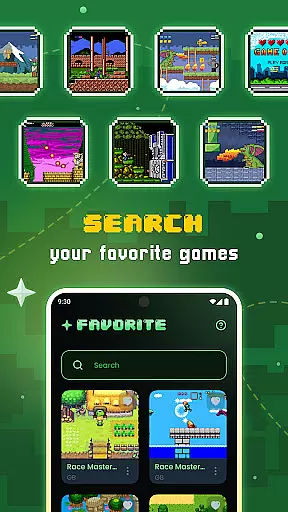
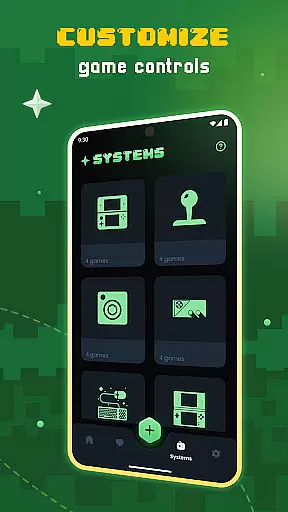
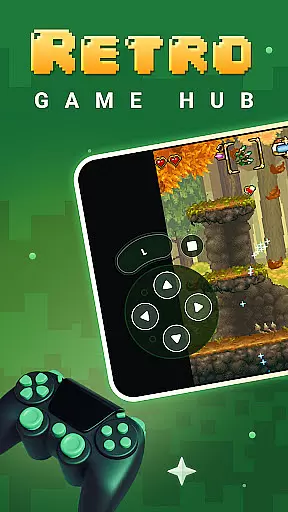
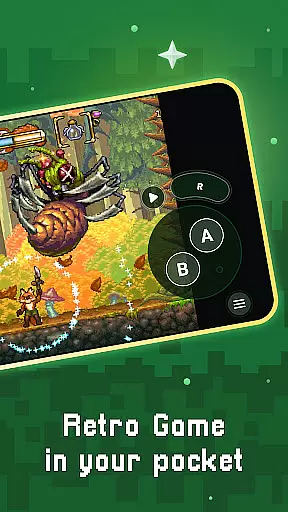
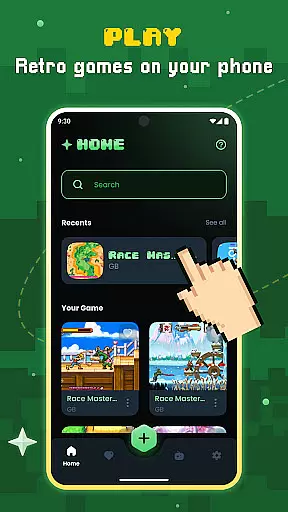
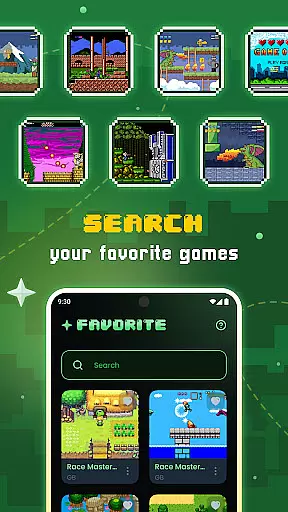
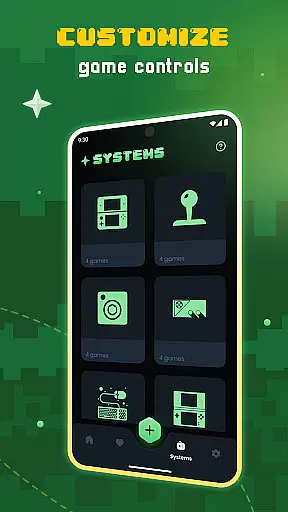
Gamu is a versatile retro gaming emulator that allows users to relive classic video game experiences on modern devices. The app supports a wide range of retro game formats and is compatible with multiple platforms including PC, Mac, Linux, Android, and iOS. Gamu's key features include auto-save functionality, optimized virtual controls, and support for external game controllers.
One standout aspect of Gamu is its integration with Libretro, a powerful cross-platform framework that ensures smooth performance across various devices. The app also offers advanced display options like visual filters and fast-forward mode, making it an ideal choice for both casual gamers and retro gaming enthusiasts. With regular updates and a completely free, ad-free model, Gamu delivers a seamless and enjoyable gaming experience.
Gamu stands out with its comprehensive feature set tailored for retro gaming enthusiasts. The app provides automatic saving and resuming of game progress, ensuring users never lose their place. Its built-in library organization system scans and catalogs game files efficiently, while support for compressed files (.zip) simplifies storage and access.
For an enhanced user experience, Gamu includes customizable on-screen buttons, motion controls, and quick save/load slots. Advanced display options such as LCD/CRT simulation filters and fast-forward mode cater to users seeking authentic retro visuals. Additionally, the app supports cloud syncing for game saves and local multiplayer with multiple controllers, making it a robust all-in-one solution for retro gaming.
Gamu offers a robust set of features that redefine how users manage their gaming tasks and productivity. At its core, the app provides seamless organization of game files through automatic scanning and cataloging, ensuring that every title is easily accessible.
One standout feature is the auto-save and resume functionality, which allows users to pick up exactly where they left off without any hassle. This ensures that gaming sessions are not only efficient but also tailored to fit into busy lifestyles.
The quick save/load slots further enhance task management by giving users the flexibility to save progress at multiple points. This granular control over game states makes it easier than ever to balance gaming with other daily activities.
Additionally, Gamu supports cloud sync for saves, enabling cross-device access to game progress. Whether you're switching from a mobile device to a desktop or vice versa, your data remains consistent and up-to-date.
Cross-device synchronization is a cornerstone of Gamu's appeal, particularly for users who switch between multiple devices throughout their day. The app employs reliable cloud-based technology to ensure that game saves and preferences are consistently updated across platforms.
This synchronization extends beyond mere convenience; it enhances the overall user experience by allowing real-time updates. Whether you're playing on an Android phone during your commute or switching to a PC at home, your progress is always intact.
Gamu also supports external game controllers, making it easy to maintain a uniform gaming experience regardless of the device in use. With compatibility across PC, Mac, Linux, and mobile operating systems like iOS and Android, the transition between devices is smooth and interruption-free.
Furthermore, regular updates and improvements to the synchronization process guarantee optimal performance. Users can trust that their gaming sessions will be as reliable as they are enjoyable, no matter where or how they choose to play.
User-friendly interface
Wide system compatibility
Regular feature updates
Cloud save functionality
Completely free and ad-free
No included games
Hardware-dependent performance
Limited to retro systems
Requires manual setup
Controller support varies

Experience Reading - Night Mode for Documents
 4.40
4.40
Create study competitions, track your hours, and stay consistent with friends
4.0
Automates browsing any website and notifies you of important changes or events
4.30
The upgraded version of Name Wheel with AI and the power to add your own wheels.
4.0
Mind Map and brainstorm, note taking and idea collection
4.80
Secure, fast, open-source, Remote Desktop Client for Windows and Linux with SSH
4.60
Functional QR scanner and barcode reader that requires little storage space.
4.60
All document reader, all in one file viewer read PDF, DOCX, XLS, PPT, TXT files.
4.60
Great calculator for Android named one of USA TODAY's "25 Essential Apps".
4.90
Scan paperwork into PDF/JPG, generate your own e-signature and send fax or email
4.70
The AI assistant that thinks with you - write, code, and solve complex tasks
4.60
Calendar 2023 widget for Android. Appointment scheduler, planner, and reminder
4.60
Send files, sync SMS, notifications & clipboard across devices via local network
4.40
CalenGoo is a very flexible and feature-rich calendar app
4.40
This small app MUST BE INSTALLED after purchase, else license won't work
4.40
When you Focus, so will your Bean in this cozy focus timer
4.30
Device's storage information in a simple and clear graphical form (infographics)
4.10
Customizable calendar widget for seamless event sync, planning & scheduling.
4.00
Create and edit presentations with Google Slides, part of Google Workspace.
4.00


User Reviews