
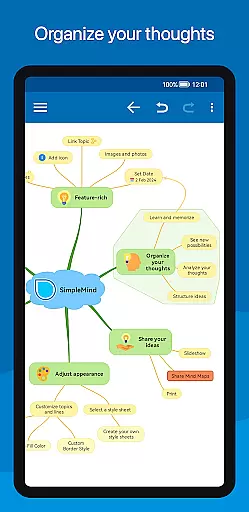
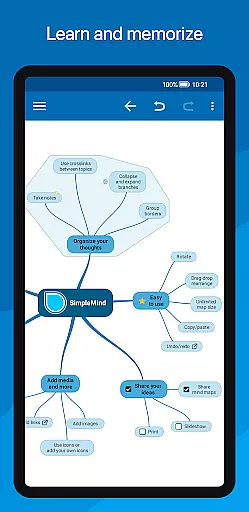
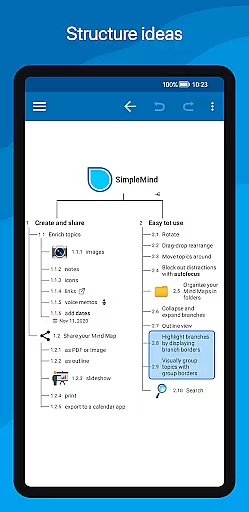
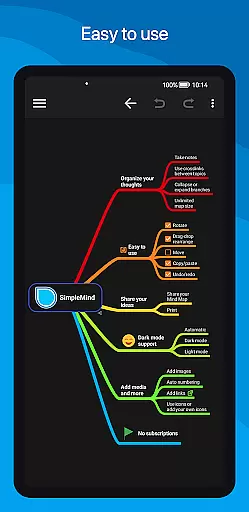
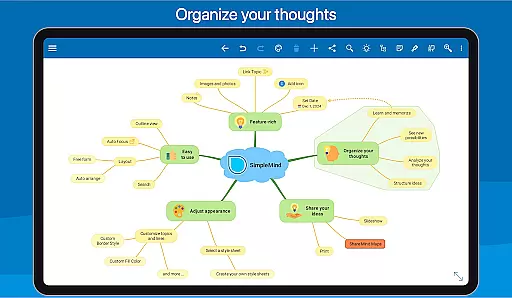
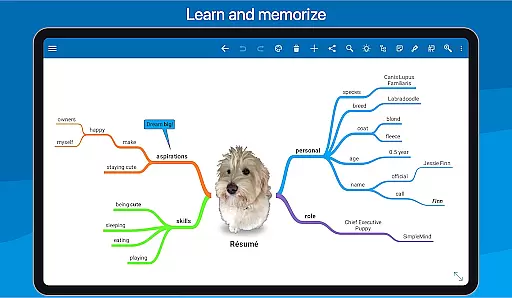
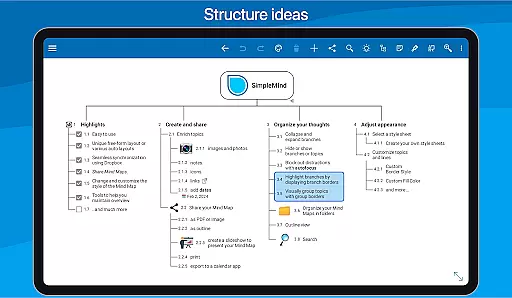
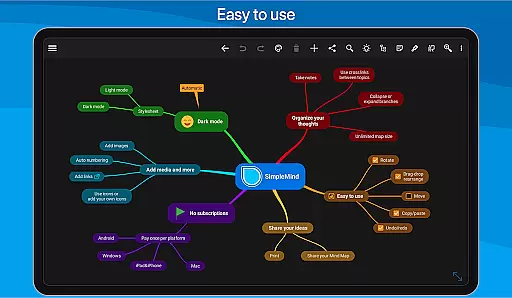
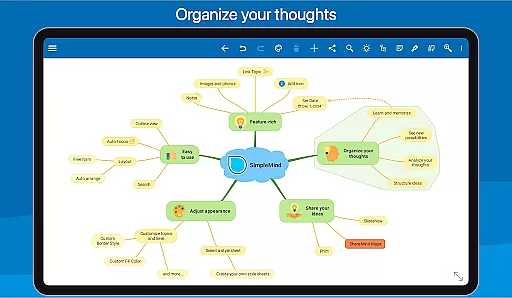
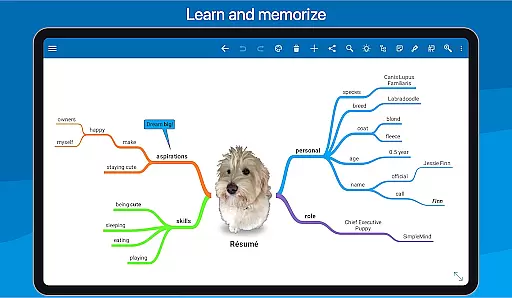
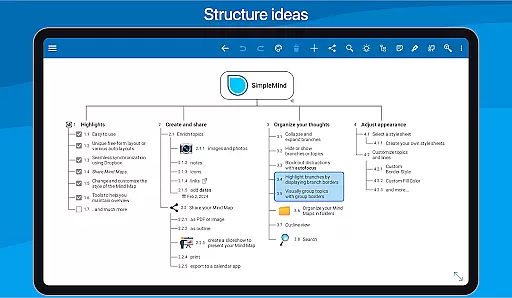
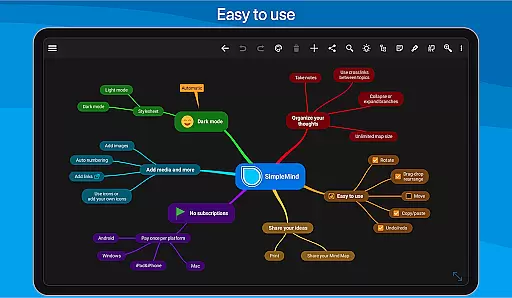
SimpleMind Pro is a premier mind mapping application designed to help users organize thoughts, retain information, and generate innovative ideas. The app offers an intuitive interface that allows for effortless creation of mind maps across various platforms, including Android, Windows, and Mac. Its synchronization feature ensures seamless access to your mind maps wherever you are, making it ideal for professionals, educators, and creatives.
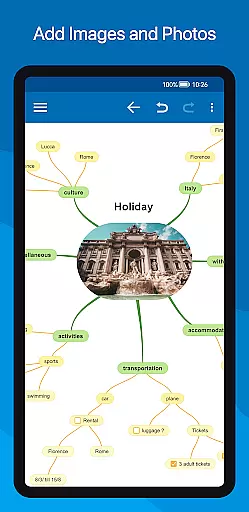
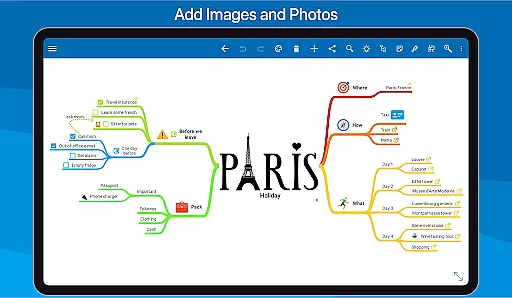
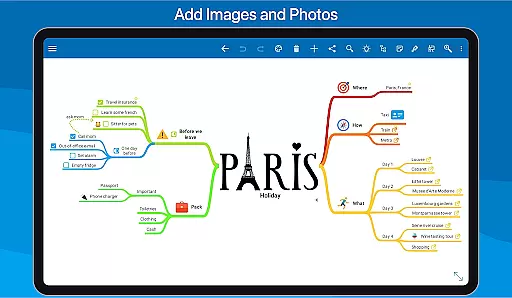
The app stands out with its unique free-form layout and auto-layout options, catering to different thinking styles and project requirements. SimpleMind Pro also supports the integration of multimedia elements such as images, videos, and voice memos, enhancing the depth and utility of each mind map. With tools for styling, sharing, and maintaining an overview of complex projects, this app proves invaluable for anyone looking to streamline their thought process and improve productivity.
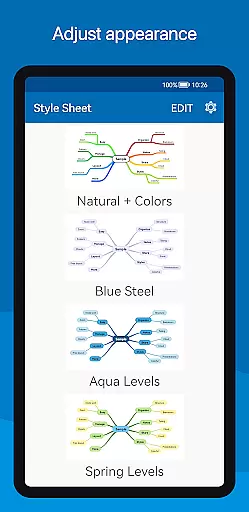
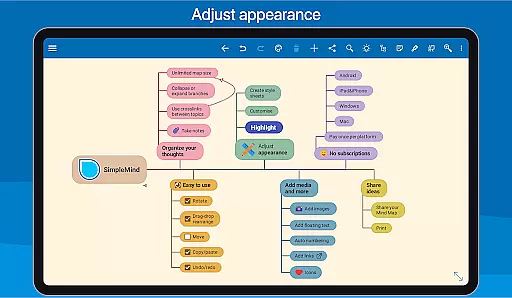
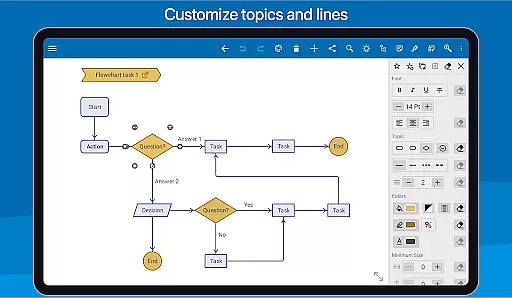
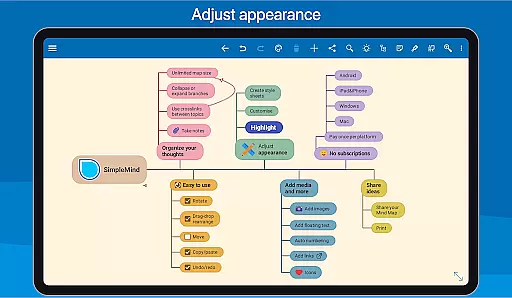
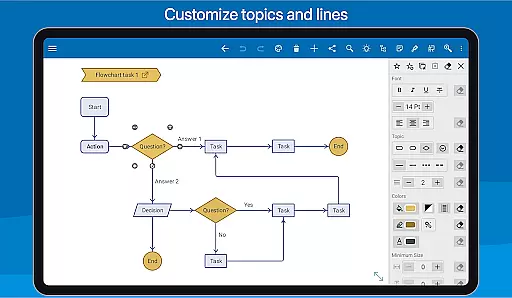
SimpleMind Pro boasts a range of features tailored to enhance the mind mapping experience. One of its key strengths is the ability to customize the layout and style of mind maps extensively. Users can choose from multiple pre-designed style sheets or create their own, allowing for personalized and visually appealing presentations. The app's free-form layout provides the flexibility to place topics anywhere on the canvas, while auto-layout options facilitate brainstorming sessions by organizing ideas automatically.
Another standout feature is the seamless synchronization across devices and platforms using cloud services like Dropbox. This ensures that users can access and edit their mind maps from any device, promoting collaboration and continuity. Additionally, SimpleMind Pro offers robust tools for maintaining an overview of large projects, such as collapsing and expanding branches, hiding or showing specific sections, and using autofocus to minimize distractions. These capabilities make it an indispensable tool for managing complex information efficiently.
SimpleMind Pro excels in core task management by offering a versatile mind mapping experience that helps users organize thoughts and generate ideas effectively. The app provides both free-form and auto-layout options, allowing users to place topics anywhere or utilize pre-set arrangements for brainstorming sessions.
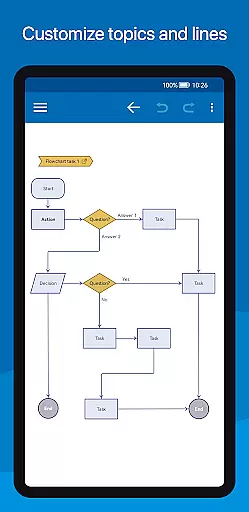
With features like drag-and-drop reorganization, checkboxes, progress bars, and auto-numbering, the app ensures tasks are easy to manage and track. Users can also connect any two topics with crosslinks and label relations, which is crucial for visualizing complex projects and maintaining an overview of various tasks.
The virtually unlimited page size and support for multiple mind maps on one page make it possible to handle large-scale projects without feeling constrained. This flexibility empowers users to create detailed task hierarchies and manage extensive workflows seamlessly within a single, intuitive interface.
Cross-device synchronization is a standout feature of SimpleMind Pro, ensuring reliable access to mind maps across various platforms. By leveraging cloud services like Dropbox, the app allows users to sync their mind maps effortlessly between Android devices and even with desktop versions available on Windows or Mac as a separate purchase.
This seamless synchronization capability means that whether you're at home, in the office, or on the go, your mind maps are always up-to-date and accessible. It eliminates the risk of losing important data and ensures continuity in your workflow no matter where you choose to work from.
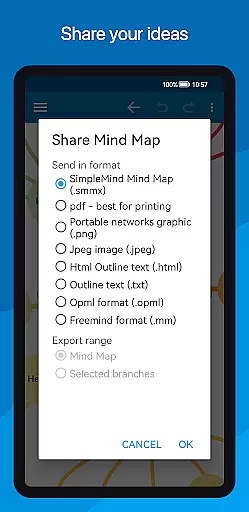
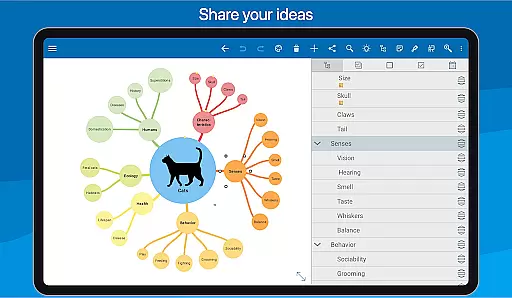
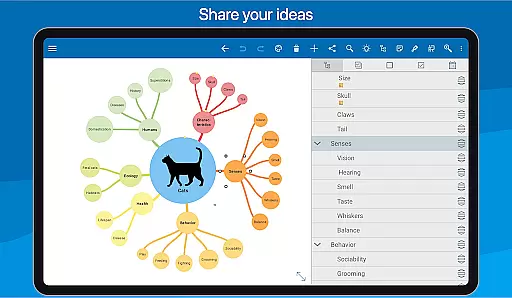
Furthermore, sharing options such as exporting to PDF or image formats enable easy collaboration and presentation of ideas. With consistent updates and improvements over 10+ years, SimpleMind Pro has established itself as a trustworthy tool for maintaining productivity through reliable cross-device synchronization.
User-friendly interface
Extensive customization options
Seamless cross-platform sync
Robust multimedia support
Trusted and reliable with regular updates
Premium version comes at a cost
Steeper learning curve for beginners
Limited free version features
Occasional sync issues reported
Resource-intensive on older devices

All in one sketching tool. Technical and General drawing. Online Maps support.
 3.70
3.70
8 custom complications. Custom Time Fonts. Beautiful color schemes. A++ Design.
5.00
Automates browsing any website and notifies you of important changes or events
4.30
App Lock with fingerprint, password: Lock apps & hide photos with lock screens
4.60
ID.me Authenticator is a simple and free Two Factor Authentication solution
3.50
Quickly and easily keep track of your work shifts
4.70
Secure your apps with lock screens, use custom themes and different features.
4.40
Share files & memories safely. Keep your photos and videos secure.
4.40
AT&T Internet customers can use this app to personalize their Wi-Fi network.
4.40
Secure, fast, open-source, Remote Desktop Client for Windows and Linux with SSH
4.60
Stay on top of your to-dos with Google Tasks, part of Google Workspace.
4.60
Functional QR scanner and barcode reader that requires little storage space.
4.60
All document reader, all in one file viewer read PDF, DOCX, XLS, PPT, TXT files.
4.60
Experience Reading - Night Mode for Documents
4.40
Device's storage information in a simple and clear graphical form (infographics)
4.10
Font maker keyboard with your own handwriting
4.10
⏰ Finally a timer app which can run multiple timers simultaneously on your watch
3.90
Access your phone's notifications, calls, apps, photos & texts on your PC
3.90
Auto-shutoff Alarm with Sunrise, Sunset & Fixed Options.
3.50


User Reviews