
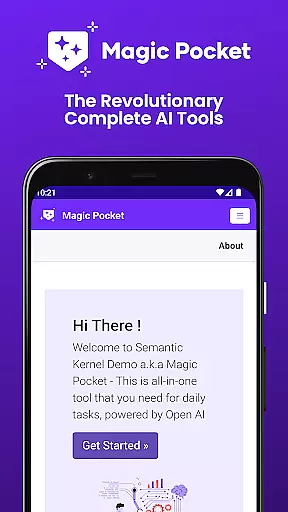
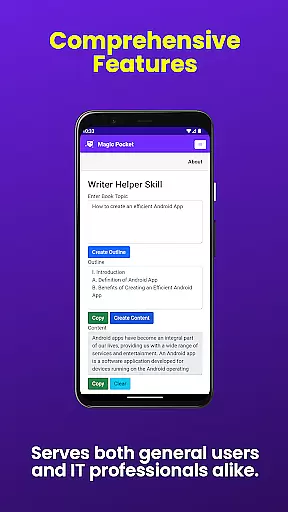
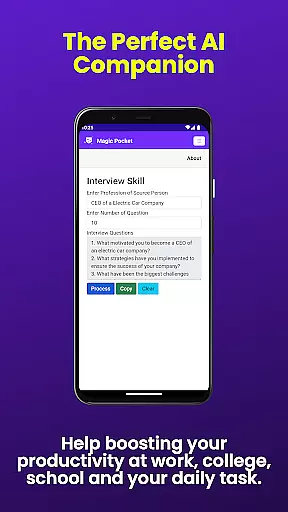
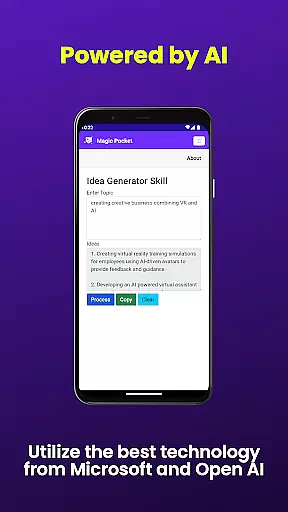
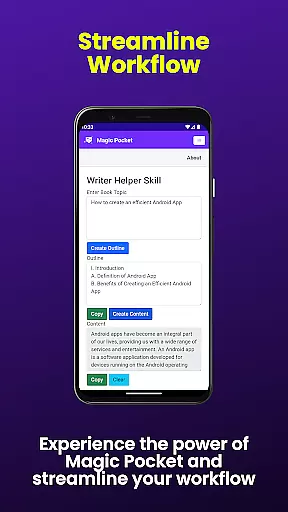
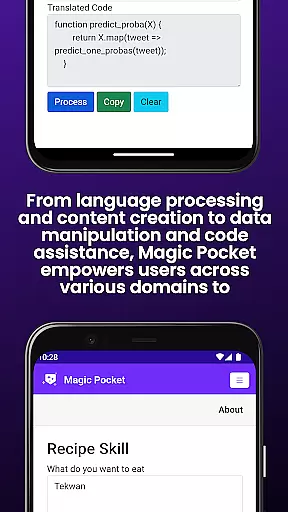
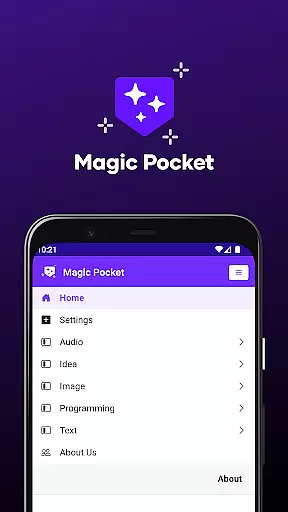
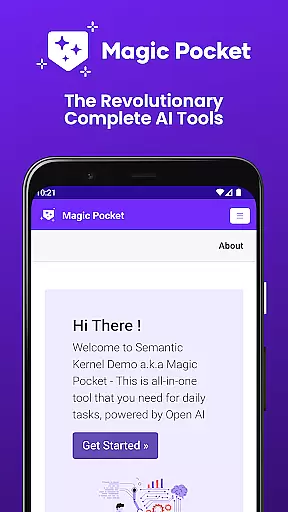
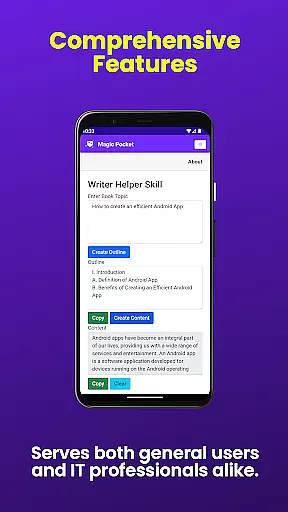
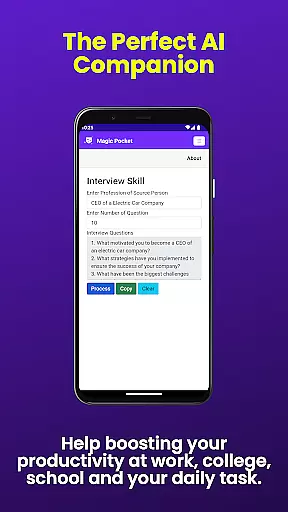
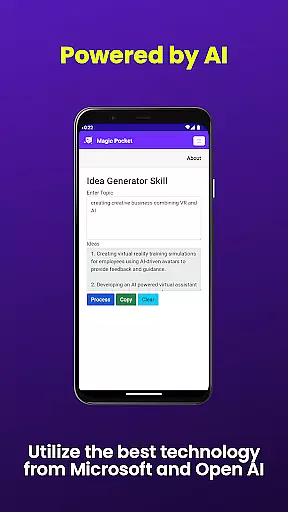
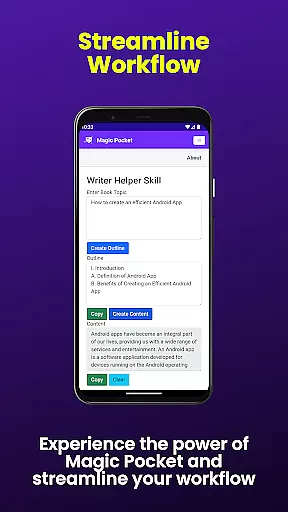
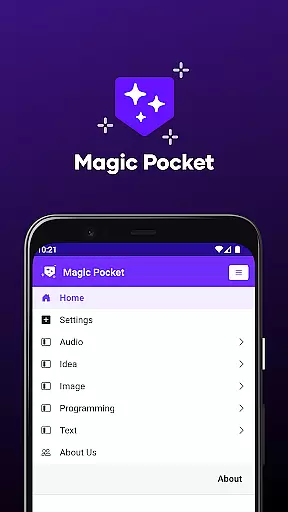
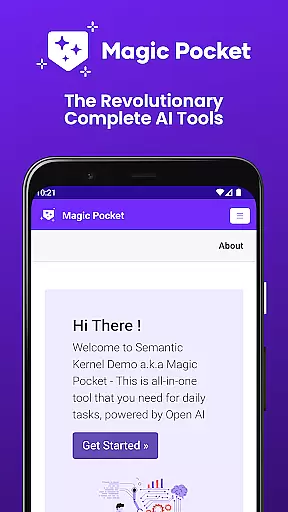
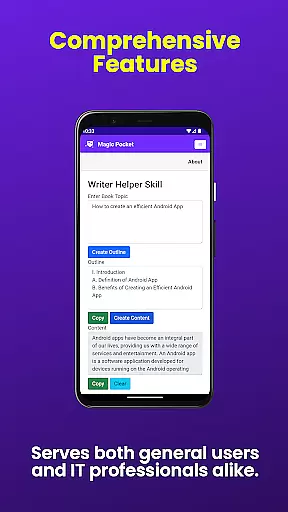
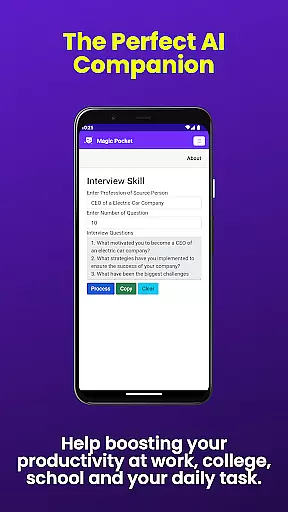
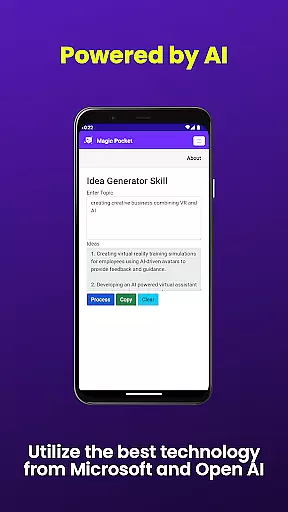
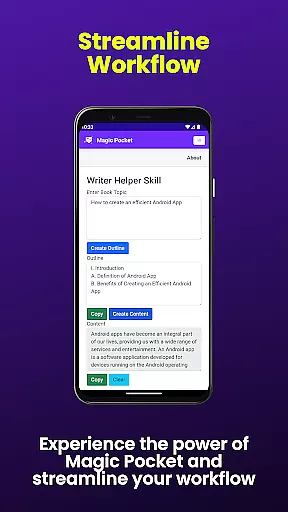
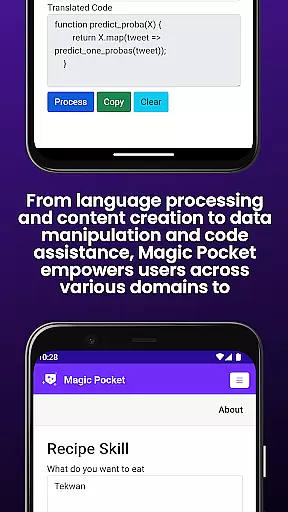
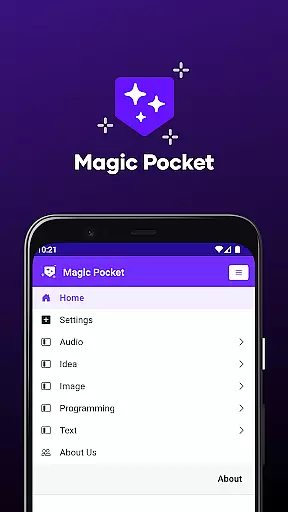
Magic Pocket is a productivity powerhouse, offering users an extensive suite of 100 cutting-edge features designed to enhance creativity and efficiency. Available on Android and Windows platforms, this app provides innovative tools for media management, creative projects, and text transformation.
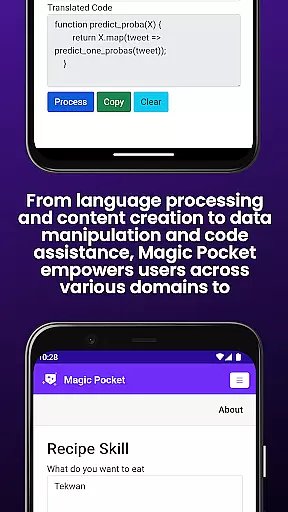
At its core, Magic Pocket enables seamless video conversations, smooth speech-to-speech translation, and effortless content conversion between HTML and Markdown formats. The application stands out with its AI-driven image and video processing capabilities, including features like Image Inversion, Video Background Change, and Luma Video Generator.
This versatile tool proves invaluable for professionals and creatives alike, allowing them to generate high-quality assets, extract data from images, and create stunning visual content across various formats. Whether you're crafting professional headshots or developing complex 3D assets, Magic Pocket streamlines these processes while maintaining exceptional quality standards.
The application's feature set spans multiple productivity domains, starting with its powerful media transformation tools. Users can convert images to emojis, transform text to realistic handwriting, and generate vector images with remarkable clarity. The inclusion of advanced AI models like Sana and Photon enables sophisticated image generation capabilities.
Magic Pocket excels in animation and video processing, offering unique functions such as Image to 2D Animation conversion, Video to Video generation, and Foreground Extractor technology. These features are complemented by practical tools like Video Caption addition and Resolution Enhancement, making it an indispensable asset for content creators.
What truly sets Magic Pocket apart is its comprehensive approach to cross-format content creation. From Trellis 3D Asset generation to Handwriting simulation and Recraft Image creation, each feature is designed to save time while maintaining professional-grade output quality across different media types.
Task management is a cornerstone of productivity applications, and Magic Pocket excels in this area by offering an extensive suite of tools designed to streamline your workflow. With features like Talk with Video and Add Video Caption, users can efficiently manage multimedia tasks without switching between different apps.
Magic Pocket's implementation of task management extends beyond traditional to-do lists. The app provides specialized functions such as Video Foreground Extractor and Change Video Background, which allow users to manipulate video content directly within the app. This integration ensures that creative professionals can complete complex projects without leaving the Magic Pocket environment.
The real value for users lies in the app's ability to consolidate various task-oriented features into one platform. Whether you're extracting data from images using Extract Image Data or generating 3D assets with Trellis, each tool is optimized for both efficiency and ease of use. This comprehensive approach saves time and enhances overall productivity.
Moreover, Magic Pocket's innovative features like Sana Image Generator and Photon Image Generator demonstrate how modern AI technology can be harnessed to create powerful productivity tools. These capabilities not only help users accomplish tasks faster but also enable them to explore new creative possibilities, making Magic Pocket an indispensable tool for both professional and personal projects.
In today's interconnected world, reliable cross-device synchronization is crucial for maintaining productivity across multiple platforms. Magic Pocket addresses this need by providing seamless integration between Android and Windows devices, ensuring that your work remains consistent regardless of which device you're using.
The application achieves this through its cloud-based architecture, which automatically syncs all user data, preferences, and project files in real-time. Whether you're working on an image transformation using Image to Emoji on your phone or generating vector graphics with Vector Image Generator on your PC, you can trust that your progress will be instantly available on all your devices.
This synchronization capability extends to more complex workflows as well. For instance, when using Luma Video Generator or Video to Video Generator, users can start a project on one device and continue refining it on another without losing any quality or configuration settings. This flexibility empowers users to work according to their preferred schedule and location.
Magic Pocket's commitment to reliable synchronization is further demonstrated through its robust backup system and version control features. These ensure that even if technical issues arise, users can always retrieve their latest work or revert to previous versions. Such comprehensive data protection measures make Magic Pocket a trustworthy solution for managing important projects across different devices.
Extensive feature set
Cross-platform support
AI-powered tools
Professional-grade output
Innovative content creation
Steep learning curve
Resource-intensive
Complex interface
Premium pricing
High system requirements

Native client for Forgejo and Gitea
 5.00
5.00
Smart PDF reader & editor to view, organize and manage PDF documents easily.
3.70
Make your handwriting beautiful, even more than pen on paper.
3.60
Tally and goal counter for Wear OS & mobile
4.50
Access, manage and transfer files on Android, PC, Mac, NAS and cloud storages.
4.30
A Pixel Art watchface inspired by other iconic 90s designs for Wear OS devices!
4.40
This small app MUST BE INSTALLED after purchase, else license won't work
4.40
AT&T Internet customers can use this app to personalize their Wi-Fi network.
4.40
Set up, print, and get support—in one place
4.20
Simple notepad & memo. Take notes, to-do list, shopping list with reminders.
4.80
Secure, fast, open-source, Remote Desktop Client for Windows and Linux with SSH
4.60
App Lock with fingerprint, password: Lock apps & hide photos with lock screens
4.60
Subscribe to Webcal & .ics calendars and keep them up-to-date!
4.50
Docker, Kubernetes management over Portainer Mobile
4.40
Enjoy classic gameplay with customizable features and retro-style graphics.
4.30
Font maker keyboard with your own handwriting
4.10
Take control of your clipboard with Clipper!
3.90
All in one sketching tool. Technical and General drawing. Online Maps support.
3.70
Find and delete junk files & block unwanted notifications & manage files
3.70


User Reviews