
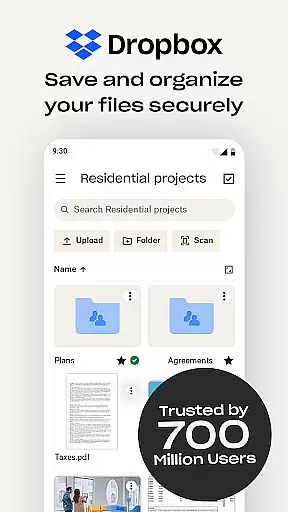
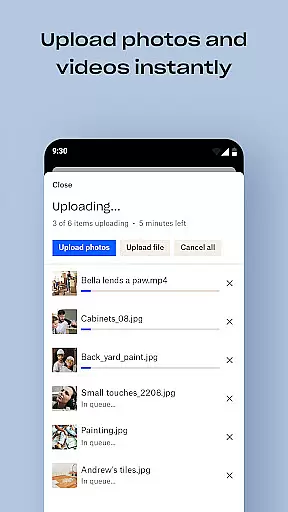
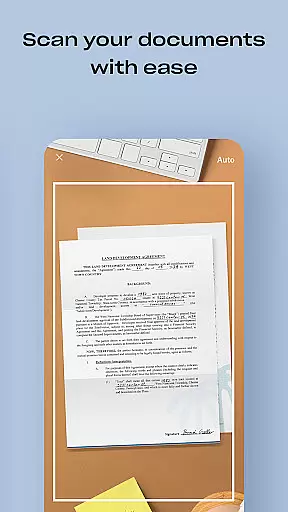
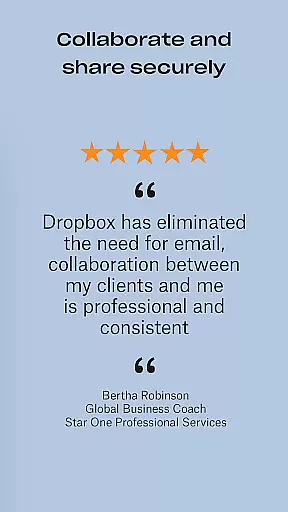
Dropbox is a leading cloud storage solution that allows users to securely backup, access, and manage their essential files from any location. With over 700 million registered users globally, it provides reliable and private file management for individuals and teams. The service offers automatic photo uploads, offline file access, and easy sharing of large files through simple links.
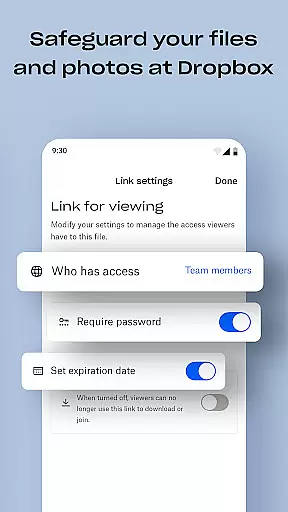
The app also includes advanced features such as document scanning, version history, and file recovery. Dropbox Plus subscribers gain access to additional tools like password management, secure vaults for sensitive documents, and the ability to rewind account changes. Trusted by Fortune 500 companies, Dropbox ensures top-level security and privacy for all types of data, making it an ideal choice for both personal and professional use.
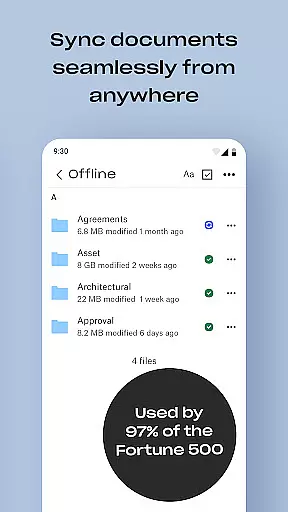
Dropbox stands out with its comprehensive feature set tailored for productivity. The app automatically uploads photos from your device to cloud storage, enabling effortless photo sharing. It supports previewing over 175 file types without requiring special software, ensuring seamless access to diverse content even when offline.
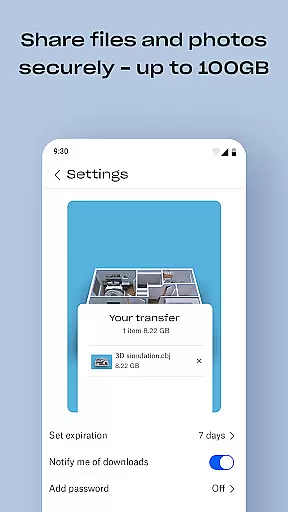
One of the key highlights is the ability to send large files by simply sharing a link, eliminating the need for recipients to have a Dropbox account. Additionally, the document scanning feature transforms mobile-captured images into high-quality PDFs. Dropbox's sync functionality extends to PC or Mac folders, providing robust backup solutions with version history and file recovery options. These capabilities make Dropbox an indispensable tool for efficient file management across devices.
Dropbox excels in core task management by offering a comprehensive suite of tools designed to streamline file handling and organization. The app allows users to automatically upload photos, access files offline, and preview various file types without the need for special software.
One of the standout features is its ability to sync folders on your PC or Mac, providing a seamless experience across devices. This ensures that whether you're at home, in the office, or on the go, your files are always up-to-date and accessible.
Moreover, Dropbox's version history and file recovery options give users peace of mind. You can recover older versions of files or restore deleted ones, making it an invaluable tool for both personal and professional use.
The ease of sending large files by simply sharing a link, even with those who don't have a Dropbox account, enhances collaboration and productivity. This functionality not only simplifies file sharing but also ensures that your data remains secure during transfer.
Cross-device synchronization is where Dropbox truly shines, ensuring reliable and consistent access to your files no matter where you are. With over 700 million registered users, Dropbox has perfected the art of keeping your data in sync across all your devices.
The app's automatic camera roll upload feature transfers photos to cloud storage effortlessly, allowing for easy photo sharing. This means you can free up space on your device while still having your cherished memories available at your fingertips.
Additionally, Dropbox's computer backup feature ensures that your important files are always backed up and retrievable. Whether you're using a PC or Mac, the synchronization process is smooth and efficient, preventing data loss and ensuring continuity.
For teams and businesses, this level of synchronization reliability fosters better collaboration and project management. By maintaining a consistent state of files across multiple devices, Dropbox enables users to focus on their tasks without worrying about data discrepancies or availability issues.
User-friendly interface
Secure file sharing
Offline file access
Automatic photo backup
Cross-device synchronization
Limited free storage
Paid subscription required
Occasional sync delays
Basic mobile editing
No built-in viewer for some formats

Client for Nextcloud Deck
 4.60
4.60
When you Focus, so will your Bean in this cozy focus timer
4.30
A simple, portable logger for POTA, SOTA, Field Day, and more
4.2
We're working to become the best machining app on the market! www.cncdirt.com
4.80
PDF scanner & converter for files, photos, lottery, QR codes. One swipe away!
4.50
The ultimate file manager for rooted devices. The original and still the best.
4.00
Use powerful, industry-leading AI tools to generate visual charts from any data
4.80
Daily processing of PDF documents.
4.40
Put a lock on your cloud: Take the security of your data into your own hands
3.70
Direct Chat without saving contacts & Dual WA Account on Single Device
4.70
Stay on top of your to-dos with Google Tasks, part of Google Workspace.
4.60
Send files, sync SMS, notifications & clipboard across devices via local network
4.40
Secure your apps with lock screens, use custom themes and different features.
4.40
Automates browsing any website and notifies you of important changes or events
4.30
Activate Two Factor Authentication (2FA or Multi OTP), Password manager and more
4.10
* block pre-roll ads, pop-up and forced redirect ads * Samsung certification app
4.00
Ultimate Virtual AI Character for immersive Roleplay Chat. Perfect Companion
3.90
AI Video AI Image Private LLM AI Browser Llama Gemma Ollama Connect LLM Studio
4.1
The upgraded version of Name Wheel with AI and the power to add your own wheels.
4.1


User Reviews