
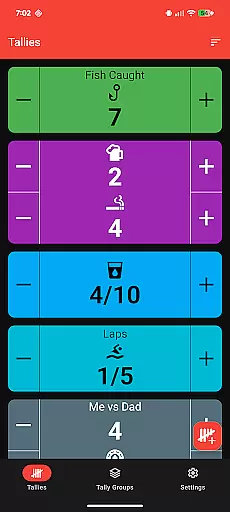
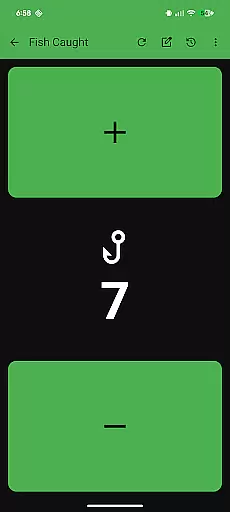
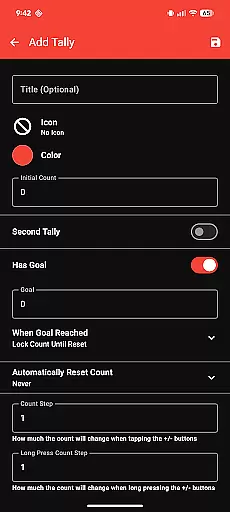
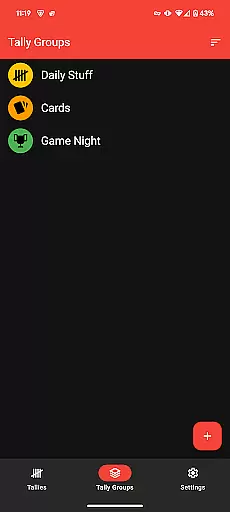
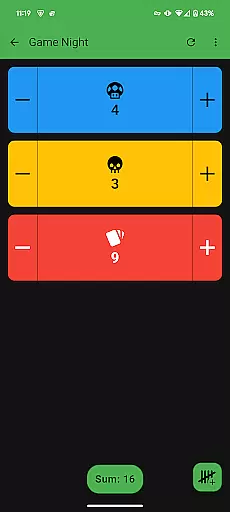
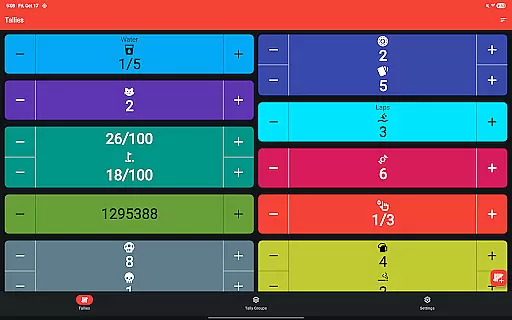
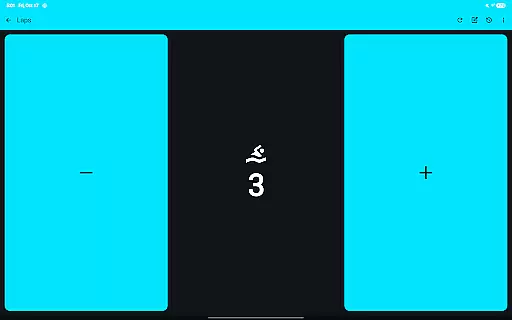
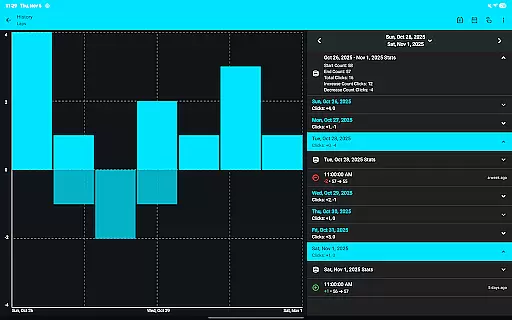
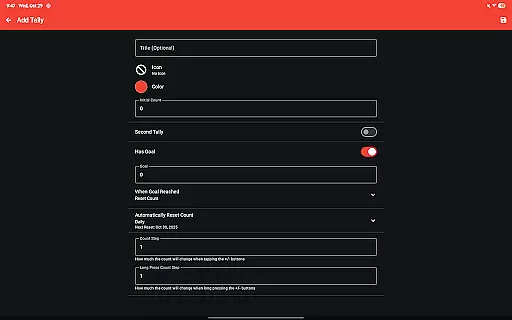
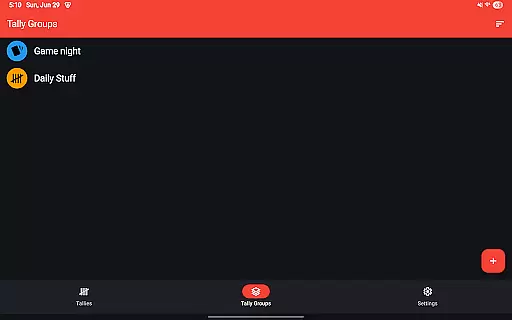
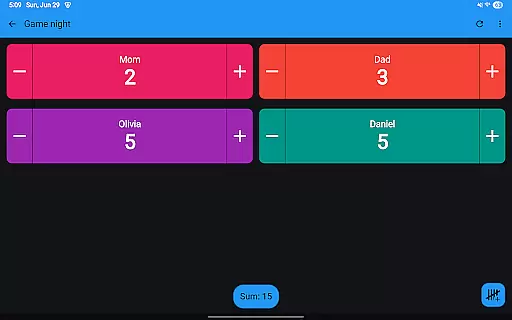
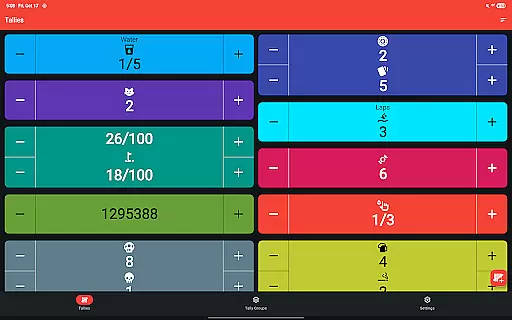
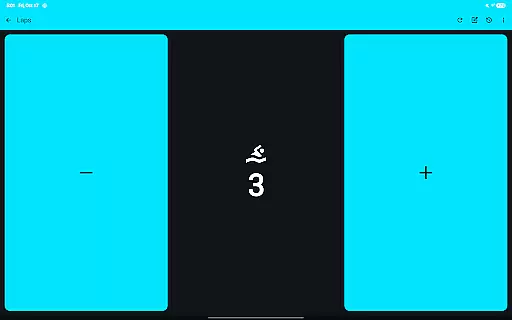
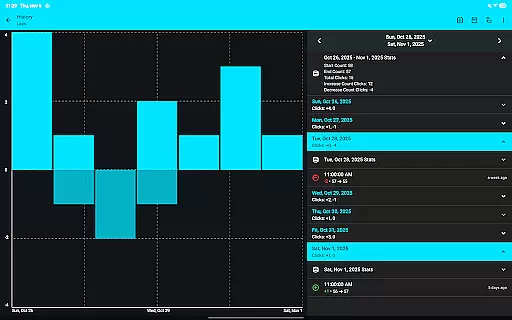
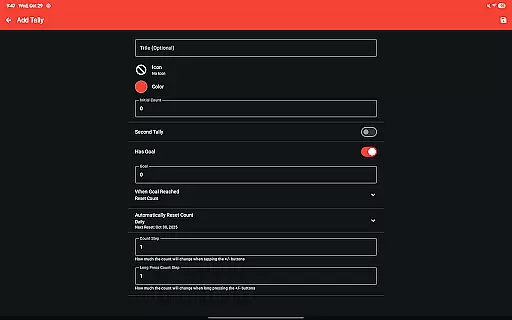
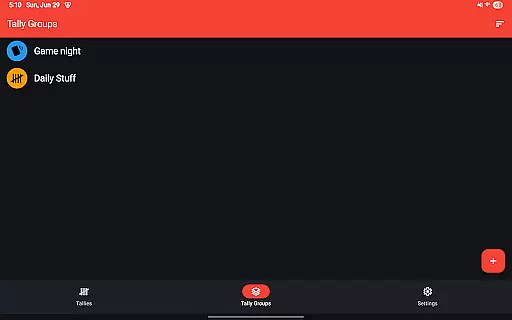
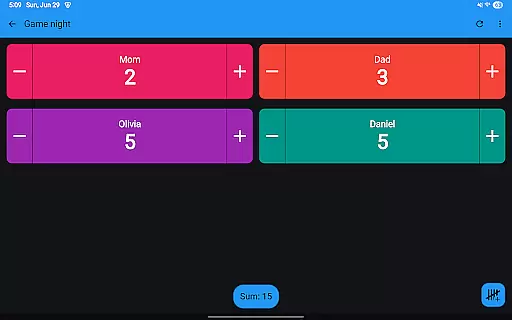
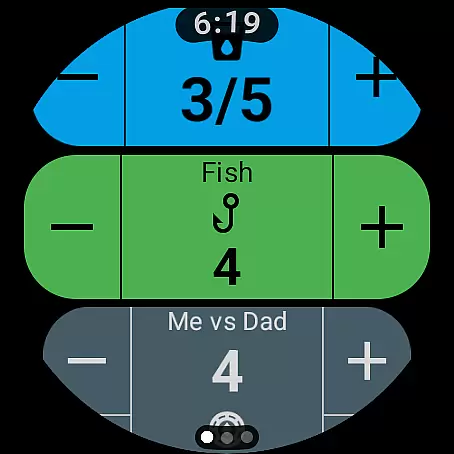
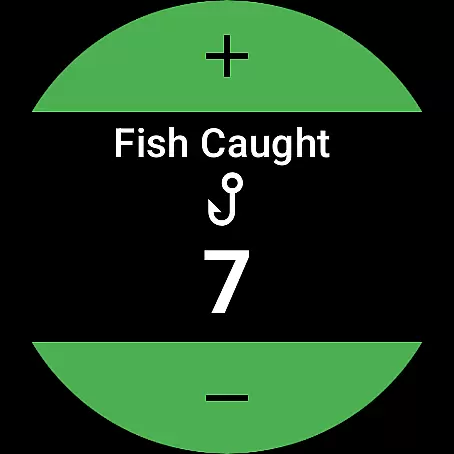
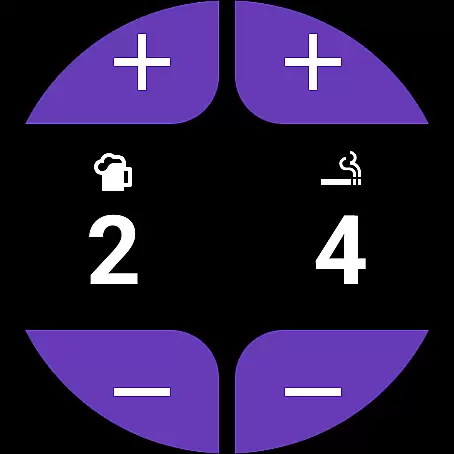
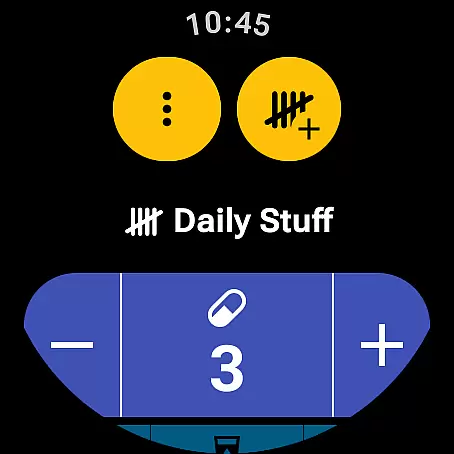
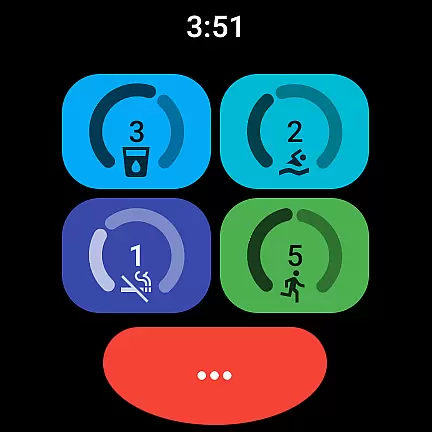
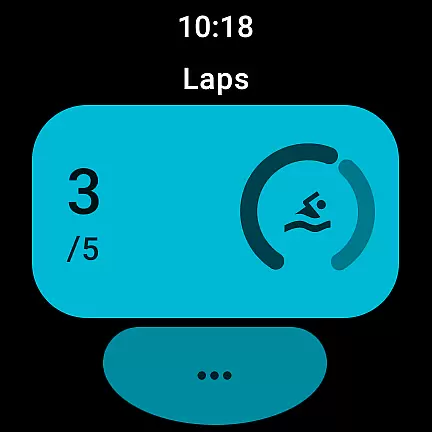
Tallies is a versatile productivity tool designed for both Wear OS and mobile devices, offering users an efficient way to track counts and achieve goals. The app provides double and single tally counters, ongoing counts, and goal tallies with customizable options such as locking or resetting the count upon reaching a target. With features like automatic resets on a daily, weekly, monthly, or yearly basis, users can maintain consistent tracking over time.
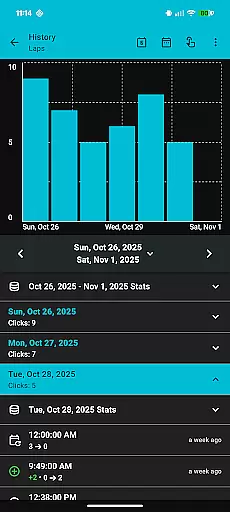
One of Tallies' standout capabilities is its synchronization functionality between smartphones and Wear OS watches, ensuring that all data is up-to-date across devices. Users can view detailed tally histories through multiple graphs and statistics on their phones, with seamless syncing when changes are made on the watch. Additionally, the app supports exporting tally history as CSV files, making it easy to analyze data outside the app. Its intuitive design, combined with over 200 icons and multiple theme colors, allows for personalized customization tailored to individual preferences.
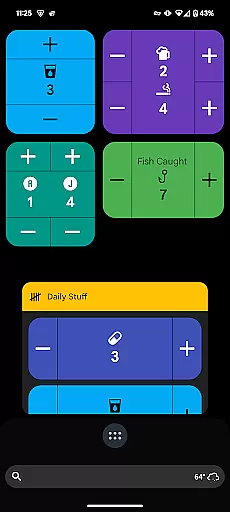
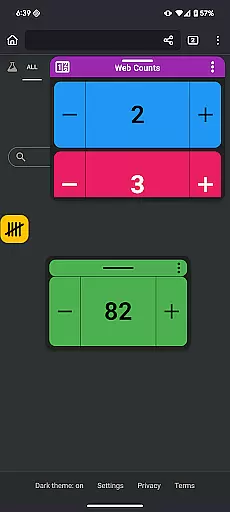
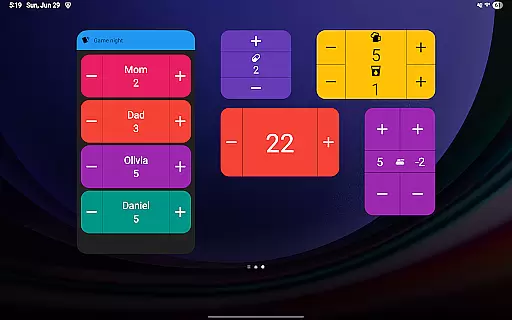
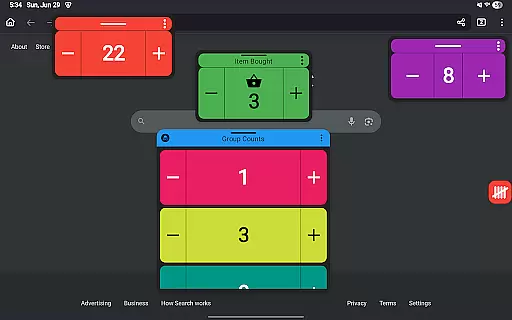
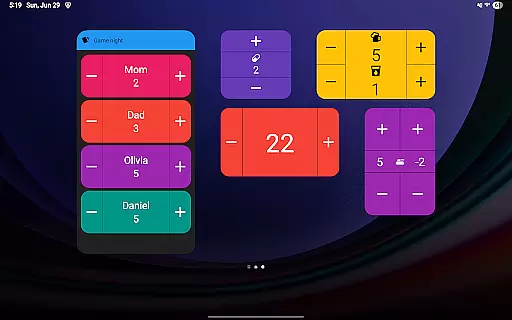
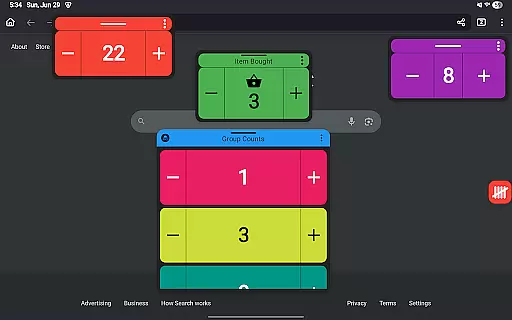
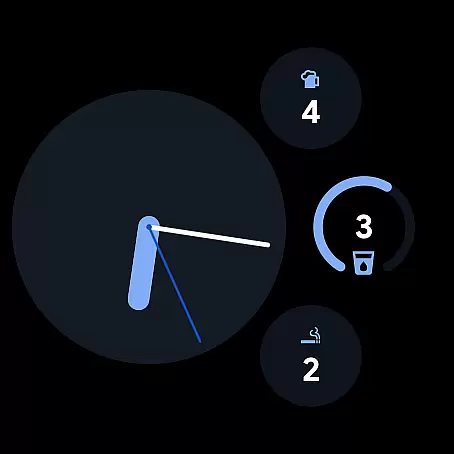
Tallies distinguishes itself through a comprehensive set of features catering to various user needs. For Wear OS, the app offers specialized functionalities including ongoing tally complications, goal tally complications, and quick tally tiles. These allow users to access their counts directly from the watch face or through dedicated tiles. On mobile devices, Tallies provides vertical and horizontal tally widgets, tally list widgets, and even floating tally windows for Android 14+ users, enabling multitasking while maintaining visibility of important counts.
The app also includes advanced options such as vibration and sound feedback when increasing or decreasing counts, full-screen mode for distraction-free counting, and the ability to use volume buttons to adjust counts in full-screen mode. Furthermore, Tallies ensures convenience by auto-saving counts and offering extensive launcher shortcuts for both individual tallies and tally groups. With no subscription required, users gain access to all these features at a one-time price, providing excellent value for money.
Tallies offers a comprehensive approach to task management through its versatile tally and goal counter functionalities. The app provides users with double and single tally counters, ongoing counts, and goal tallies that can be locked or reset upon reaching the target. This ensures that users can efficiently track their progress across various tasks and objectives.
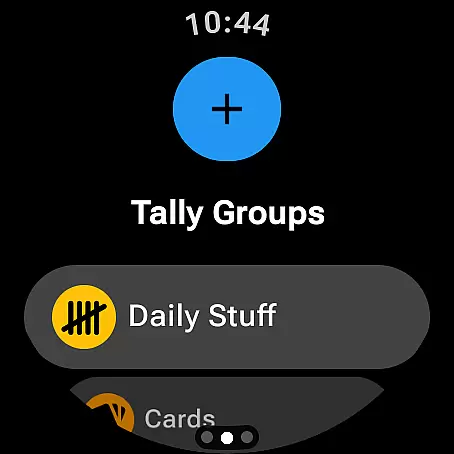
With options to automatically reset tallies on a daily, weekly, monthly, or yearly basis, Tallies supports both short-term and long-term task management strategies. Users can organize their tallies into groups, view the sum for each group, and access detailed history with multiple graphs and stats on their phone. This feature set enables users to gain deeper insights into their productivity patterns and make informed decisions.
The synchronization capability between phone and Wear OS watches enhances the task management experience by providing real-time updates and accessibility across devices. Whether you're at your desk or on the go, Tallies keeps you informed and in control of your tasks, ensuring you never lose track of your goals.
Cross-device synchronization is a cornerstone of Tallies, ensuring that all your data remains consistent and up-to-date across your phone and Wear OS watches. By installing the app on both devices, users benefit from seamless sync that captures every change in tally counts instantly. This reliable synchronization means you can start a task on one device and continue on another without missing a beat.
Tallies takes full advantage of wearable technology by offering specific watch complications for ongoing and goal tallies. These complications provide at-a-glance information directly from your watch face, keeping you updated without needing to open the app. Additionally, quick tally tiles and multi-goal tally tiles offer convenient access to frequently used counters.
On the phone side, Tallies extends its functionality with home screen widgets for vertical, horizontal, and grouped tallies. Floating tally windows are available for Android 14+ users, allowing them to overlay tally information on top of other apps. This robust cross-device support ensures that whether you're using your phone or smartwatch, Tallies delivers a reliable and integrated task management solution.
User-friendly interface
Extensive customization options
Seamless cross-device sync
Comprehensive feature set
No recurring fees
Limited free version
Watch sync requires installation on both devices
Floating window limited to Android 14+
Occasional sync delays
Complexity may overwhelm new users

QuickBooks Workforce lets teams view pay info and track time in one place.
 4.70
4.70
Experience real multitasking on your Android!
4.00
Protect and view your important info on your phone and tablet with eWallet®
4.80
⏰ Finally a timer app which can run multiple timers simultaneously on your watch
3.90
Make apps & sites with natural language prompts
4.10
Font maker keyboard with your own handwriting
4.10
Subscribe to Webcal & .ics calendars and keep them up-to-date!
4.50
A Pixel Art watchface inspired by other iconic 90s designs for Wear OS devices!
4.40
Scientific calculator for Android - looks and operates like the real thing!
4.90
Use powerful, industry-leading AI tools to generate visual charts from any data
4.80
Understand anything with a personalized AI research assistant
4.80
Direct Chat without saving contacts & Dual WA Account on Single Device
4.70
Client for Nextcloud Deck
4.60
Send files, sync SMS, notifications & clipboard across devices via local network
4.40
Secure your apps with lock screens, use custom themes and different features.
4.40
When you Focus, so will your Bean in this cozy focus timer
4.30
Total remote control for your Android device, PC and cloud services (IFTTT)!
4.20
Access your phone's notifications, calls, apps, photos & texts on your PC
3.90
Auto-shutoff Alarm with Sunrise, Sunset & Fixed Options.
3.50


User Reviews