
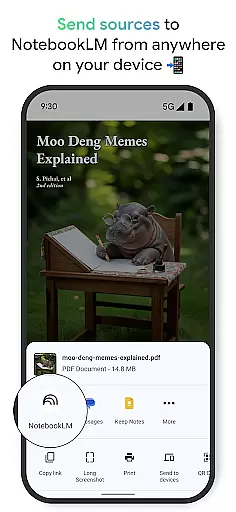
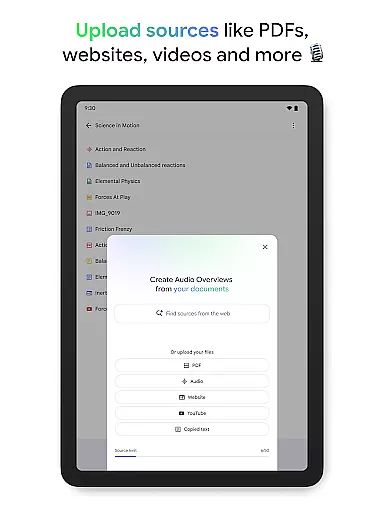
NotebookLM is a productivity tool designed to simplify complex information management. This AI-powered app allows users to upload various sources such as PDFs, websites, and videos, transforming them into easily digestible formats. The application creates expert summaries and connections between uploaded materials, making it an invaluable resource for students, researchers, and professionals.
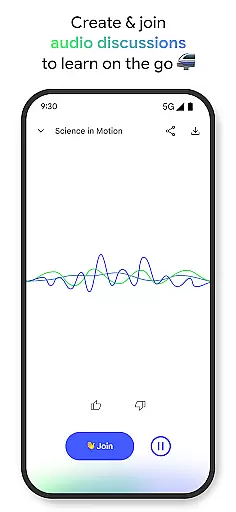
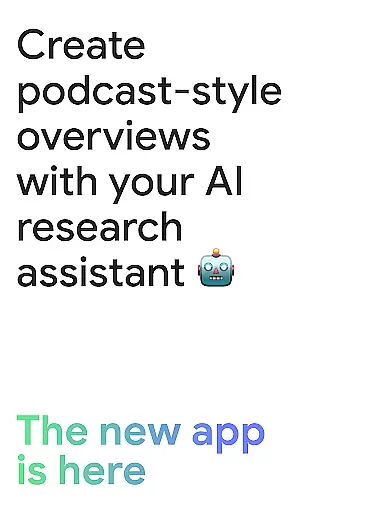
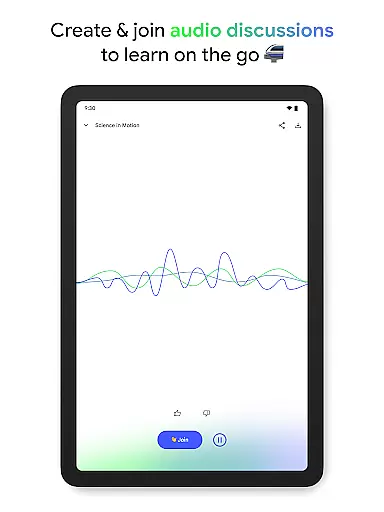
One of the standout features is the ability to generate podcast-style Audio Overviews, enabling users to learn on the go with background playback and offline support. Whether you're a CEO looking to save time or a creator seeking new ways to learn, NotebookLM adapts to your needs by providing trusted insights and customizable learning experiences.
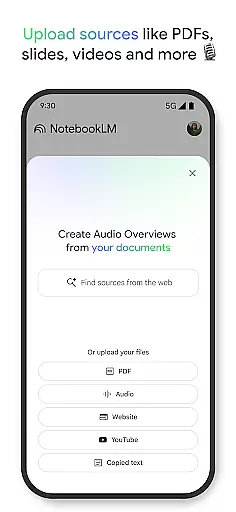
NotebookLM offers several innovative features that enhance productivity. Users can upload multiple source types including PDF documents, web pages, YouTube videos, and plain text files. The app's AI then processes these materials to create comprehensive summaries and draws meaningful connections between different sources.
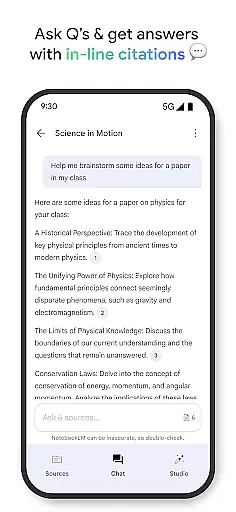
The Audio Overview feature converts written content into engaging audio discussions hosted by two AI personalities. Users can actively participate in these discussions by asking questions or guiding the conversation. Additionally, all answers are properly cited, ensuring the reliability of information. With background playback and offline capabilities, NotebookLM provides flexible learning options tailored to individual preferences.
Effective task management is crucial for productivity, and Google NotebookLM excels in this area by transforming complex information into manageable insights. The app allows users to upload various sources such as PDFs, websites, and videos, turning them into easily digestible content.
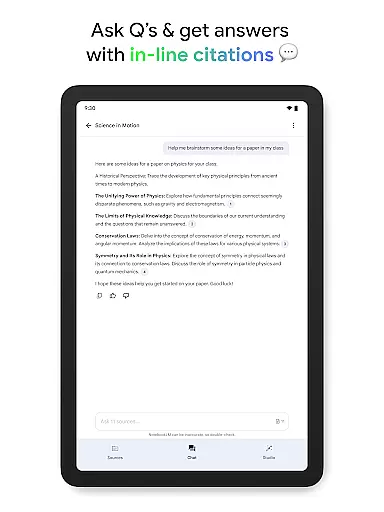
Once the data is uploaded, NotebookLM becomes an expert on these sources, summarizing key points and drawing connections between different pieces of information. This feature enables users to ask questions about their content and receive trustworthy answers with cited sources, enhancing their understanding and efficiency.
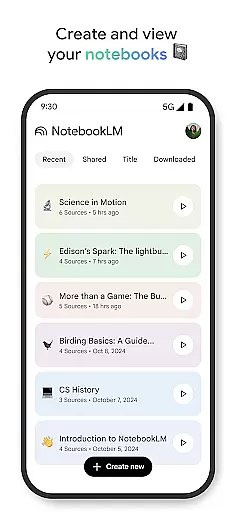
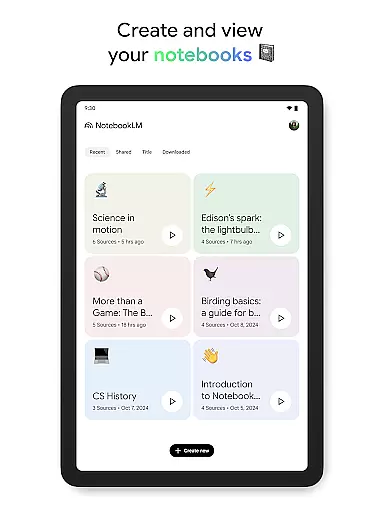
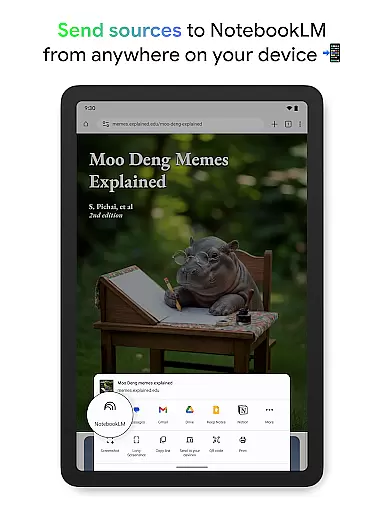
The ability to create and access notebooks from anywhere ensures that users can organize their thoughts and research systematically. With background playback and offline support, users can engage with their content even without an active internet connection, making it a reliable tool for managing tasks effectively.
Cross-device synchronization is essential for maintaining workflow continuity, and Google NotebookLM offers robust support in this aspect. By allowing users to create and access notebooks across multiple devices, the app ensures that all information is up-to-date and readily available wherever the user goes.
With features like background playback and offline support, users can listen to podcast-style Audio Overviews or review notes without needing a constant internet connection. This flexibility enhances productivity by enabling seamless transitions between different devices without losing any progress or data.
Moreover, the app's capability to cite sources in-line while providing answers adds another layer of reliability. Users can trust that their synchronized content remains accurate and consistent across devices, empowering them to manage their tasks efficiently regardless of the device they are using.
User-friendly interface
Reliable source citations
Flexible learning formats
Offline access support
Engaging audio overviews
Limited free features
Occasional processing delays
Subscription cost required
Advanced functions need premium
Learning curve for new users

Secure, fast, open-source, VNC and SSH Remote Desktop for Windows, Linux and Mac
 4.70
4.70
A customizable calendar for your Wear OS watch
4.20
When you Focus, so will your Bean in this cozy focus timer
4.30
Remotely view listen control and record cameras.
3.70
Todo reminder
4.10
App lock - lock apps with fingerprint, password, pin or pattern, protect privacy
4.70
Translate text/voice/photos in 150+ languages. Offline & fast translator app.
4.50
Scan paperwork into PDF/JPG, generate your own e-signature and send fax or email
4.70
Browse and view your photos and videos from the phone with photo & video hide.
4.10
Mind Map and brainstorm, note taking and idea collection
4.80
Simple notepad & memo. Take notes, to-do list, shopping list with reminders.
4.80
Secure, fast, open-source, Remote Desktop Client for Windows and Linux with SSH
4.60
Functional QR scanner and barcode reader that requires little storage space.
4.60
PDF scanner & converter for files, photos, lottery, QR codes. One swipe away!
4.50
A lightweight JSON & XML files creator, editor and viewer (Premium Version)
4.40 4.20
4.20
Pwnagotchi companion app
4.20
Easily read and manage all your PDF files
4.10
Cloud storage, automatic phone backup, and more.
4.10


User Reviews