
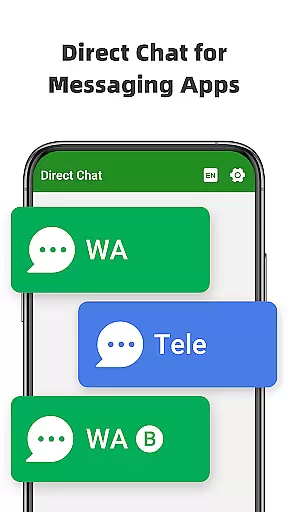
Direct Chat & Messaging is a productivity-focused application designed to streamline communication tasks without the need to save temporary contacts. The app offers three core functionalities that cater to different messaging needs. First, it enables direct messaging for WA, WA Business, and Tele Chatting App, allowing users to initiate conversations without saving phone numbers. Second, its Dual App feature permits managing multiple WA accounts on a single device or accessing the same account across different devices. Lastly, the Message Recovery function allows users to retrieve deleted messages and media privately. These features collectively make the app an efficient tool for both personal and professional communication.
The app's ability to handle multiple accounts and recover lost data provides significant value to users who rely on messaging apps for business or personal use. Whether you're managing different identities on WA or need to retrieve accidentally deleted content, Direct Chat & Messaging ensures seamless connectivity and data security.
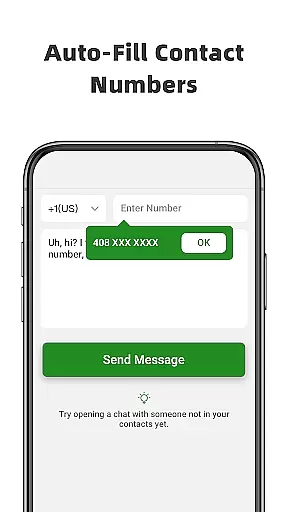
Direct Chat & Messaging stands out with its diverse feature set tailored for enhanced productivity. The Direct Chat functionality eliminates the need to save contacts before messaging, which is particularly useful for one-off communications. This feature supports WA, WA Business, and Tele Chatting App, making it versatile for various messaging platforms. To use it, simply enter the recipient's number, paste your message, and hit send—no contact-saving required.
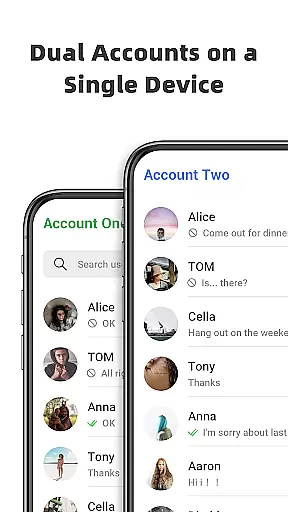
The Dual App - Web Scan feature addresses the growing need for multi-device management. It allows users to run two WA accounts simultaneously on a single phone or sync one account across multiple devices. This ensures uninterrupted communication and efficient file management between cloned accounts. Additionally, the Message Recovery feature provides peace of mind by retrieving deleted texts, photos, videos, and other media. By enabling notification access, the app detects deletions in real-time and saves the content locally, ensuring privacy and data integrity.
These features are engineered to optimize user experience while maintaining strict privacy standards. The app does not collect or store any recovered data externally, keeping all sensitive information secure on the user's device.
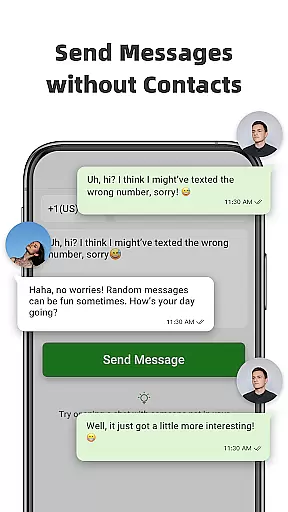
Direct Chat & Messaging offers a unique approach to managing communication tasks without the need for saving contacts. This feature is particularly beneficial for users who frequently engage in one-off conversations for business or personal purposes. The app allows you to enter a phone number, craft your message, and send it directly without adding the contact to your address book.
The functionality extends across multiple messaging platforms including WA, WA Business, and Tele Chatting App. This cross-platform support ensures that users can maintain seamless communication regardless of the service their contacts are using. By eliminating the need to save temporary contacts, the app streamlines the process of sending quick messages, making it an efficient tool for task-oriented communication.
Users benefit from significant time savings and reduced contact list clutter. The ability to communicate directly with any phone number simplifies reaching out to new clients, service providers, or acquaintances without permanently storing their information. This feature proves especially valuable for professionals who need to maintain clear boundaries between their personal and work-related contacts.
The app's direct messaging capability represents a substantial improvement in how users handle transient communication needs. By focusing on task-specific interactions rather than contact management, Direct Chat & Messaging helps users maintain better control over their communication workflow while preserving their device's storage space and organizational structure.
The Dual App - Web Scan feature in Direct Chat & Messaging addresses the growing demand for reliable cross-device synchronization in modern communication. This functionality enables users to access their WA account from multiple devices or manage two separate accounts from a single device. The synchronization process ensures that all messages and media from the cloned WA account are automatically mirrored across connected devices.
This feature proves particularly useful for professionals who need to maintain consistent communication across different locations or devices. Whether working from the office, home, or while traveling, users can seamlessly switch between devices without missing important messages or updates. The strong connection stability prevents unexpected logouts, ensuring continuous access to messaging services regardless of location or network conditions.
Users benefit from enhanced productivity through efficient file management capabilities. All downloaded files from cloned WA accounts are organized and accessible through the app interface, streamlining document sharing and collaboration processes. The ability to read and respond to messages from any connected device eliminates the constraints of being tied to a single communication point.
The reliability of this cross-device synchronization system represents a significant advancement in mobile productivity tools. By providing consistent access to messaging services and maintaining data integrity across multiple devices, Direct Chat & Messaging empowers users to optimize their communication workflow while adapting to modern work environments that demand flexibility and accessibility.
User-friendly interface
Multi-account support
Efficient message recovery
Real-time notifications
Strong privacy protection
Limited to specific apps
Requires notification access
Potential battery drain
Not officially affiliated
Dependent on stable connection

 4.20
4.20
Create study competitions, track your hours, and stay consistent with friends
4.2
Ads Free App! Editor, Hide File, Copy, Move, Delete and Rename.. all facility av
1.70
All in one sketching tool. Technical and General drawing. Online Maps support.
3.70
We're working to become the best machining app on the market! www.cncdirt.com
4.80
CalenGoo is a very flexible and feature-rich calendar app
4.40
Activate Two Factor Authentication (2FA or Multi OTP), Password manager and more
4.10
Subscribe to Webcal & .ics calendars and keep them up-to-date!
4.50
To do list widget with a notebook organizer, checklist, simple shopping list
4.60
8 custom complications. Custom Time Fonts. Beautiful color schemes. A++ Design.
5.00
Native client for Forgejo and Gitea
5.00
Scan paperwork into PDF/JPG, generate your own e-signature and send fax or email
4.70
The AI assistant that thinks with you - write, code, and solve complex tasks
4.60
Planet Free VPN - The best Fast Unlimited and Secure VPN Without Logs
4.50
Easily read and manage all your PDF files
4.10
Intelligent AI Assistant
4.10
Unlock AutoNotification
4.00
A Revolutionary All-in-One Artificial Intelligence Tools
3.80
AI Video AI Image Private LLM AI Browser Llama Gemma Ollama Connect LLM Studio
4.3


User Reviews