
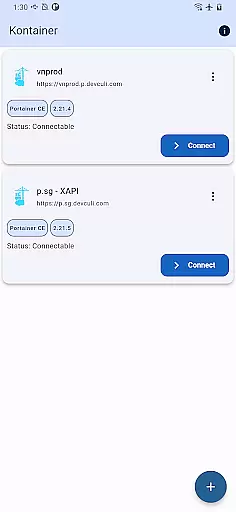
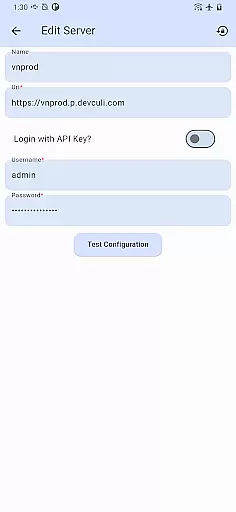
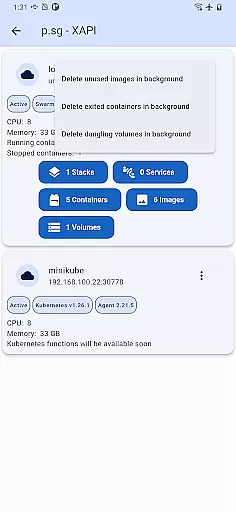
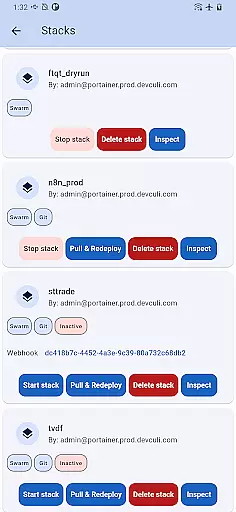
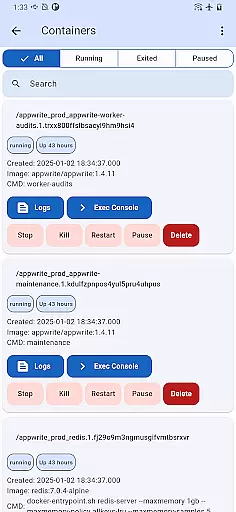
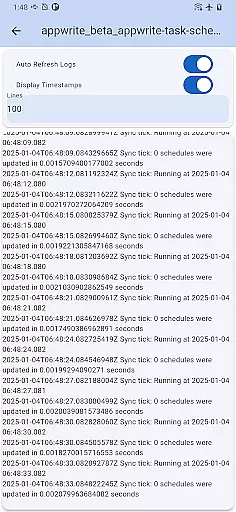
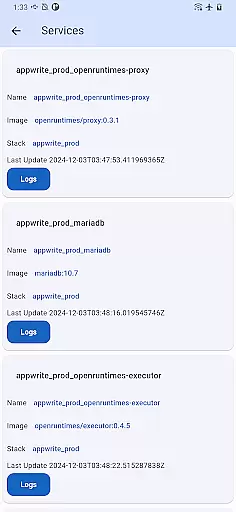
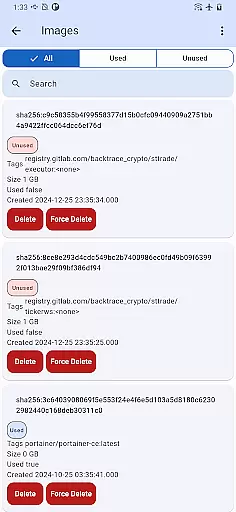
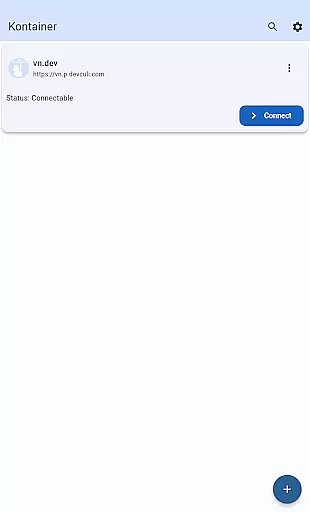
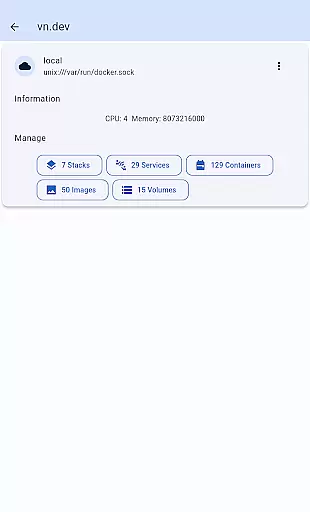
Portainer Mobile is a productivity-focused application designed to simplify container management for Docker and Kubernetes environments. With this app, users can manage their Portainer deployments from any location, offering flexibility for both personal and professional use. The platform supports multi-cluster and multi-device management, making it ideal for hybrid and multi-cloud setups.
The app provides a unified interface that consolidates all Docker and Kubernetes endpoints into a single view. This allows users to monitor, configure, and optimize their container operations with ease. Whether you're overseeing developer laptops, data centers, cloud environments, or edge computing, Portainer Mobile ensures secure and efficient management of your containerized infrastructure.
By streamlining deployment processes and boosting operational efficiency, Portainer Mobile empowers IT professionals and DevOps teams to maintain control over their systems while on the go. Its mobile-first design brings powerful container management capabilities directly to your fingertips.
Portainer Mobile offers a comprehensive set of features tailored for managing containerized environments. One of its standout capabilities is multi-cluster and multi-device support, enabling users to oversee various deployments across different platforms from a single interface. This feature is particularly beneficial for organizations operating in hybrid or multi-cloud environments.
The app's unified dashboard consolidates Docker and Kubernetes endpoints into one view, simplifying monitoring and configuration tasks. Users can easily track the status of their containers, adjust settings, and optimize performance without needing to switch between multiple tools. Additionally, the app emphasizes security, ensuring that sensitive operations remain protected while being managed remotely.
Another key feature is the ability to streamline deployment workflows. By providing quick access to essential functions and reducing complexity, Portainer Mobile helps teams improve their operational efficiency. Although Kubernetes (K8S) functions are still forthcoming, the existing toolset already delivers significant value for container management professionals.
Core task management is a pivotal feature of Kontainer, enabling users to efficiently oversee Docker and Kubernetes environments. This functionality allows for the seamless handling of containerized deployments across various platforms, whether on developer laptops, in data centers, or within cloud and edge computing scenarios.
Kontainer provides a unified interface that consolidates Docker and Kubernetes endpoints into a single view. This simplifies the process of monitoring, configuring, and optimizing container operations, making multi-cluster and multi-device management intuitive and straightforward.
With this app, users can streamline deployment processes, ensuring that tasks are completed more quickly and with greater precision. The ability to manage everything from one place not only boosts efficiency but also enhances security, allowing users to maintain control over their containerized applications with ease.
Cross-device synchronization reliability ensures that all your management activities on Kontainer are consistently updated across all devices. Whether you're switching from a phone to a tablet or sharing information with team members, Kontainer keeps everything in sync.
This reliability is crucial for teams managing Docker and Kubernetes environments, as it guarantees that every change made is accurately reflected everywhere. It eliminates discrepancies and ensures that everyone involved has access to the most current data, which is vital for effective decision-making.
By providing secure and real-time updates, Kontainer ensures that users can depend on the information they see, no matter which device they use. This level of synchronization empowers teams to work more collaboratively and efficiently, enhancing overall productivity and operational effectiveness.
User-friendly interface
Multi-cluster support
Unified endpoint view
Secure remote management
Efficient workflow tools
K8S features pending
Limited advanced options
Requires Portainer setup
No offline functionality
Premium feature costs

Secure, fast, open-source, VNC and SSH Remote Desktop for Windows, Linux and Mac
 4.70
4.70
Native client for Forgejo and Gitea
5.00
Mega cloud explorer plugin for Solid Explorer
3.80
Find and delete junk files & block unwanted notifications & manage files
3.70
Calendar 2023 widget for Android. Appointment scheduler, planner, and reminder
4.60
Tally and goal counter for Wear OS & mobile
4.50
AI Chatbot and AI writing assistant powered by ChatGPT.
4.60
AT&T Internet customers can use this app to personalize their Wi-Fi network.
4.40
Browse and view your photos and videos from the phone with photo & video hide.
4.10
Best Tool for the professionals Electrician, Electrical contractors, etc.
4.90
Scientific calculator for Android - looks and operates like the real thing!
4.90
Use powerful, industry-leading AI tools to generate visual charts from any data
4.80
Scan paperwork into PDF/JPG, generate your own e-signature and send fax or email
4.70
The Pro Version of Android's tiniest Notepad app. Just 0.3MB but feature-packed!
4.60
Experience Reading - Night Mode for Documents
4.40 4.20
4.20
Easily read and manage all your PDF files
4.10
Secure, open-source, SPICE and SSH Remote Desktop for QEMU KVM virtual machines
4.00
Create study competitions, track your hours, and stay consistent with friends
4.4


User Reviews