
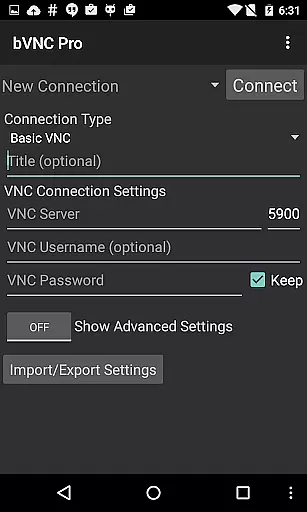
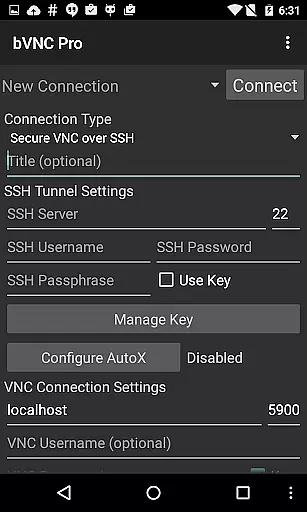
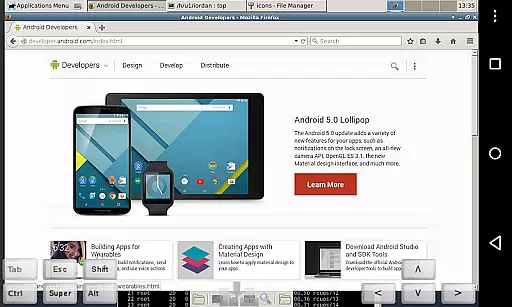
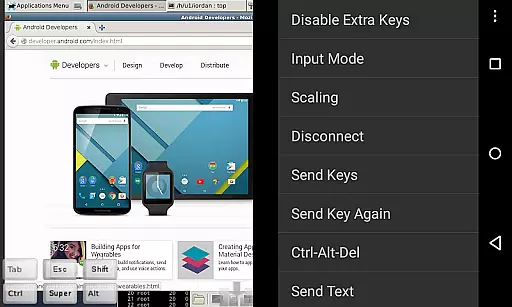
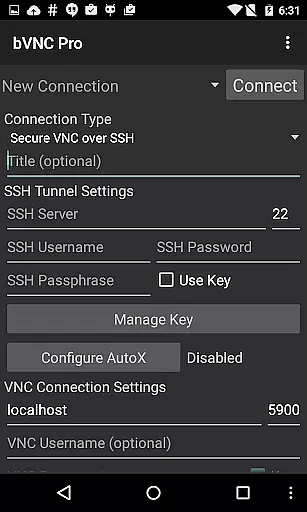
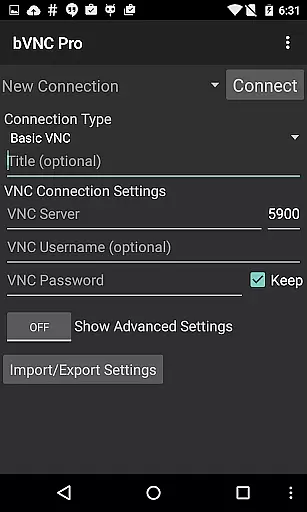
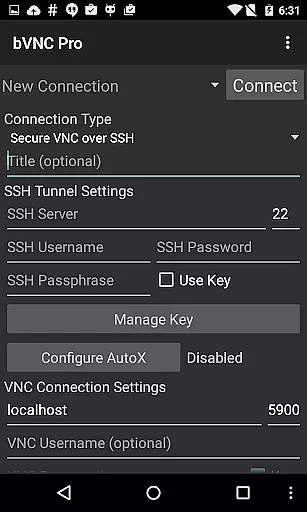
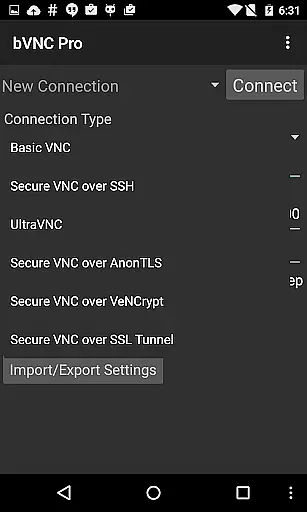
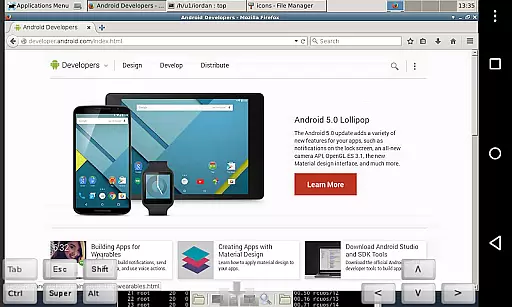
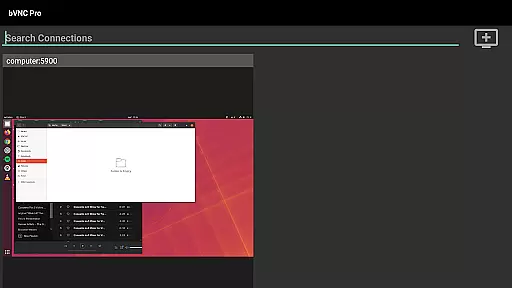
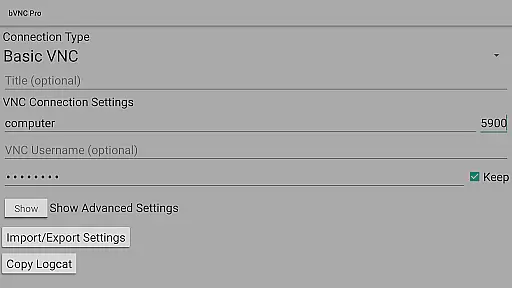
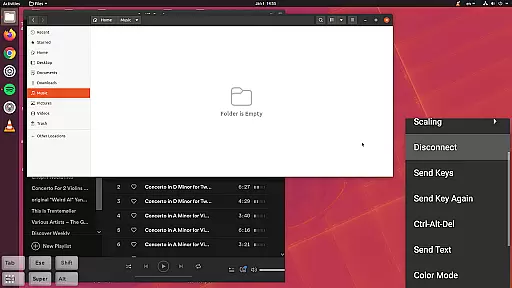
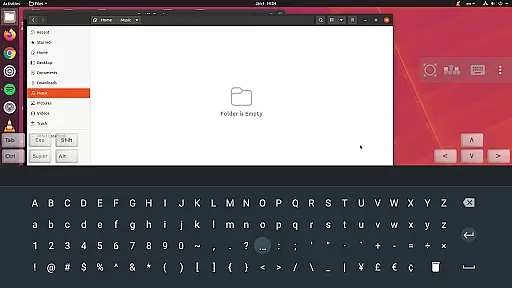
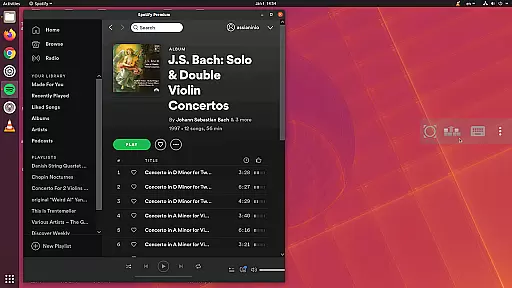
bVNC Pro is a secure, open-source VNC client designed for productivity and remote desktop access. It allows users to connect to Windows, Mac, Linux, and other OS with installed VNC servers, offering advanced features like multi-touch control, pinch-zoom, and dynamic resolution changes.
With support for SSH tunneling, VeNCrypt encryption, and two-factor authentication, bVNC ensures secure connections while providing high-grade encryption superior to standard RDP protocols. Its compatibility with PiKVM and virtual machine control makes it ideal for IT professionals managing remote systems.
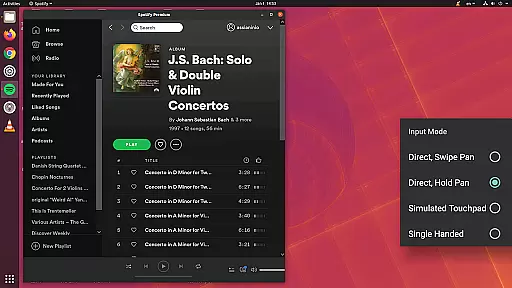
bVNC Pro stands out with its comprehensive feature set tailored for efficient remote desktop management. The app supports multiple input modes, including touchpad and single-handed modes, enabling seamless navigation. Advanced functionalities like master password support and multi-factor SSH authentication enhance security.
Additional highlights include Tight and CopyRect encodings for quick screen updates, color depth adjustment for slow connections, and full mouse support. Users can also benefit from immersive mode, auto-rotation, and integration with Samsung DEX, making it versatile for various workflows.
bVNC Pro is a secure VNC viewer designed to enhance productivity through efficient task management. The application supports multi-touch controls, allowing users to seamlessly interact with remote desktops. With features like left, right, and middle mouse button emulation, scrolling, and pinch-zoom, users can efficiently navigate and manage tasks on their remote machines.
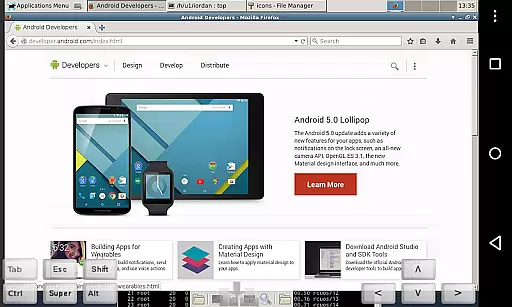
The app's dynamic resolution changes enable users to reconfigure their desktop environments while remaining connected, ensuring optimal display and control. Whether accessing Windows, Mac, Linux, or other OS with a VNC server, bVNC Pro provides full mouse support and visibility of the entire desktop even when the soft keyboard is extended. This ensures that users can perform complex operations without limitations.
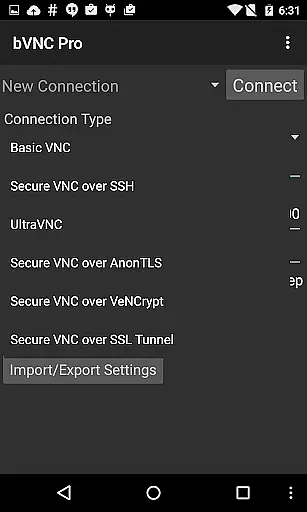
For secure connections, bVNC Pro offers SSH tunneling, AnonTLS, and VeNCrypt, which provide high-grade encryption superior to standard RDP protocols. These security measures prevent man-in-the-middle attacks, making remote task management both safe and reliable. Additionally, the Pro version includes master password support and multi-factor SSH authentication, further enhancing security for sensitive operations.
Cross-device synchronization is a critical feature of bVNC Pro, ensuring that users can reliably access their remote desktops from multiple devices without losing progress or data integrity. The app supports various VNC servers, including TightVNC, UltraVNC, TigerVNC, and RealVNC, providing consistent performance across different platforms.
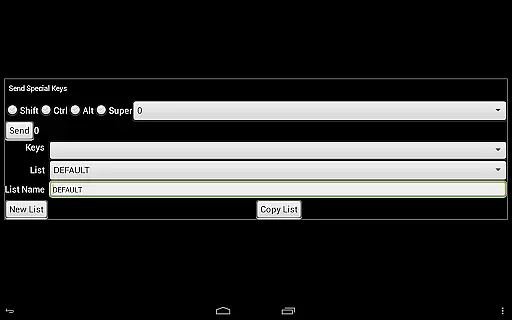
bVNC Pro's compatibility with PiKVM and its ability to handle virtual machines from BIOS to OS level make it an ideal tool for IT professionals who require reliable synchronization across diverse environments. Its support for Samsung DEX, Alt-Tab, Start Button capture, and Ctrl+Space capture enhances the user experience by maintaining familiar keyboard shortcuts and functionalities.
Moreover, bVNC Pro offers multiple input modes such as Direct, Simulated Touchpad, and Single-handed input, catering to different user preferences and device capabilities. In single-handed mode, long-tap options provide additional flexibility for clicks, drag modes, scroll, and zoom actions. This versatility ensures that users can maintain productivity regardless of the device they are using, offering a seamless cross-device experience.
Secure SSH tunneling
Multi-touch controls
Dynamic resolution
High-grade encryption
Versatile input modes
No RealVNC encryption
Complex setup required
Paid Pro version
Limited UI customization
Advanced features may overwhelm beginners

Unlock AutoNotification
 4.00
4.00
Wake up & get tasks done! Add alarms & reminders on the Clock Launcher.
4.00
IP Camera Viewer - Android TV : RTSP Surveillance camera viewer for Android TV
4.1
Find and delete junk files & block unwanted notifications & manage files
3.70
Access, manage and transfer files on Android, PC, Mac, NAS and cloud storages.
4.30
A Pixel Art watchface inspired by other iconic 90s designs for Wear OS devices!
4.40
Lightweight PDF, Word, Excel reader.
4.60
Daily processing of PDF documents.
4.40
Note taking, handwriting, record audio, PDF annotation, planner & journal
4.20
Understand anything with a personalized AI research assistant
4.80
QuickBooks Workforce lets teams view pay info and track time in one place.
4.70
A beautiful digital clock with autostart and many other functions
4.70
Experience Reading - Night Mode for Documents
4.40
A lightweight JSON & XML files creator, editor and viewer (Premium Version)
4.40
Total remote control for your Android device, PC and cloud services (IFTTT)!
4.20
Pwnagotchi companion app
4.20
Activate Two Factor Authentication (2FA or Multi OTP), Password manager and more
4.10
The ultimate file manager for rooted devices. The original and still the best.
4.00
AI Video AI Image Private LLM AI Browser Llama Gemma Ollama Connect LLM Studio
4.5


User Reviews