
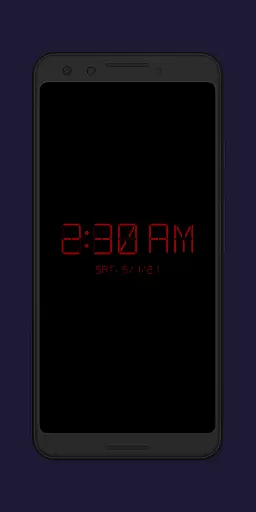
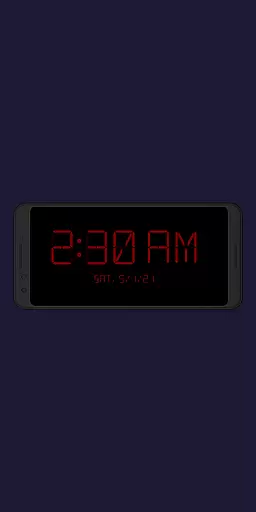
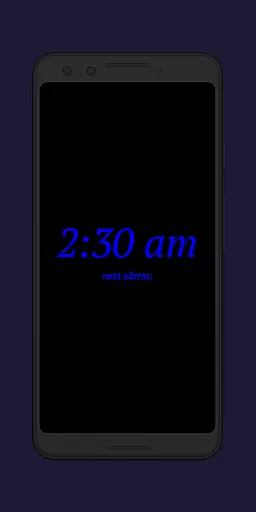
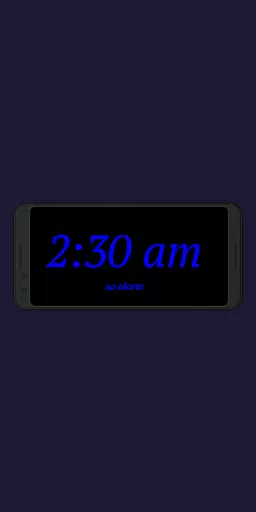
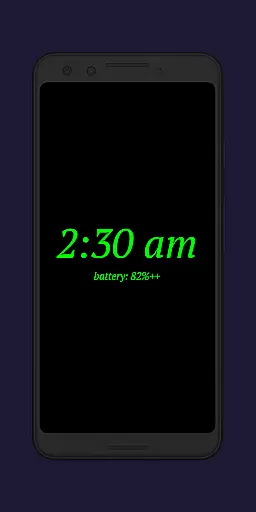
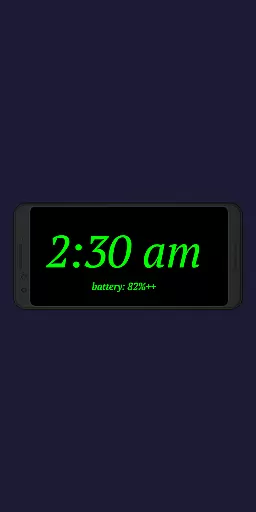
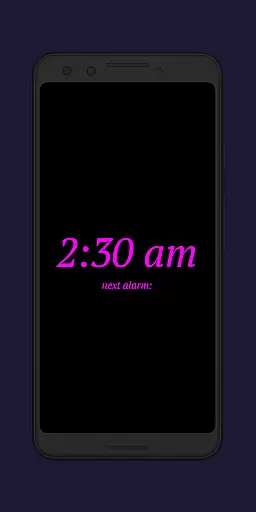
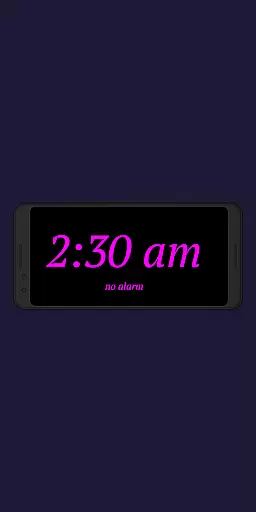
Night Clock+ is a versatile digital clock app designed to serve as both a bedside night clock and a daylight mode display. It transforms your device into a beautiful digital clock for any time of the day, with added convenience features like a built-in flashlight for nighttime use.
The app offers advanced customization options including font type, color, brightness, and display size adjustments. Its automatic start functionality when connecting a power cord or at preset times makes it an ideal solution for users seeking a seamless digital clock experience.
This productivity app stands out with its comprehensive feature set tailored for optimal usability. Users can choose from four different font types and adjust font colors to their preference, ensuring readability in various lighting conditions.
Unique functionalities include automatic night clock activation upon connecting a power source or at scheduled times, integrated screensaver mode, and the ability to show the next alarm time from the Android system. The app also provides detailed usage statistics and customizable brightness settings for both day and night modes.
These features collectively create a personalized and functional digital clock experience that adapts to users' daily routines while maintaining battery efficiency through smart brightness management.
In the realm of productivity applications, core task management is pivotal for organizing and prioritizing daily activities. Night Clock + integrates essential task management features that enhance its utility beyond a simple timekeeping device.
This app provides users with the ability to view the next alarm time set in the Android system directly on the night clock display. This feature ensures that users are always aware of their upcoming schedules without having to navigate away from the current screen or open additional apps.
Furthermore, the automatic night clock start functionality can be configured to activate at a preset time or when a power cord is connected to the device. These options allow users to tailor the app's behavior to fit seamlessly into their nightly routines, ensuring that the clock is ready and visible whenever needed.
The inclusion of these task management elements within a digital clock app demonstrates an understanding of user needs, providing convenience and efficiency in managing both time and tasks.
Cross-device synchronization is crucial for users who operate multiple devices and require consistent information across all platforms. While Night Clock + focuses primarily on providing a reliable and customizable night clock experience, it also offers features that support synchronization reliability.
One such feature is the automatic brightness adjustment during daylight mode, which uses a combination of automatic brightness for a certain period and a fixed value for the rest of the time. This ensures that the display remains readable under varying lighting conditions, mirroring the adaptability found in cross-device synchronization.
Additionally, the app allows users to see the total night clock display time within the app settings. This tracking feature provides insights into usage patterns and helps maintain consistency in how the app behaves over time, similar to how synchronized data should remain uniform across devices.
While not a traditional synchronization tool, Night Clock + incorporates functionalities that echo the principles of reliable cross-device interactions, enhancing the overall user experience through thoughtful design and attention to detail.
User-friendly interface
Highly customizable
Automatic night mode
Built-in flashlight
Advanced scheduling
Paid version only
Requires permissions
Complex settings
Battery consumption
Limited free options

Secure, fast, open-source, VNC and SSH Remote Desktop for Windows, Linux and Mac
 4.70
4.70
Unlock AutoNotification
4.00
Mega cloud explorer plugin for Solid Explorer
3.80
Smart PDF reader & editor to view, organize and manage PDF documents easily.
3.70
Protect and view your important info on your phone and tablet with eWallet®
4.80
Make your handwriting beautiful, even more than pen on paper.
3.60
Code on-the-go with VScode for Android. Edit,debug and collaborate from mobile!!
3.10
Intelligent AI Assistant
4.10
Lightweight PDF, Word, Excel reader.
4.60
Understand anything with a personalized AI research assistant
4.80
App lock - lock apps with fingerprint, password, pin or pattern, protect privacy
4.70
To do list widget with a notebook organizer, checklist, simple shopping list
4.60
Fill, sign & send docs, forms, agreements & contracts via electronic signature.
4.50
This small app MUST BE INSTALLED after purchase, else license won't work
4.40
Pwnagotchi companion app
4.20
Device's storage information in a simple and clear graphical form (infographics)
4.10
Todo reminder
4.10
Font maker keyboard with your own handwriting
4.10
Auto-shutoff Alarm with Sunrise, Sunset & Fixed Options.
3.50


User Reviews