

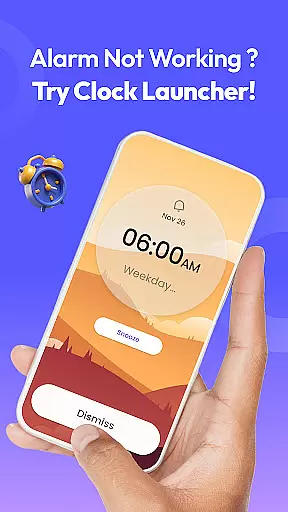
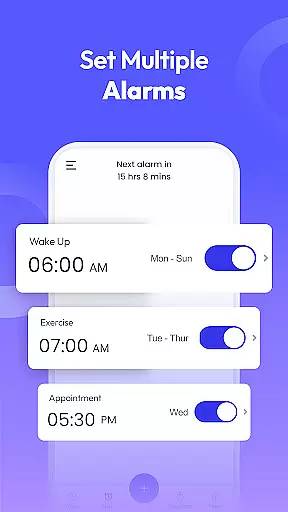
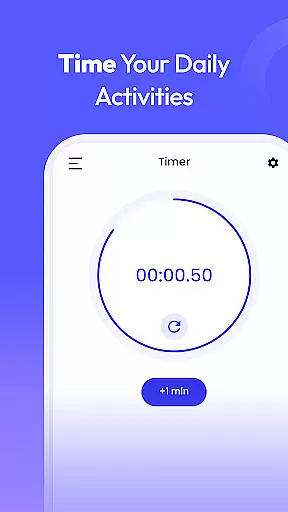
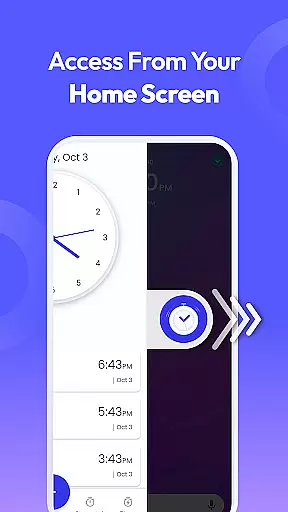
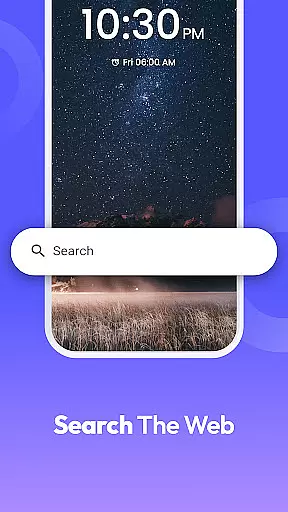
Clock Launcher is a productivity-focused app designed to streamline time management through its intuitive interface and comprehensive features. The app serves as both an alarm clock and launcher, providing users with instant access to essential tools such as alarms, timers, reminders, and world clocks directly from their home screen. With the ability to check time across cities, personalize wallpapers, and utilize multi-touchpoint search functions, it ensures efficient daily planning.
One of the standout features of Clock Launcher is its one-swipe functionality, which allows users to set alarms, timers, and reminders effortlessly. Additionally, the home screen widget displays real-time information like time and weather, enhancing accessibility. Whether you're a busy professional managing international meetings or someone looking to stay organized with reminders and timers, this app caters to various needs while maintaining ease of use.
The app's practicality extends to its customization options, including clock-themed wallpapers and shortcuts for quick access to frequently used features. These elements not only improve usability but also add a personalized touch to your device. Overall, Clock Launcher helps users maintain productivity by offering reliable tools that simplify time management in both personal and professional contexts.
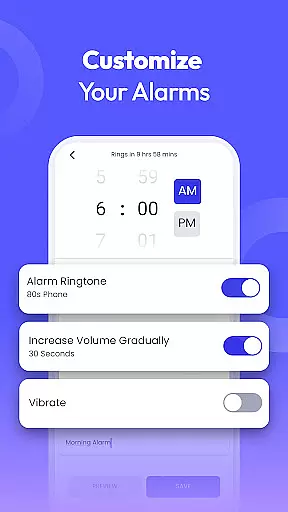
Clock Launcher stands out with its diverse range of features tailored to enhance productivity and streamline daily tasks. One of its core functionalities is the highly customizable alarm clock, which supports daily or weekly alarms, multiple tones, snooze settings, and repeat options for specific days. This ensures users can tailor their wake-up routines according to individual preferences while never being late for important events.
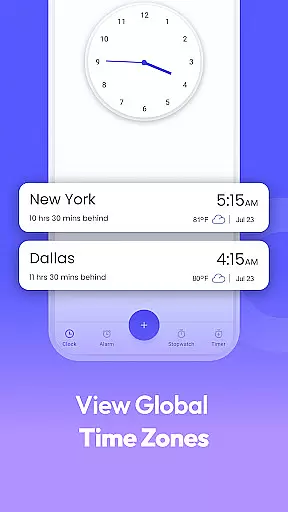
In addition to the alarm clock, the app includes a world clock feature ideal for travelers or professionals managing international schedules. Users can track time differences across cities and save favorite locations for quick reference. The reminder system further augments organization by allowing users to set travel alerts, event notifications, and task reminders, ensuring no deadlines or appointments are missed.
Other notable features include an accurate timer for cooking or workouts, a stopwatch for tracking progress during fitness activities, and a multi-touchpoint search function powered by Yahoo. These tools collectively create a robust platform for effective time management, making Clock Launcher an indispensable utility for those seeking efficiency in their day-to-day lives.
Efficient task management is essential for productivity, and Clock Launcher excels in this area by offering a suite of time management tools. The app provides quick access to alarms, reminders, timers, and stopwatches, all designed to help users organize their day effectively.
Clock Launcher's interface is crafted to ensure that these features are only a swipe away from the home screen, streamlining the process of setting up or checking any ongoing tasks. This immediacy not only saves time but also encourages users to utilize these tools more frequently, enhancing overall productivity.
With capabilities such as setting daily or weekly alarms, customizing tones, and choosing snooze durations, users can tailor the app to fit their unique lifestyles. Additionally, the world clock feature supports frequent travelers and professionals with international meetings by providing accurate time tracking across different cities.
The inclusion of reminders and timers ensures that users never miss important appointments or deadlines. Whether it's for personal events, business meetings, cooking, or workouts, Clock Launcher keeps users on track and punctual, making it an indispensable tool for managing daily tasks efficiently.
In today's interconnected world, reliable cross-device synchronization is crucial for maintaining consistency and accessibility across multiple devices. While Clock Launcher focuses primarily on standalone functionality, its design principles support a seamless experience that could extend to cross-device use.
Although direct synchronization features may not be present, the app's straightforward setup means users can replicate their configurations on other devices with minimal effort. This repeatability ensures that whether at home or work, users maintain uniform access to their essential time management tools.
Furthermore, Clock Launcher's emphasis on user customization allows individuals to recreate personalized settings such as alarm preferences and favorite cities for world clock tracking effortlessly. This adaptability guarantees that no matter the device being used, the user experience remains familiar and efficient.
While explicit cross-device syncing might evolve in future updates, current functionalities already empower users to achieve reliable consistency manually. By focusing on ease of replication and personalization, Clock Launcher lays a solid foundation for potential integration of advanced synchronization capabilities in upcoming versions.
User-friendly interface
Comprehensive time tools
Customizable widgets
Efficient multitasking
Global time tracking
Home screen layout changes
Limited design flexibility
No advanced analytics
Dependent on Yahoo search
Basic theme options

Client for Nextcloud Deck
 4.60
4.60
Auto-shutoff Alarm with Sunrise, Sunset & Fixed Options.
3.50
Mind Map and brainstorm, note taking and idea collection
4.80
Todo reminder
4.10
Multilingual translator for text, voice, and image translation!
4.90
All document reader, all in one file viewer read PDF, DOCX, XLS, PPT, TXT files.
4.60
Create and edit presentations with Google Slides, part of Google Workspace.
4.00
Quickly and easily keep track of your work shifts
4.70
Put a lock on your cloud: Take the security of your data into your own hands
3.70
Great calculator for Android named one of USA TODAY's "25 Essential Apps".
4.90
Direct Chat without saving contacts & Dual WA Account on Single Device
4.70
Stay on top of your to-dos with Google Tasks, part of Google Workspace.
4.60
Translate text/voice/photos in 150+ languages. Offline & fast translator app.
4.50
Enjoy classic gameplay with customizable features and retro-style graphics.
4.30
All in One PDF Reader: Manage, Read and Edit your Documents
4.20
Make apps & sites with natural language prompts
4.10
Access your phone's notifications, calls, apps, photos & texts on your PC
3.90
Remotely view listen control and record cameras.
3.70
IP Camera Viewer - Android TV : RTSP Surveillance camera viewer for Android TV
4.3


User Reviews