
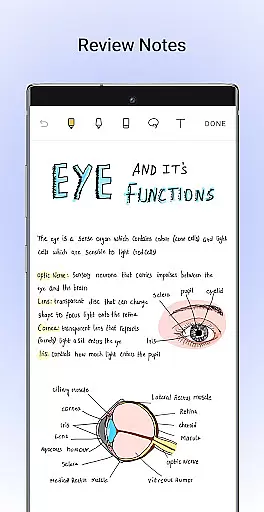
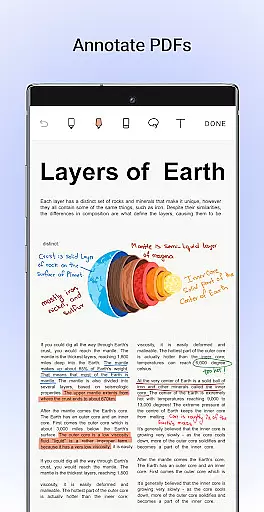
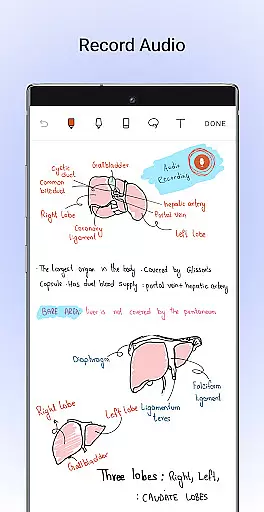
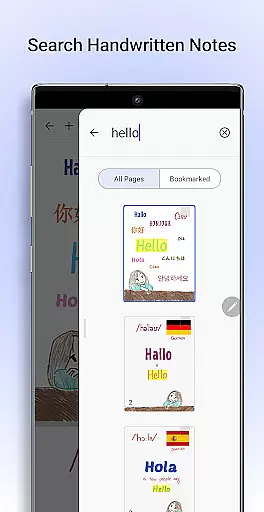
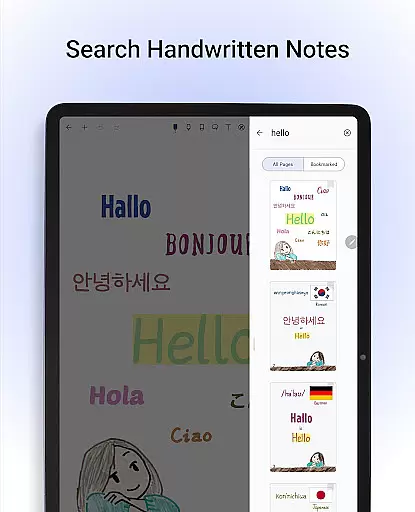
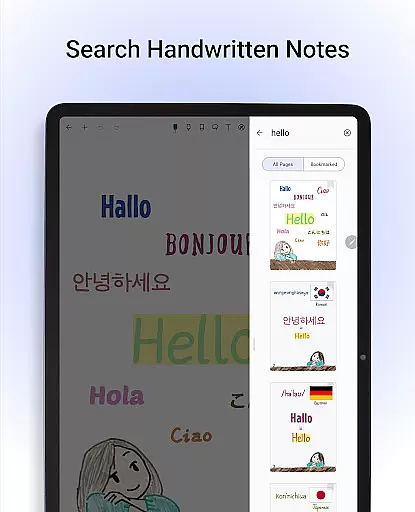
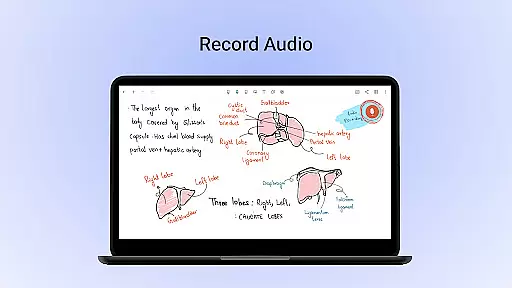
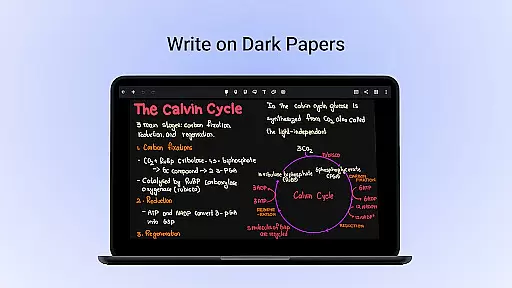
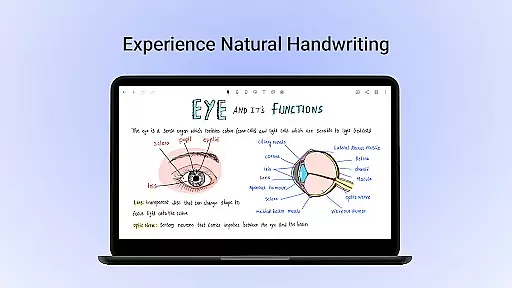
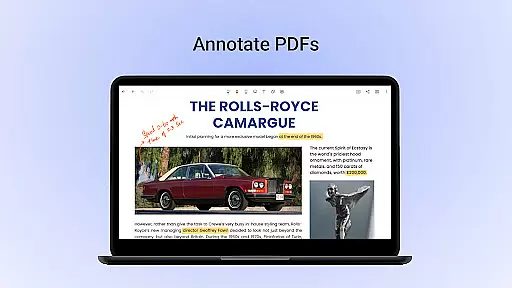
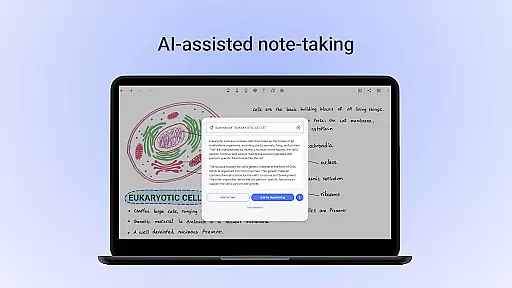
Noteshelf is a powerful note-taking app designed for students, teachers, and professionals. It allows users to take beautiful handwritten notes, annotate PDFs, record audio notes, and more. The app offers realistic pens and highlighters, supports various stylus options, and provides features like handwriting recognition in 65 languages and OCR capabilities.
With Noteshelf, you can personalize your note-taking experience by choosing from different paper types, covers, and formatting options. The app also includes productivity-enhancing features such as Noteshelf AI, which helps generate notes and summaries, and synchronization with cloud services for safe storage and easy access across devices.
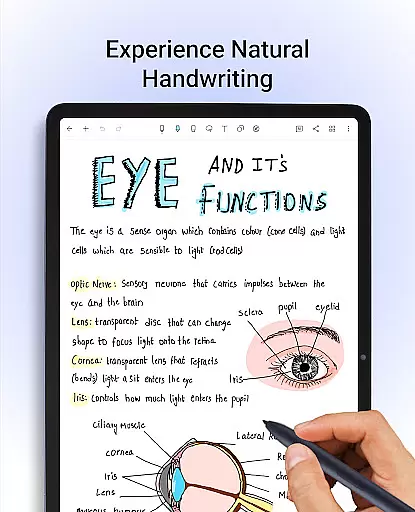
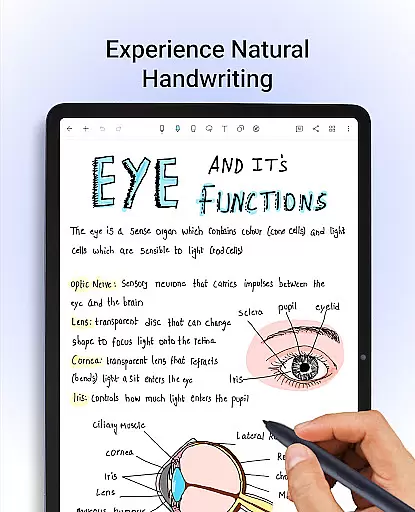
Noteshelf stands out with its comprehensive set of features tailored for digital note-taking. The app provides a natural handwriting experience with customizable pens and highlighters, supporting multiple stylus devices including Samsung Galaxy Note's S-pen with quick-erase functionality.
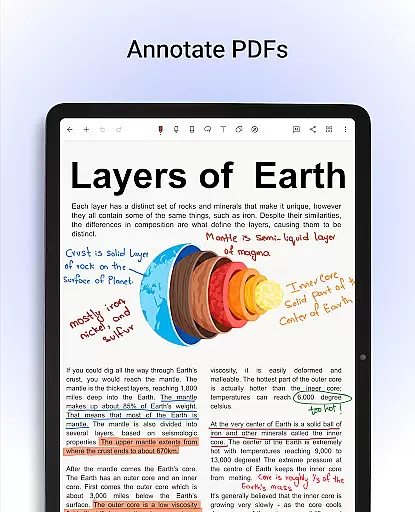
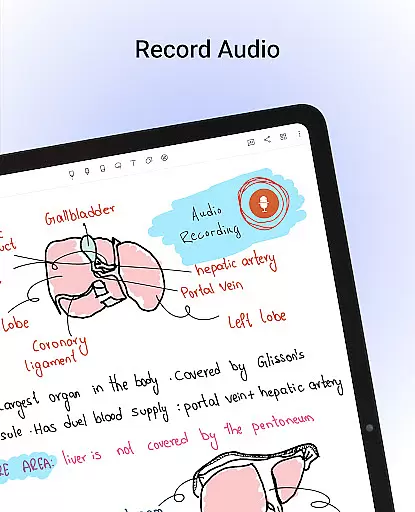
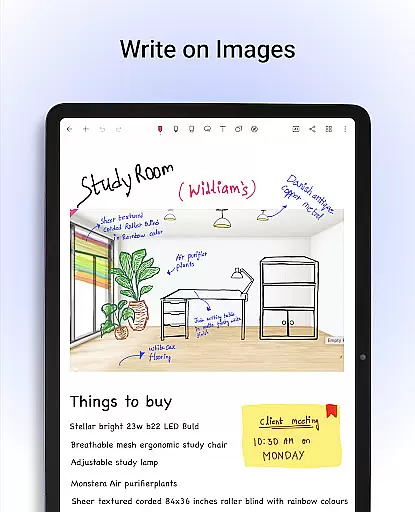
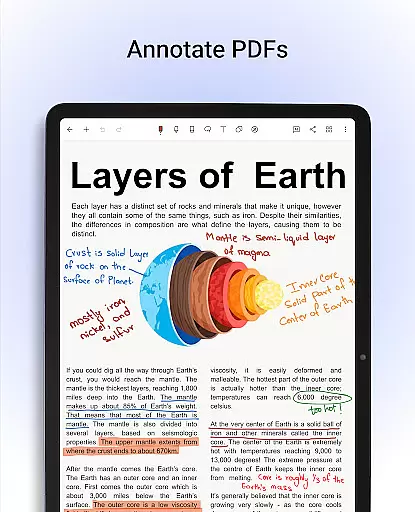
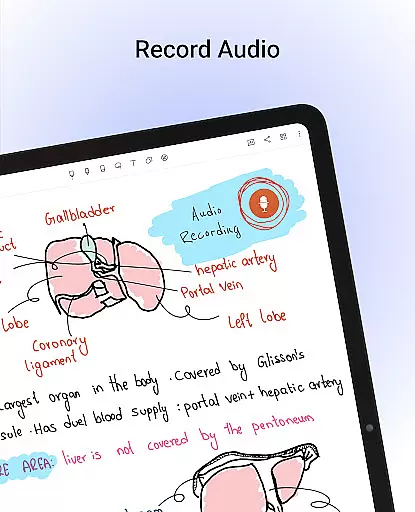
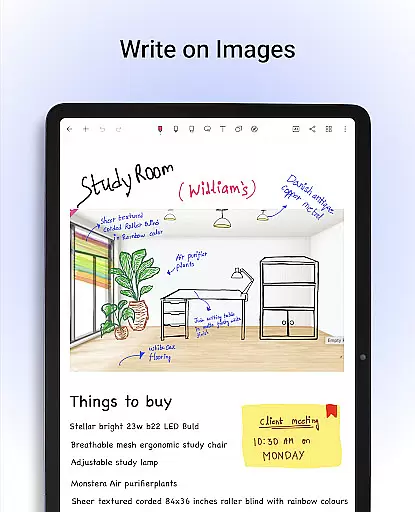
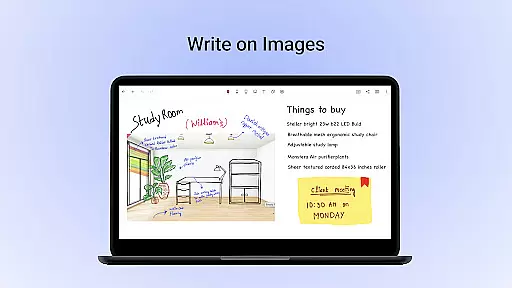
Beyond basic note-taking, Noteshelf enables users to annotate PDFs, write on images, and convert handwritten notes to typed text using OCR. With over 200 templates, users can find layouts for various needs, while Noteshelf AI enhances productivity by generating notes, summarizing content, and translating text. Additional features include audio recording, shape drawing tools, and synchronization with popular cloud services.
Noteshelf excels in core task management by offering a comprehensive suite of tools designed to enhance productivity. The app allows users to take beautiful handwritten notes, annotate PDFs, and record audio notes, catering to students, teachers, and professionals alike.
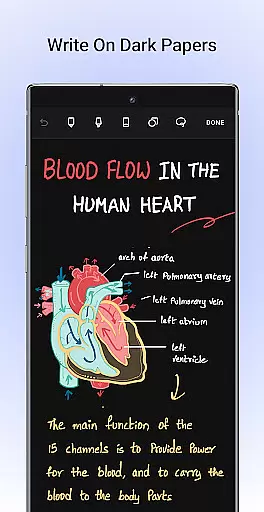
The natural handwriting feature provides an authentic pen-and-paper experience with realistic pens and highlighters. Users can play around with colors, shapes, and images, making note-taking colorful and fun. Support for various stylus options ensures that the transition from traditional notepads is seamless.
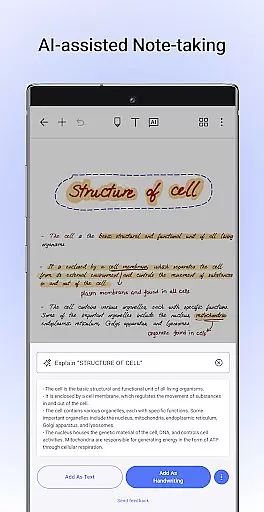
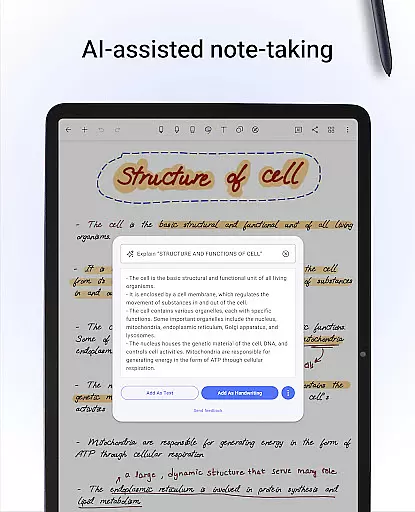
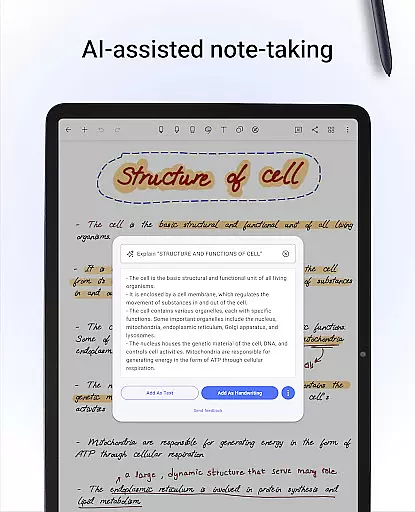
With Noteshelf AI, users can convert their handwritten notes into typed text and even translate them, summarize content, or explain complex terms. This functionality significantly boosts efficiency, allowing users to focus on their tasks rather than the process of note-taking.
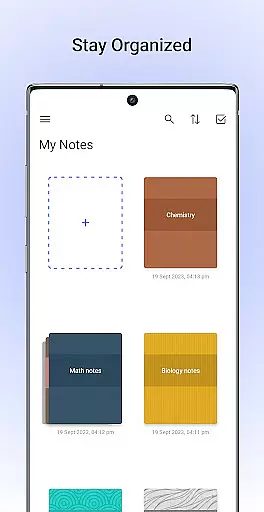
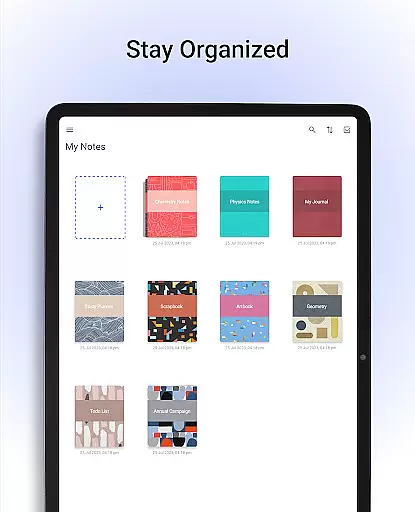
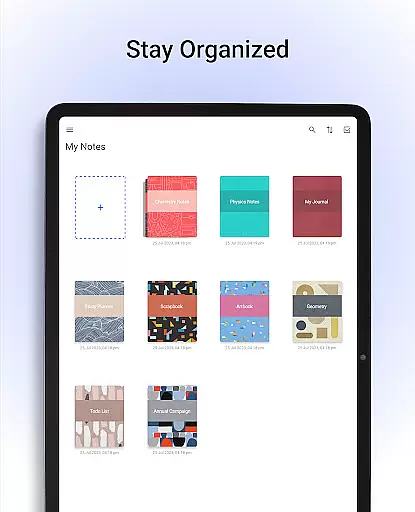
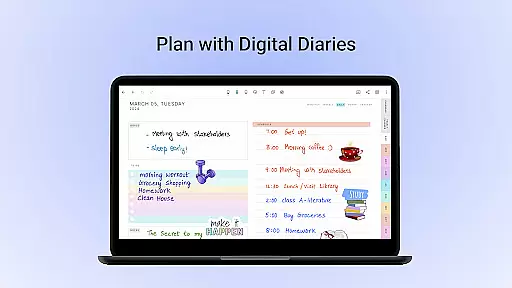
Additionally, the app offers over 200 templates tailored for different needs, such as lesson plans, to-do lists, and bullet journaling. These templates help users stay organized and make task management more intuitive and visually appealing.
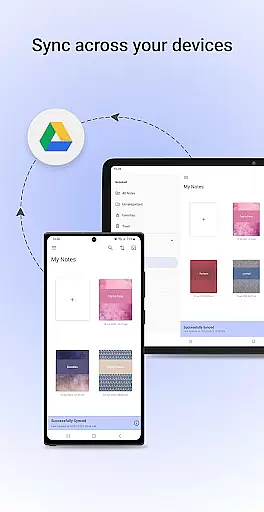
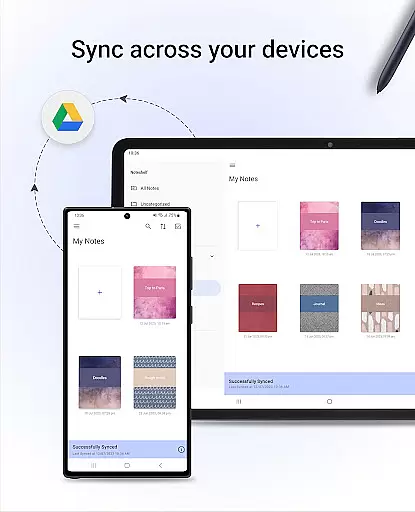
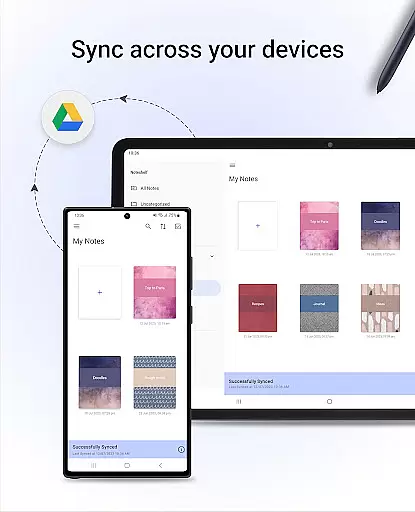
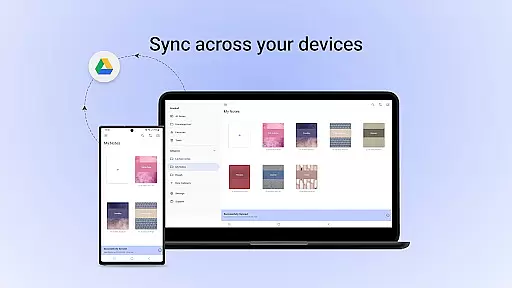
One of Noteshelf's standout features is its reliable cross-device synchronization, ensuring that your notes are always accessible no matter where you are. By syncing via Google Drive, users can easily access their notes on any Android device, providing unparalleled convenience.
The app supports automatic backups to multiple cloud services, including Google Drive, OneDrive, Dropbox, and WebDAV. This multi-cloud support guarantees that your data is safe and can be retrieved anytime, anywhere, thus enhancing the reliability of your workflow.
Noteshelf also allows users to automatically publish their notes to Evernote, further expanding accessibility and integration with other productivity tools. This feature ensures that your notes are not only backed up but also ready for use across different platforms.
Moreover, the ability to share notes as images and illustrate them with visuals from libraries like UNSPLASH and PIXABAY adds another layer of versatility. Whether you're working from your phone, tablet, or computer, Noteshelf keeps your notes synchronized and secure, empowering you to stay productive.
User-friendly interface
Extensive customization options
Advanced handwriting recognition
Robust cloud integration
Innovative AI functionalities
Free version has limitations
Occasional syncing issues
Learning curve for new users
Some features require premium subscription
Limited collaboration tools

A lightweight JSON & XML files creator, editor and viewer (Premium Version)
 4.40
4.40
Customizable calendar widget for seamless event sync, planning & scheduling.
4.00
Find and delete junk files & block unwanted notifications & manage files
3.70
The AI assistant that thinks with you - write, code, and solve complex tasks
4.60
Create and edit presentations with Google Slides, part of Google Workspace.
4.00
Subscribe to Webcal & .ics calendars and keep them up-to-date!
4.50
Great calculator for Android named one of USA TODAY's "25 Essential Apps".
4.90
A comprehensive suite of tools designed specifically for Lactation Consultants
4.3
The ultimate file manager for rooted devices. The original and still the best.
4.00
A beautiful digital clock with autostart and many other functions
4.70
aCalendar+ makes your day, week and month
4.70
Lightweight PDF, Word, Excel reader.
4.60
Planet Free VPN - The best Fast Unlimited and Secure VPN Without Logs
4.50
A Pixel Art watchface inspired by other iconic 90s designs for Wear OS devices!
4.40
Access, manage and transfer files on Android, PC, Mac, NAS and cloud storages.
4.30
Font maker keyboard with your own handwriting
4.10
Intelligent AI Assistant
4.10
⏰ Finally a timer app which can run multiple timers simultaneously on your watch
3.90
IP Camera Viewer - Android TV : RTSP Surveillance camera viewer for Android TV
4.4


User Reviews