

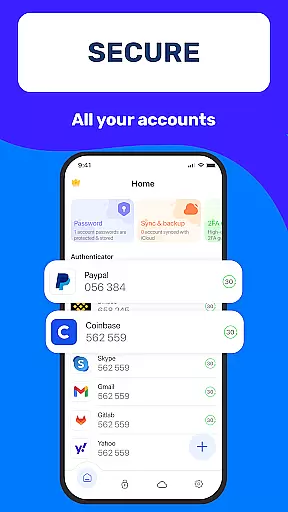
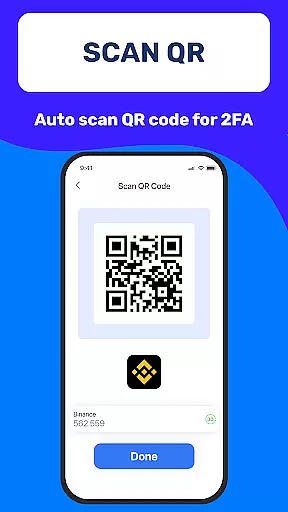
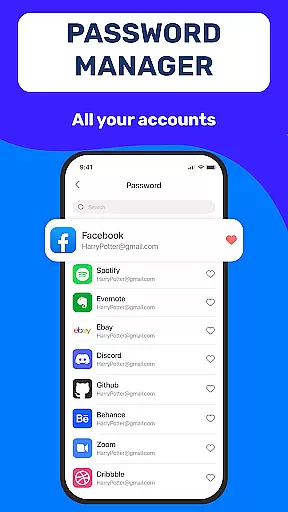
Authenticator App 2FA - Password Manager is a comprehensive productivity tool designed to enhance both security and convenience in managing digital accounts. The app integrates two-factor authentication (2FA) with advanced password management, ensuring users can protect their online presence while simplifying login processes. With features like QR code scanning for 2FA, secure password storage, and automatic form filling, it caters to individuals seeking robust account protection without compromising usability.
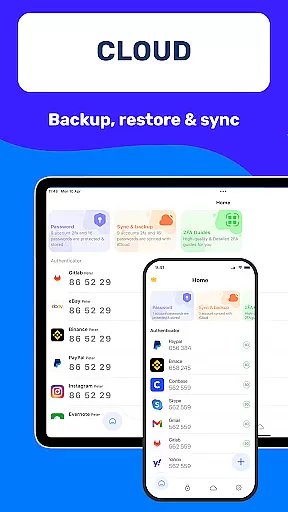
In addition to its core security functions, the app offers practical utilities such as cross-device data synchronization, cloud backup, and dark mode for comfortable usage in low-light environments. These features make it an ideal solution for users who frequently switch devices or need reliable access to sensitive information on the go. Whether you're looking to safeguard personal accounts or streamline workflows, Authenticator App 2FA - Password Manager provides a versatile and efficient approach to modern digital security.
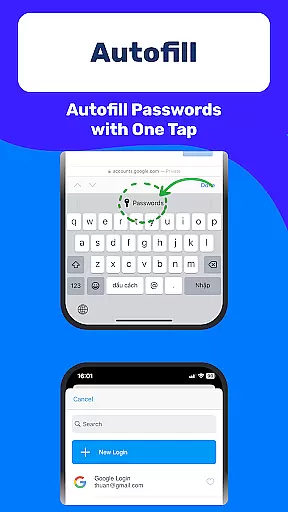
One of the standout features of Authenticator App 2FA - Password Manager is its multifunctional design that combines several critical tools into one platform. The Scan QR 2FA functionality allows users to quickly enable two-factor authentication across multiple services, significantly reducing the risk of unauthorized access. This feature is complemented by a built-in password manager that securely stores credentials and uses Autofill technology to populate login fields automatically, saving time and minimizing errors during sign-ins.
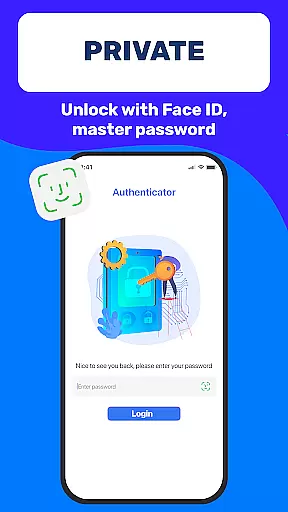
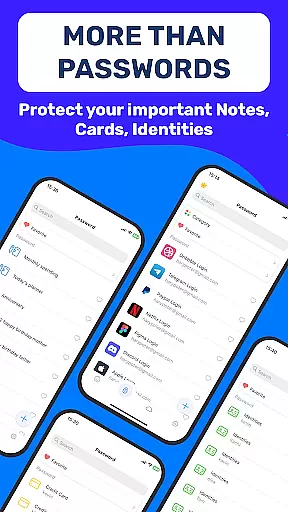
The app also includes advanced data management capabilities such as Backup & Sync, which ensures no information is lost when switching devices or reinstalling the app. For added security, users can lock the app using either a Master Password or biometric authentication via Touch ID. Furthermore, the inclusion of Dark Mode, Credit Card Note storage, and Vital Identification features demonstrates the app's commitment to both usability and safety. With support for importing data from other authenticator apps and exporting it as needed, this tool empowers users to take full control of their digital identity while maintaining flexibility across platforms.
At the heart of Authenticator App 2FA - Password Manager lies its robust core task management system, designed to streamline your digital life. This feature allows users to efficiently organize and manage their accounts with ease. The app's multifunctional approach combines two-factor authentication (2FA) with comprehensive password management, ensuring that all your login credentials are not only secure but also easily accessible.
The Scan QR 2FA functionality exemplifies this seamless integration by simplifying the login process while enhancing security. By scanning a QR code, users can quickly add new accounts to their 2FA list, making it faster and safer to access their online profiles. Additionally, the inclusion of Autofill capabilities means you no longer need to manually enter passwords, as the app will automatically populate login fields across websites, saving time and reducing input errors.
Furthermore, the Backup & Sync feature ensures that your data remains intact even when transitioning between devices or reinstalling the application. This reliability is crucial for maintaining productivity without interruptions. With Authenticator App 2FA - Password Manager, users gain peace of mind knowing their information is protected and always at their fingertips, empowering them to focus on what truly matters.
Cross-device synchronization reliability is a cornerstone of Authenticator App 2FA - Password Manager, providing users with an uninterrupted experience across multiple platforms. This feature guarantees that whether you're switching from your smartphone to a tablet or desktop, your data remains consistent and up-to-date. The ability to sync information such as 2FA codes, passwords, and sensitive notes ensures that you have access to your critical data wherever you go.
The app's Import and Export Data functionality further enhances this reliability by allowing seamless transitions between different authenticator applications. Users can effortlessly migrate their existing data into Authenticator App 2FA - Password Manager, ensuring continuity and convenience. Moreover, the Cloud-based Data Storage solution adds another layer of assurance, safeguarding against data loss due to device damage or theft.
With the added flexibility of Master Password and Touch ID protection, users can confidently unlock their app on any device without compromising security. This combination of features ensures that Authenticator App 2FA - Password Manager stands out as a top-tier productivity tool, offering both safety and efficiency in managing digital identities across various devices.
Enhanced Security
User-Friendly Interface
Efficient Password Management
Reliable Cloud Backup
Versatile Device Support
Premium Feature Costs
Occasional Sync Delays
Limited Free Storage
Complex Setup for Beginners
Requires Internet Connection

Experience real multitasking on your Android!
 4.00
4.00
8 custom complications. Custom Time Fonts. Beautiful color schemes. A++ Design.
5.00
Mind Map and brainstorm, note taking and idea collection
4.80
Protect and view your important info on your phone and tablet with eWallet®
4.80
ID.me Authenticator is a simple and free Two Factor Authentication solution
3.50
Subscribe to Webcal & .ics calendars and keep them up-to-date!
4.50
Seamlessly read, manage, and organize all your PDF files solution in one place
4.40
Browse and view your photos and videos from the phone with photo & video hide.
4.10
Put a lock on your cloud: Take the security of your data into your own hands
3.70
The Pro Version of Android's tiniest Notepad app. Just 0.3MB but feature-packed!
4.60
Secure, fast, open-source, Remote Desktop Client for Windows and Linux with SSH
4.60
Docker, Kubernetes management over Portainer Mobile
4.40
Share files & memories safely. Keep your photos and videos secure.
4.40
Automates browsing any website and notifies you of important changes or events
4.30
Font maker keyboard with your own handwriting
4.10
Wake up & get tasks done! Add alarms & reminders on the Clock Launcher.
4.00
A Revolutionary All-in-One Artificial Intelligence Tools
3.80
Code on-the-go with VScode for Android. Edit,debug and collaborate from mobile!!
3.10
The upgraded version of Name Wheel with AI and the power to add your own wheels.
4.2


User Reviews