
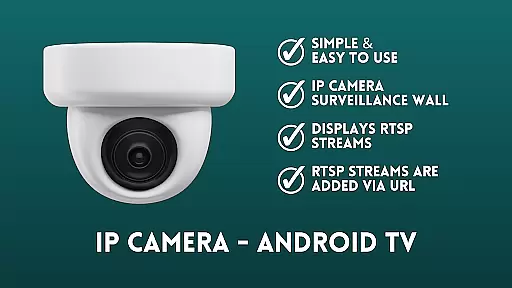
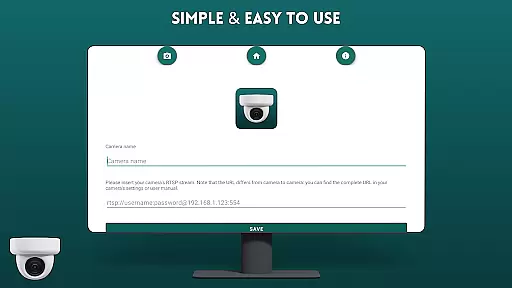
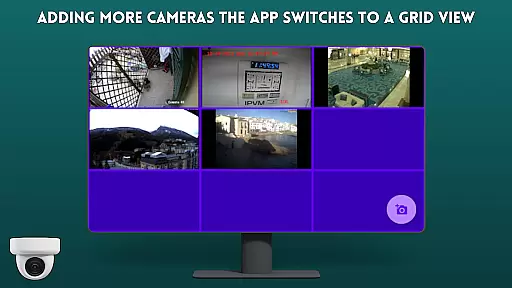
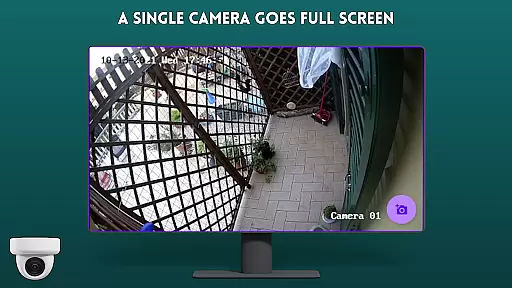
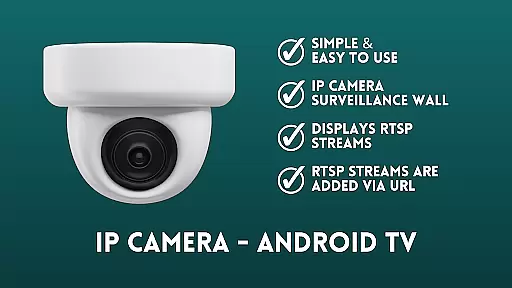
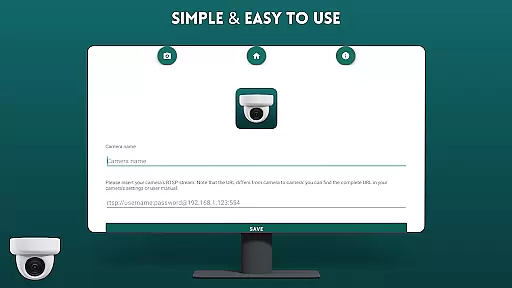
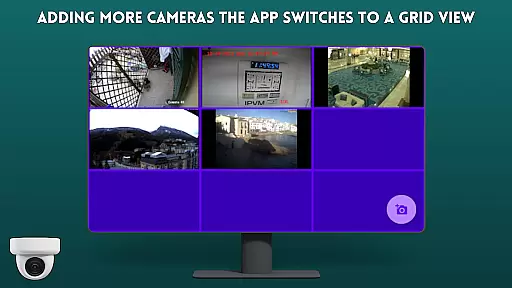
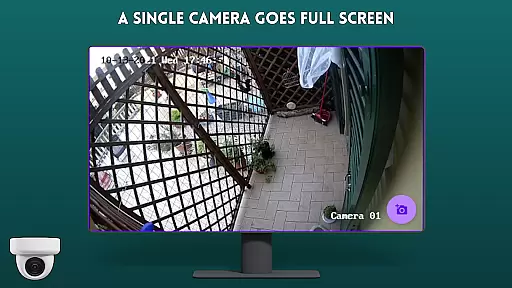
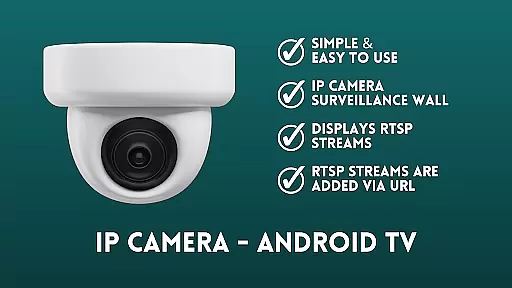
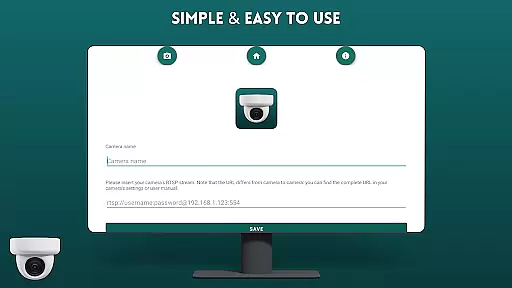
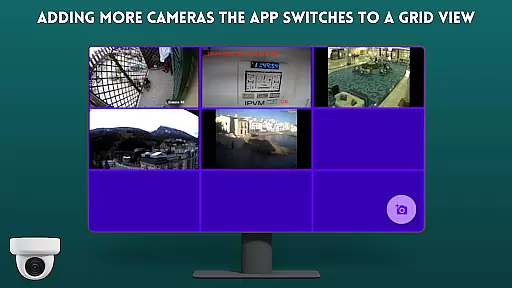
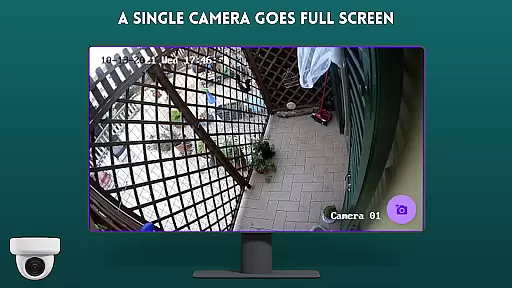
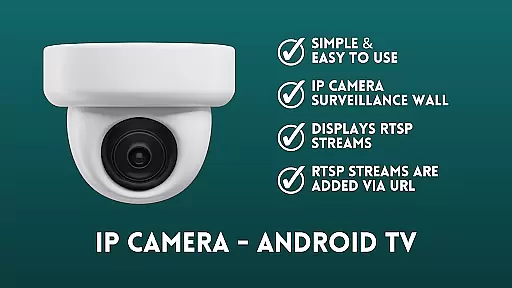
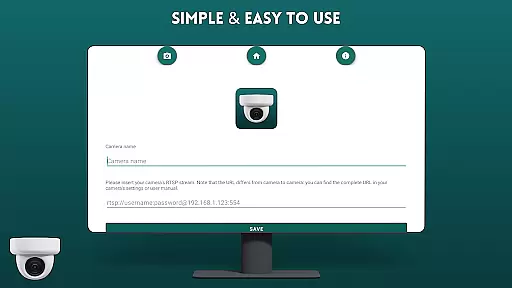
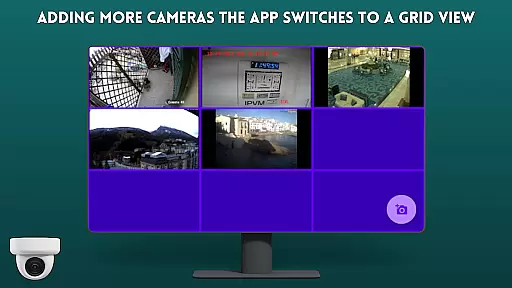
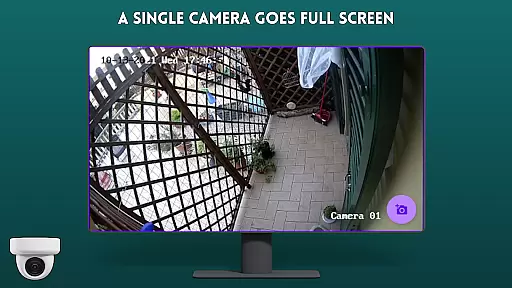
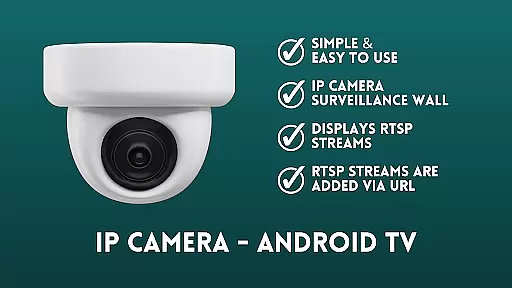
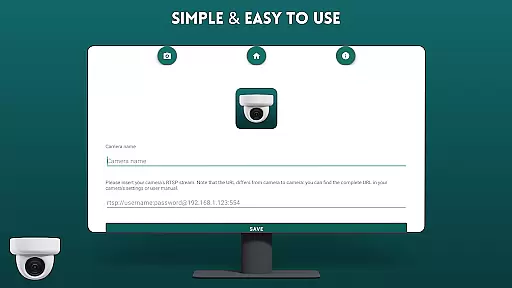
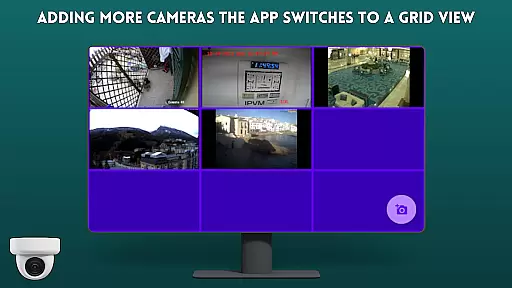
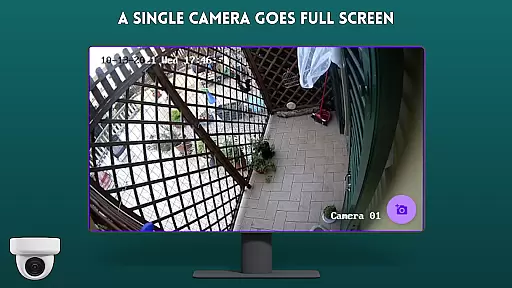
IP Camera Viewer - Android TV is a productivity-focused application designed to simplify the process of viewing IP cameras on Android TV and Google TV platforms. The app offers a user-friendly interface with fast RTSP streaming capabilities, making it easier for users to monitor their IP cameras directly from their TV screens.
The application supports creating a surveillance wall by adding RTSP streams through URLs, displaying them in a classic tile configuration. This makes it an ideal solution for both home security monitoring and small business surveillance needs. With its intuitive navigation and reliable performance, IP Camera Viewer provides an exceptional camera viewing experience on large-screen devices.
IP Camera Viewer stands out with its streamlined feature set tailored for efficient productivity. The app's core functionality revolves around its ability to display RTSP streams from IP cameras through simple URL additions. This creates a customizable surveillance wall that can accommodate multiple camera feeds simultaneously.
Additional features include easy navigation controls optimized for Android TV and Google TV interfaces, ensuring smooth operation with standard TV remotes. The app maintains fast loading times and stable connections, crucial for real-time monitoring applications. Its open-source nature under GPL-3.0 license also allows for potential community-driven improvements and customizations.
Core task management in IP Camera Viewer - Android TV revolves around simplifying the process of monitoring and managing IP cameras on large screens. This app is specifically designed to enhance productivity by providing a seamless experience for users who need to keep an eye on multiple camera feeds without the hassle of complex configurations.
The application supports RTSP streams, which are crucial for real-time video transmission over the internet. By allowing users to add RTSP streams via URL, it ensures that you can connect to a wide variety of IP cameras effortlessly. The tile configuration presents these video feeds in an organized manner, making it easy to monitor several cameras simultaneously.
For users, this means they can efficiently manage their surveillance needs from the comfort of their couch using an Android TV or Google TV. The intuitive interface and straightforward setup reduce the time and effort required to get the surveillance system up and running.
Ultimately, the core task management features of IP Camera Viewer - Android TV empower users to maintain a comprehensive surveillance setup with minimal effort, ensuring peace of mind and heightened security for homes and businesses alike.
Cross-device synchronization reliability is a pivotal feature of IP Camera Viewer - Android TV, ensuring that your surveillance setup remains consistent and accessible across different devices. Given the app's focus on Android TV and Google TV, maintaining reliable synchronization is essential for users who may also want to access their camera feeds from smartphones or tablets.
This app achieves synchronization reliability through its support for RTSP streams added via URL. Once configured, these settings ensure that any device connected to the same network can access the camera feeds without additional setup, providing a fluid cross-device experience. This seamless integration allows users to switch between devices without losing track of important footage or events.
For users, this translates into enhanced flexibility and convenience. Whether at home or on the go, being able to reliably access your surveillance system from various devices ensures that you never miss critical moments. This reliability is particularly beneficial for business owners and homeowners who require constant vigilance.
In summary, the cross-device synchronization reliability of IP Camera Viewer - Android TV guarantees that users can depend on their surveillance system to be accessible and consistent, regardless of the device they choose to use, thereby enhancing overall productivity and security management.
User-friendly interface
Fast RTSP streaming
Easy camera setup
Multiple feed support
Open-source flexibility
Limited advanced features
No cloud recording
Basic UI design
Manual setup required
TV-only focus

Experience Reading - Night Mode for Documents
 4.40
4.40
Planet Free VPN - The best Fast Unlimited and Secure VPN Without Logs
4.50
Multilingual translator for text, voice, and image translation!
4.90
Functional QR scanner and barcode reader that requires little storage space.
4.60
* block pre-roll ads, pop-up and forced redirect ads * Samsung certification app
4.00
Share files & memories safely. Keep your photos and videos secure.
4.40
Understand anything with a personalized AI research assistant
4.80
Simple notepad & memo. Take notes, to-do list, shopping list with reminders.
4.80
Seamlessly read, manage, and organize all your PDF files solution in one place
4.40
Native client for Forgejo and Gitea
5.00
App lock - lock apps with fingerprint, password, pin or pattern, protect privacy
4.70
A simple Whisper AI keyboard for reliable speech transcription and rewording
4.60
This small app MUST BE INSTALLED after purchase, else license won't work
4.40
Total remote control for your Android device, PC and cloud services (IFTTT)!
4.20
Make apps & sites with natural language prompts
4.10
Font maker keyboard with your own handwriting
4.10
The ultimate file manager for rooted devices. The original and still the best.
4.00
⏰ Finally a timer app which can run multiple timers simultaneously on your watch
3.90
Access your phone's notifications, calls, apps, photos & texts on your PC
3.90


User Reviews