
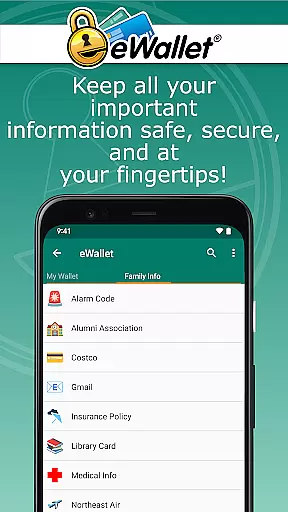
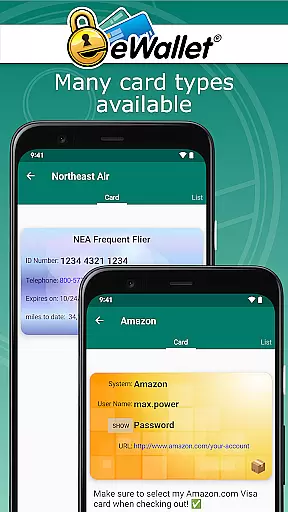
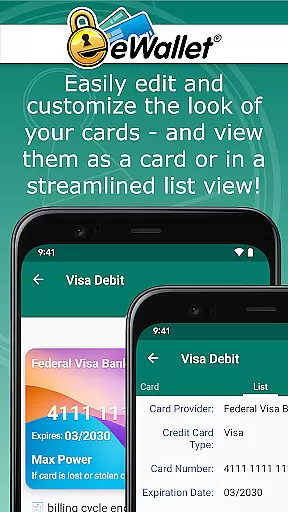
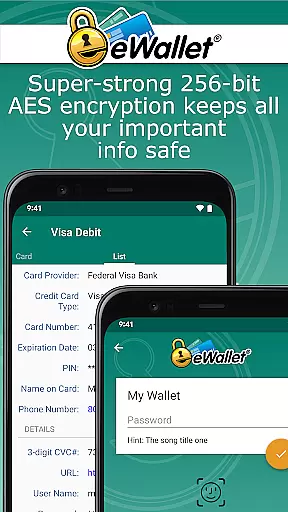
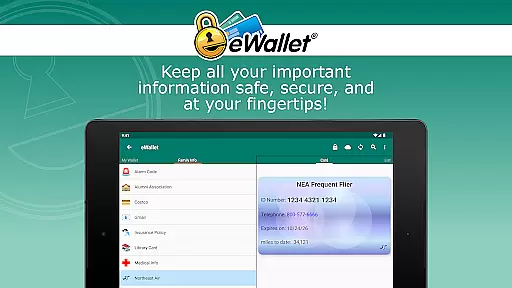
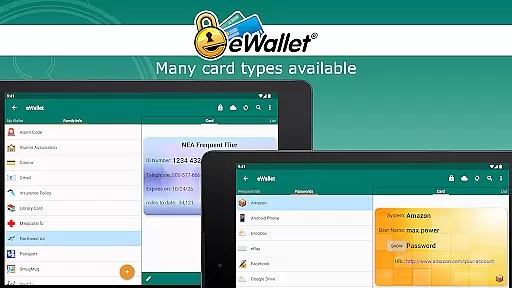
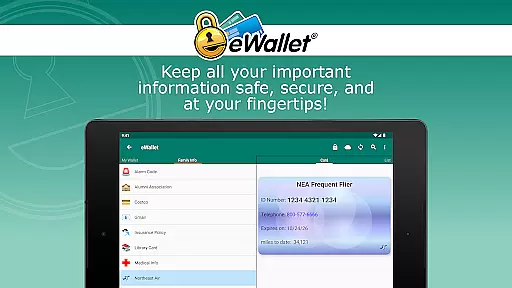
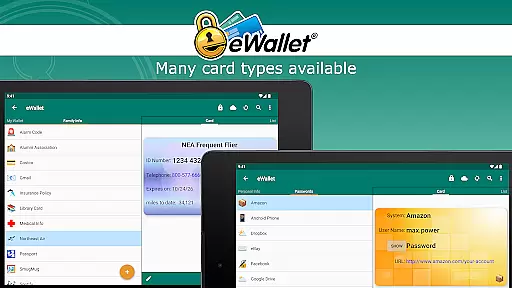
eWallet is a premier productivity app designed to securely manage your digital life. This robust password manager locks sensitive information such as passwords, credit card details, and bank account numbers behind military-grade 256-bit AES encryption. Available for Android smartphones and tablets, it ensures that you can carry your crucial data wherever you go while maintaining top-notch security.
One of eWallet's standout features is its updated Biometric authentication, supporting fingerprint, iris scan, and facial recognition based on your device’s capabilities. With full cloud or local Wi-Fi synchronization across Android devices and desktop computers, users can seamlessly sync their secure wallets. Whether you need to generate random passwords, auto-lock your app, or customize your data cards, eWallet combines safety with simplicity, making it an essential tool for staying organized and secure.
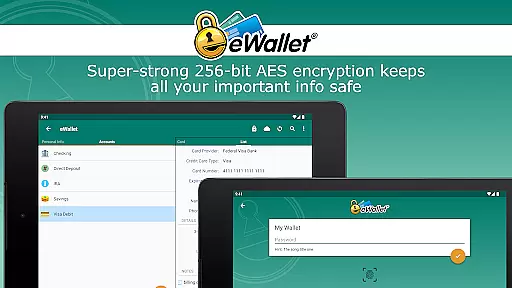
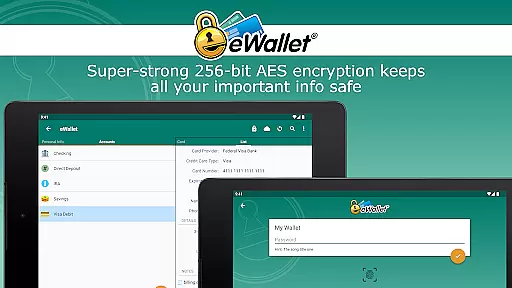
eWallet offers a comprehensive suite of features tailored for secure and efficient personal data management. The app supports multiple layers of security including Biometric access through fingerprint, facial recognition, or iris scanning, ensuring only authorized access to your wallets. Its powerful 256-bit military-grade AES encryption provides peace of mind, safeguarding your most sensitive information from unauthorized access.
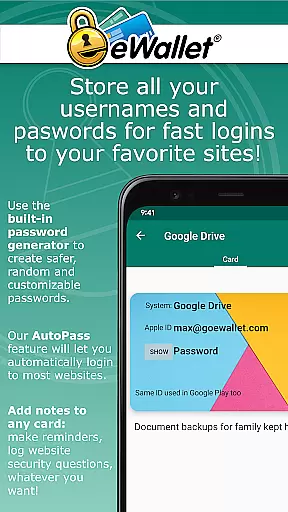
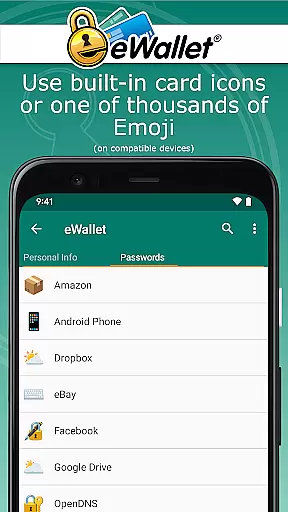
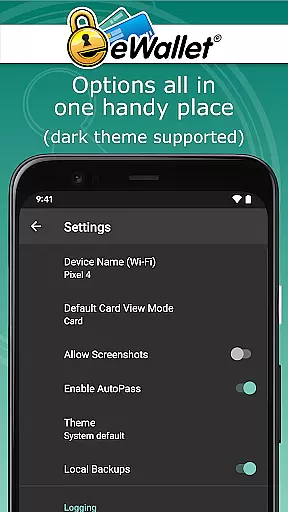
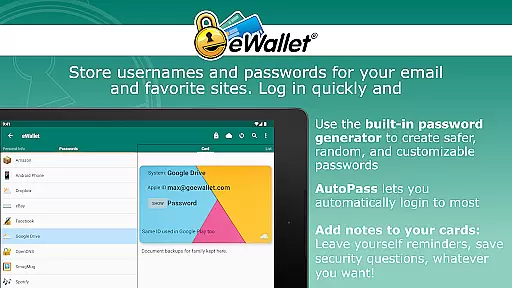
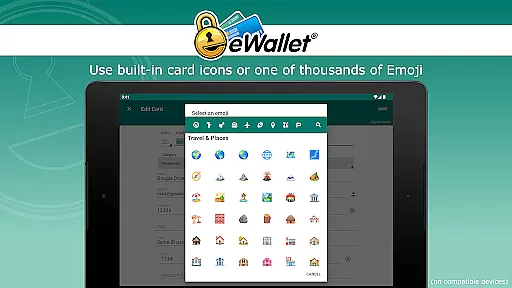
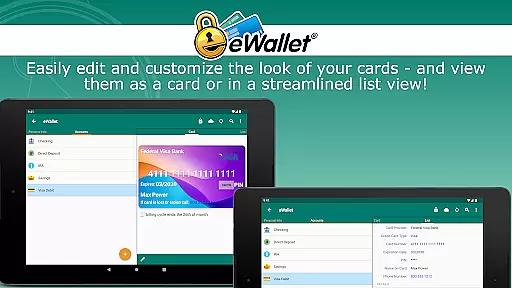
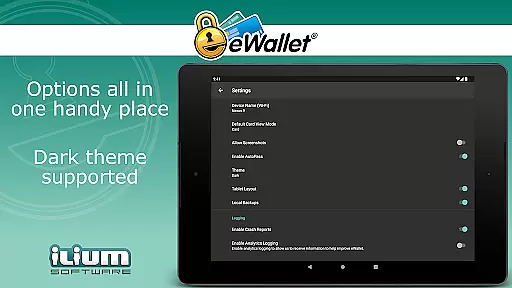
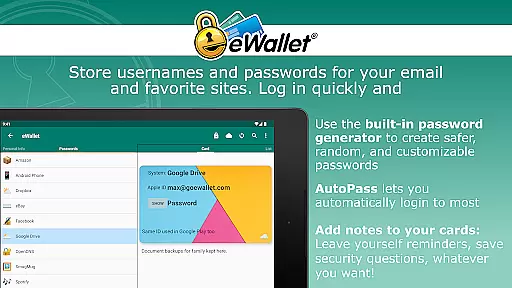
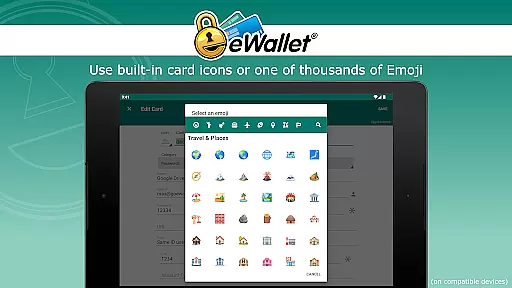
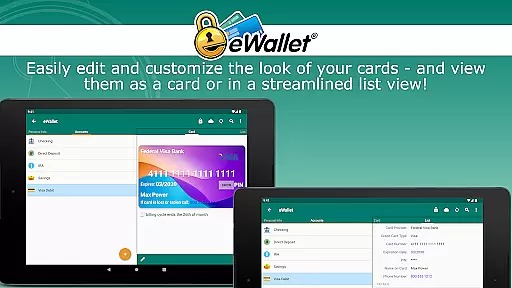
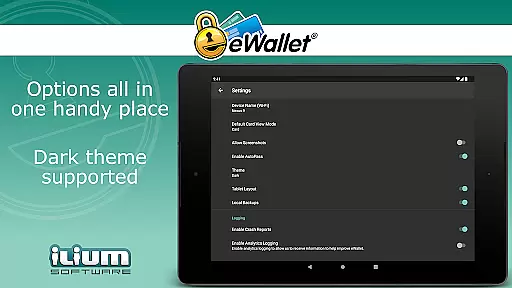
In addition to top-tier security, eWallet includes user-friendly functionalities like a random password generator, auto-locking feature, and customizable wallet designs. Users can sync data seamlessly over the cloud via Dropbox, Google Drive, or Microsoft OneDrive, or use Wi-Fi to sync between devices. The app also features AutoPass for automatic password entry through its built-in browser control, enhancing convenience without compromising security. With support for Dark Theme and thousands of emoji for card customization, eWallet delivers both functionality and personalization.
In the realm of productivity applications, core task management is pivotal for organizing and securing personal information. eWallet excels in this area by offering military-grade 256-bit AES encryption to protect sensitive data such as passwords, credit card details, and bank account numbers.
The app provides a comprehensive suite for managing digital credentials with features like a random password generator and AutoPass, which facilitates automatic password entry through its integrated browser control. This ensures that users can maintain strong, unique passwords for their online accounts without the hassle of memorizing them.
eWallet also supports the creation and synchronization of multiple wallets across various devices, enhancing accessibility and convenience. With full cloud or local Wi-Fi sync options via services like Dropbox, Google Drive, or Microsoft OneDrive, users can seamlessly manage their data on-the-go.
Ultimately, eWallet's task management capabilities empower users to take control of their digital lives securely and efficiently, ensuring that critical personal and financial information is always protected yet readily accessible when needed.
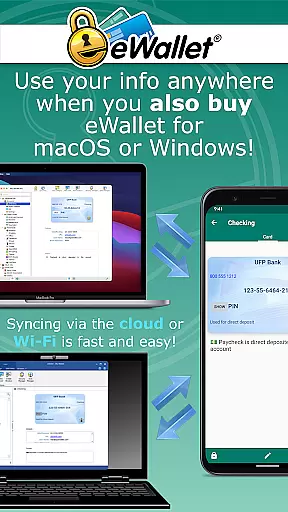
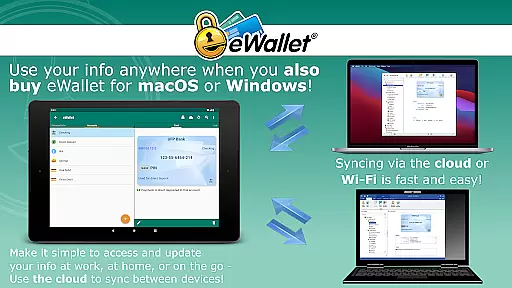
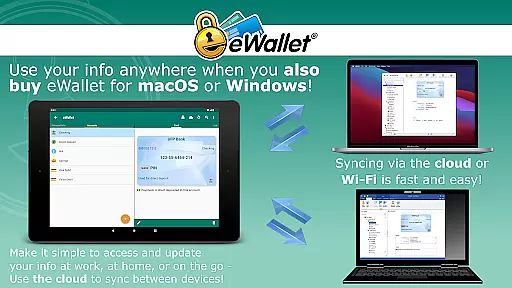
Cross-device synchronization is a cornerstone of modern productivity tools, enabling users to access their data from multiple devices effortlessly. eWallet addresses this need by providing reliable synchronization options that ensure your 'wallets' are consistently up-to-date across Android smartphones, tablets, and desktop computers.
Utilizing either cloud-based services such as Dropbox, Google Drive, or Microsoft OneDrive or opting for local Wi-Fi sync, eWallet guarantees that your encrypted data remains secure during transfer. This dual approach caters to different user preferences while maintaining high standards of security and reliability.
Moreover, the ability to sync multiple wallets between devices enhances flexibility and organization. Users can categorize their information into distinct wallets for better management, all the while enjoying peace of mind knowing their data is safeguarded with advanced encryption protocols.
With over 28 years of experience in mobile security software, Ilium Software has crafted eWallet to be a dependable solution for personal data management, ensuring users worldwide can trust in the integrity and availability of their synchronized information.
Top-notch security
User-friendly interface
Biometric login options
Cloud and Wi-Fi sync
Customizable features
No iOS compatibility
Separate desktop purchase
Limited free features
Requires Android 8+
Subscription fees apply

All in one sketching tool. Technical and General drawing. Online Maps support.
 3.70
3.70
Direct Chat without saving contacts & Dual WA Account on Single Device
4.70
The Pro Version of Android's tiniest Notepad app. Just 0.3MB but feature-packed!
4.60
Font maker keyboard with your own handwriting
4.10
Multilingual translator for text, voice, and image translation!
4.90
The AI assistant that thinks with you - write, code, and solve complex tasks
4.60
Secure, open-source, SPICE and SSH Remote Desktop for QEMU KVM virtual machines
4.00
Quickly and easily keep track of your work shifts
4.70
Intelligent AI Assistant
4.10
App lock - lock apps with fingerprint, password, pin or pattern, protect privacy
4.70
Stay on top of your to-dos with Google Tasks, part of Google Workspace.
4.60
Planet Free VPN - The best Fast Unlimited and Secure VPN Without Logs
4.50
A lightweight JSON & XML files creator, editor and viewer (Premium Version)
4.40
Secure your apps with lock screens, use custom themes and different features.
4.40
Share files & memories safely. Keep your photos and videos secure.
4.40
Experience real multitasking on your Android!
4.00
Mega cloud explorer plugin for Solid Explorer
3.80
ID.me Authenticator is a simple and free Two Factor Authentication solution
3.50
Ads Free App! Editor, Hide File, Copy, Move, Delete and Rename.. all facility av
1.70


User Reviews