
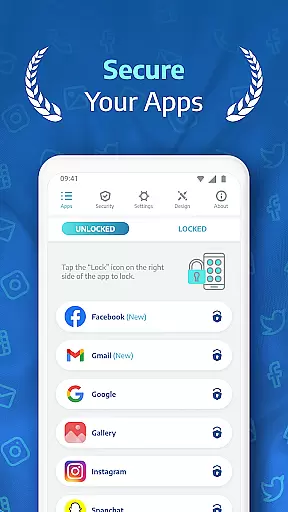
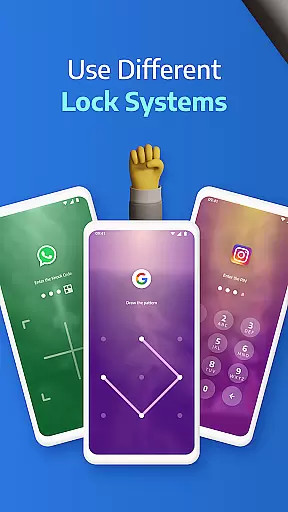
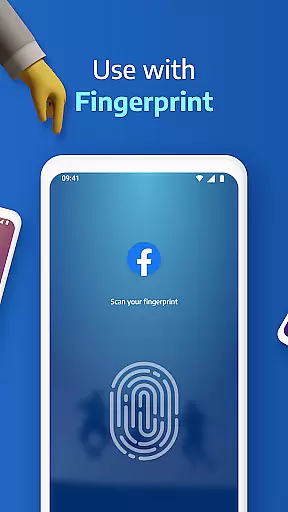
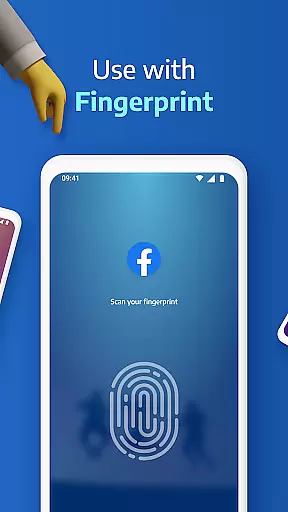
AppLock Pro is a premier productivity app designed to secure your personal data by locking apps and photos. Trusted by millions, this fast and reliable application ensures privacy through advanced lock mechanisms including PIN, pattern, fingerprint recognition, and KnockCode. Whether you need to protect sensitive messages, social media accounts, or confidential images, AppLock Pro offers comprehensive security solutions that adapt to various user needs.
Beyond basic locking features, the app includes innovative functionalities such as spy camera protection, fake error messages, and customizable lock styles. These features not only enhance security but also provide users with peace of mind knowing their digital footprint remains private. Suitable for both personal and professional use, AppLock Pro stands out in the productivity category by offering robust protection without compromising on user experience.
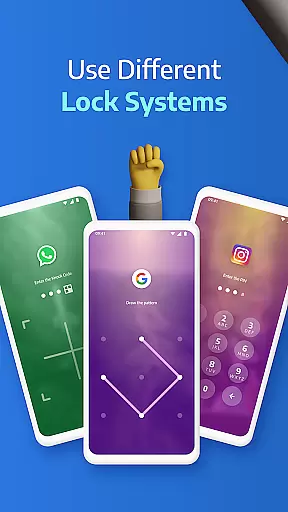
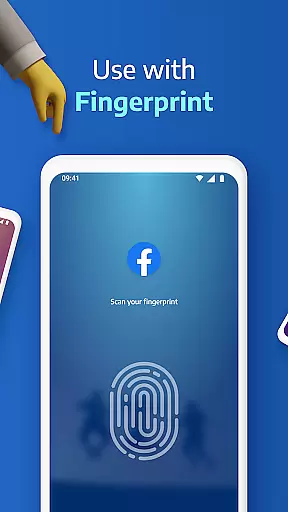
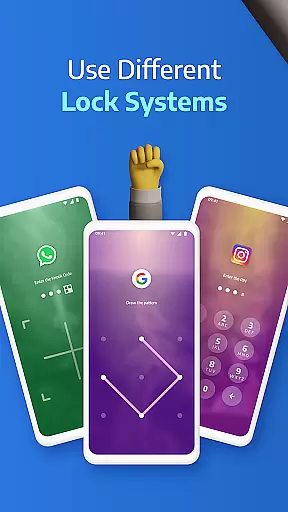
AppLock Pro distinguishes itself with a rich array of features tailored to maximize security and customization. One of its standout capabilities is the ability to lock any app using multiple methods such as PIN, pattern, fingerprint (if supported), or KnockCode. This versatility ensures that users can choose the most convenient and secure option for their devices.
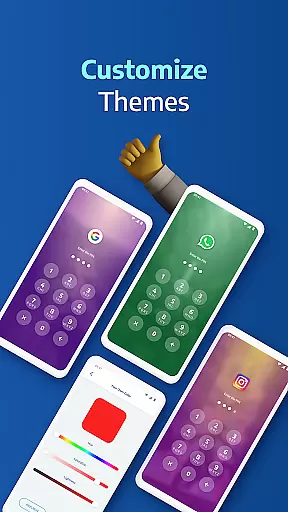
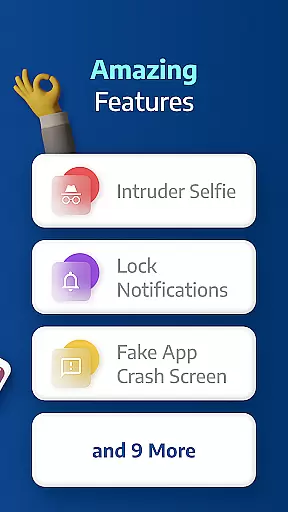
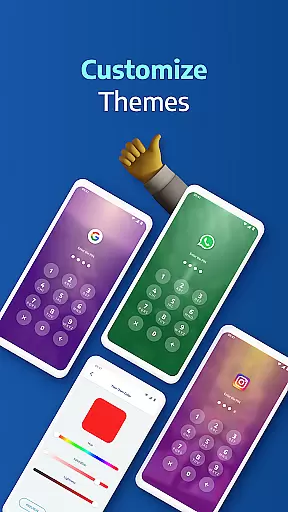
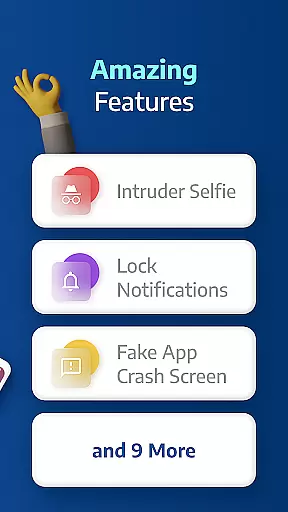
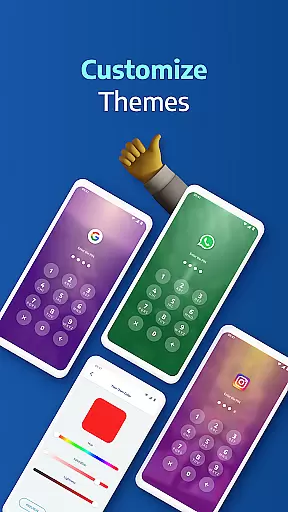
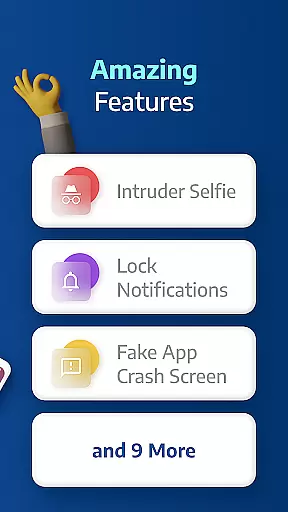
In addition to locking mechanisms, AppLock Pro incorporates smart features like spy camera protection, which captures a photo of anyone attempting unauthorized access. The app also allows users to set up fake error messages and customize lock screen themes, providing both security and personalization. With functionalities such as hiding notifications, setting lock timers, and triggering spy alarms, AppLock Pro delivers a comprehensive suite of tools designed to safeguard user data effectively.
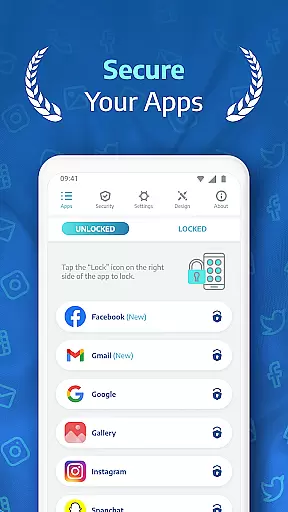
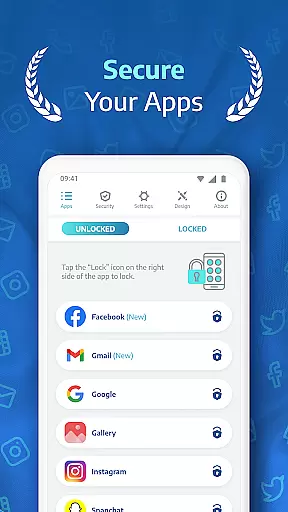
AppLock Pro excels in core task management by offering a comprehensive suite of locking mechanisms tailored to secure various aspects of your digital life. The app allows users to lock any application, from social media platforms like WhatsApp and Instagram to system settings, using multiple security methods including PIN, pattern, fingerprint recognition, and KnockCode.
The functionality extends beyond mere locking. AppLock Pro incorporates smart features such as the spy camera, which captures an image of anyone attempting unauthorized access after five incorrect password entries. This feature not only deters potential intruders but also provides evidence of attempted breaches, enhancing user awareness and security.
Moreover, the app includes customizable lock styles and themes, allowing users to personalize their security experience while maintaining robust protection. With options like fake error messages and stealth mode through hiding its own icon, it ensures that privacy measures do not interfere with daily usability, making it an essential tool for managing personal data securely and efficiently.
Cross-device synchronization is crucial for users who operate multiple devices or frequently switch between them. AppLock Pro addresses this need by ensuring reliable synchronization across different platforms, enabling seamless security management regardless of where you are or which device you use.
While direct cross-device syncing might not be explicitly detailed in the description, AppLock Pro's lightweight design and optimization for battery and RAM usage suggest efficient performance that supports consistent functionality. Features like auto-relock timers and new app alerts ensure that security protocols remain intact even when transitioning between devices.
Additionally, the ability to customize backgrounds using gallery photos indicates a level of personalization that can translate into synchronized preferences across devices. By focusing on these intelligent settings and providing versatile lock typesu2014including fingerprint if supported by the deviceu2014AppLock Pro delivers dependable cross-device reliability, empowering users to maintain control over their app security effortlessly.
Highly secure
User-friendly interface
Customizable lock styles
Lightweight design
Trusted by millions
Premium version costly
Permissions extensive
Occasional bugs
Limited free features
Fingerprint issues

Auto-shutoff Alarm with Sunrise, Sunset & Fixed Options.
 3.50
3.50
Absolutely the best CNC machinist speed and feed calculator around. fswizard.com
4.60
Remotely view listen control and record cameras.
3.70
Subscribe to Webcal & .ics calendars and keep them up-to-date!
4.50
A simple Whisper AI keyboard for reliable speech transcription and rewording
4.60
The ultimate file manager for rooted devices. The original and still the best.
4.00
Share files & memories safely. Keep your photos and videos secure.
4.40
Simple notepad & memo. Take notes, to-do list, shopping list with reminders.
4.80
Browse and view your photos and videos from the phone with photo & video hide.
4.10
Understand anything with a personalized AI research assistant
4.80
Quickly and easily keep track of your work shifts
4.70
Secure, fast, open-source, VNC and SSH Remote Desktop for Windows, Linux and Mac
4.70
The Pro Version of Android's tiniest Notepad app. Just 0.3MB but feature-packed!
4.60
Total remote control for your Android device, PC and cloud services (IFTTT)!
4.20
Todo reminder
4.10
Secure, open-source, SPICE and SSH Remote Desktop for QEMU KVM virtual machines
4.00
Simple and reliable communication between inmates, friends and family
3.20
AI Video AI Image Private LLM AI Browser Llama Gemma Ollama Connect LLM Studio
4.5
A simple, portable logger for POTA, SOTA, Field Day, and more
4.4


User Reviews