
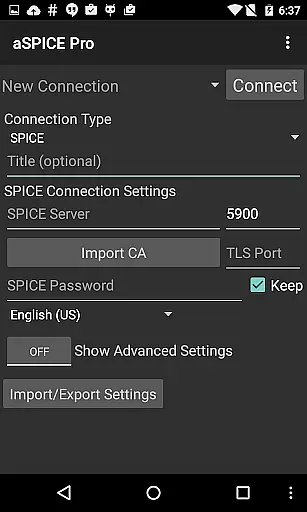
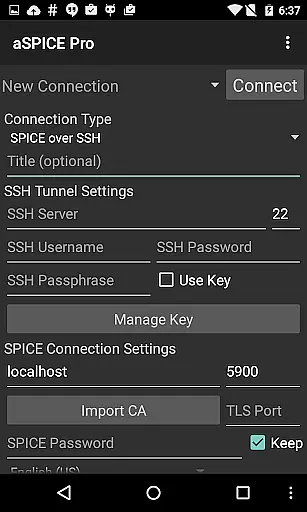
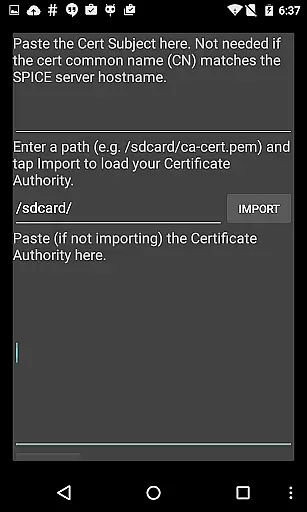
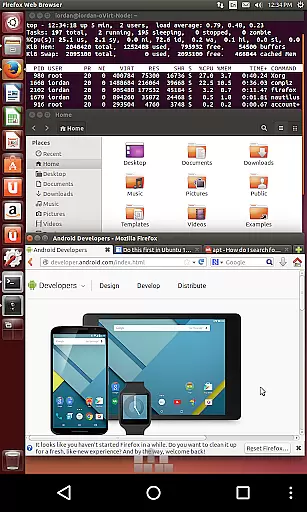
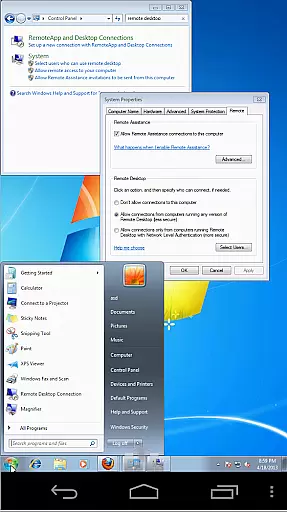
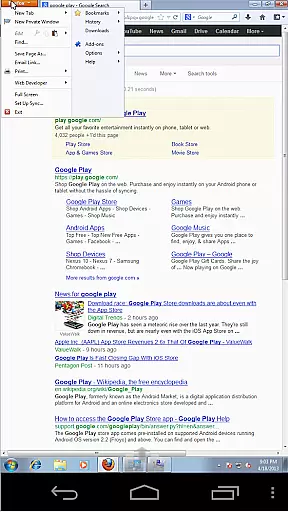

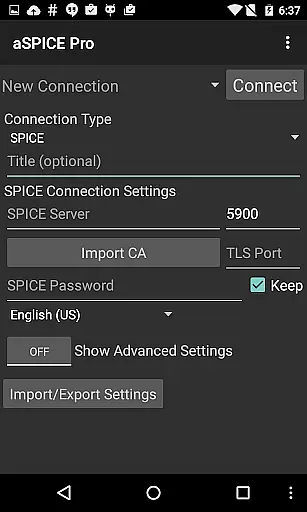
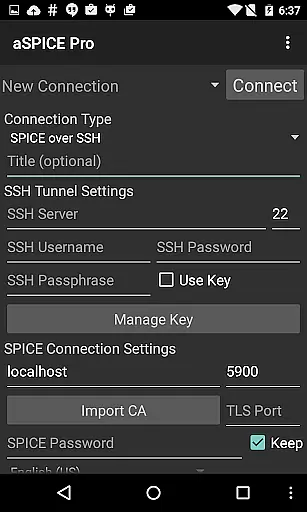
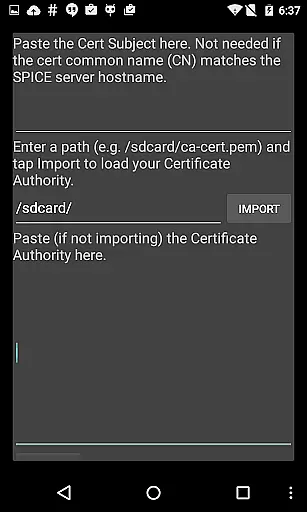
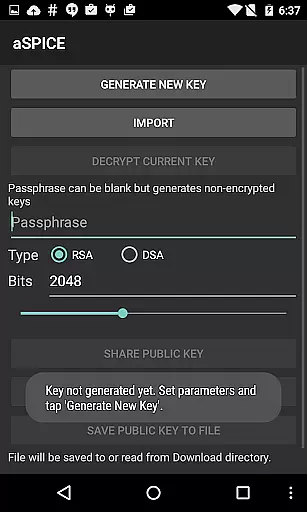
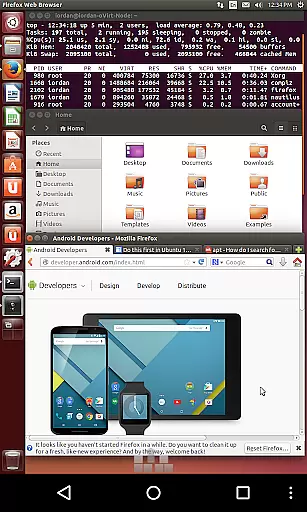
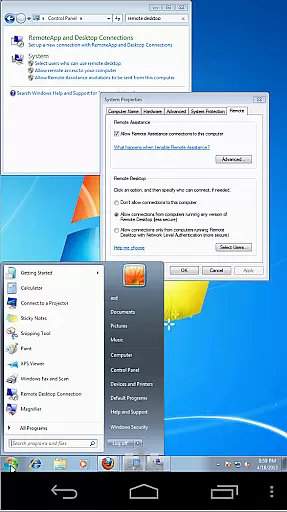
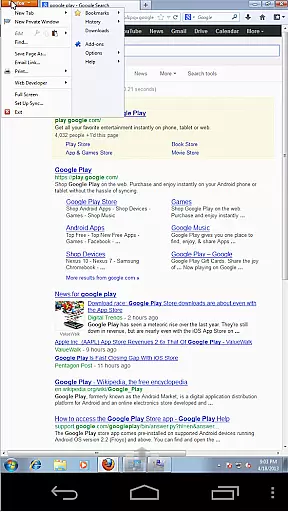

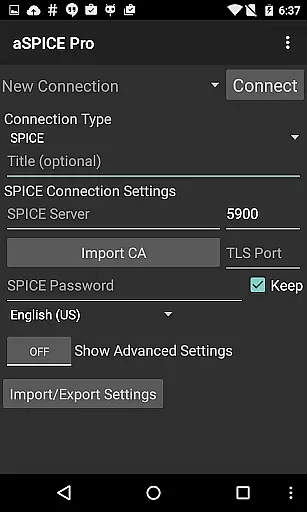
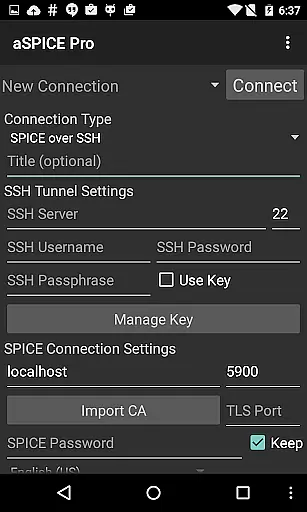
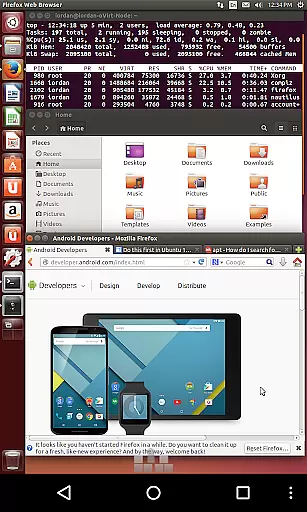
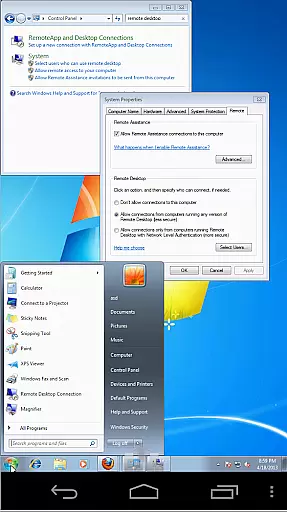
aSPICE Pro Secure SPICE Client is a powerful productivity tool designed for users who need to remotely control virtual machines with precision and security. This application supports the SPICE protocol, making it compatible with any SPICE-enabled QEMU virtual machine regardless of the guest operating system. Its core functionality includes master password support, multi-factor authentication for SSH, USB redirection, and audio support.
One of the standout features of aSPICE is its advanced input methods, including multi-touch control over the remote mouse, simulated touchpad mode, and single-handed input options. These features make it highly versatile for different types of users and workflows. Additionally, the app provides dynamic resolution changes, pinch-zooming, and full rotation support, ensuring that users can adapt their experience to fit various devices and orientations. Whether you're managing virtual machines from BIOS to OS or handling complex desktop environments, aSPICE ensures seamless control.
The app's secure SSH tunneling feature allows users to connect to machines behind firewalls safely, while UI optimizations cater to both smartphones and tablets. With added support for Samsung multi-window and external keyboards like Hackerskeyboard, aSPICE Pro is ideal for IT professionals and power users who require robust remote access capabilities on the go.
aSPICE Pro Secure SPICE Client offers an extensive range of features tailored to enhance remote desktop productivity. One of its key strengths is the ability to provide multiple input modes, such as Direct, Simulated Touchpad, and Single-handed modes. These modes allow users to interact with virtual machines using intuitive gestures like pinch-zooming, scrolling with two-finger drags, and performing right or middle-clicks with specific taps. The inclusion of stowable on-screen keys (Ctrl/Alt/Tab/Super) further enhances usability by providing quick access to essential commands.
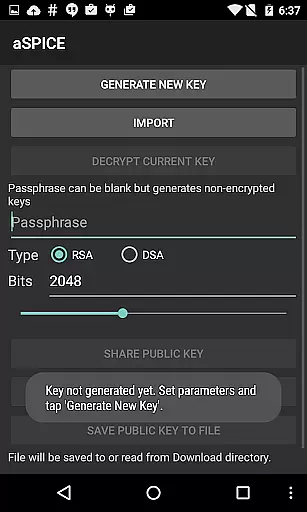
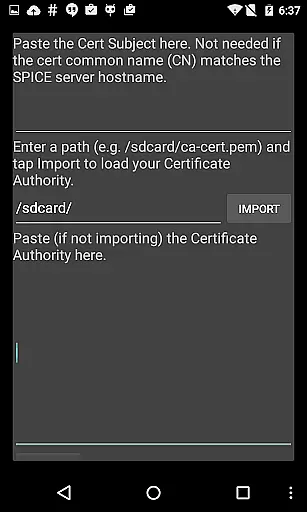
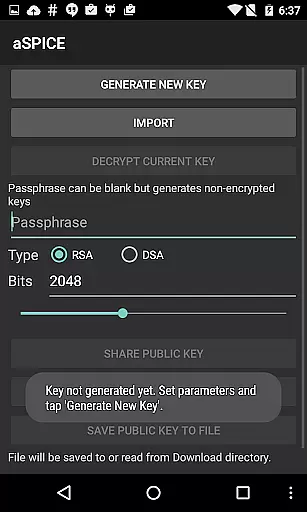
Another significant feature is the app's focus on security and flexibility. It supports SSH tunneling with MFA/2FA authentication, enabling users to securely connect to remote machines even behind firewalls. The app also allows importing encrypted RSA and unencrypted DSA keys in PEM and PKCS#8 formats, respectively. For convenience, automatic connection session saving and zoomable scaling modes ensure that users can pick up where they left off without hassle. Furthermore, the app integrates seamlessly with external peripherals, including hardware keyboards and Samsung DEX, offering a truly adaptable experience.
Finally, aSPICE Pro stands out with its comprehensive language support and detailed help menus accessible directly within the app. These resources guide users through setting up new connections and understanding available input modes, reducing the learning curve for new users. Additional functionalities like Alt-Tab capture, Ctrl+Space capture, and planned clipboard integration demonstrate the app's commitment to delivering a fully-featured remote desktop solution. Whether you're an IT professional or a tech-savvy user, aSPICE Pro equips you with the tools needed for efficient remote management.
In the realm of productivity applications, core task management is pivotal for organizing and prioritizing tasks efficiently. aSPICE Pro Secure SPICE Client excels in this area by offering users comprehensive control over SPICE-enabled virtual machines, regardless of the guest operating system. This capability ensures that users can manage their virtual environments with precision, adapting to dynamic workloads and operational demands.
The application provides advanced features such as master password support and multi-factor authentication for SSH, which are integral to secure and efficient task management. These security measures not only protect sensitive data but also streamline the user's workflow by reducing the time spent on authentication processes. Additionally, the automatic connection session saving feature allows users to pick up right where they left off, enhancing productivity by eliminating the need to reconfigure settings repeatedly.
Furthermore, aSPICE supports various input modes, including direct touch, simulated touchpad, and single-handed modes, catering to different user preferences and scenarios. This flexibility empowers users to interact with their virtual machines in a manner that best suits their current context, whether they are on the go or stationed at a desk. The inclusion of stowable on-screen keys for Ctrl, Alt, Tab, Super, and arrow functions further augments the task management experience, providing quick access to essential commands without cluttering the interface.
Cross-device synchronization is a cornerstone of modern productivity tools, ensuring that users can seamlessly transition between devices without losing progress or consistency in their work. aSPICE Pro Secure SPICE Client addresses this need by delivering reliable synchronization across multiple platforms, including iOS, Mac OS X, and Android. This cross-platform compatibility enables users to maintain a uniform workflow, irrespective of the device they choose to use at any given moment.
The application leverages SSH tunneling to bolster security and facilitate connections to machines behind firewalls, thereby enhancing the reliability of data synchronization. By encrypting the communication channel, aSPICE safeguards against potential eavesdropping or data interception, instilling confidence in users that their synchronized data remains confidential and intact. Moreover, the support for importing encrypted and unencrypted RSA keys in PEM format, alongside unencrypted DSA keys in PKCS#8 format, underscores the app's commitment to secure and dependable synchronization.
aSPICE also incorporates UI optimizations tailored for diverse screen sizes, ranging from smartphones to tablets. This adaptability ensures that the user interface remains intuitive and accessible, regardless of the device's form factor. Coupled with Samsung multi-window support and the ability to utilize external keyboards, these features collectively contribute to a robust cross-device synchronization experience. As a result, users can expect consistent performance and usability, empowering them to focus on their tasks rather than the technicalities of device management.
Secure SSH tunneling
Multi-touch controls
Dynamic resolution changes
Supports multiple input modes
Comprehensive help resources
No iOS version available
Complex setup for beginners
Limited free features
Occasional connectivity issues
Heavy resource usage

The long-awaited modern gallery app for your Nextcloud server
 4.70
4.70
Ads Free App! Editor, Hide File, Copy, Move, Delete and Rename.. all facility av
1.70
8 custom complications. Custom Time Fonts. Beautiful color schemes. A++ Design.
5.00
Find and delete junk files & block unwanted notifications & manage files
3.70
The AI assistant that thinks with you - write, code, and solve complex tasks
4.60
Intelligent AI Assistant
4.10
Scan paperwork into PDF/JPG, generate your own e-signature and send fax or email
4.70
Seamlessly read, manage, and organize all your PDF files solution in one place
4.40
Put a lock on your cloud: Take the security of your data into your own hands
3.70
The Pro Version of Android's tiniest Notepad app. Just 0.3MB but feature-packed!
4.60
Stay on top of your to-dos with Google Tasks, part of Google Workspace.
4.60
Translate text/voice/photos in 150+ languages. Offline & fast translator app.
4.50
Docker, Kubernetes management over Portainer Mobile
4.40
This small app MUST BE INSTALLED after purchase, else license won't work
4.40
Device's storage information in a simple and clear graphical form (infographics)
4.10
Experience real multitasking on your Android!
4.00
Make your handwriting beautiful, even more than pen on paper.
3.60
Simple and reliable communication between inmates, friends and family
3.20
The upgraded version of Name Wheel with AI and the power to add your own wheels.
4.4


User Reviews