
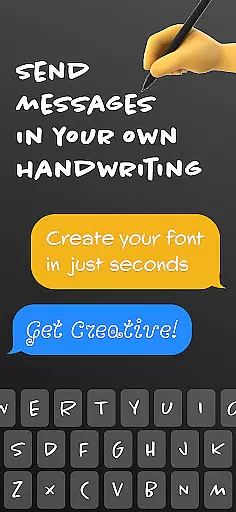
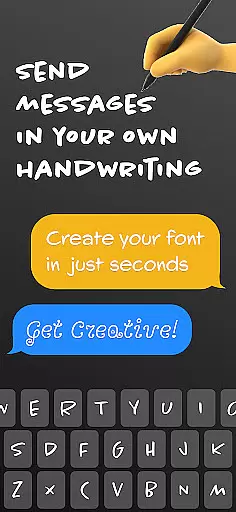
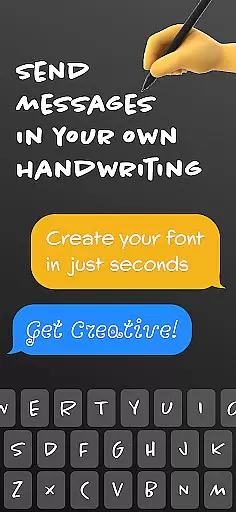
Fontmaker - Font Keyboard App is a productivity tool designed to help users create personalized cursive and handwritten fonts. This app allows you to customize your text with unique fonts that reflect your individual style, effectively turning your handwriting into a custom font keyboard.
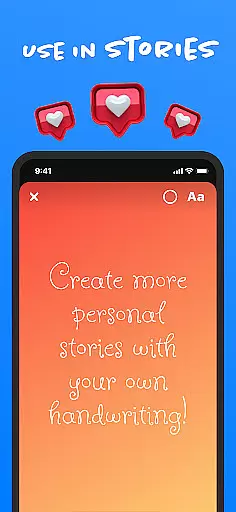
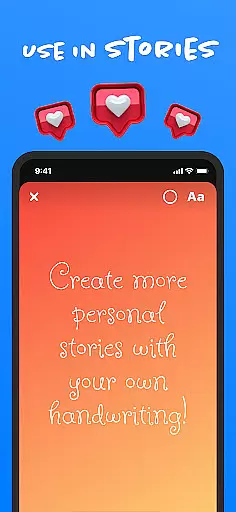
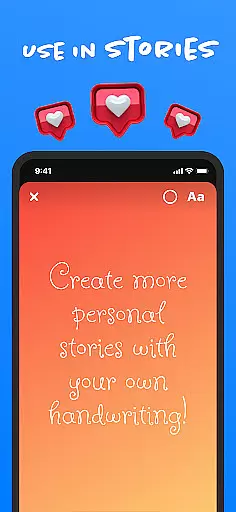
With Fontmaker, you can enhance your online presence by using your own handwriting across social media platforms like Messenger, Instagram, Snapchat, TikTok, and Facebook. The ability to generate your own handwriting cursive font adds a personal touch to your messages and posts, making your content truly unique.
This app is ideal for those looking to express their creativity and stand out in their digital communications. Whether you're posting on social media or messaging friends, Fontmaker ensures your texts are memorable and distinctly yours.
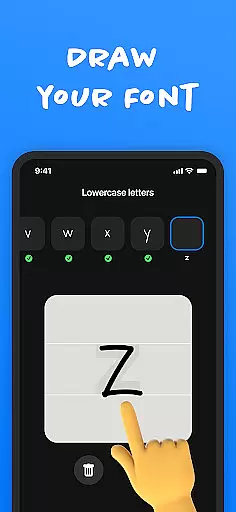
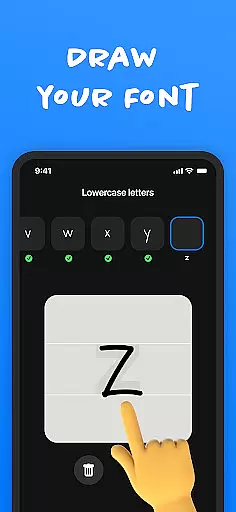
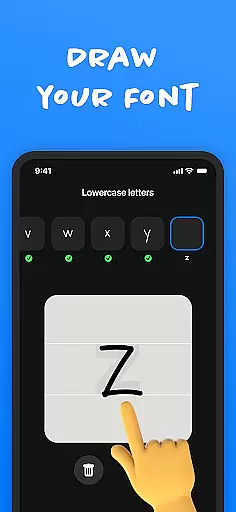
Fontmaker offers several key features that make it an essential tool for anyone interested in customizing their text. One of its standout features is the font creator, which allows you to create custom handwriting fonts. This feature lets you scan your handwriting and convert it into a usable font, providing a highly personalized typing experience.
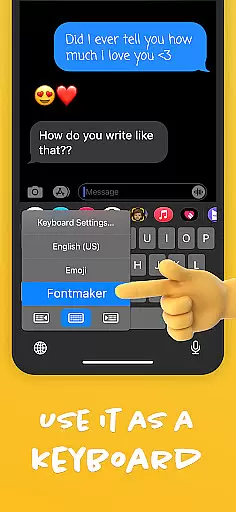
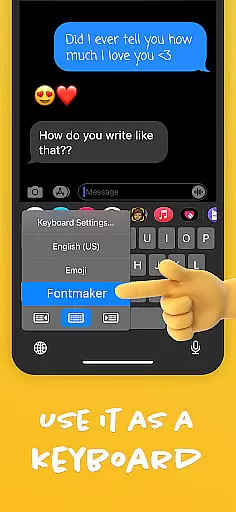
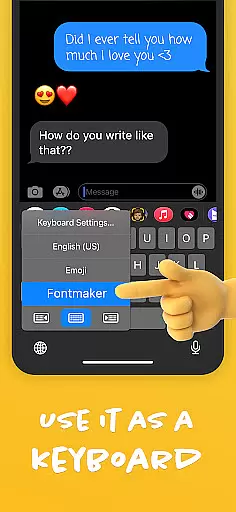
Another significant feature is the font keyboard. Once you've created your custom fonts, you can use them as a keyboard for social media and messaging apps. This means every message or post you make can carry your unique style, enhancing your communication's authenticity and flair.
Additionally, Fontmaker helps you express your creativity by adding a distinct touch to your messages and posts. By allowing you to be your true authentic voice, Fontmaker revolutionizes text customization, making your social media interactions more engaging and memorable.
Fontmaker revolutionizes the way users manage their text customization tasks by offering a seamless font creation experience. This app allows you to take control of your personal and social media messaging by creating unique, handwritten fonts.
The core function lies in its powerful font creator which enables users to design custom fonts that reflect their individual style. With an intuitive interface, it simplifies the process of font creation, ensuring that even those without any design background can create their own cursive or handwriting-style fonts with ease.
Users benefit from having a personalized keyboard option that lets them apply their created fonts across different platforms like Messenger, Instagram, Snapchat, TikTok, and Facebook. This enhances their online presence and communication by adding a personal touch to every message or post they make.
One of the key features of Fontmaker is its reliable cross-device synchronization, allowing users to access their custom fonts on multiple devices without any hassle. Whether switching between a phone and a tablet, users can expect consistent performance and availability of their personalized font library.
This app ensures that once you've created and saved your unique font, it's stored securely and is accessible wherever you go. The synchronization process is smooth and automatic, meaning there's no need for manual updates or transfers when using the Fontmaker keyboard on new devices.
By providing dependable synchronization capabilities, Fontmaker guarantees that your creative expressions are not limited to one device. You can express yourself freely on social media and through messages, knowing that your exclusive fonts are at your fingertips no matter which device you choose to use.
User-friendly interface
Highly customizable fonts
Unique personalization options
Wide social media integration
Enhances creative expression
Limited free features
Requires steady handwriting
In-app purchases necessary
Occasional bugs reported
Learning curve for new users

A lightweight JSON & XML files creator, editor and viewer (Premium Version)
 4.40
4.40
All in One PDF Reader: Manage, Read and Edit your Documents
4.20
All document reader, all in one file viewer read PDF, DOCX, XLS, PPT, TXT files.
4.60
A simple Whisper AI keyboard for reliable speech transcription and rewording
4.60
A Pixel Art watchface inspired by other iconic 90s designs for Wear OS devices!
4.40
Experience and share your SolidWorks designs on your Android® phone and tablet.
2.50
Share files & memories safely. Keep your photos and videos secure.
4.40
AI Chatbot and AI writing assistant powered by ChatGPT.
4.60
Daily processing of PDF documents.
4.40
Protect and view your important info on your phone and tablet with eWallet®
4.80
Secure, fast, open-source, VNC and SSH Remote Desktop for Windows, Linux and Mac
4.70
aCalendar+ makes your day, week and month
4.70
Secure, fast, open-source, Remote Desktop Client for Windows and Linux with SSH
4.60
Calendar 2023 widget for Android. Appointment scheduler, planner, and reminder
4.60
Subscribe to Webcal & .ics calendars and keep them up-to-date!
4.50
Wake up & get tasks done! Add alarms & reminders on the Clock Launcher.
4.00
Take control of your clipboard with Clipper!
3.90
Smart PDF reader & editor to view, organize and manage PDF documents easily.
3.70
A simple, portable logger for POTA, SOTA, Field Day, and more
4.4


User Reviews