
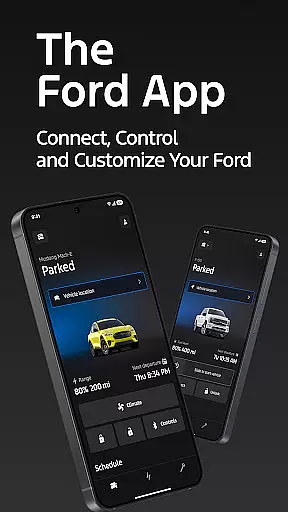
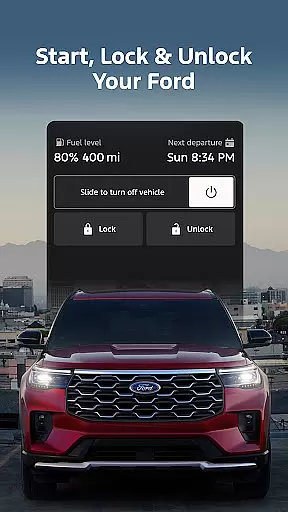
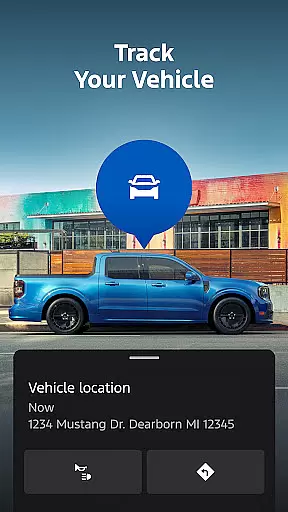
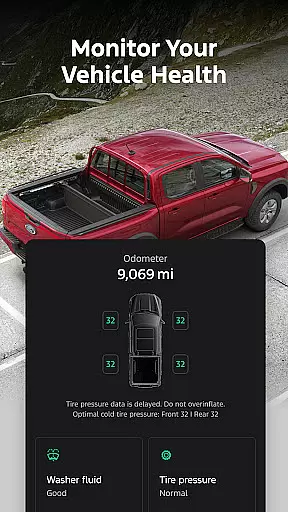
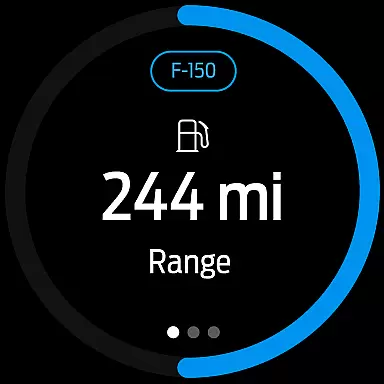
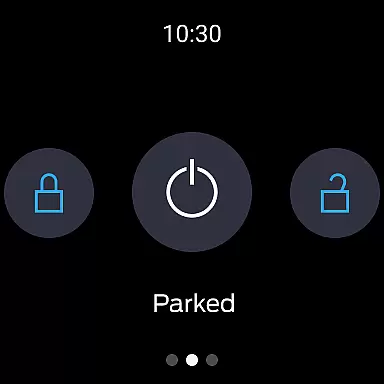
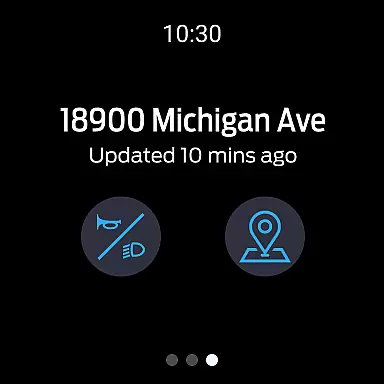
The Ford app is a comprehensive mobile solution designed to enhance the ownership experience for Ford vehicle owners. This application serves as a central hub for managing various aspects of your Ford vehicle, providing users with remote control features, vehicle management tools, and maintenance scheduling options.
Key functionalities include remote start, lock and unlock capabilities, real-time vehicle status monitoring, and GPS tracking. Additionally, the app offers specialized features for electric vehicle owners and supports wearable technology integration through Wear OS smartwatches. These features collectively enable users to maintain better control over their vehicles while on the go.
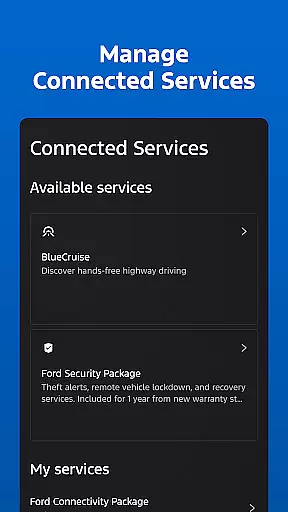
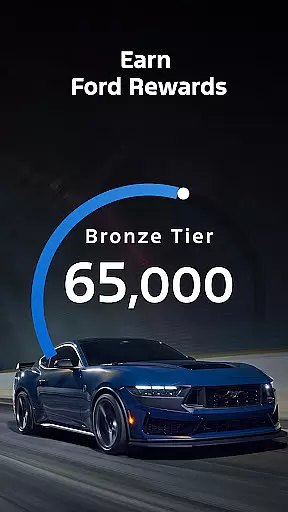
The app's value extends beyond basic vehicle management by incorporating connected services such as BlueCruise, software update scheduling, and the Ford Rewards program. This makes it an essential tool for modern Ford owners looking to maximize their vehicle's potential and maintain optimal performance.
The Ford app distinguishes itself through its extensive feature set that caters to both conventional and electric vehicle owners. The remote functionality suite includes advanced capabilities such as remote start, lock/unlock functions, and vehicle preconditioning, all accessible through a user-friendly interface.
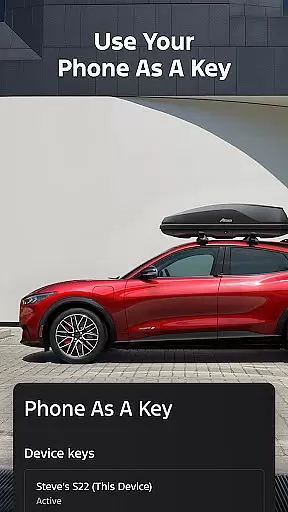
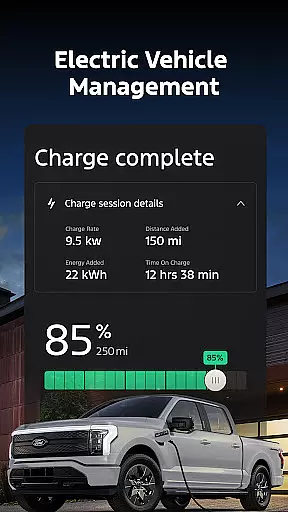
For vehicle management, the app provides detailed insights into fuel or battery range status, maintenance alerts, and the innovative Phone As A Key feature. Electric vehicle owners benefit from dedicated features including charge level monitoring and public charging station information. The integration with wearable technology through Wear OS smartwatches further enhances accessibility.
Additional notable features include over-the-air software update scheduling, dealer service appointment management, and the Ford Rewards program. These features are implemented through a secure connection with the vehicle's modem, ensuring reliable performance while maintaining appropriate security standards.
Companion app integration is essential for users who want seamless connectivity between their smart devices and vehicles. The Ford app excels in this area by offering a comprehensive suite of features that sync directly with your Ford vehicle.
Through the app, users can access remote start, lock and unlock functions, and vehicle stats effortlessly. These features are accessible via smartphone or Wear OS smartwatches, ensuring you're always connected to your vehicle no matter where you are.
The real advantage lies in the convenience and control it offers. Whether you're checking your vehicle's fuel status or managing electric vehicle charging, all commands are executed in real-time, providing an uninterrupted user experience.
This level of integration not only enhances the driving experience but also simplifies vehicle management, making it easier for users to maintain and monitor their Ford vehicles efficiently.
Wear OS/device compatibility ensures that users can interact with their vehicles using smartwatches, adding another layer of accessibility and convenience. The Ford app supports this by allowing users to send commands and check vehicle status directly from their wrists.
With Wear OS compatibility, users can enjoy functionalities like remote start, lock and unlock, and GPS tracking without needing to take out their smartphones. This feature is particularly useful when you're on the go and need quick access to your vehicle controls.
The benefit of such compatibility is clear: it provides a hands-free, efficient way to manage your vehicle. Whether you're in a meeting or carrying groceries, you can easily interact with your vehicle using just your smartwatch.
This compatibility highlights Ford's commitment to integrating cutting-edge technology into everyday life, enhancing user convenience and maintaining a competitive edge in the automotive industry.
User-friendly interface
Comprehensive vehicle management
Remote control functionality
Electric vehicle support
Regular feature updates
Limited vehicle compatibility
Requires active modem
Network dependency
Potential extra costs
Varied feature availability

Animated Watch Face and Customizable with 24 Backgrounds. Perfect for Christmas!
 3.90
3.90
The #1 source of faces for your smartwatch!
4.00
Professional weather radar and more
3.90
Hybrid watch face for Wear OS with customizable complications by Matteo Dini MD
4.70
A realistic hybrid watch face with many customization options.
4.60
Want to take charge of your health? Let Google Fit help you reach your goals.
3.50
Start and succeed with PAP
4.10
Control your Samsung Smart TVs, appliances, and SmartThings-compatible devices
4.60
Track airplanes and follow flights with our real-time flight tracker
4.50
Walking app for weight loss: walk & step tracker, pedometer, indoor treadmill
4.60
Stylish, Energizing and Modern Watch Face crafted by Dominus Mathias.
4.50
Premium hybrid watch face with many customizations for Wear OS devices.
4.40
Bold, Modern Hybrid Watch Face for Wear OS. 10 Colors, Rich Info Display.
4.30
Find EV charging stations
4.30
Let's celebrate Thanksgiving - Wear Os watch face
4.20
Stay in touch with your friends and family using LINE!
3.40
3 Complications. All shadow on/off. 30 Themes color palette...
4.3
Stylish digital watch face for Wear OS devices with customizable features
4.1
Hybrid Vibrant Health Watch Face for Wear OS
4.1


User Reviews