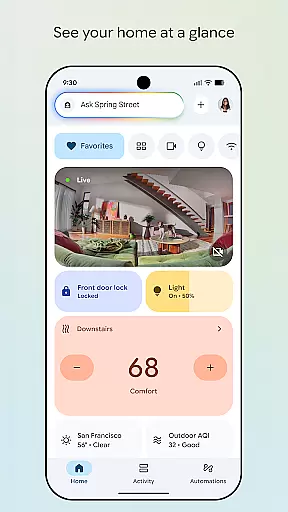
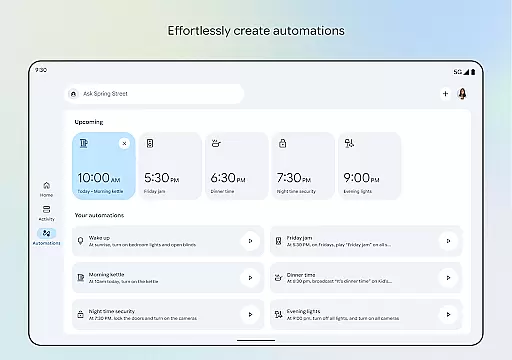
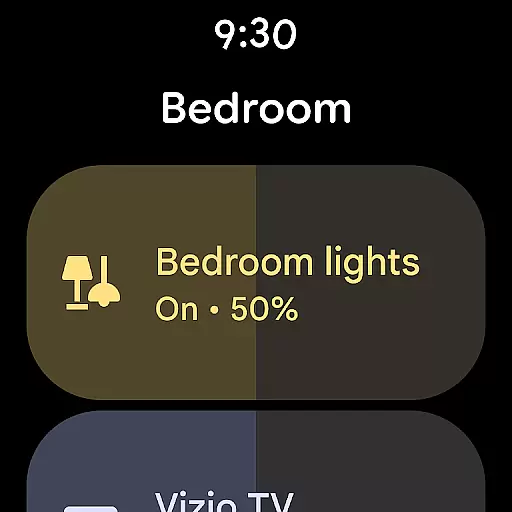

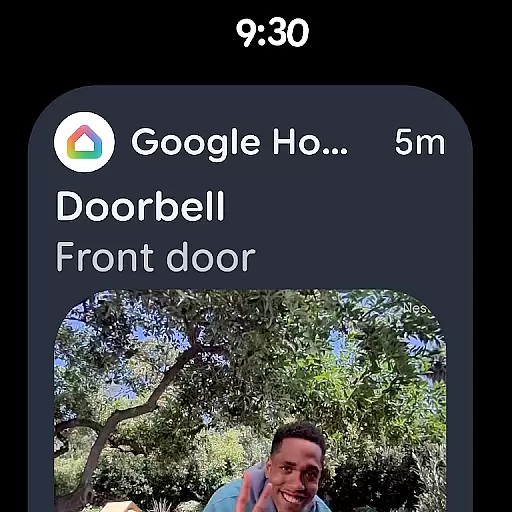
Google Home is a comprehensive smart home management application designed specifically for Android Wear devices. This app allows users to seamlessly control and monitor their smart home ecosystem directly from their wearable device.
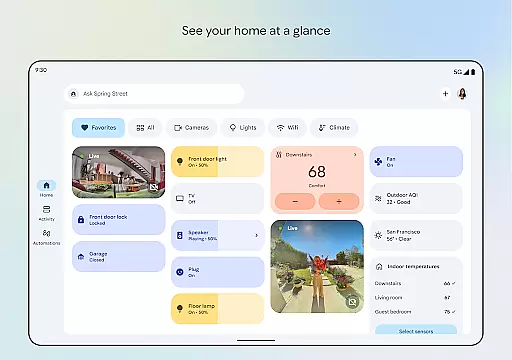
The core functionality includes real-time home status updates, intuitive device grouping into dashboards, and quick access to camera feeds. Users can conveniently manage their smart home devices through voice commands or simple touch interactions on their wearable device.
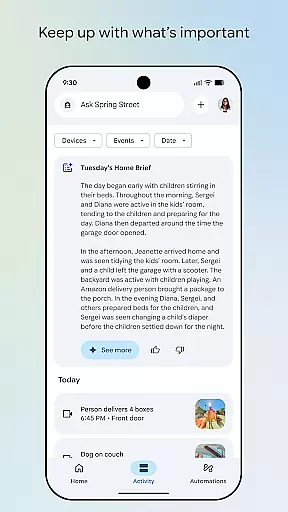
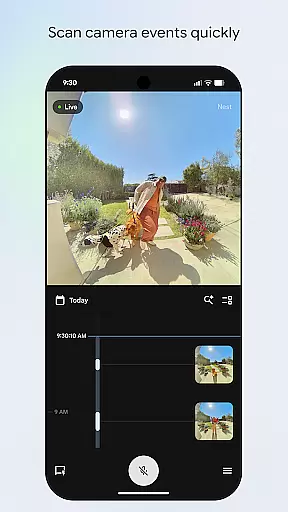
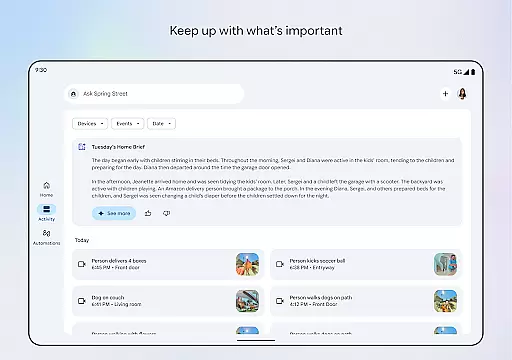
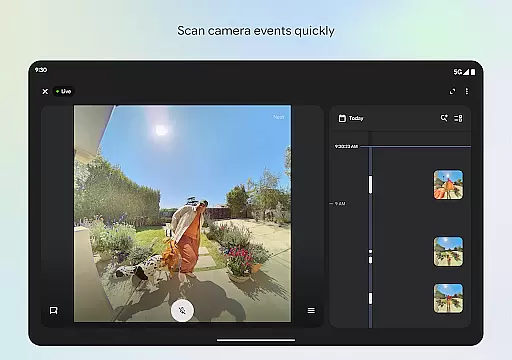
Particularly useful for busy professionals, the app enables them to stay connected with their home security system while on the go. The ability to quickly scan camera events and receive important notifications right on their wrist provides peace of mind and enhanced home security monitoring.
Google Home stands out with its innovative features tailored for wearable devices. The app's redesigned interface presents information in a clear, glanceable format optimized for smaller screens.
One notable feature is the streamlined organization system that lets users categorize devices into customized dashboards. The app also offers advanced camera management capabilities, allowing users to view live feeds and historical footage directly from their wearable device.
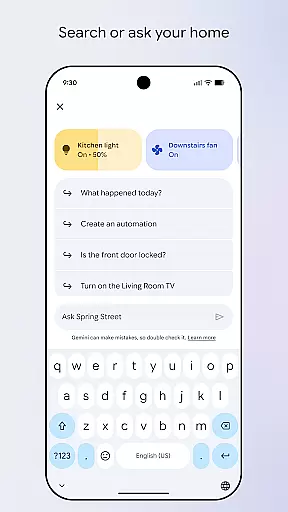
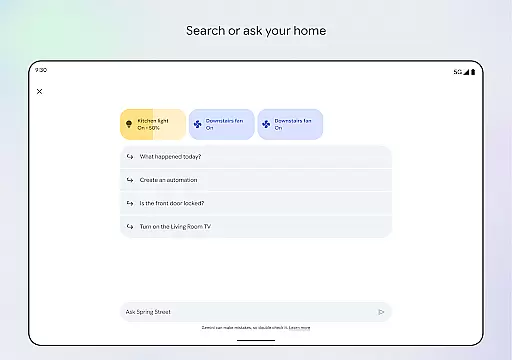
The integration with Gemini for Home enables natural language processing, letting users control their devices through simple voice commands. This combination of visual and voice-based controls creates a powerful and intuitive smart home management experience optimized for Android Wear devices.
Companion app integration is a crucial feature for Android Wear devices, ensuring seamless connectivity between your smartwatch and smartphone. The Google Home app excels in this area by providing users with an intuitive interface to manage their connected devices.
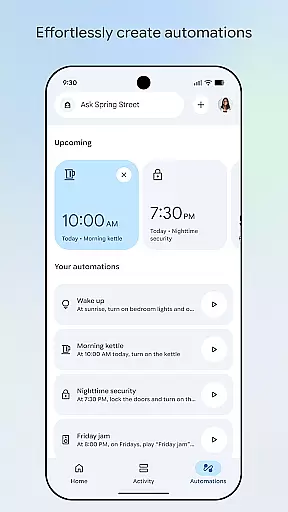
This application allows you to control various smart home devices directly from your phone, ensuring that all your gadgets work harmoniously together. With the ability to group devices into dashboards, users can easily navigate through different settings and manage their smart home ecosystem efficiently.
By integrating with Gemini for Home, the app enables voice commands, making it even more convenient to interact with your devices. This functionality not only enhances user experience but also saves time, allowing you to focus on what truly matters.
The real-time updates and notifications ensure you are always informed about the status of your devices, providing peace of mind and enhancing the overall smart home experience.
Wear OS and device compatibility is essential for ensuring that your Android Wear devices function correctly with various smartphones and tablets. The Google Home app supports a wide range of devices, making it versatile and user-friendly.
With compatibility across multiple platforms, this app ensures that you can manage your smart home devices regardless of the type of device you own. Whether you have an Android or iOS device, the Google Home app provides a consistent and reliable experience.
The app's updated design and streamlined organization make it easy to use, even for those new to smart home technology. By offering features like camera live view and history, users can quickly scan events and stay informed about their home security.
Moreover, the app's ability to work seamlessly with Gemini for Home enhances its functionality, allowing users to control their devices using simple voice commands. This compatibility ensures that you get the most out of your smart home setup, regardless of the devices you own.
User-friendly interface
Real-time notifications
Voice command support
Camera feed access
Device customization
Limited device compatibility
Region restrictions apply
Small screen limitations
Battery consumption high
Feature set reduced

Christmas Theme Watch Face for Wear Os
 5.00
5.00
Christmas and New Year - Themed Watchface
4.3
Precision analog watch face with 7 complications and style options
4.5
Funny animated watch face for Thanksgiving
4.4
Professional weather radar and more
3.90
A modern hybrid informative watch face for Wear OS designed by BALLOZI
4.80
Track your active life in one place and share the journey with friends.
4.40
Fitbit is dedicated to helping people lead healthier, more active lives.
4.10
Back up your contacts & access them anywhere
4.30
Beautiful, colorful and practical watch face. For Wear OS devices.
5.00
Gym Log & Workout Tracker | Fitness Journal, Training & Weight Lifting Planner
4.90
Real-time weather radar with temperatures, warnings, hurricanes, and widgets
4.80
Hybrid watch face for Wear OS with customizable complications by Matteo Dini MD
4.70
Beautiful artistic animated digital watch face, with a customizable layout!
4.40
Christmas watch face. For Wear OS devices.
4.30
Find EV charging stations
4.30
Snowflake Rose Gold Watch Face - Digital, modern, & sleek with GYRO effect.
4.10
Watch the sharpness of the sky on your wrist..
3.70
Your local weather forecast, storm tracker, radar maps & live weather news
3.40


User Reviews