
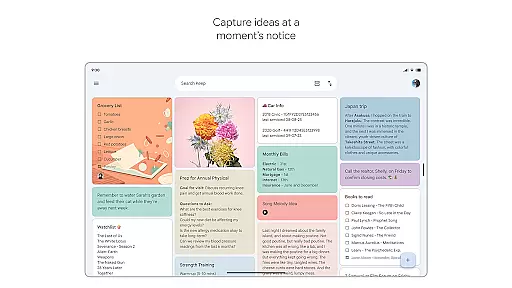
Google Keep is a versatile note-taking application designed specifically for Android Wear and other devices. It allows users to quickly capture thoughts, manage to-do lists, and stay organized through various methods such as text notes, voice memos, and photos. The app offers advanced security features to ensure user data remains protected while providing seamless synchronization across all devices including smartphones, tablets, computers, and Wear OS devices.
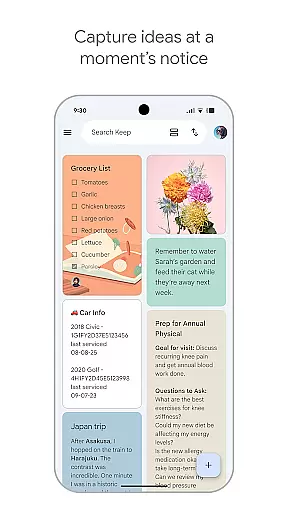
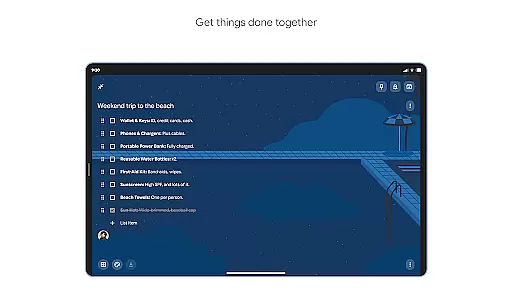
One of the standout features of Google Keep is its ability to integrate with widgets and tiles on Android devices, making it incredibly easy to jot down notes or set reminders on the go. Whether you're managing a grocery list or planning a trip, Google Keep's collaborative tools allow you to share and edit notes with friends and family in real-time. This makes it an ideal choice for both personal and professional use, ensuring that important information is always at your fingertips.
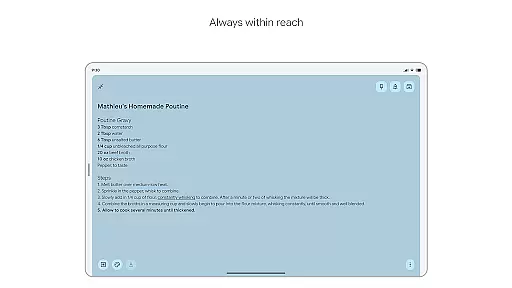
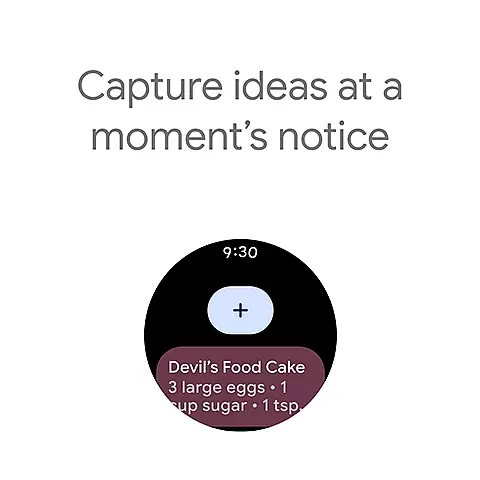
Google Keep stands out due to its comprehensive feature set tailored for productivity and organization. Users can create text notes, voice memos, and even take photos to save important information. The app supports widgets on phones and tablets, allowing quick access to note-taking functionalities directly from the home screen. Additionally, Wear OS integration enables users to add tiles and complications for capturing thoughts instantly.
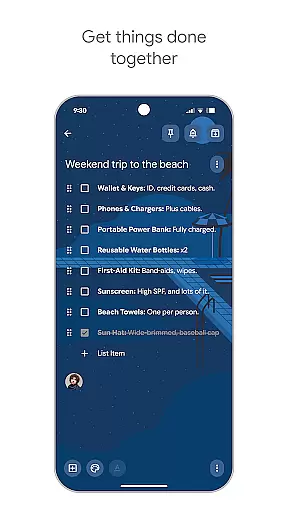
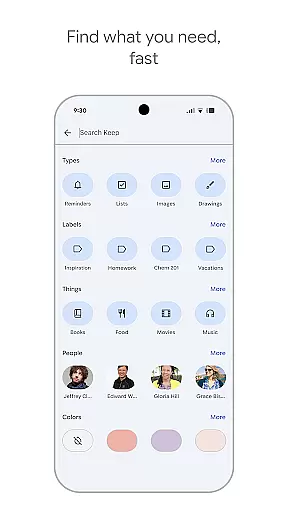
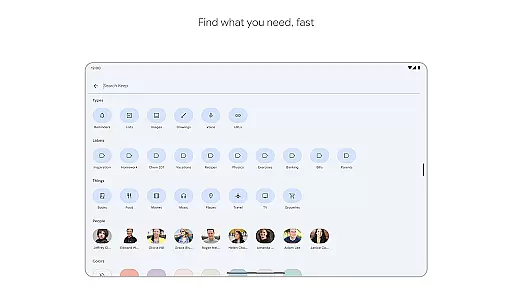
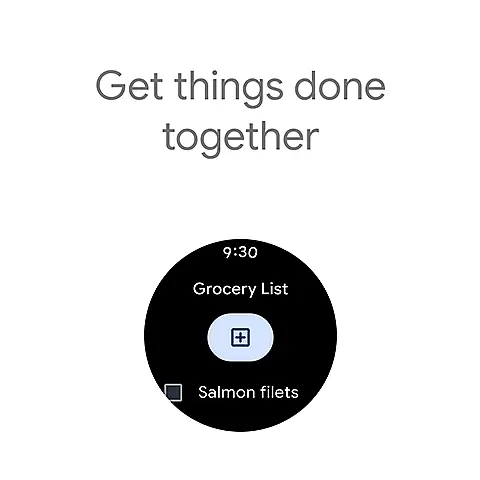
Collaboration is another key aspect of Google Keep. You can share notes with others, making it perfect for group projects or family tasks like managing a grocery list. The app also provides powerful organizational tools such as color-coding, labels, and the ability to pin notes to your home screen. Reminders can be set based on time or location, ensuring you never miss an important task. With robust search capabilities, finding specific notes is effortless, enhancing overall efficiency.
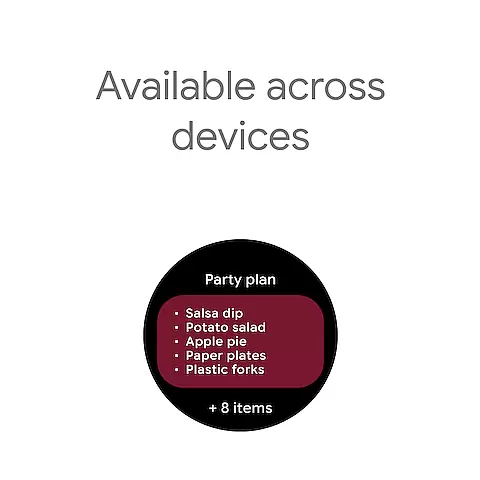
Companion app integration is essential for a seamless user experience across multiple devices. Google Keep excels in this area by ensuring that all your notes, lists, and reminders are synchronized effortlessly between your phone, tablet, computer, and Wear OS device.
The app employs advanced synchronization technology that updates your content in real-time. This means any change you make on one device instantly appears on all others. Whether you're jotting down a quick note at home or setting a reminder on the go, you can trust that your information will be there when you need it, regardless of the device you choose to access it from.
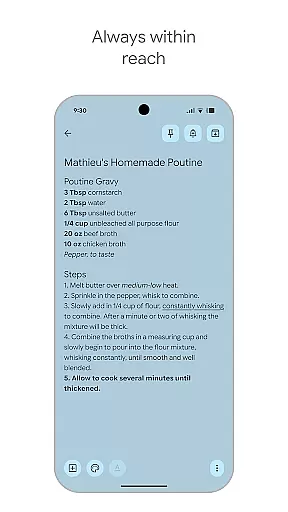
This level of integration offers significant benefits to users. It ensures that your thoughts and tasks are always within reach, allowing you to stay organized and productive no matter where you are. With Google Keep's companion app integration, you can enjoy peace of mind knowing that your data is not only secure but also accessible whenever and wherever you require it.
For users with Wear OS devices, compatibility is crucial for maximizing productivity on the go. Google Keep offers robust support for Wear OS, ensuring that your notes and reminders are as accessible on your smartwatch as they are on your phone or tablet.
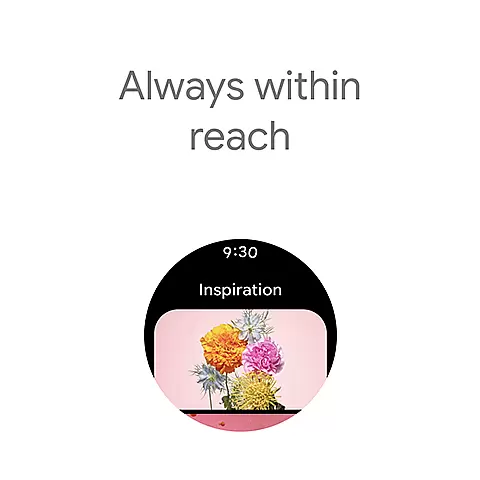
The app provides specialized features tailored for Wear OS. You can add tiles and complications to your watch face, allowing you to capture thoughts quickly without needing to unlock your device. Additionally, pinned notes appear directly on your Wear OS homescreen, making important information readily available at a glance.
This compatibility enhances the overall functionality of Google Keep. By integrating seamlessly with Wear OS, the app ensures that you can manage your tasks and reminders efficiently, even when you're busy or on the move. The ability to access your notes from your wrist adds a layer of convenience that keeps you organized and prepared for whatever comes your way.
User-friendly interface
Seamless cross-device sync
Voice memo functionality
Real-time collaboration
Advanced security measures
Limited formatting options
No offline mode support
Basic drawing tools
Fewer integrations
Occasional sync issues

Highly customizable hybrid watch face for Wear OS, perfect for everyday use.
 4.60
4.60
Rose gold watch face with festive lights & customizable features.
4.60
Deck out your Wear OS Watch face with a beautifully decorated pine wreath!
4.50
Digital, flexibly customizable watch face. For Wear OS 5.0, API 34+ and later.
5.00
3 Complications. All shadow on/off. 30 Themes color palette...
4.5
The most customizable minimal watch face. For Wear OS 5.0, API 34+ and later
4.70
The #1 source of faces for your smartwatch!
4.00
Bold weather Digital watchface with forecast & optional animated background
4.40
Track airplanes and follow flights with our real-time flight tracker
4.50
Diet tracker for weight loss - track calories, food and macros. Simple and easy!
4.70
Kia Access makes getting your vehicle information easier than ever
4.60
Beautiful artistic animated digital watch face, with a customizable layout!
4.40
Digital watch face with big numbers and many customization for Wear OS devices
4.40
Find EV charging stations
4.30
Elegant animated Christmas tree with multiple customization options
4.20
Watch face for Wear OS.
4.20
Get helpful reminders, take progress photos and find answers to your questions.
3.90
Christmas and New Year - Themed Watchface
4.2
Artistic Digital Watchface
4.0


User Reviews