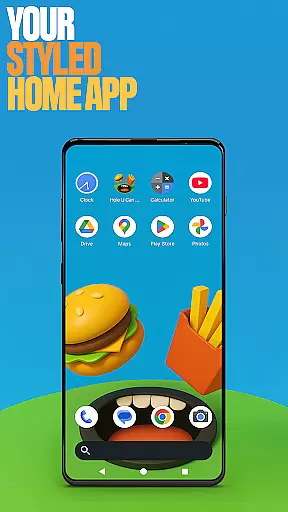
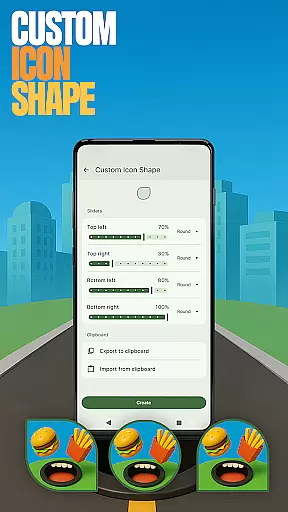
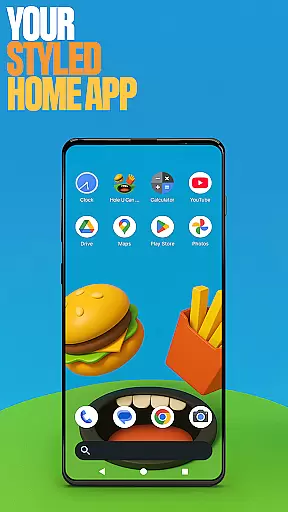
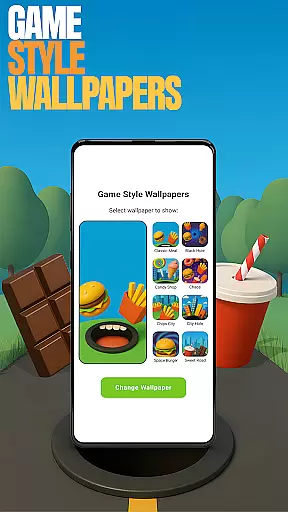
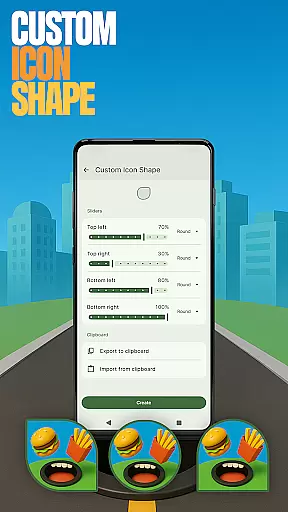
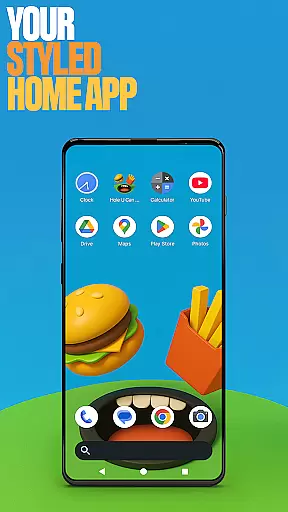
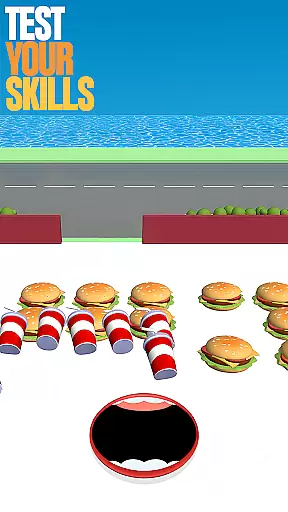
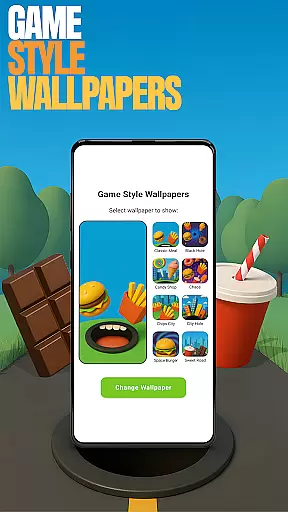
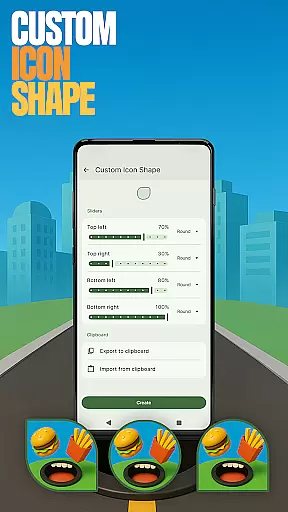
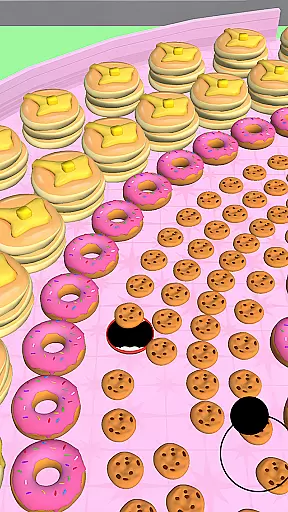
Hole U Can Eat Home App is a highly customizable launcher that offers users the ability to personalize their device experience. With features like flexible layouts, custom icon shapes, and game-style wallpapers, this app provides both aesthetic appeal and functional control.
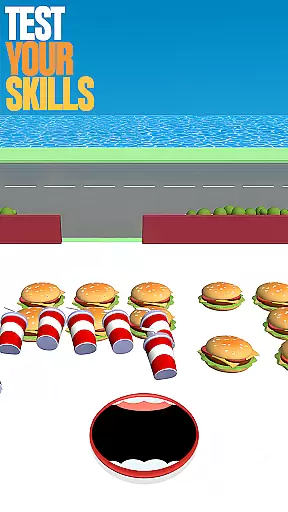
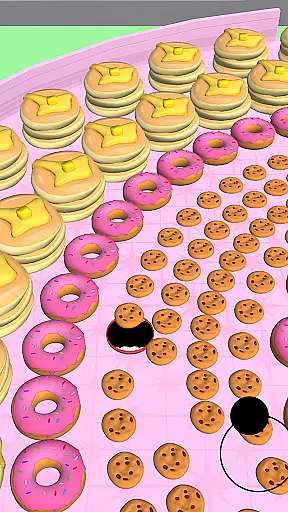
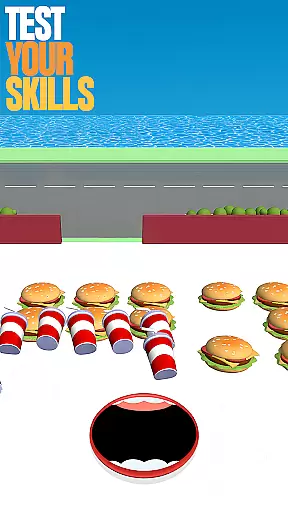
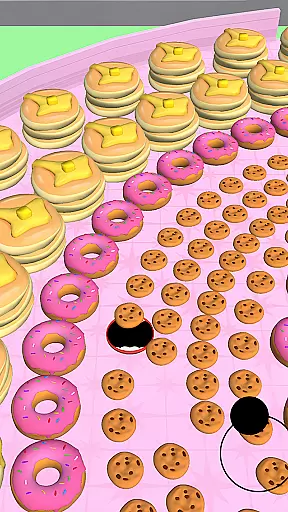
Users can set this as their default home app for daily use while having the flexibility to switch back to their previous launcher anytime. The app also integrates gaming elements from the Hole U Can Eat game, allowing users to engage with unique wallpapers and themes inspired by the game's dynamic style.
This personalization tool is ideal for those who seek a balance between productivity and fun, offering an exciting way to interact with your smartphone or tablet interface every day.
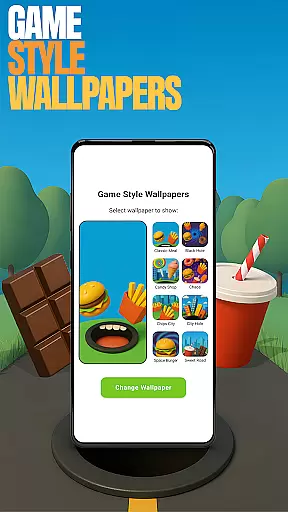
The Hole U Can Eat Home App stands out with its diverse customization options. Users can choose from various icon shapes and styles, apply game-inspired wallpapers, and even adjust accent colors to create a personalized look and feel.
Functionality is enhanced through custom gestures that allow quick access to apps or settings via swipes or taps. Privacy-conscious users will appreciate the ability to hide specific apps from view while maintaining full control over them through the app drawer settings.
These features are easily accessible by long-pressing on the home screen, opening up a menu where users can explore different customization options such as 'Game Style Wallpapers', 'Custom Icon Shape', 'Custom Gestures', 'Hide Apps', and 'Accent Color' adjustments.
Customization is at the heart of Hole U Can Eat Home App, offering users a wide array of options to personalize their device's appearance and functionality. With features like Game Style Wallpapers, Custom Icon Shapes, and Accent Color settings, users can tailor their home screen to reflect their unique style and preferences.
The app provides an impressive selection of customization choices that go beyond mere aesthetics. Users can set up Custom Gestures for quicker access to apps or settings, hide private apps for discreet usage, and adjust the layout to suit their workflow. These options ensure that every aspect of the user experience can be modified to match individual needs.
By leveraging these diverse customization features, users gain not only a personalized interface but also enhanced usability. Whether it's through creating a visually appealing home screen or optimizing the device's operational flow, Hole U Can Eat Home App empowers users to craft a digital environment that is both functional and expressive.
Hole U Can Eat Home App excels in theme compatibility, ensuring that all customizations, from wallpapers to icon shapes, integrate seamlessly with the deviceu2019s existing design language. This compatibility allows users to implement new themes without disrupting the visual harmony of their home screen.
The app supports various themes while maintaining optimal performance and appearance across different devices. Users can switch between themes or revert to previous designs effortlessly, knowing that each choice will display correctly and look intentional. This flexibility encourages experimentation with different styles without any fear of losing quality or coherence.
Ultimately, the robust theme compatibility within Hole U Can Eat Home App enhances user satisfaction by delivering a cohesive and polished look. It ensures that every customization, whether subtle or dramatic, contributes positively to the overall aesthetic and user experience.
Highly customizable
Unique game-style themes
Intuitive gesture controls
Privacy-focused app hiding
Vibrant color options
May overwhelm new users
Limited widget support
Occasional performance lags
Ads in free version
Complex navigation

Customizable Glass widgets. Over 360+ stunning widgets and more!
 4.70
4.70
A light in the dark, a unique style and an andless cutomization!
4.30
Turn your lock screen into fun with smile live wallpapers & animated wallpapers!
2.50
Vibrant Adaptive Icons with Material You and Enhanced Monet Colors.
4.50
Your home screen, just the way you like it.
4.30
Create unique, fun emojis with Funny Emoji Maker! Unlimited creativity!
4.00
Emoji Maker app - Design custom emojis and effortlessly blend them with Mixer
3.80
set a new experience for the Android mobile phone
4.20
Your home screen, just the way you like it.
3.80
Glass style colourful icons with a One UI look and feel
4.60
Make your phone look simple & luxury, like iDevice
4.60
Bring adorable pets to life on your screen. Playful, interactive and full of fun
4.60
300+ Beautifully crafted widgets inspired by OneUI.
4.60
Transform your phone with Launcher iOS 26 - Smooth & elegant iOS experience
4.50 4.50
4.50
Organize and manage your photos and videos effortlessly with Photo Gallery
4.20
Ultimate widget creator. Design custom widgets for a truly unique home screen!
3.90
Custom edge gestures for volume control, brightness, apps, and shortcuts.
4.0
Modern Glass Icon Pack with glossy icons, clean minimal theme & aesthetic style
4.4


User Reviews