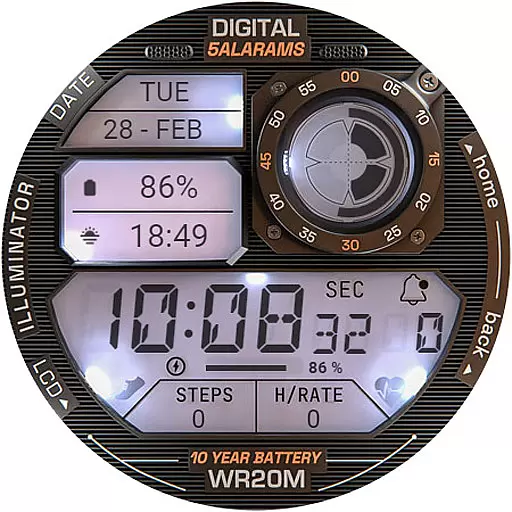
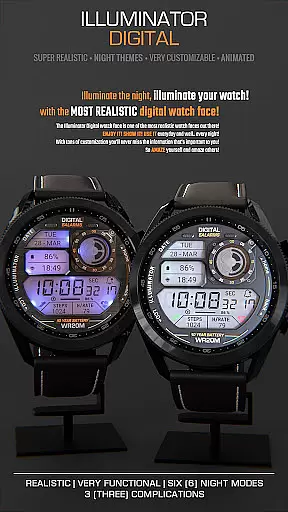
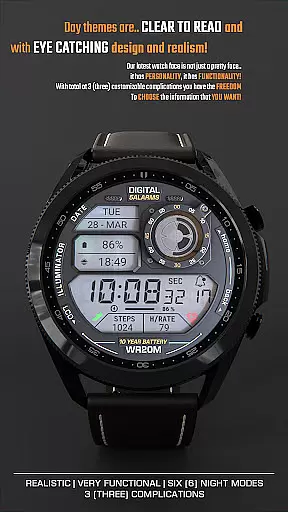
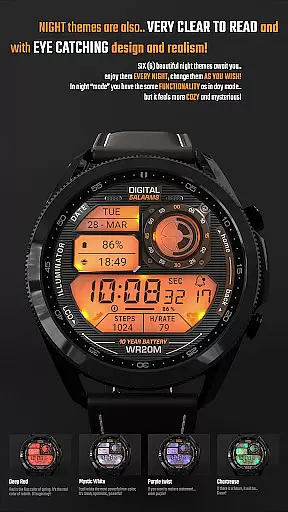
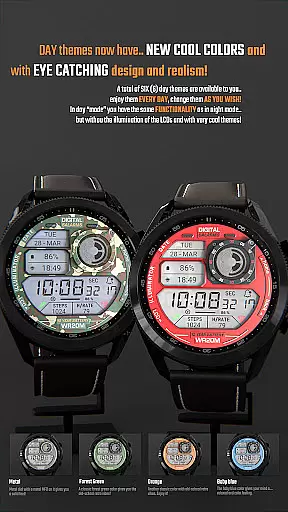
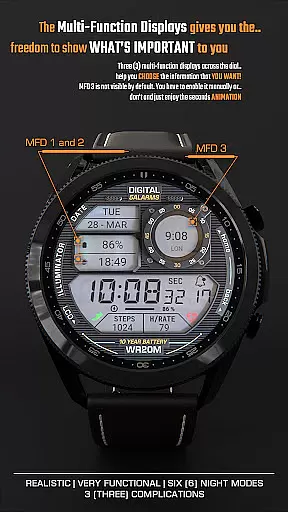
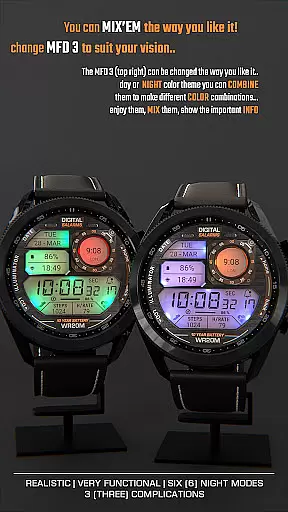
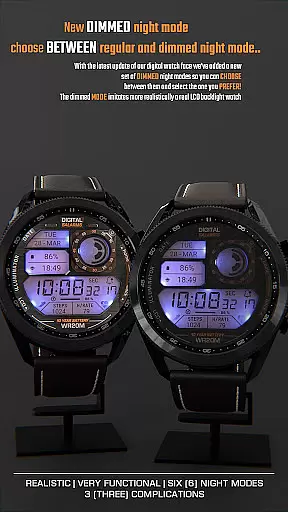
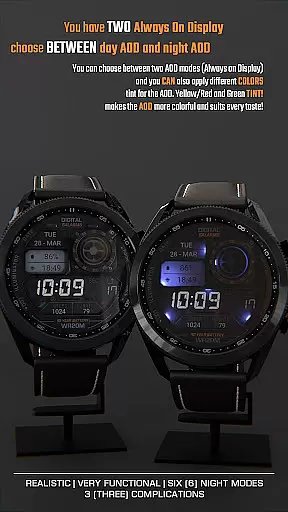
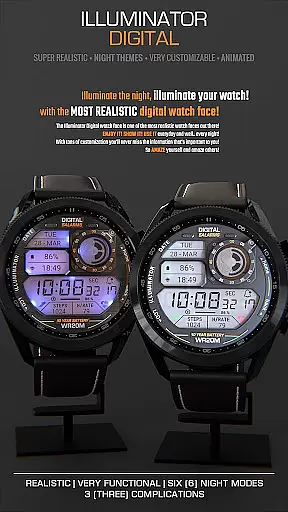
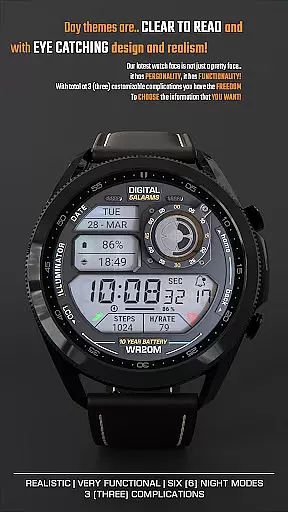
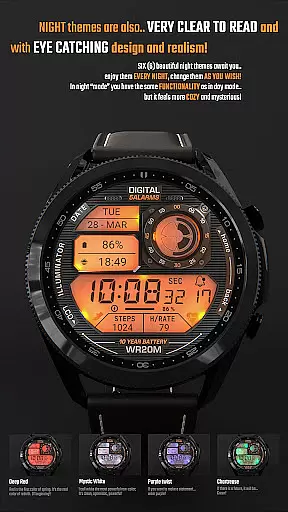
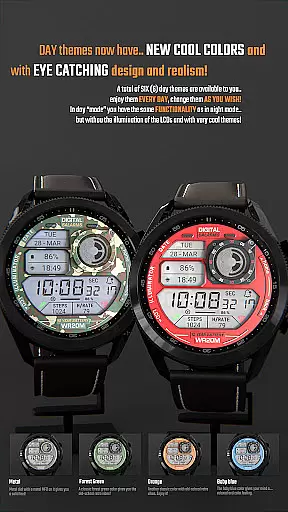
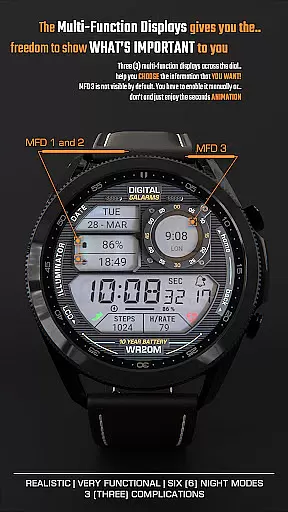
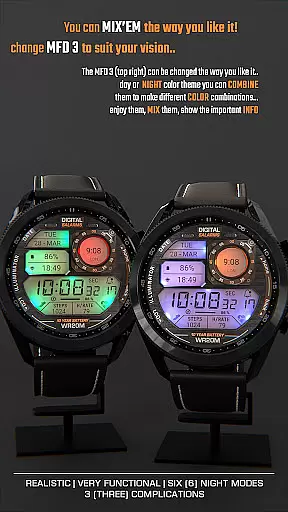
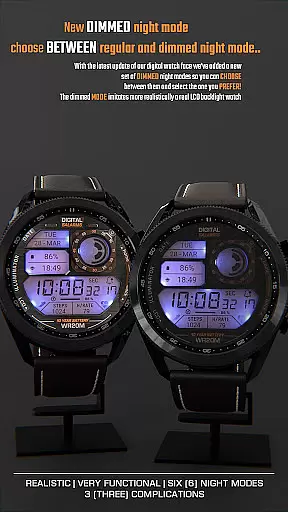
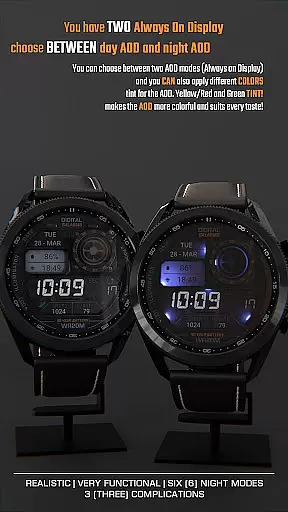
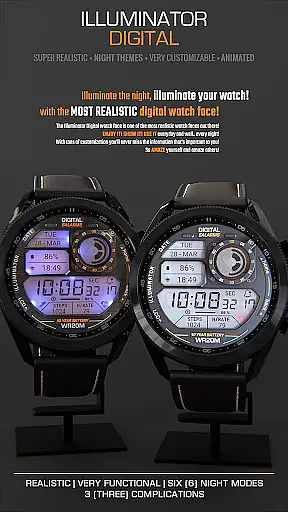
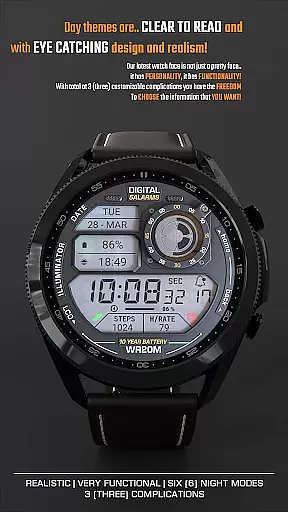
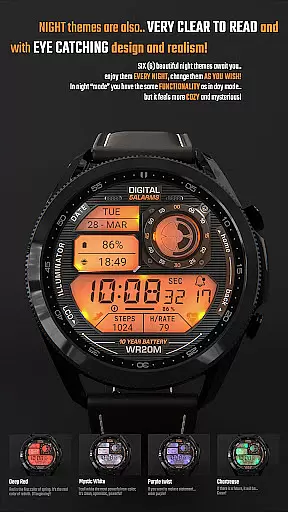
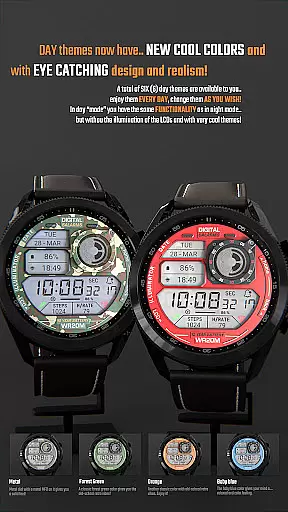
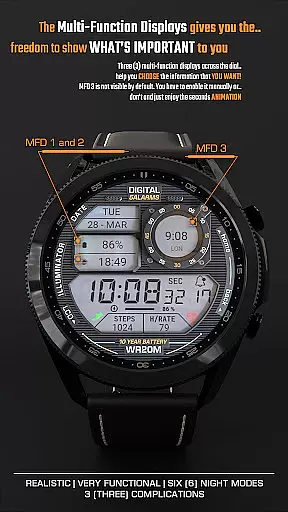
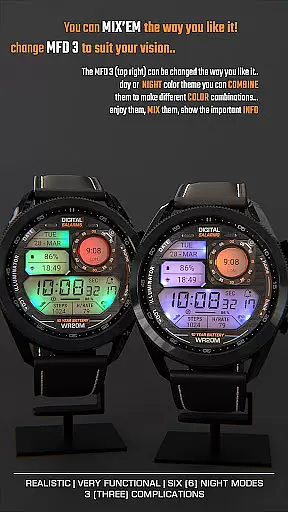
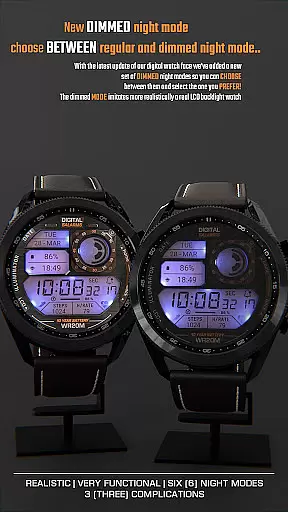
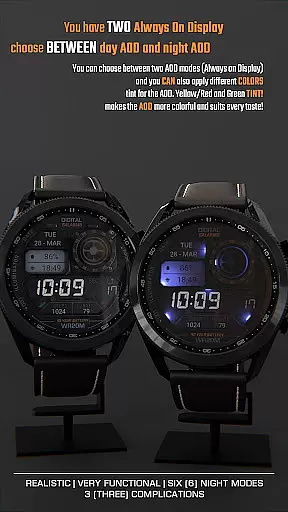
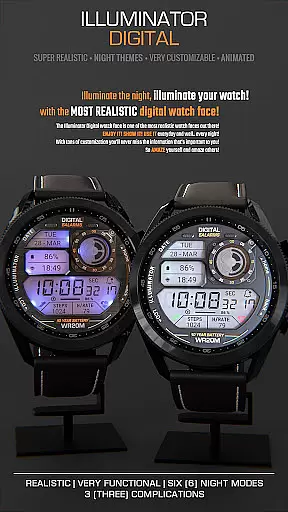
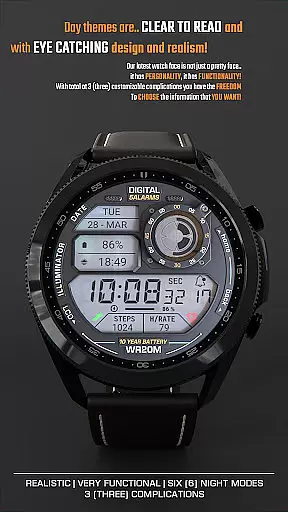
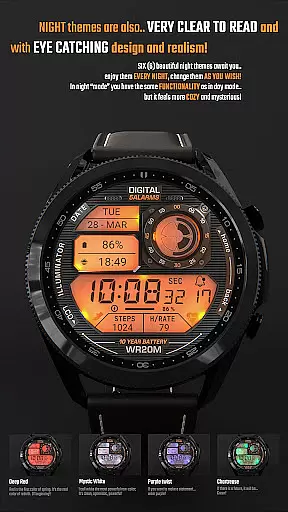
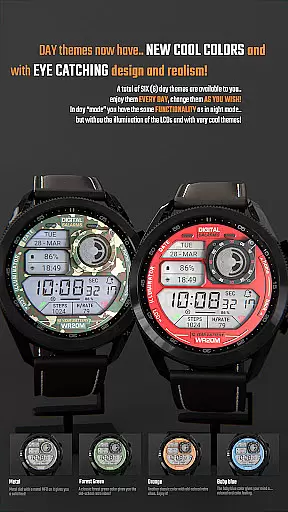
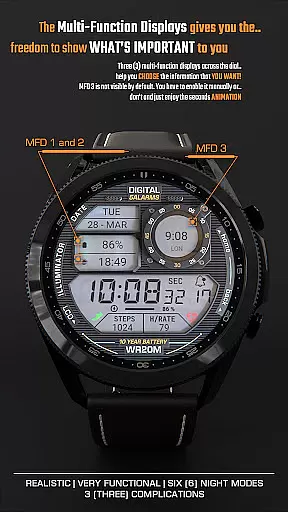
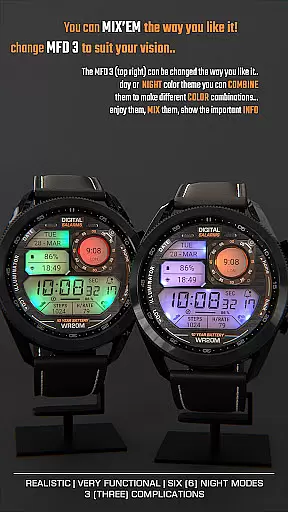
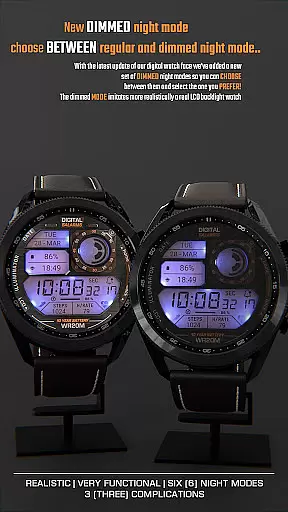
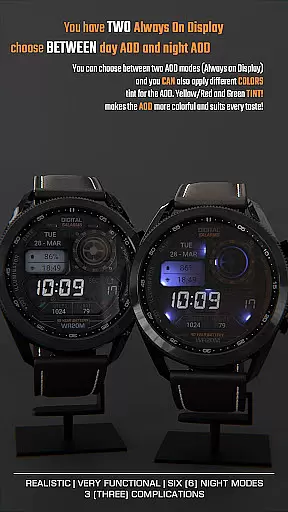
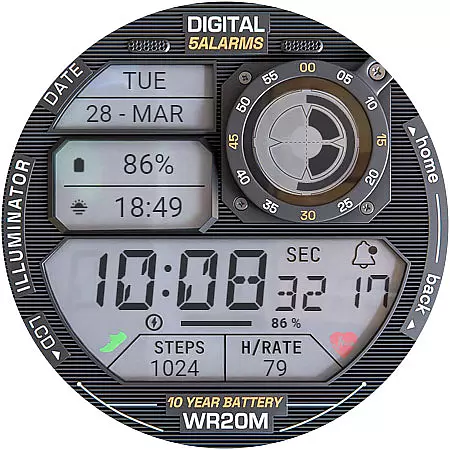
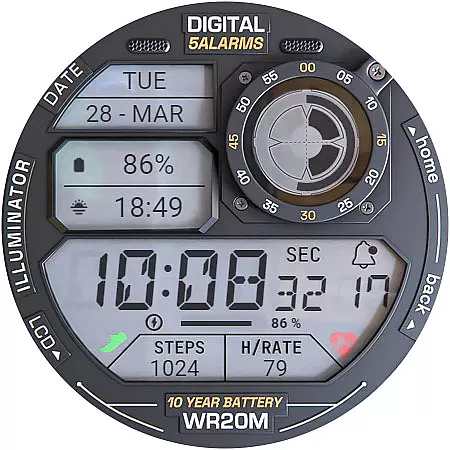
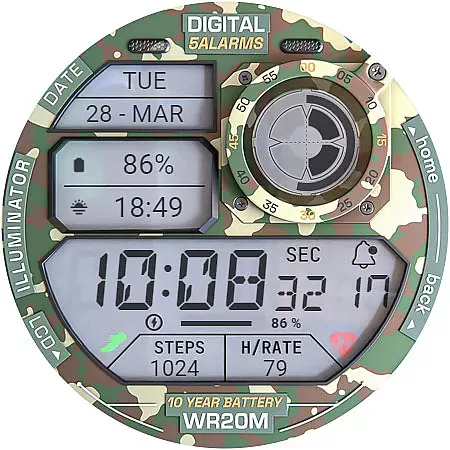
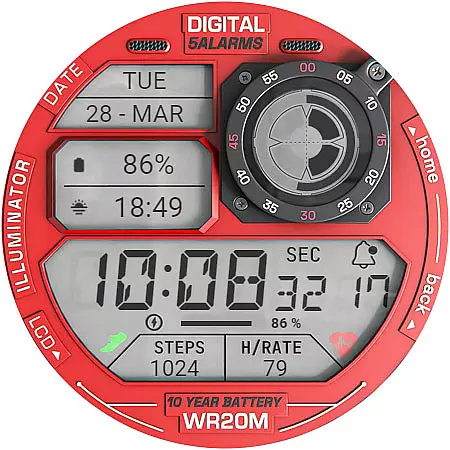
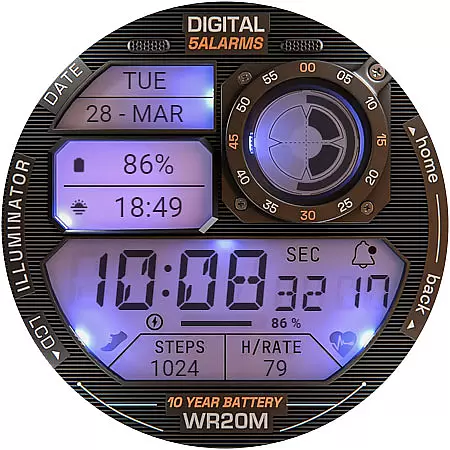
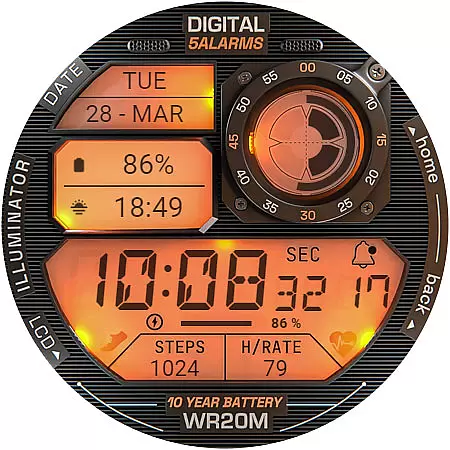
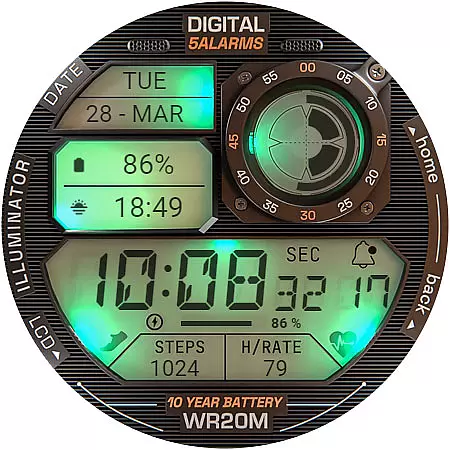
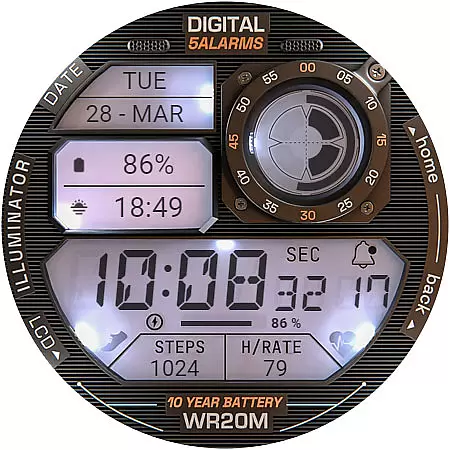
ILLUMINATOR Digital Watch face offers a retro-style digital watch experience for Wear OS devices. Featuring realistic design elements, animations, and customizable complications, it provides users with both aesthetic appeal and functional utility. The watch face supports automatic 12h/24h mode switching, multiple night modes, and includes practical features like battery indicators and notification counters.
Designed for ease of use, this watch face allows customization of colors and complications through simple touch interactions. With beautiful animations and unique Always-On Display options, ILLUMINATOR enhances the wearable experience while maintaining readability and style. Its compatibility with health sensors adds another layer of personalization for fitness-focused users.
This Wear OS watch face stands out with its highly realistic design and smooth animations. Users can customize their experience by configuring up to three Multi-Function Displays (MFDs), choosing from various complications that suit their preferences. The automatic time format adjustment and dual day/night Always-On Display options ensure optimal visibility in any situation.
Practical features include a prominent battery indicator, notification counter, and customizable color schemes. The watch face also integrates with health sensors to display heart rate information, though proper setup is required for accurate readings. With detailed installation guides and active community support through social media channels, users can easily resolve common issues and make the most of their digital watch experience.
For ILLUMINATOR Digital Watch face, companion app integration plays a crucial role in ensuring seamless functionality between your Wear OS device and smartphone. This connection allows for effortless synchronization of settings and features.
The companion app simplifies the installation process significantly. After purchasing the watch face, users can tap the install button within the phone app. This action prompts a notification on the paired watch, guiding users to complete the installation by tapping install again and waiting for the process to finish.
This integration also addresses common synchronization issues. If users encounter prompts to repurchase the watch face on their device, they can rest assured that no additional charges will occur. Such instances typically resolve themselves after a brief period or by restarting the watch.
Moreover, the companion app enhances user experience by providing direct access to support channels and updates. This ensures that any installation challenges or feature inquiries receive timely resolutions, maintaining optimal performance of the ILLUMINATOR Digital Watch face across all devices.
ILLUMINATOR Digital Watch face is meticulously designed for maximum compatibility with Wear OS devices. The developers have ensured that this digital watch face operates smoothly across various smartwatch models running on the Wear OS platform.
A key aspect of its compatibility lies in supporting different screen sizes and resolutions. Regardless of whether your device features a round or square display, users can expect consistent visual quality and functionality. The watch face maintains its realistic design elements and animations without compromising performance.
The application automatically detects and adjusts to 12h/24h time formats based on device settings. This intelligent adaptation extends to other system preferences as well, including battery indicators and notification counts, ensuring accurate information display across all supported devices.
Furthermore, the watch face's compatibility encompasses various customization options. Users can personalize their experience through long-press gestures to modify hand colors and configure custom complications. These features work uniformly across different Wear OS devices, providing a consistent and reliable user experience throughout the product's ecosystem.
Realistic design
Custom complications
Animated interface
Night mode options
Health sensor integration
Complex setup process
Limited free features
Requires companion app
Occasional sync issues
Premium purchase required

Gym Log & Workout Tracker | Fitness Journal, Training & Weight Lifting Planner
 4.90
4.90
Christmas and New Year - Themed Watchface
4.1
an Analog Watch Face for winter season with freeze winter background for Wear OS
4.3
A heartwarming Christmas scene featuring a cute image of Santa and Rudolf
4.4
Wear Os Watch Face - Animated Snow Effect & Magic Spark - 6 Scenes
4.10
Kia Access makes getting your vehicle information easier than ever
4.60
Your second brain for organizing your life: to-do, calendar, reminder.
4.70
Locate your family members by GPS phone location tracker everywhere and anytime
4.30
Back up your contacts & access them anywhere
4.30
Period, ovulation & pregnancy tracker. Fertility insights & menstrual calendar.
4.90
The most customizable minimal watch face. For Wear OS 5.0, API 34+ and later
4.70
Monitor health with the stress test and pulse checker in the heart rate app.
4.60
MyNISSAN® lets you remotely control your car from your phone.*
4.50
Ideal for surviving in the wasteland left after nuclear fallout
4.50
Connect to your Bluelink equipped Hyundai vehicle from your smartphone.
4.50
Beautiful artistic animated digital watch face, with a customizable layout!
4.40
A white realistic classic analog watch face with many customization options.
4.40
A full-featured Amazon Alexa voice assistant that can show you things.
3.70
Christmas is near, let's count together the days left until Santa comes
4.4


User Reviews