
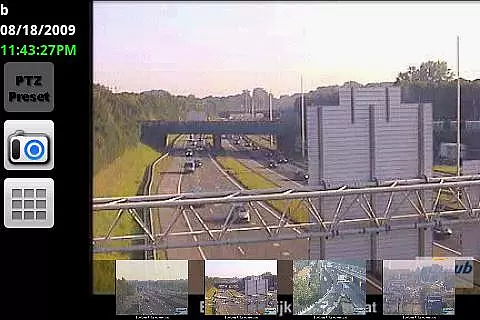

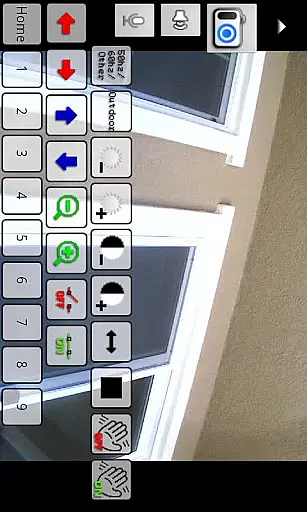
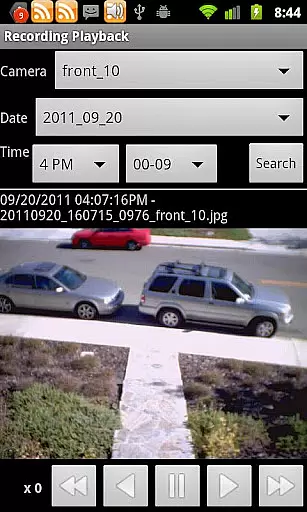
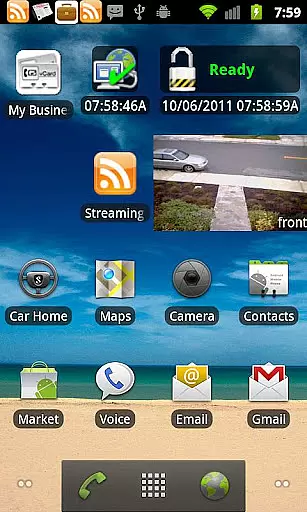
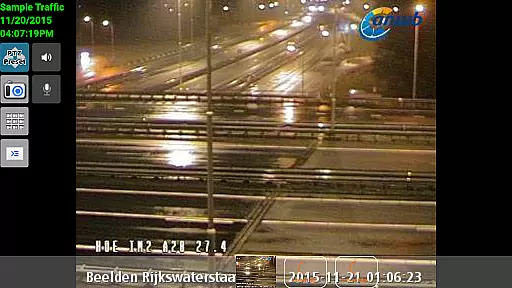
IP Cam Viewer Pro is a leading productivity application designed for remote video monitoring. This app allows users to access their video cameras, digital video recorders, and webcams from anywhere, providing flexibility and security.
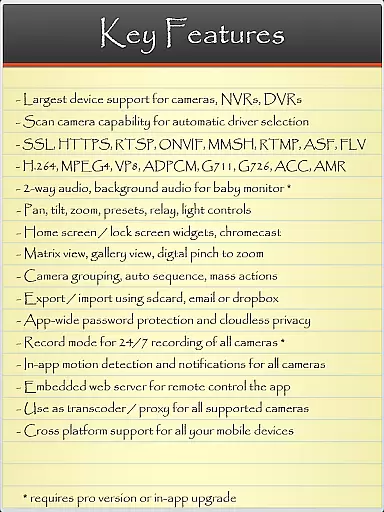
With support for over 1600 devices, the app offers extensive compatibility. Key features include HTTPS, RTSP, and ONVIF protocol support, matrix view functionality, pan-tilt-zoom controls, and home screen widgets. These capabilities ensure comprehensive and user-friendly remote surveillance management.
Whether for personal or professional use, IP Cam Viewer Pro enhances productivity by enabling real-time monitoring and control of multiple camera feeds, making it an essential tool for modern security needs.
IP Cam Viewer Pro stands out with its robust feature set tailored for productivity. The app supports a wide range of protocols such as HTTPS, RTSP, and ONVIF, ensuring broad compatibility with various devices.
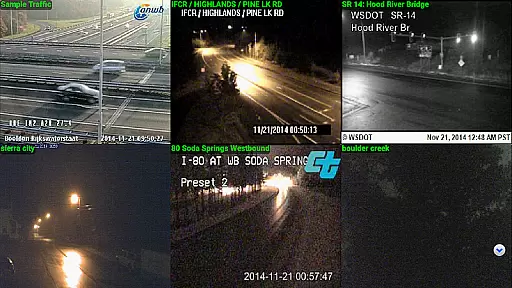
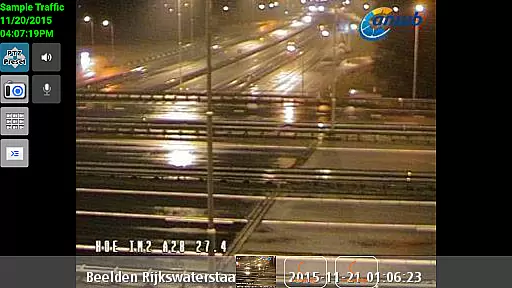
Users benefit from advanced functionalities like matrix view, which allows simultaneous monitoring of multiple cameras, and pan-tilt-zoom controls for detailed surveillance. Additionally, the app includes home and lock screen widgets, grouping options, encryption, and in-app motion detection, enhancing both usability and security.
These features collectively offer a powerful solution for managing complex surveillance systems efficiently, setting IP Cam Viewer Pro apart from other productivity apps in its category.
IP Cam Viewer Pro excels in core task management by offering a comprehensive suite of tools for video surveillance. The app supports over 1,600 devices, ensuring compatibility with a wide range of cameras and recorders.
With features like matrix view and pan-tilt-zoom functionality, users can efficiently manage multiple camera feeds from a single interface. This makes monitoring various locations seamless and straightforward.
The inclusion of home and lock screen widgets allows quick access to frequently used functions, enhancing productivity. Grouping capabilities further streamline the management process by organizing cameras into logical clusters.
Encryption and in-app motion detection provide an added layer of security and automation, making sure that important events are captured and protected. These robust task management features make IP Cam Viewer Pro an essential tool for both personal and professional surveillance needs.
Cross-device synchronization is a standout feature of IP Cam Viewer Pro, allowing users to maintain consistent access to their surveillance systems across multiple devices. The app supports HTTPS and RTSP protocols, ensuring secure and reliable connections.
By utilizing advanced ONVIF support, the app guarantees broad compatibility with different camera models and brands. This standardization enhances synchronization reliability, regardless of the specific hardware used.
Two-way audio support and background audio functionality enable real-time communication and monitoring, even when the app runs in the background. This ensures that users never miss critical moments or alerts.
Remote control features for recording modes further enhance synchronization by allowing users to start or stop recordings from any connected device. This level of integration and control makes IP Cam Viewer Pro a top choice for those requiring dependable cross-device performance.
User-friendly interface
Extensive device support
Advanced security features
Real-time monitoring
Customizable settings
Occasional connectivity issues
Complex setup process
Higher cost compared to alternatives
Limited customer support
Resource-intensive operation

 4.20
4.20
Planet Free VPN - The best Fast Unlimited and Secure VPN Without Logs
4.50
The upgraded version of Name Wheel with AI and the power to add your own wheels.
4.3
Protect and view your important info on your phone and tablet with eWallet®
4.80
Subscribe to Webcal & .ics calendars and keep them up-to-date!
4.50
* block pre-roll ads, pop-up and forced redirect ads * Samsung certification app
4.00
The ultimate file manager for rooted devices. The original and still the best.
4.00
Ultimate Virtual AI Character for immersive Roleplay Chat. Perfect Companion
3.90
Note taking, handwriting, record audio, PDF annotation, planner & journal
4.20
The AI assistant that thinks with you - write, code, and solve complex tasks
4.60
Absolutely the best CNC machinist speed and feed calculator around. fswizard.com
4.60
Wake up & get tasks done! Add alarms & reminders on the Clock Launcher.
4.00
Create and edit presentations with Google Slides, part of Google Workspace.
4.00
Mega cloud explorer plugin for Solid Explorer
3.80
All in one sketching tool. Technical and General drawing. Online Maps support.
3.70
Smart PDF reader & editor to view, organize and manage PDF documents easily.
3.70
Simple and reliable communication between inmates, friends and family
3.20
Easiest event planning, volunteer signups & parent teacher conference scheduling
2.20
Ads Free App! Editor, Hide File, Copy, Move, Delete and Rename.. all facility av
1.70


User Reviews