

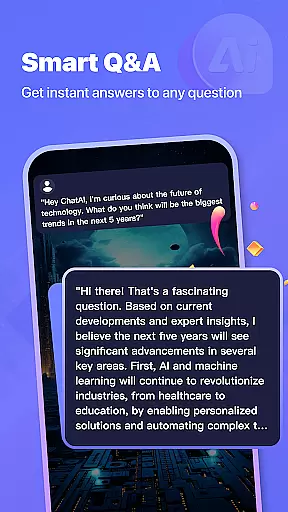
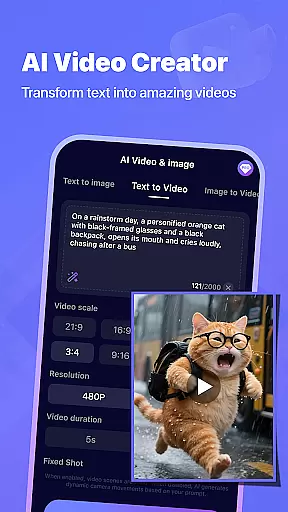
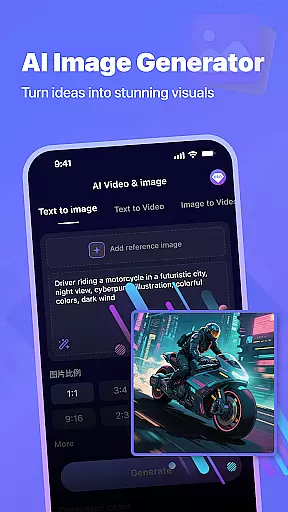

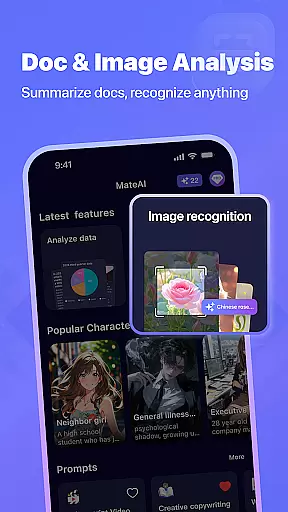


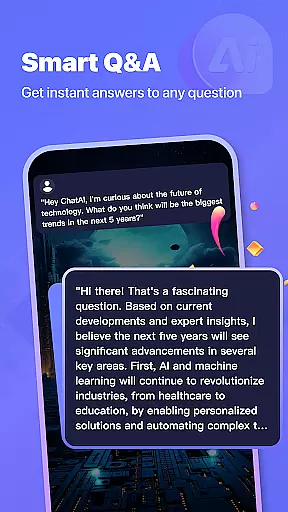

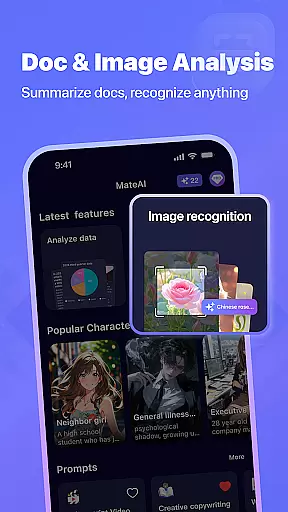
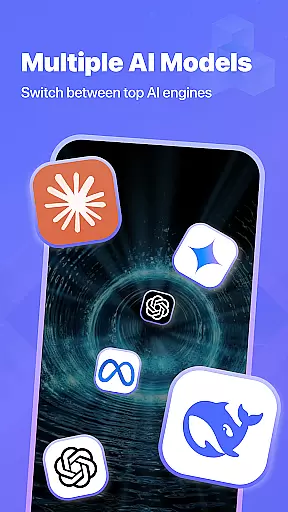


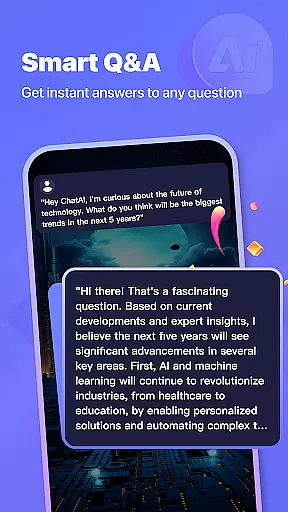
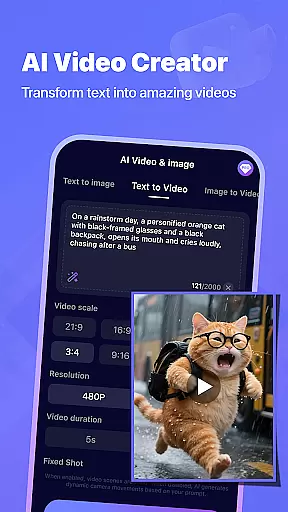

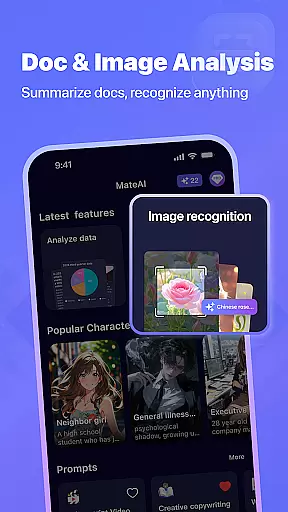

MateAI is an innovative productivity app that combines intelligent chatbot conversations with advanced content creation tools. The app features an AI-powered chat companion designed for engaging entertainment and personalized dialogue, adapting to user preferences based on conversation history.
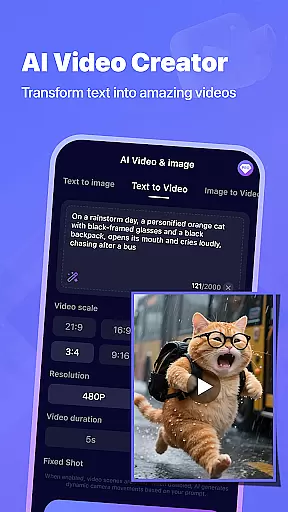
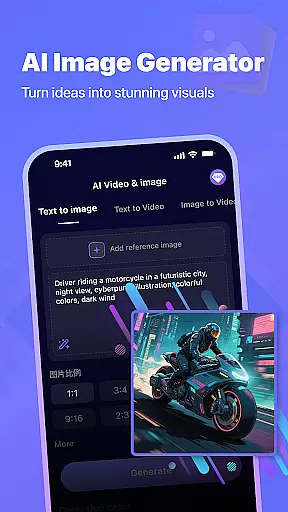
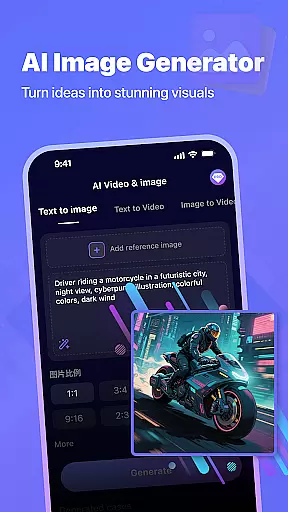
For creative professionals, MateAI offers powerful video and image generation capabilities. The AI Video Generator simplifies social media content creation, while the AI Image Generator enables unique artwork creation through neural network-powered tools. These features make MateAI a comprehensive solution for both communication and creative expression.
MateAI distinguishes itself through its comprehensive feature set. The app's AI chatbot provides intelligent conversational responses with customizable interaction styles, supporting both text-based and voice-based communication.
The content creation suite includes professional-grade tools for video production and image manipulation. Users can create engaging videos for social media, generate custom artwork, and experiment with face swap and morphing effects. Advanced features like conversation history retention and personalized interaction styles ensure a seamless user experience across all creative projects.
In the realm of productivity, MateAI distinguishes itself through its core task management capabilities. This feature is not just about listing tasks but integrating intelligent assistance to enhance how users organize their daily activities.
The AI chatbot serves as a personal assistant that helps in setting reminders, scheduling events, and managing to-do lists with smart suggestions based on user behavior and preferences. It adapts over time, learning from conversation history to provide more personalized task management support.
Users benefit from seamless cross-functionality where their scheduled tasks, appointments, and reminders are intelligently managed and easily accessible within the chat interface. This unified approach ensures no important deadline or meeting is missed.
Ultimately, MateAI's task management system transforms routine productivity tasks into an engaging experience by combining them with entertainment features such as roleplay scenarios or creative expression tools, making productivity both effective and enjoyable.
Cross-device synchronization is crucial for users who operate across multiple platforms. MateAI excels in providing reliable synchronization that ensures all user data including chat histories, created content, and task lists are consistently updated across devices.
This reliability stems from robust cloud-based infrastructure which supports real-time updates. Whether switching from a smartphone to a tablet or desktop, users can expect their information to be current without delays or discrepancies.
By maintaining high standards of data integrity and security during transfers, MateAI guarantees that sensitive information remains protected while being conveniently accessible wherever the user goes.
The ability to seamlessly transition between devices enhances the overall user experience, allowing individuals to pick up exactly where they left off regardless of the device they're using at any given momentu2014be it continuing a conversation with the AI companion or editing a video project started on another platform.
Advanced AI chatbot
Professional video tools
Intuitive image creator
Voice support
Customizable options
Premium features locked
Requires learning
Internet needed
Limited free usage
Occasional bugs

We're working to become the best machining app on the market! www.cncdirt.com
 4.80
4.80
Pwnagotchi companion app
4.20
CalenGoo is a very flexible and feature-rich calendar app
4.40
Secure, open-source, SPICE and SSH Remote Desktop for QEMU KVM virtual machines
4.00
Calendar 2023 widget for Android. Appointment scheduler, planner, and reminder
4.60
Docker, Kubernetes management over Portainer Mobile
4.40
A beautiful digital clock with autostart and many other functions
4.70
Intelligent AI Assistant
4.10
Use powerful, industry-leading AI tools to generate visual charts from any data
4.80
Multilingual translator for text, voice, and image translation!
4.90
Protect and view your important info on your phone and tablet with eWallet®
4.80
aCalendar+ makes your day, week and month
4.70
Quickly and easily keep track of your work shifts
4.70
Scan paperwork into PDF/JPG, generate your own e-signature and send fax or email
4.70
Absolutely the best CNC machinist speed and feed calculator around. fswizard.com
4.60
Automates browsing any website and notifies you of important changes or events
4.30
Unlock AutoNotification
4.00
Wake up & get tasks done! Add alarms & reminders on the Clock Launcher.
4.00
Make your handwriting beautiful, even more than pen on paper.
3.60


User Reviews