
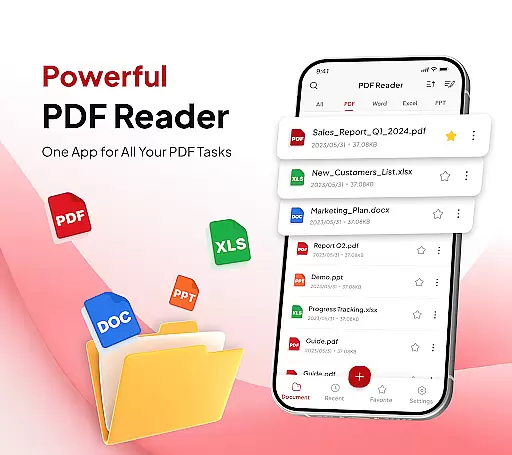
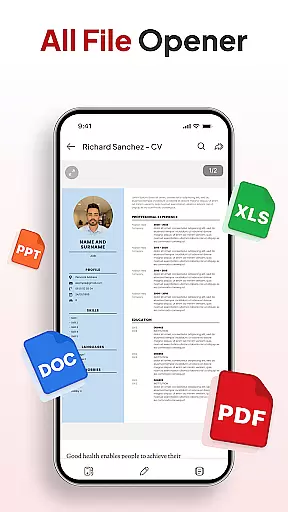
PDF Reader - Document Editor is a comprehensive productivity tool designed to streamline document management. This app allows users to read, edit, organize, and convert PDF files with ease. Whether you're a student, professional, or casual user, the app offers a seamless experience for handling documents of all types.
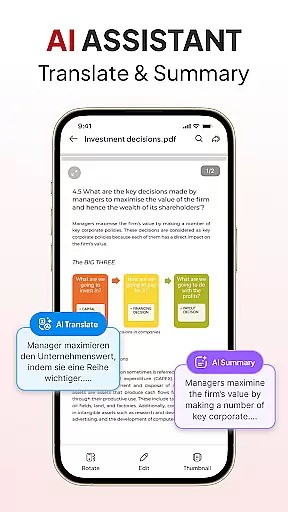
Key features include smooth PDF reading with zoom functionality, smart PDF conversion tools such as Document Scanner and Image to PDF, and advanced file management options. Users can also add signatures, sort and search documents, and utilize an AI assistant for summarizing or translating content. With its intuitive interface, this app ensures efficient and effortless document handling across multiple platforms.
Ideal for educational, professional, and personal use, PDF Reader - Document Editor enhances productivity by providing all necessary tools in one sleek application. Its ability to support various file types like XLS, DOCX, and PPT makes it a versatile choice for managing diverse document needs.
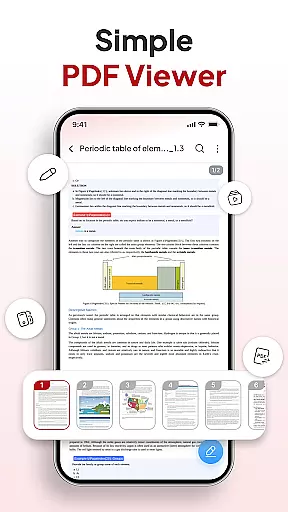
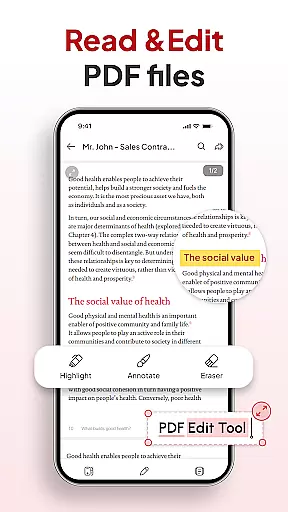
PDF Reader - Document Editor stands out with its robust set of features tailored for efficient document handling. The app provides a smooth reading experience, allowing users to open, view, and scroll through large PDFs without any lag. The zoom function enables detailed inspection while text highlighting helps mark important sections.
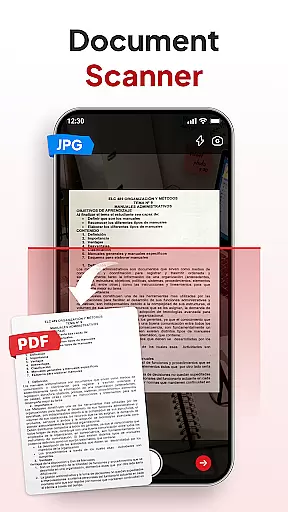
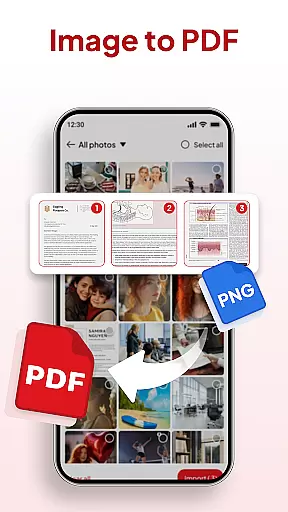
One of the app's core strengths is its smart PDF conversion capabilities. The Document Scanner feature transforms physical notes, receipts, or contracts into clear PDFs instantly. Additionally, the Image to PDF tool converts photos and screenshots into professional-quality documents within seconds. These features ensure that users can digitize content effortlessly.
The app also excels in productivity and file management. It includes a File Organizer for decluttering storage using folders and favorites, along with Sort & Search functions for quickly locating documents. Users can add signatures, share files instantly via various apps, and leverage an AI assistant for document summarization or translation. These functionalities make PDF Reader - Document Editor a powerful ally in document management.
PDF Reader - Document Editor excels in core task management by offering a comprehensive suite of tools for handling PDF documents efficiently. This app allows users to open, view, and scroll through PDFs of any size without lag, ensuring smooth navigation and reading.
With features like zoom for details, text highlighting, and support for multiple file types including XLS, DOCX, and PPT, it provides an all-encompassing solution for document interaction. The ability to organize files into folders and favorites, coupled with powerful search functionality, ensures that users can manage and locate their documents with ease.
The inclusion of smart AI tools further enhances productivity by enabling document summarization and translation. These capabilities make daily document management effortless and efficient, catering to students, office professionals, and anyone who manages files regularly.
By integrating functionalities such as file organization, quick search, and AI assistance, PDF Reader - Document Editor significantly boosts user productivity, making it an indispensable tool for both personal and professional use.
Cross-device synchronization is a pivotal feature of PDF Reader - Document Editor, ensuring that users can access their documents seamlessly across multiple devices. This reliability is crucial for individuals who switch between their phone, tablet, and computer throughout the day.
The app supports instant sharing via favorite apps with just one tap, allowing users to send PDFs quickly and efficiently. Whether you're scanning notes, receipts, or contracts, or converting images into professional-quality documents, the synchronized data remains consistent and up-to-date on all linked devices.
Moreover, the app's capability to add and manage signatures smoothly means that any changes made on one device are immediately reflected on others, providing a cohesive and uninterrupted workflow. This ensures that users can sign and share important documents without delay.
By prioritizing cross-device synchronization reliability, PDF Reader - Document Editor offers a seamless and efficient experience, enhancing both personal productivity and collaborative work environments.
User-friendly interface
Advanced PDF tools
Efficient file management
AI-powered assistance
Cross-platform support
Limited free features
Occasional bugs
Ads in free version
Premium subscription cost
Complex for beginners

Unlock AutoNotification
 4.00
4.00
Automates browsing any website and notifies you of important changes or events
4.30
CalenGoo is a very flexible and feature-rich calendar app
4.40
Docker, Kubernetes management over Portainer Mobile
4.40
The ultimate file manager for rooted devices. The original and still the best.
4.00
Access your phone's notifications, calls, apps, photos & texts on your PC
3.90
Lightweight PDF, Word, Excel reader.
4.60
Scan paperwork into PDF/JPG, generate your own e-signature and send fax or email
4.70
Note taking, handwriting, record audio, PDF annotation, planner & journal
4.20
Native client for Forgejo and Gitea
5.00
QuickBooks Workforce lets teams view pay info and track time in one place.
4.70
App lock - lock apps with fingerprint, password, pin or pattern, protect privacy
4.70
Absolutely the best CNC machinist speed and feed calculator around. fswizard.com
4.60
The AI assistant that thinks with you - write, code, and solve complex tasks
4.60
Secure your apps with lock screens, use custom themes and different features.
4.40
Font maker keyboard with your own handwriting
4.10
AI Video AI Image Private LLM AI Browser Llama Gemma Ollama Connect LLM Studio
4.3
A simple, portable logger for POTA, SOTA, Field Day, and more
4.0
IP Camera Viewer - Android TV : RTSP Surveillance camera viewer for Android TV
4.5


User Reviews