
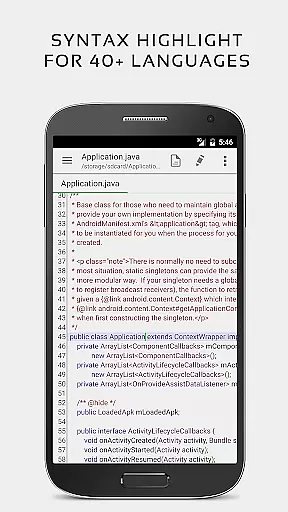


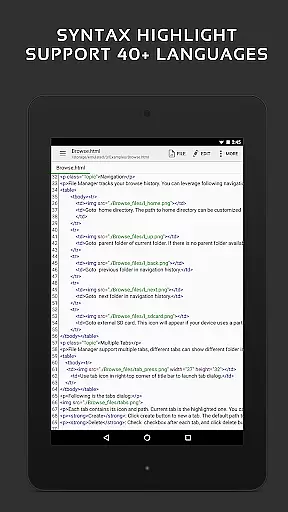
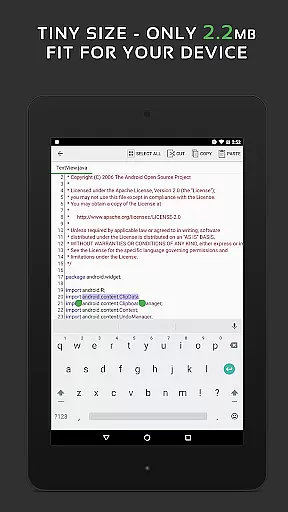
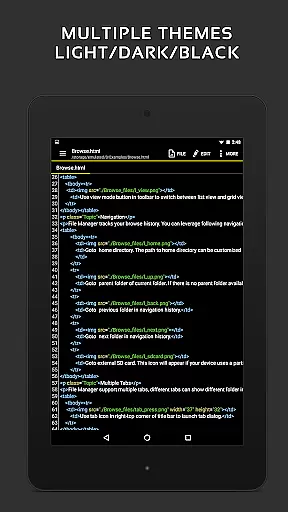
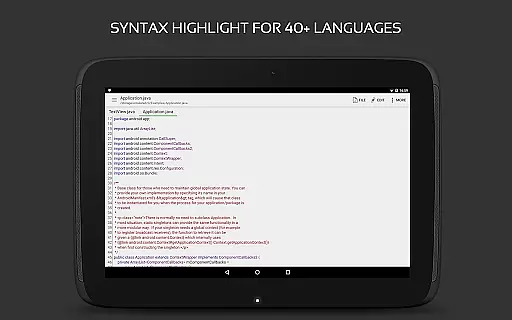
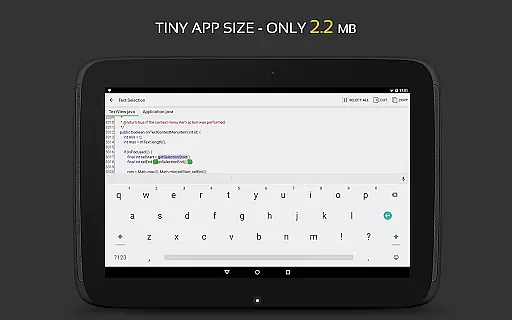
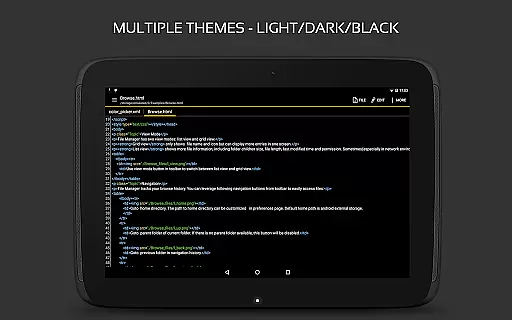
QuickEdit Text Editor Pro is a premium text editing solution designed for both casual and professional users. This app combines the functionality of a standard notepad with advanced code editing capabilities, making it suitable for programming tasks as well as general text editing. With support for over 170 programming languages and syntax highlighting, QuickEdit stands out as a versatile tool for developers.
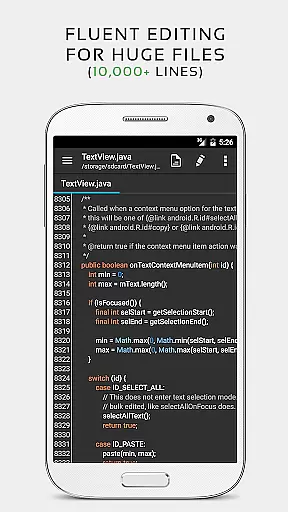
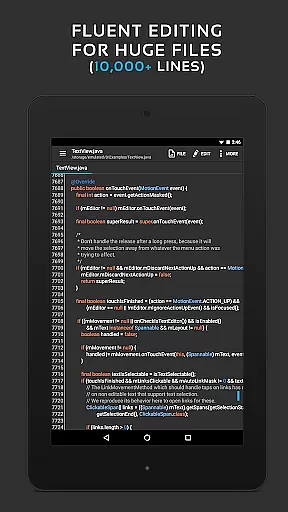
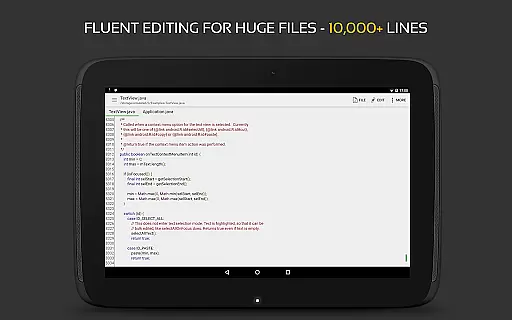
The app is optimized for performance, offering smooth scrolling and fast response times even with large files containing more than 10,000 lines. Its user-friendly interface includes features such as line numbering, unlimited undo and redo, and customizable themes. Whether you're working on a smartphone or tablet, QuickEdit ensures an efficient workflow by allowing easy navigation between multiple open tabs and providing direct access to cloud storage services like Google Drive and Dropbox.
QuickEdit Text Editor Pro offers a comprehensive set of features that cater to both basic and advanced editing needs. One of its standout capabilities is the built-in online compiler, which supports over 30 programming languages including Python, Java, and C++. This allows users to write, compile, and run code directly within the app, streamlining the development process.
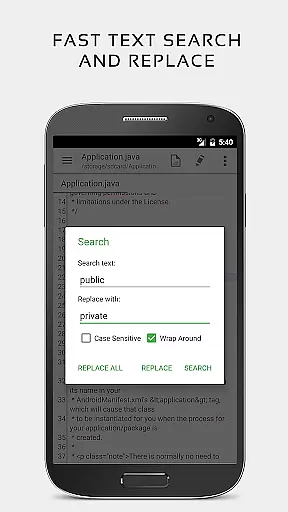
In addition to its coding features, QuickEdit provides numerous tools to enhance productivity. Users can preview HTML, CSS, AsciiDoc, and Markdown files, ensuring accurate formatting before finalizing documents. The app also supports physical keyboard shortcuts, smooth horizontal and vertical scrolling, and quick search and replace functions. These features, combined with support for various fonts and sizes, make QuickEdit a powerful editor for both text and code.
For users who need to manage system files or require remote access, QuickEdit allows file management from FTP, Google Drive, Dropbox, and OneDrive. It also includes specialized tools for editing INI, LOG, and TXT files, making it a handy utility for various technical tasks. With its focus on speed, responsiveness, and versatility, QuickEdit Text Editor Pro is a reliable choice for anyone seeking a high-performance text editing solution.
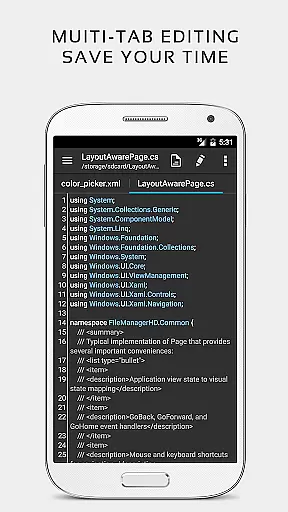
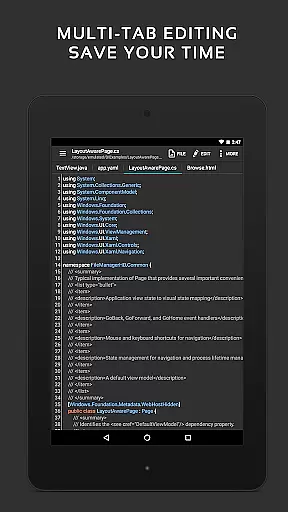
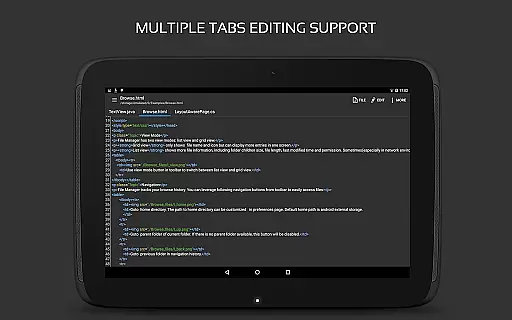
Task management is a critical aspect of productivity applications, and QuickEdit Text Editor Pro excels in this area. The app provides users with the ability to easily navigate between multiple open tabs, which is essential for managing various tasks or files simultaneously.
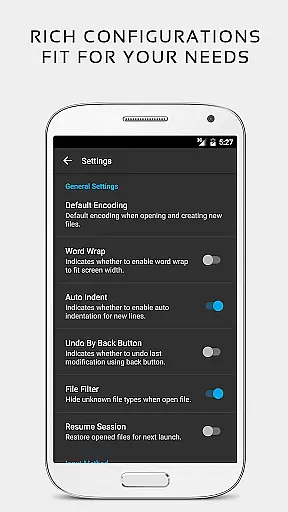
QuickEdit enhances task efficiency by offering features such as undo and redo changes without limit, displaying or adjusting line indentations, and quickly searching and replacing content. These capabilities ensure that users can make modifications and manage their documents with precision and ease.
The application also supports physical keyboard input, including key combinations, which significantly boosts productivity for users who prefer or require keyboard shortcuts for efficient task management. This feature caters to both power users and those new to text editing on mobile devices.
With its high performance even on large text files, QuickEdit allows professionals and casual users alike to handle demanding tasks without experiencing lag. This makes it an ideal tool for anyone looking to improve their workflow and document handling on the go.
Cross-device synchronization is vital for users who work across multiple devices. QuickEdit Text Editor Pro ensures reliable access to files from various cloud services like FTP, Google Drive, Dropbox, and OneDrive, allowing seamless transitions between different working environments.
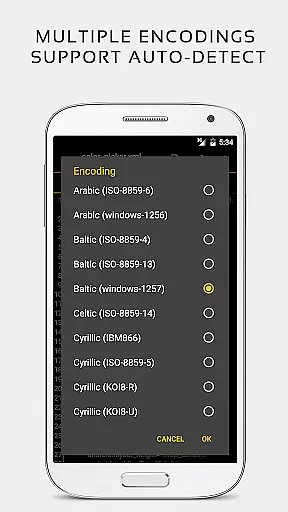
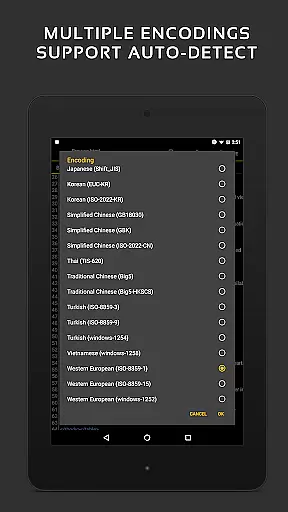
The app's ability to automatically detect charset and encoding when opening files guarantees that text documents will be accurately represented regardless of the source device or platform. This consistency is crucial for maintaining data integrity during cross-device operations.
QuickEdit further simplifies file management through features such as easy navigation to any specified line number and quick search-and-replace functionality. Such tools are indispensable for ensuring that edits made on one device are accurately reflected when the document is accessed elsewhere.
By providing a stable and full-featured text editing experience optimized for both phones and tablets, QuickEdit delivers a dependable solution for individuals seeking robust cross-device synchronization reliability in their productivity suite.
Fast and responsive performance
Extensive language support
Advanced coding features
User-friendly interface
Cloud storage integration
Paid version only
No collaborative editing
Limited offline compiler
Root required for system files
Complex for beginners

Mind Map and brainstorm, note taking and idea collection
 4.80
4.80
Protect and view your important info on your phone and tablet with eWallet®
4.80
Device's storage information in a simple and clear graphical form (infographics)
4.10
All in One PDF Reader: Manage, Read and Edit your Documents
4.20
Find and delete junk files & block unwanted notifications & manage files
3.70
Cloud storage, automatic phone backup, and more.
4.10
A comprehensive suite of tools designed specifically for Lactation Consultants
4.2
Share files & memories safely. Keep your photos and videos secure.
4.40
AI Chatbot and AI writing assistant powered by ChatGPT.
4.60
Best Tool for the professionals Electrician, Electrical contractors, etc.
4.90
App lock - lock apps with fingerprint, password, pin or pattern, protect privacy
4.70
Secure, fast, open-source, Remote Desktop Client for Windows and Linux with SSH
4.60
The AI assistant that thinks with you - write, code, and solve complex tasks
4.60
Docker, Kubernetes management over Portainer Mobile
4.40
This small app MUST BE INSTALLED after purchase, else license won't work
4.40
Font maker keyboard with your own handwriting
4.10
Intelligent AI Assistant
4.10
Ultimate Virtual AI Character for immersive Roleplay Chat. Perfect Companion
3.90
The upgraded version of Name Wheel with AI and the power to add your own wheels.
4.3


User Reviews