
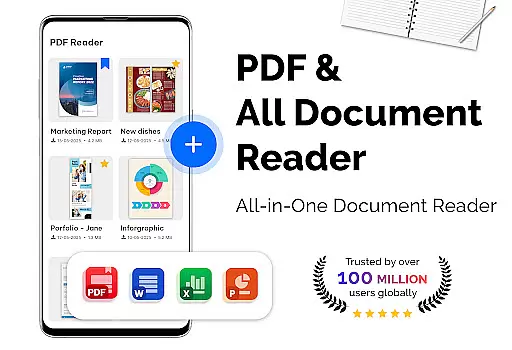
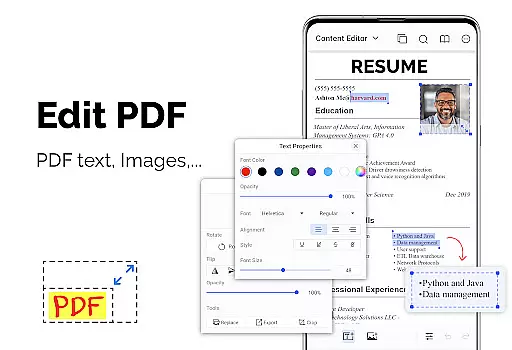
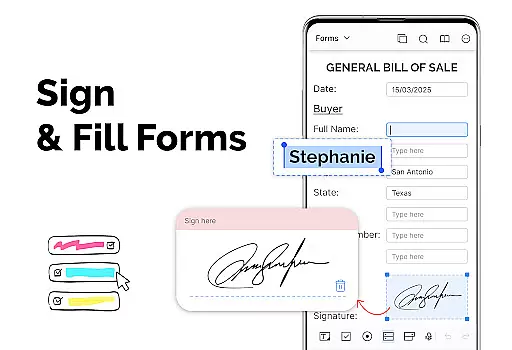
PDF Reader - PDF Viewer is a versatile productivity app designed for seamless document management. The core functionality revolves around its ability to read and manage PDF files with exceptional speed and efficiency, even for large files exceeding 300MB. It supports password-protected PDFs, ensuring secure access to sensitive documents.
Beyond basic viewing, the app offers multiple display modes including single page, two-page, book mode, and full-screen options. Users can customize their reading experience through adjustable orientation settings and theme options. The app also includes advanced features like bookmarking, quick page navigation, and intuitive file organization tools.
This application is particularly valuable for professionals who need to handle extensive documentation on the go. Its comprehensive feature set makes it suitable for both personal and business use, providing a complete solution for managing digital documents efficiently while maintaining high performance standards.
The app's feature set extends far beyond basic PDF viewing capabilities. Its advanced rendering engine ensures rapid loading of even the largest PDF files, utilizing cutting-edge technology for optimal performance. The customizable display options include vertical and horizontal views, multiple page layouts, and both dark and light themes for enhanced readability.
Productivity-enhancing features include precise bookmarking functionality, allowing users to create navigation points within documents. The quick page navigation system enables efficient movement through lengthy files, while the search function helps locate specific content instantly. Password protection support ensures document security without compromising accessibility.
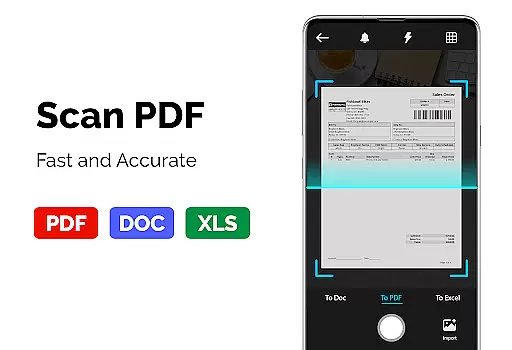
Additional tools include a comprehensive PDF converter that handles various file transformations. Users can convert images to PDF, extract images from PDFs, and create new PDF documents from multiple image formats. These features are implemented through an intuitive interface that maintains professional-grade functionality while remaining accessible to casual users.
PDF Reader - PDF Viewer excels in core task management by offering a comprehensive suite of tools tailored for efficient document handling. The app supports all PDF files, including those with password protection, ensuring that users can access their secured documents without hassle.
The app's quick display technology significantly speeds up the loading and display of large PDF files, making it an ideal choice for users who frequently handle extensive documents. With multiple display modes such as single page, two-page, book mode, or full-screen reading, users can customize their reading experience to suit their preferences.
Additionally, features like quick page moving, bookmarks, and customizable themes enhance navigation and user comfort. These functionalities allow users to swiftly move through documents, mark important sections, and choose between dark or light themes for optimal readability.
Cross-device synchronization is a pivotal feature of PDF Reader - PDF Viewer, ensuring that users can seamlessly manage their documents across different devices. This reliability is crucial for individuals who work in multiple locations or use various gadgets throughout their day.
The app facilitates synchronization by allowing PDF files stored locally on one device to be accessible on others, provided they are linked to the same account. This means you can start reading or editing a document on your phone and continue right where you left off on a tablet or computer.
Moreover, the app's support for converting images to PDFs, PDFs to images, and creating PDFs from multiple image formats adds another layer of convenience. Users can effortlessly share and view content in their preferred format, regardless of the device they are using, thus maintaining consistency and accessibility across platforms.
User-friendly interface
Fast PDF rendering
Advanced security features
Comprehensive file support
Customizable display options
Limited collaboration tools
No cloud integration
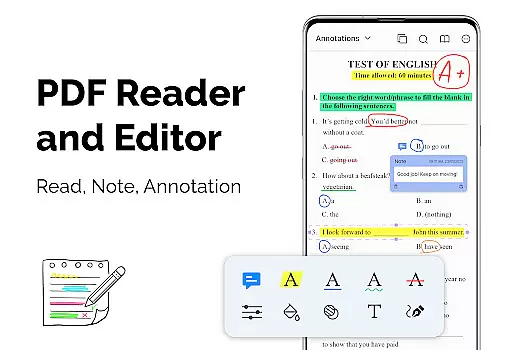
Basic annotation features
Occasional compatibility issues
Premium feature costs

Create study competitions, track your hours, and stay consistent with friends
 4.0
4.0
Professional calendar app for Google Calendar, MS Outlook & Exchange
4.20
We're working to become the best machining app on the market! www.cncdirt.com
4.80
Remotely view listen control and record cameras.
3.70
The AI assistant that thinks with you - write, code, and solve complex tasks
4.60
Great calculator for Android named one of USA TODAY's "25 Essential Apps".
4.90
A comprehensive suite of tools designed specifically for Lactation Consultants
4.2
A Pixel Art watchface inspired by other iconic 90s designs for Wear OS devices!
4.40
Understand anything with a personalized AI research assistant
4.80
QuickBooks Workforce lets teams view pay info and track time in one place.
4.70
The long-awaited modern gallery app for your Nextcloud server
4.70
aCalendar+ makes your day, week and month
4.70
Functional QR scanner and barcode reader that requires little storage space.
4.60
Calendar 2023 widget for Android. Appointment scheduler, planner, and reminder
4.60
Total remote control for your Android device, PC and cloud services (IFTTT)!
4.20
Easily read and manage all your PDF files
4.10
Activate Two Factor Authentication (2FA or Multi OTP), Password manager and more
4.10
Mega cloud explorer plugin for Solid Explorer
3.80
A simple, portable logger for POTA, SOTA, Field Day, and more
4.0


User Reviews