
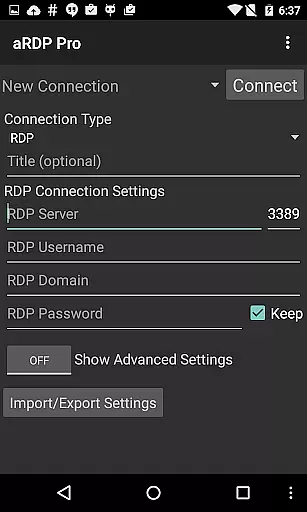
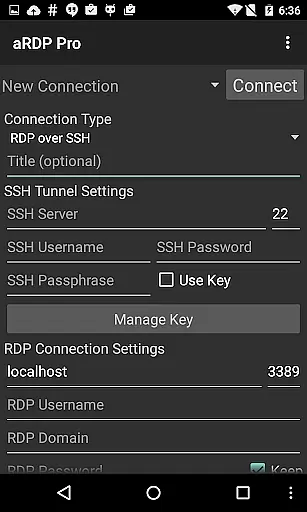
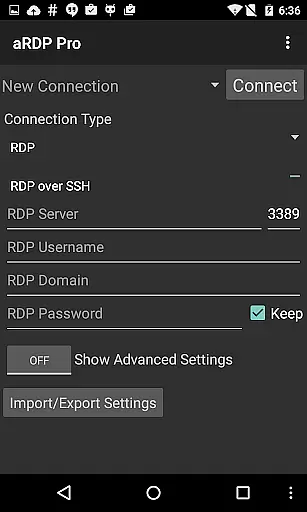
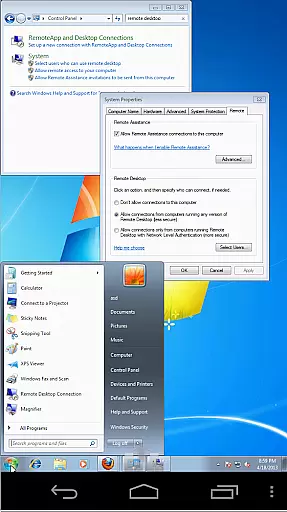
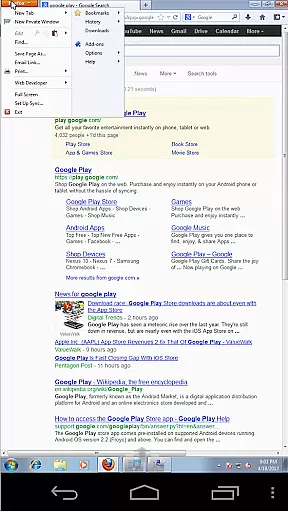
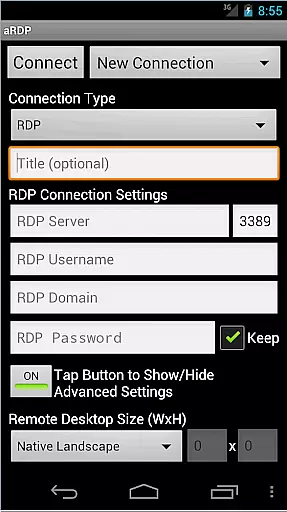
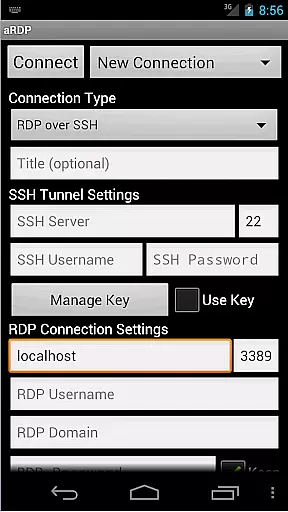
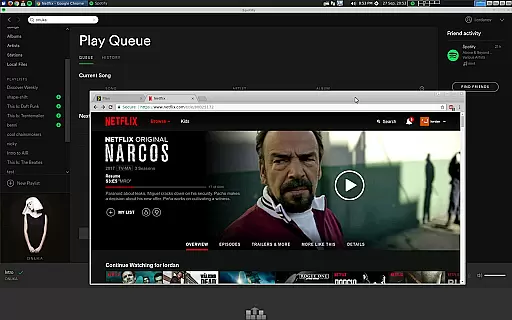
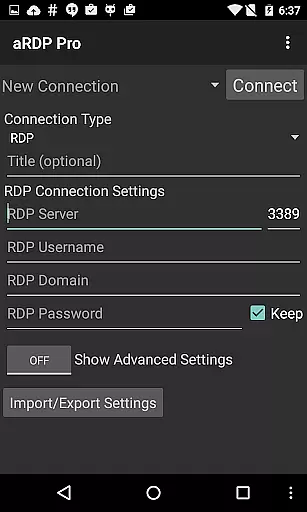
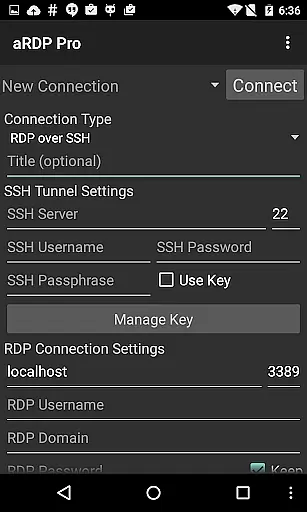
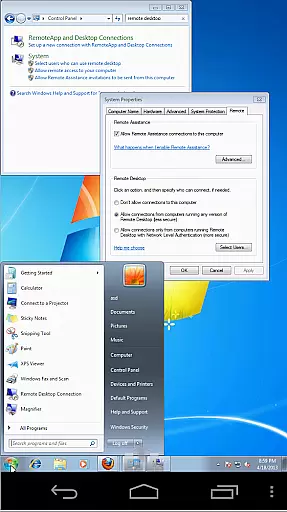
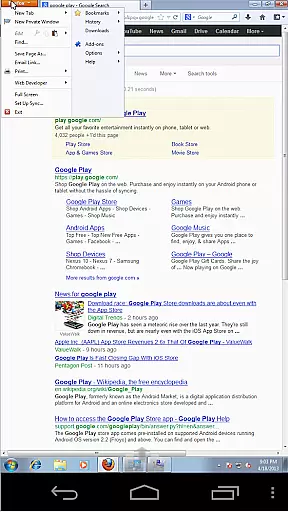
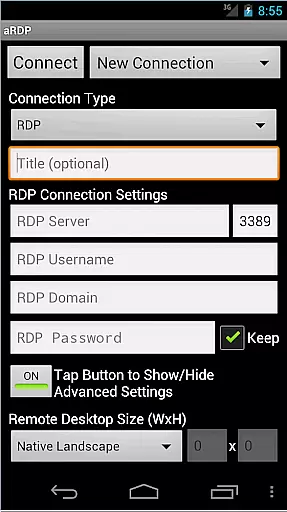
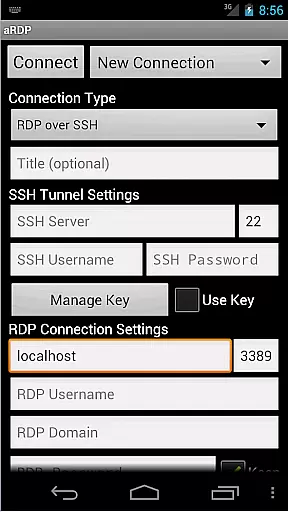
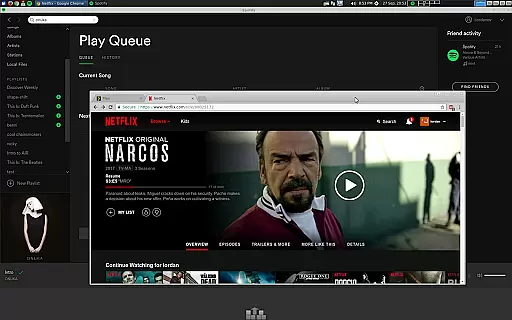
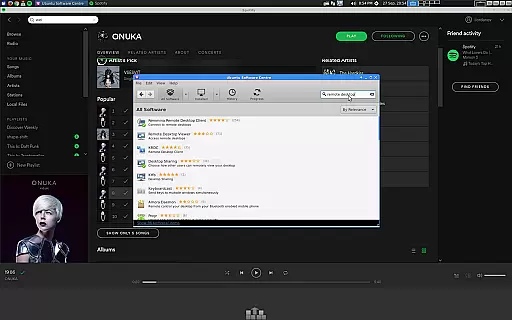
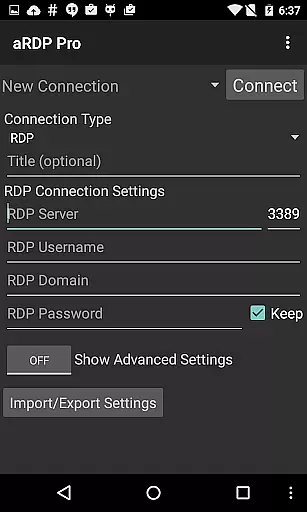
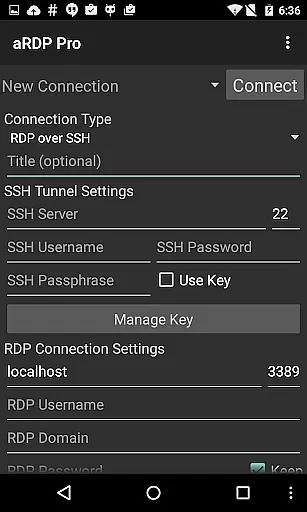
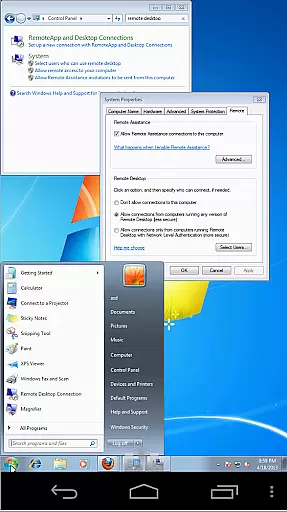
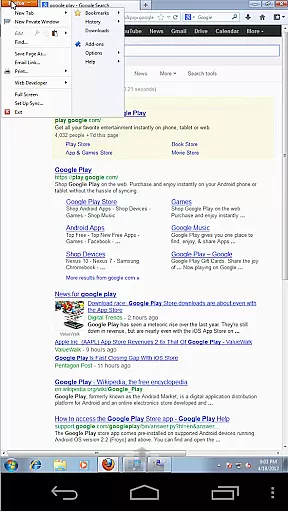
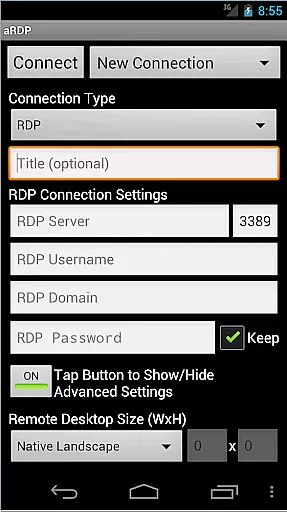
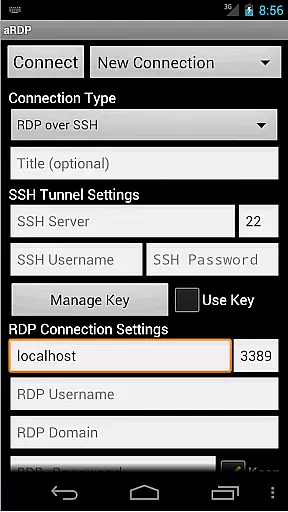
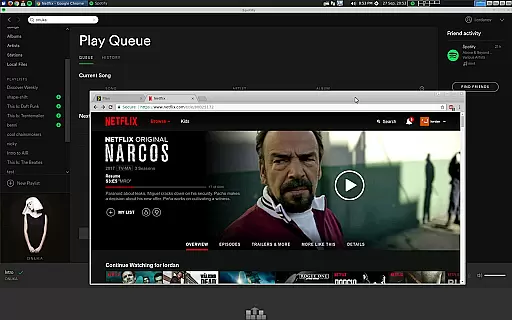
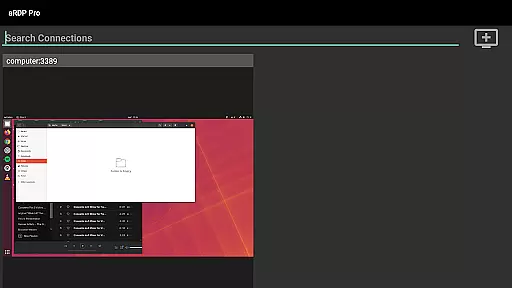
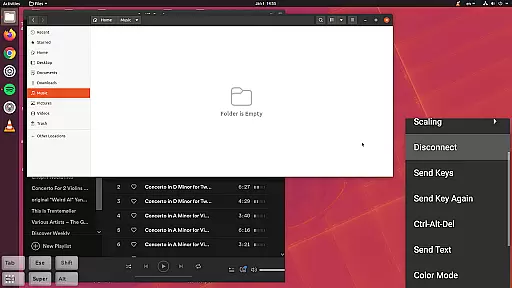
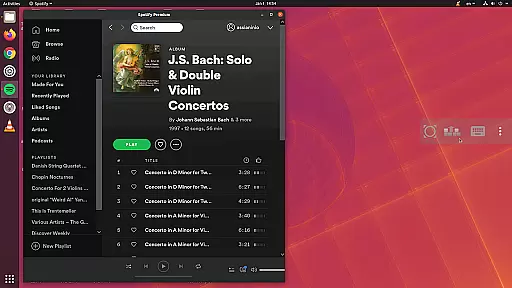
aRDP Pro is a premier open-source Remote Desktop Protocol (RDP) client, offering secure and versatile remote desktop control. It leverages the robust FreeRDP library to enable users to connect to Windows and Linux systems effortlessly.
With features like SSH tunneling, sound redirection, and multi-touch gestures, aRDP Pro ensures a seamless and interactive remote desktop experience. The app supports various configurations including RDP Gateway and console mode, catering to both personal and enterprise needs.
Whether you're managing virtual machines or accessing your office computer, aRDP Pro provides the tools necessary for efficient remote work, making it an essential productivity tool for IT professionals and remote workers alike.
aRDP Pro stands out with its comprehensive feature set tailored for productivity. The app supports RDP file integration in the Pro version, allowing for advanced session management and customization.
Users benefit from dynamic resolution changes, multi-language support, and full mouse functionality on Android 4.0+. The inclusion of SSH tunneling and MFA/2FA authentication enhances security, ensuring that remote connections are both safe and reliable.
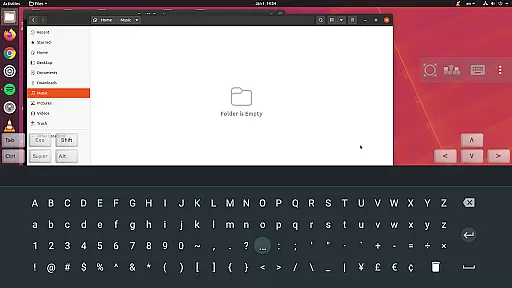
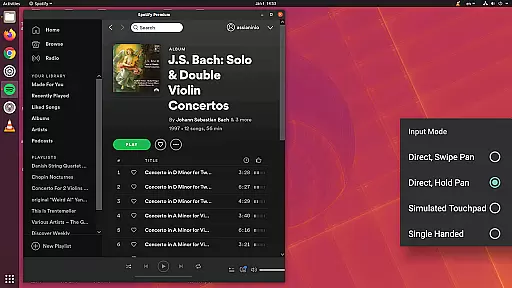
Additionally, aRDP Pro offers innovative input methods such as simulated touchpad modes and stowable on-screen keys, providing flexibility and ease of use across different devices and screen sizes.
In the realm of productivity applications, core task management is pivotal for ensuring users can efficiently handle their responsibilities. aRDP Pro excels in this area by providing robust remote desktop control capabilities that allow users to manage tasks on any Windows or Linux computer seamlessly.
The app leverages the powerful FreeRDP library, enabling features such as sound redirection, RDP Gateway Support, and SDcard redirection. These functionalities ensure that users can maintain full control over their remote sessions, making task management not just feasible but efficient and reliable.
Additionally, aRDP Pro offers multi-touch controls for the remote mouse, dynamic resolution changes, and full rotation support. This flexibility allows users to reconfigure their desktop environments while connected, thus streamlining task execution and enhancing productivity.
By integrating SSH tunneling for added security and supporting various input modes like Direct Touch and Simulated Touchpad, aRDP Pro ensures that users can securely and intuitively interact with their remote desktops. This comprehensive approach to task management empowers users to accomplish more, regardless of their physical location.
Cross-device synchronization is crucial for maintaining workflow continuity across different platforms. aRDP Pro addresses this need by offering reliable synchronization features that ensure seamless transitions between devices without losing any critical data or settings.
One of the standout features of aRDP Pro is its ability to save automatic connection sessions. This means users can pick up exactly where they left off, whether switching from an Android smartphone to a tablet or vice versa. Such reliability enhances user experience by eliminating the frustration of lost progress or configurations.
Moreover, aRDP Pro supports Samsung multi-window functionality and provides optimized UIs for both smartphones and tablets. This adaptability ensures that no matter what device you're using, your remote desktop experience remains consistent and productive.
With additional features like clipboard integration for easy copy-pasting between devices and export/import options for settings, aRDP Pro guarantees that all necessary information is synchronized accurately. This level of reliability fosters a dependable and efficient working environment, boosting overall productivity.
Secure SSH connections
Multi-touch gestures
Dynamic resolution
Comprehensive RDP support
Enterprise-ready features
No iOS version available
Limited Windows 10 Home support
Complex setup for beginners
Occasional connectivity issues
Advanced features require Pro version

When you Focus, so will your Bean in this cozy focus timer
 4.30
4.30
Wake up & get tasks done! Add alarms & reminders on the Clock Launcher.
4.00
Planet Free VPN - The best Fast Unlimited and Secure VPN Without Logs
4.50
8 custom complications. Custom Time Fonts. Beautiful color schemes. A++ Design.
5.00
⏰ Finally a timer app which can run multiple timers simultaneously on your watch
3.90
Access, manage and transfer files on Android, PC, Mac, NAS and cloud storages.
4.30
A beautiful digital clock with autostart and many other functions
4.70
To do list widget with a notebook organizer, checklist, simple shopping list
4.60
Note taking, handwriting, record audio, PDF annotation, planner & journal
4.20
Great calculator for Android named one of USA TODAY's "25 Essential Apps".
4.90
Scan paperwork into PDF/JPG, generate your own e-signature and send fax or email
4.70
Calendar 2023 widget for Android. Appointment scheduler, planner, and reminder
4.60
Translate text/voice/photos in 150+ languages. Offline & fast translator app.
4.50
Tally and goal counter for Wear OS & mobile
4.50
Secure your apps with lock screens, use custom themes and different features.
4.40
Enjoy classic gameplay with customizable features and retro-style graphics.
4.30
Code on-the-go with VScode for Android. Edit,debug and collaborate from mobile!!
3.10
Easiest event planning, volunteer signups & parent teacher conference scheduling
2.20
A simple, portable logger for POTA, SOTA, Field Day, and more
4.0


User Reviews