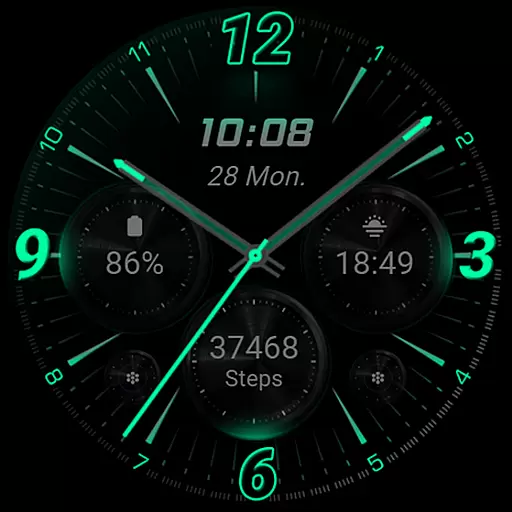
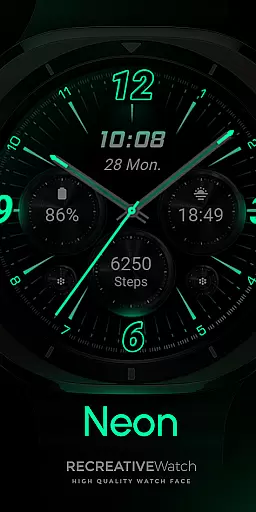
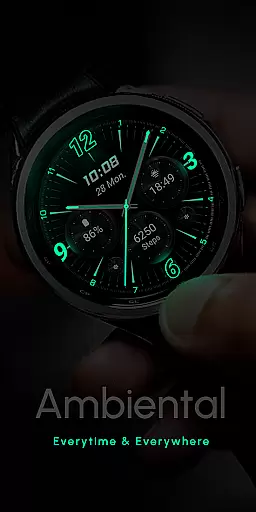
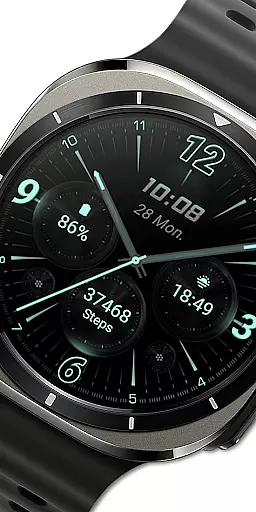
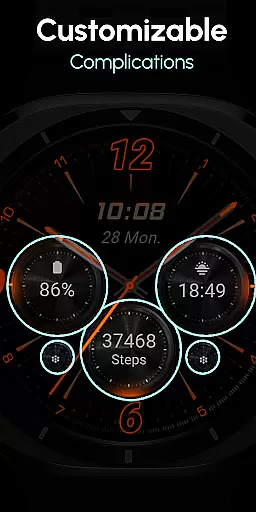
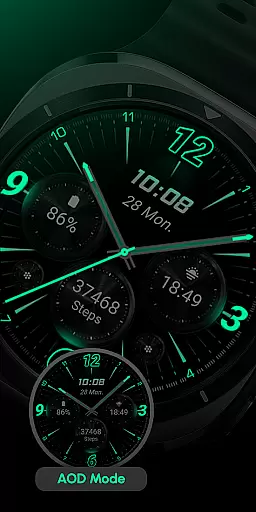
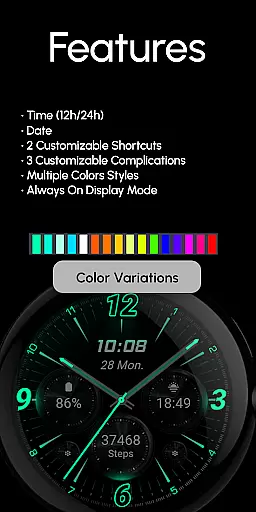
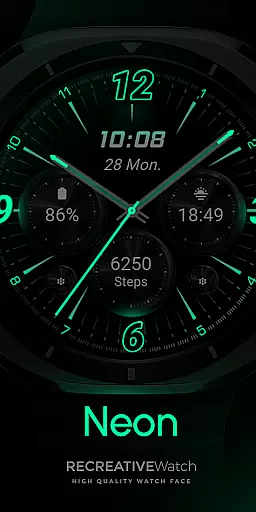
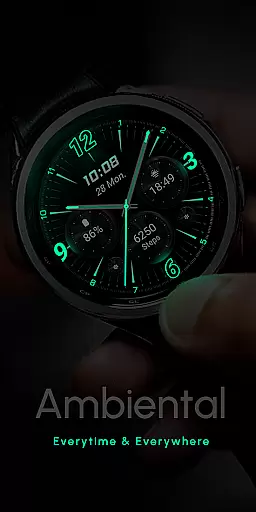
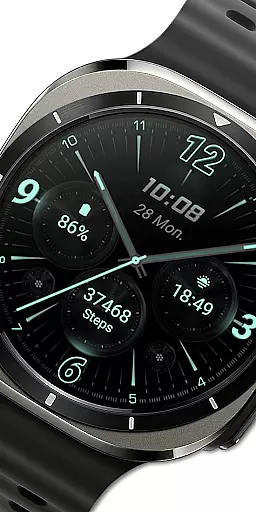
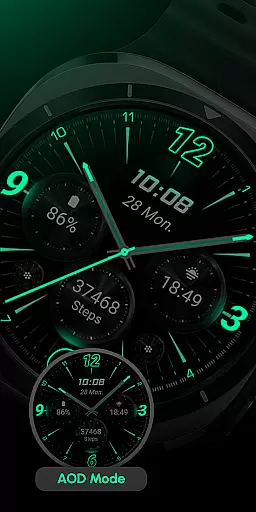
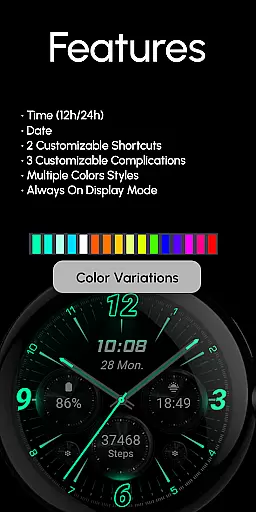
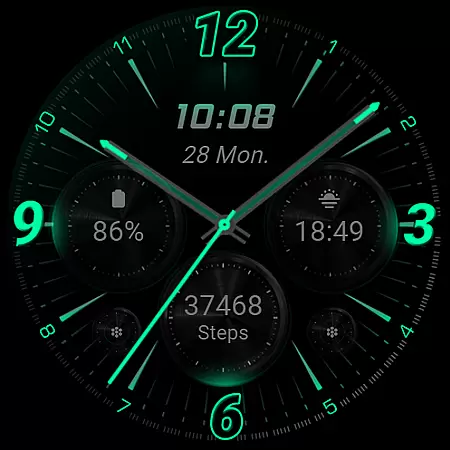
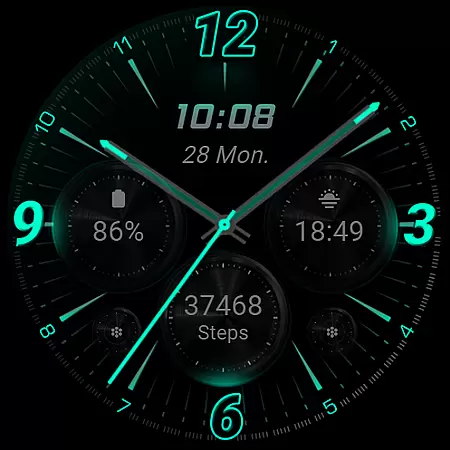
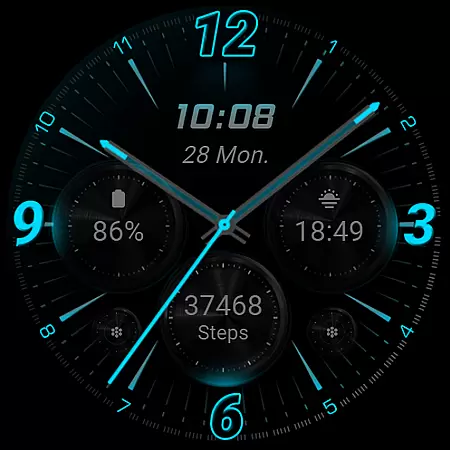
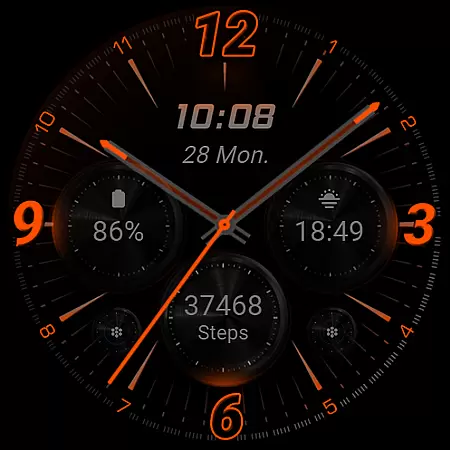
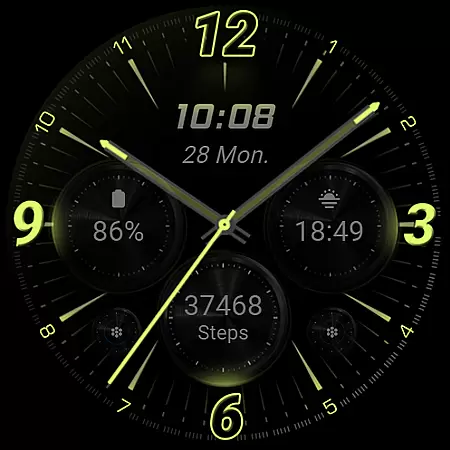
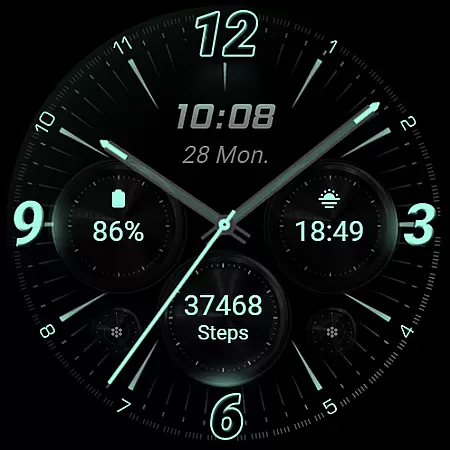
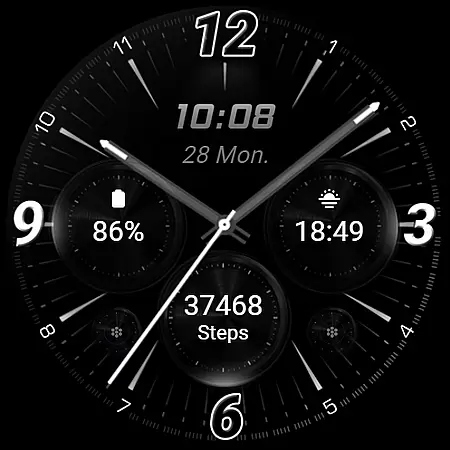
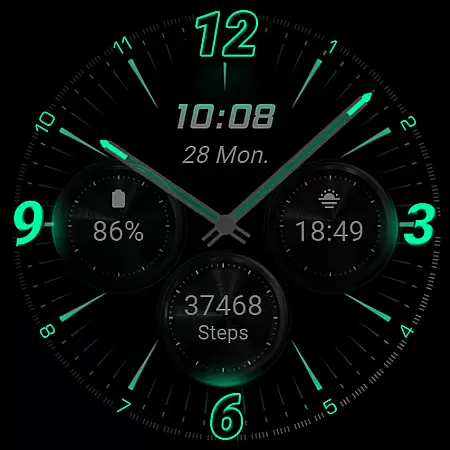
RE59 is a neon-inspired watch face designed for Wear OS, featuring realistic effects and a true black background. This sleek, modern design makes the neon elements pop on your wrist, offering both style and functionality. The watch face supports 12/24hr digital time display, customizable shortcuts and complications, and an Always ON Display feature.
The companion phone app facilitates installation and customization of the watch face, though it contains ads. For optimal battery performance, users can disable the Always ON Display mode. Compatible with API level 33+ devices including Google Pixel and Galaxy Watch series, this watch face brings a perfect blend of aesthetics and utility to your smartwatch experience.
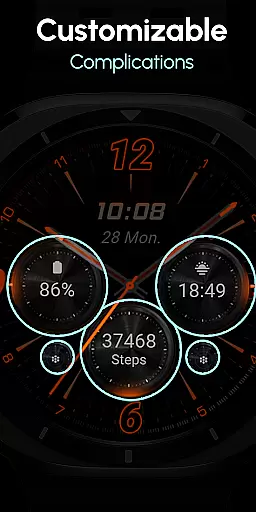
RE59 offers a range of features that enhance the Wear OS experience. The watch face includes 12/24hr digital time display, two customizable shortcuts, and three complication fields that can be personalized with various data types. Its Always ON Display ensures time and notifications are always visible.
Customization is intuitive - simply touch and hold the display, then tap the Customize option to adjust settings. Users can also modify complications directly from the watch face. For best battery performance, disabling the Always ON Display mode is recommended. This combination of visual appeal and functional flexibility makes RE59 a compelling choice for Wear OS users seeking a modern, customizable watch face.
Companion app integration is crucial for a seamless experience between a smartphone and a Wear OS device. RE59 offers a dedicated phone app that simplifies the installation process of the neon-inspired watch face, ensuring users can effortlessly locate and apply it on their smartwatches.
The phone app acts as a facilitator, providing an easy pathway to manage the watch face settings without hassle. Despite containing ads, the mobile app ensures that the core functionality remains unaffected, focusing primarily on enhancing the user's ability to customize their watch face with minimal steps.
By streamlining the setup process, RE59 guarantees that users can enjoy a sleek, modern look on their wrists without any technical hiccups. This integration underscores the importance of having a reliable companion app that bridges the gap between accessory and wearable technology.
Ensuring broad compatibility across various devices is essential for any Wear OS application. RE59 boasts extensive support for API level 33+ devices, including popular models like Google Pixel and Galaxy Watch series, making it accessible to a wide audience seeking a vibrant neon aesthetic on their smartwatch displays.
This compatibility extends beyond mere device recognition; it encompasses optimized performance tailored to each supported model. Users can expect consistent behavior whether they're using a Galaxy Watch 4 or a newer variant, thanks to meticulous testing and adjustments made during development.
Moreover, by prioritizing compatibility with other Wear OS models, RE59 reinforces its commitment to delivering a versatile and engaging user experience. This dedication not only enhances accessibility but also ensures that all users, regardless of their specific device choice, can enjoy the striking visual appeal and functional enhancements provided by this innovative watch face design.
Stylish neon design
True black background
Customizable complications
Always ON Display
Easy customization
Phone app contains ads
Limited to Wear OS
Battery optimization needed
API level 33+ required
Manual application needed

Snowflake Rose Gold Watch Face - Digital, modern, & sleek with GYRO effect.
 4.10
4.10
A Wintery Snow Globe on Your Wrist; now celebrating Christmas!
4.5
Current temperature, weather hourly, weather radar by the weather forecast app
4.40
Sleek, highly customizable watch face inspired by Galaxy Watch Circle Dashboard.
4.2
Connect to your Bluelink equipped Hyundai vehicle from your smartphone.
4.50
Professional weather radar and more
3.90
Your local weather forecast, storm tracker, radar maps & live weather news
3.40
Track airplanes and follow flights with our real-time flight tracker
4.50
Back up your contacts & access them anywhere
4.30
Digital, flexibly customizable watch face. For Wear OS 5.0, API 34+ and later.
5.00
Period, ovulation & pregnancy tracker. Fertility insights & menstrual calendar.
4.90
A modern hybrid informative watch face for Wear OS designed by BALLOZI
4.80
WTW M17 is a premium and luxurious hybrid watch face
4.70
Digital watch face with big numbers and many customization for Wear OS devices
4.40
Your music, your playlists, and more—offline and unlimited.
4.20
Hyper-Realistic Airplane Dashboard Watch Face With 10 Skins and Custom AOD
4.00
A digital watch face that celebrates Christmas.
4.00
Get helpful reminders, take progress photos and find answers to your questions.
3.90
Watch the sharpness of the sky on your wrist..
3.70


User Reviews