
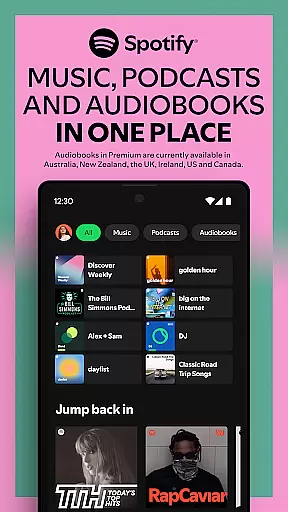

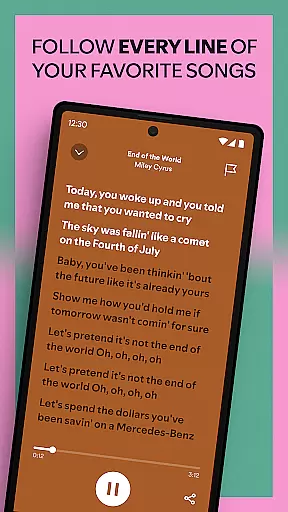
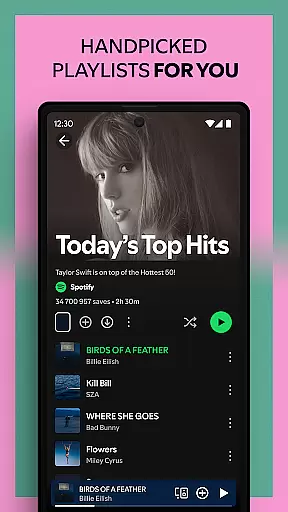
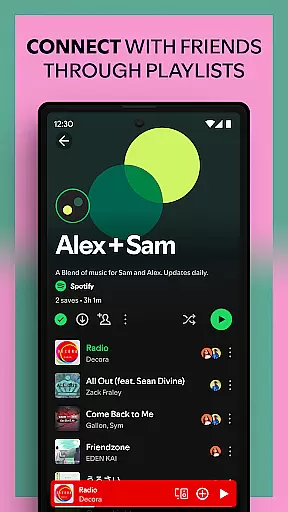

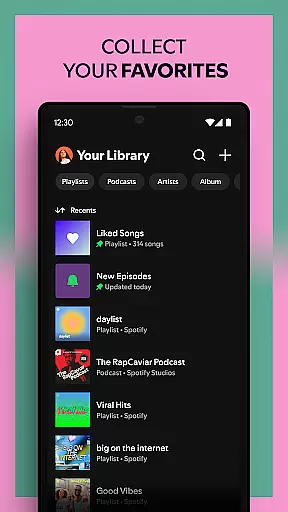
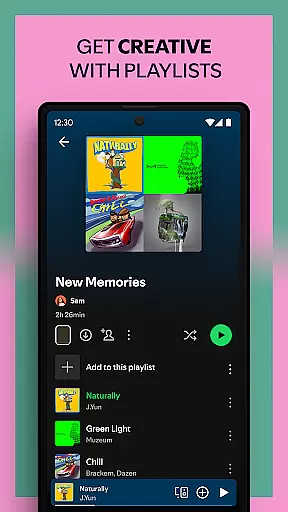


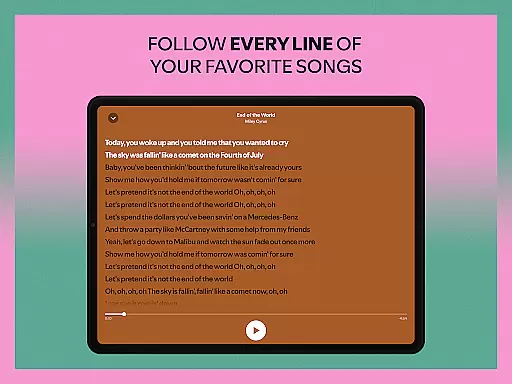
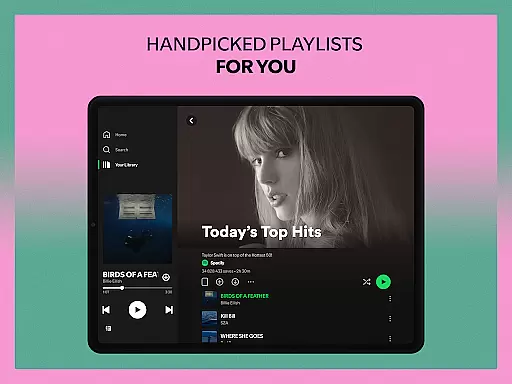
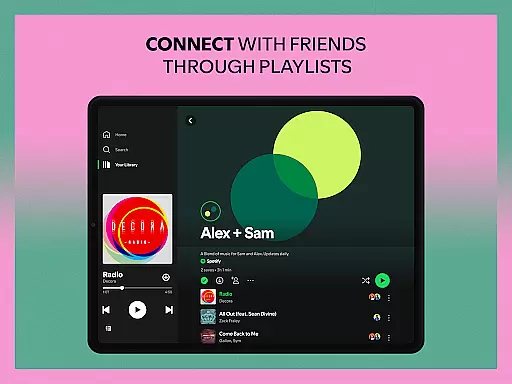
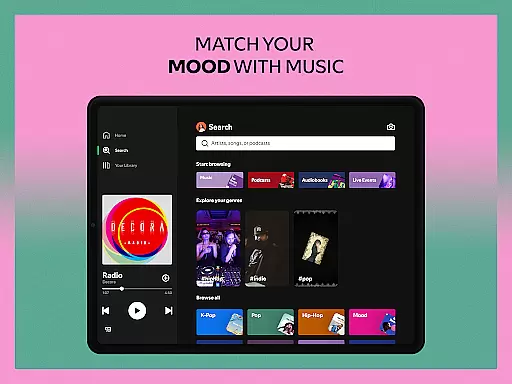
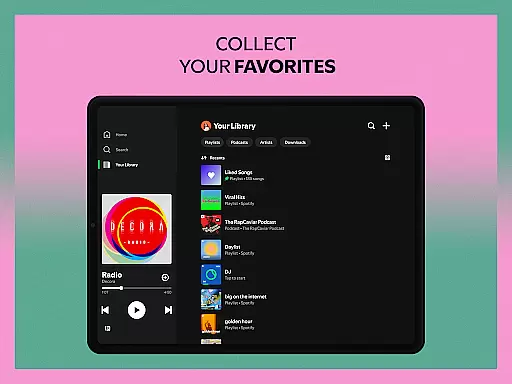


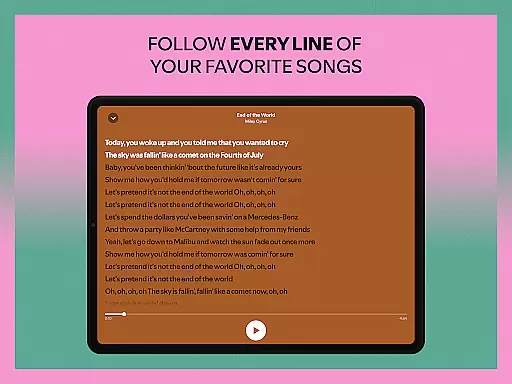
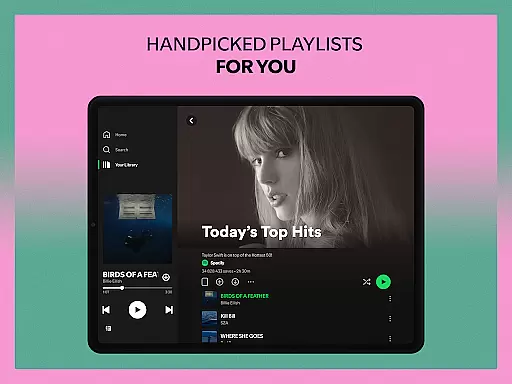
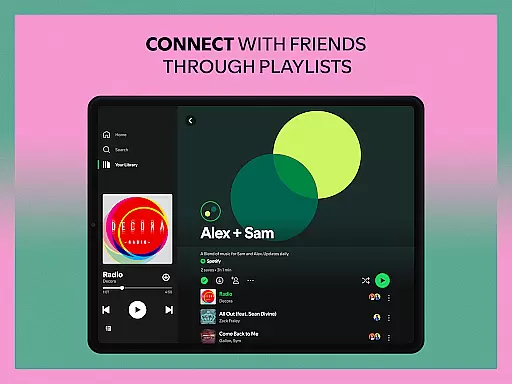
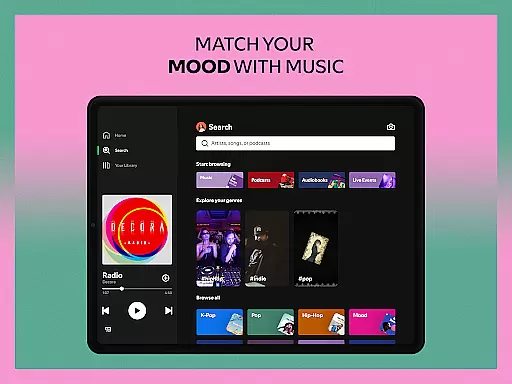
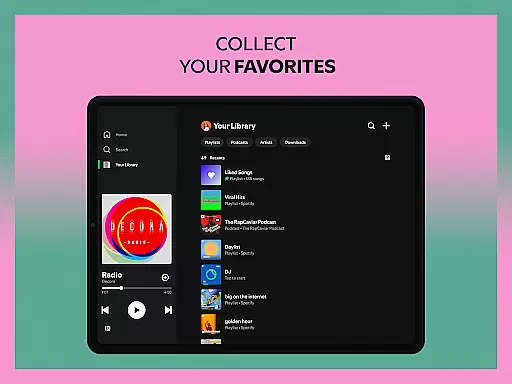
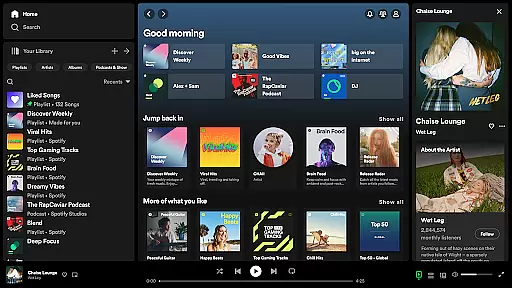
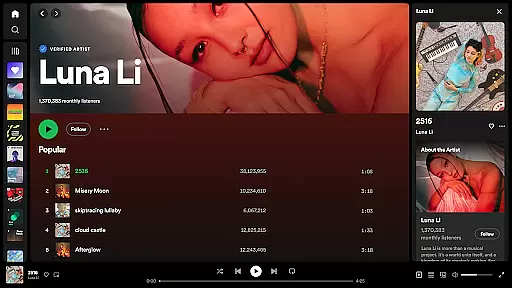
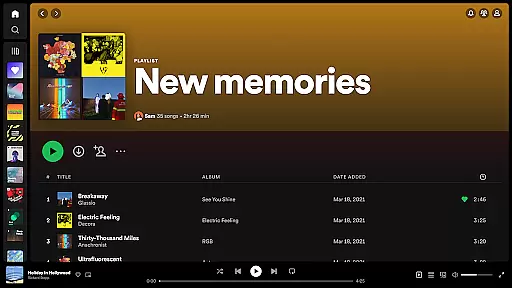


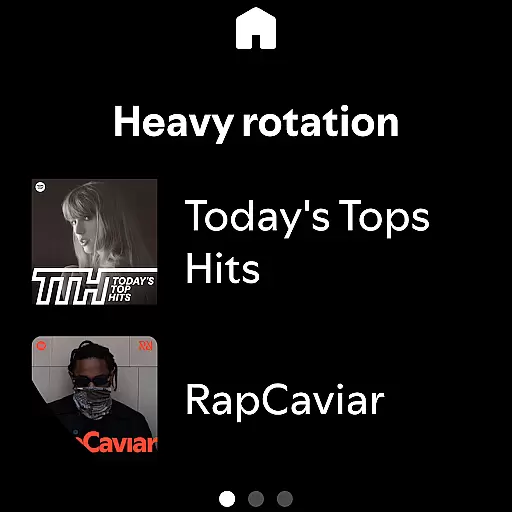
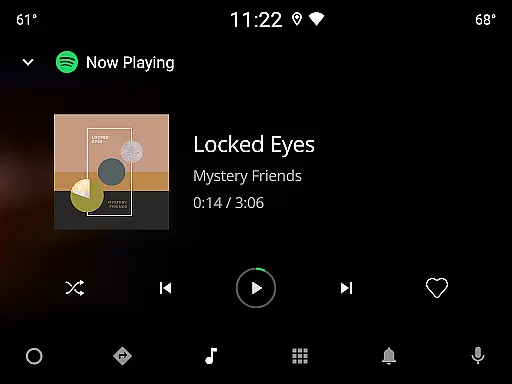

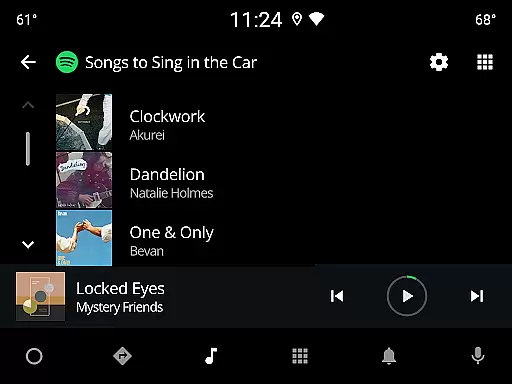
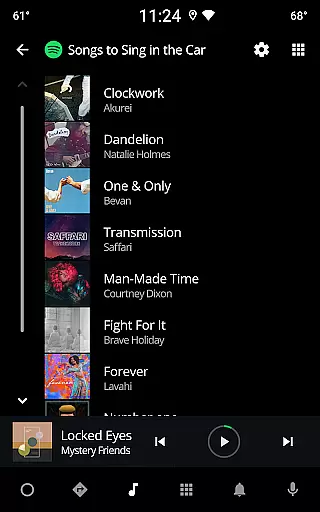
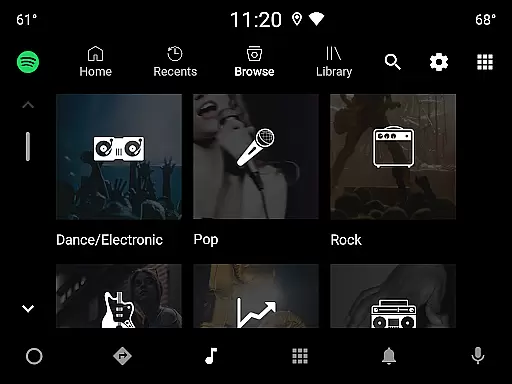
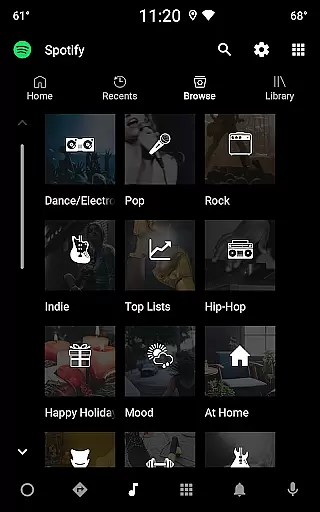
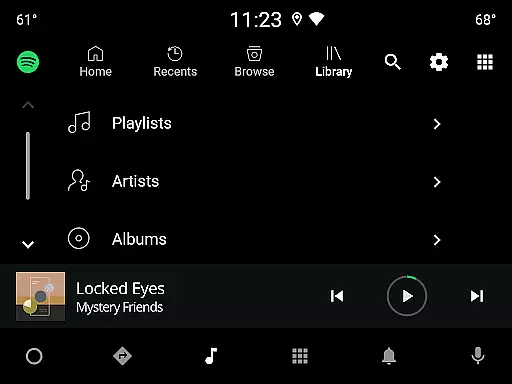
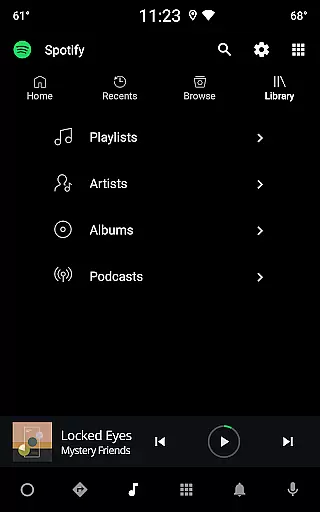
Spotify is a premier music and podcast streaming application that offers users access to millions of songs, albums, and curated playlists. With its Android Wear compatibility, it allows seamless music control directly from your smartwatch. The app also features exclusive content such as original podcasts and audiobooks, making it a versatile entertainment platform.
One of Spotify's standout features is its personalized listening experience. Users can enjoy daily mixes tailored to their preferences and explore music across various genres and regions. Whether you're looking for the latest hits or niche genres, Spotify provides an extensive library to cater to every musical taste. This makes it an ideal choice for those who want a customizable and expansive audio experience on their wearable devices.
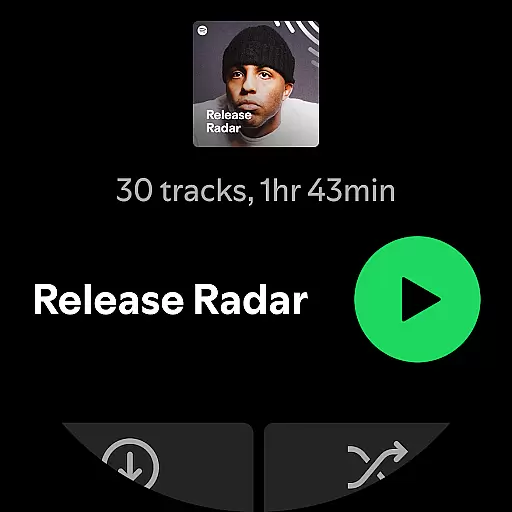
Spotify stands out with its vast content library, including over 80 million songs and 4 million podcasts. Its Android Wear integration enables users to control playback without needing their phones nearby. You can easily manage playlists, adjust volume, and skip tracks directly from your smartwatch.
The app also offers high-quality sound across all devices and the ability to download content for offline listening with a Premium subscription. Spotify's recommendation algorithms provide personalized playlists and daily mixes based on user behavior. These features ensure that whether you're working out or commuting, you have uninterrupted access to your favorite music and podcasts.
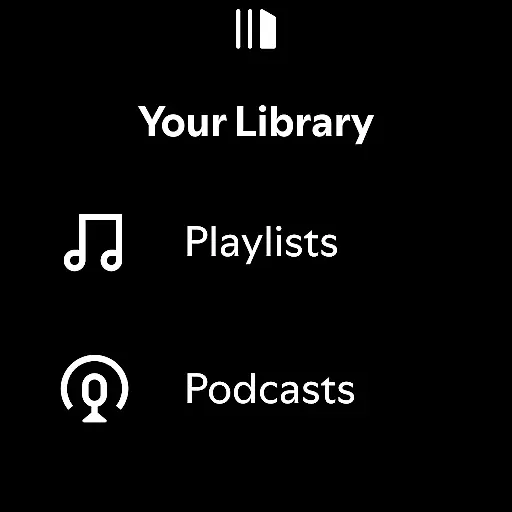
Companion app integration is essential for users who want seamless connectivity between their mobile devices and wearable technology. Spotify excels in this area by ensuring that its Android Wear application works harmoniously with the main mobile app. This synchronization allows users to control music playback, browse playlists, and manage podcasts directly from their smartwatch.
The implementation of this feature means that whether you're commuting, exercising, or simply relaxing at home, your listening experience remains uninterrupted. By having key functionalities mirrored on your wearable device, you can enjoy a fluid transition between devices without missing a beat.
For Spotify users, this translates into practical benefits such as being able to leave your phone behind during a run while still controlling your music. The convenience of managing your audio content from your wrist enhances user engagement and satisfaction, making Spotify a top choice for those seeking integrated digital experiences across multiple devices.
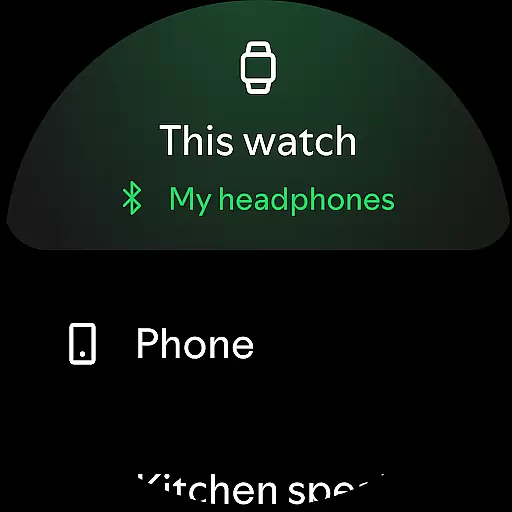
Device compatibility is crucial for any application targeting the wearable tech market. Spotify's Android Wear app offers broad support across various Wear OS devices, ensuring that no matter which smartwatch you own, you'll likely have access to your favorite tunes and podcasts. This wide-reaching compatibility underscores Spotify's commitment to accessibility and user convenience.
By prioritizing compatibility, Spotify guarantees that its sophisticated features like offline downloads and intuitive playback controls are available to the largest possible audience. Whether you're using a newer model or an older version of a Wear OS device, Spotify ensures consistent performance and functionality.
This dedication to cross-device operability not only expands Spotify's reach but also reinforces its reputation as a versatile and reliable platform for music and podcast enthusiasts. Users can confidently invest in compatible wearables knowing they will fully leverage Spotify's comprehensive suite of entertainment options right from their wrists.
User-friendly interface
Extensive music library
Personalized recommendations
Offline listening option
Cross-device compatibility
Ad interruptions in free version
Limited skipping in free tier
Premium subscription cost
High data usage for streaming
Occasional connectivity issues

Christmas Theme Watch Face for Wear Os
 5.00
5.00
Snowflake Rose Gold Watch Face - Digital, modern, & sleek with GYRO effect.
4.10
Current temperature, weather hourly, weather radar by the weather forecast app
4.40
Elegant animated Christmas tree with multiple customization options
4.20
Stunning modern digital watch face with 7 complications and strong contrast
4.3
The most customizable minimal watch face. For Wear OS 5.0, API 34+ and later
4.70
Monitor health with the stress test and pulse checker in the heart rate app.
4.60
Minimalistic design modern digital watch face.
4.0
Premium hybrid watch face with many customizations for Wear OS devices.
4.40
Diet tracker for weight loss - track calories, food and macros. Simple and easy!
4.70
Be an elegant and classy secret agent, with this carefully detailed watch face
4.70
Highly customizable hybrid watch face for Wear OS, perfect for everyday use.
4.60
To-Do List: daily schedule planner, task organizer, to do reminder app, calendar
4.60
A realistic hybrid watch face with many customization options.
4.60
Fast and smart typing with Emojis, GIFs, and more
4.50
Digital watch face with big numbers and many customization for Wear OS devices
4.40
Your music, your playlists, and more—offline and unlimited.
4.20
Viewer for Wyze/Yi/Eufy/Arlo/ONVIF/RTSP/P2P IP cams w/ adv. features & DIY DVR
4.00
Precision analog watch face with 7 complications and style options
4.3


User Reviews