
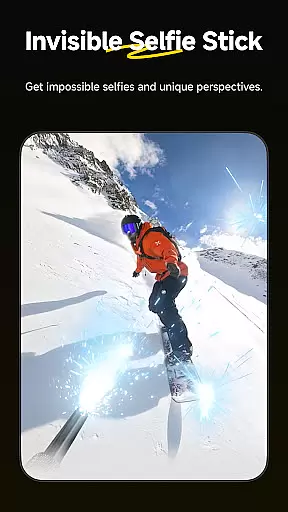
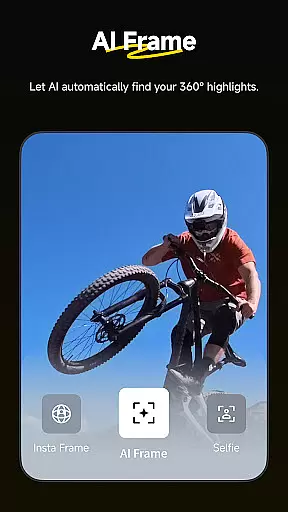
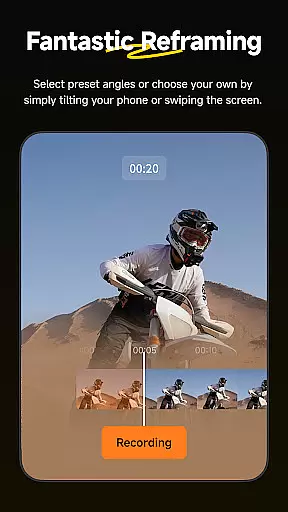
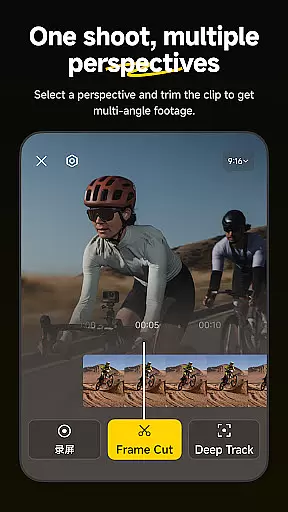
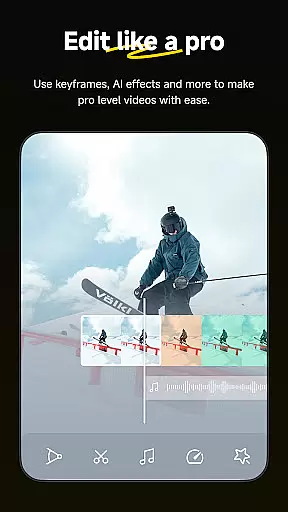
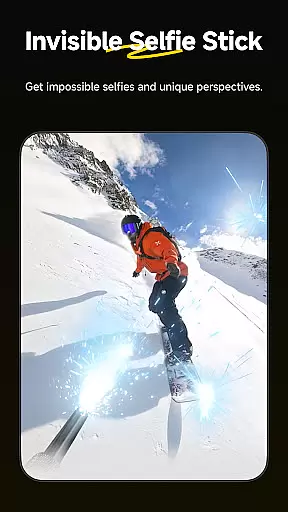
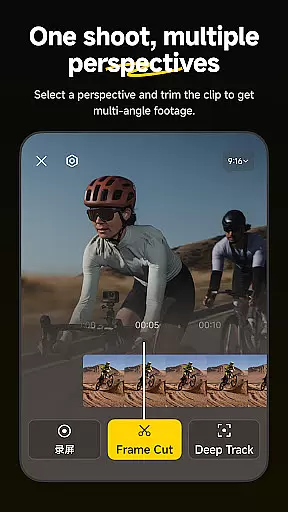
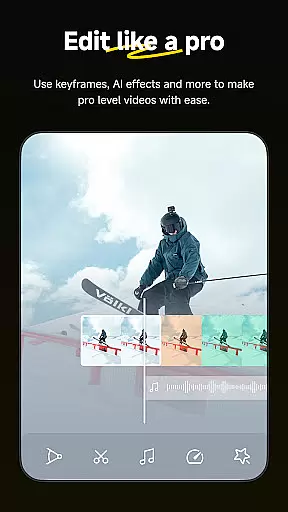
Insta360 is a powerful video editing and camera companion app designed for creators, athletes, and adventurers. It offers advanced AI-powered tools to streamline the editing process while providing creative freedom. With features like auto-reframing, hyperlapses, and manual controls, it transforms your smartphone into a professional editing suite.
The app supports seamless integration with Insta360 cameras and handheld gimbals, allowing users to manage files, edit footage, and share content without downloading videos to their devices. Its intuitive interface includes templates, reframing tools, and subject tracking, making it ideal for both beginners and experienced creators.
Whether you're creating viral clips or stabilizing action footage, Insta360 enhances creativity while saving time and storage space. Perfect for adventurers and videographers, this app empowers users to produce high-quality content effortlessly.
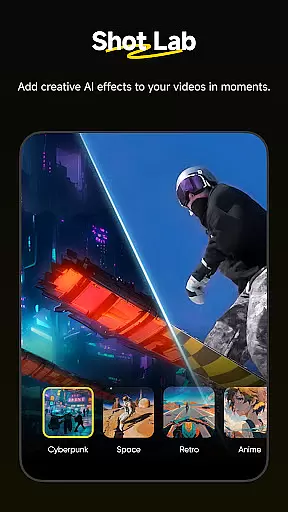
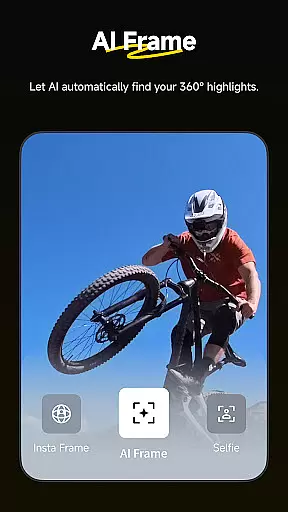
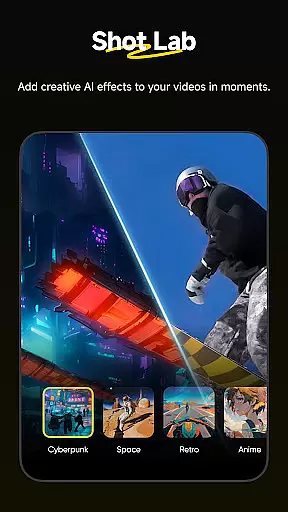
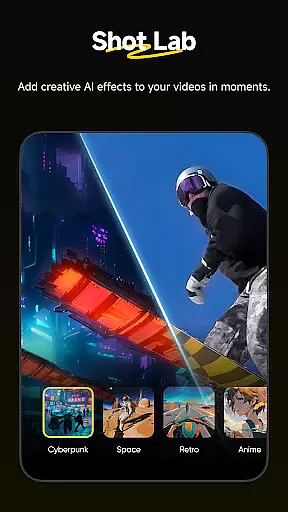
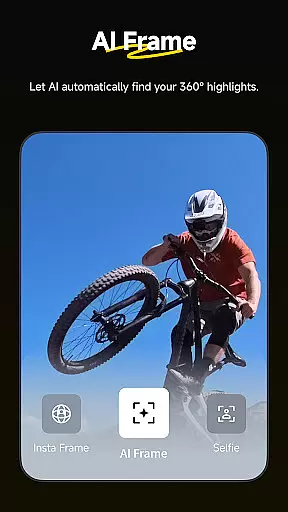
Insta360 stands out with its innovative AI-driven features that simplify video editing. The AI Edit function automates reframing and highlights creation, using improved subject detection for precise edits. Shot Lab provides over 25 customizable templates, such as Clone Trail and Sky Swap, enabling quick, creative results.
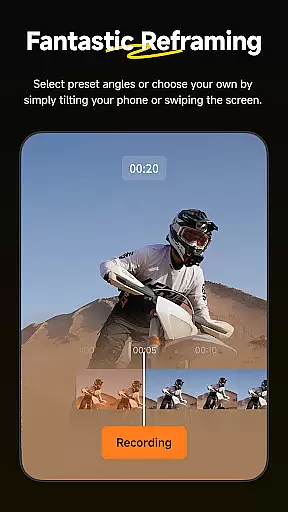
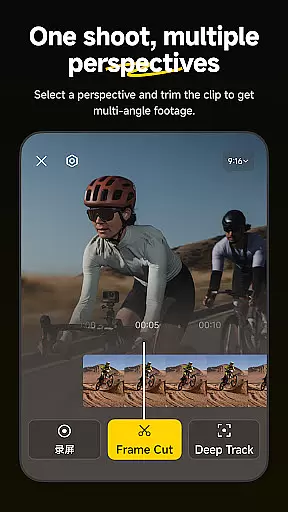
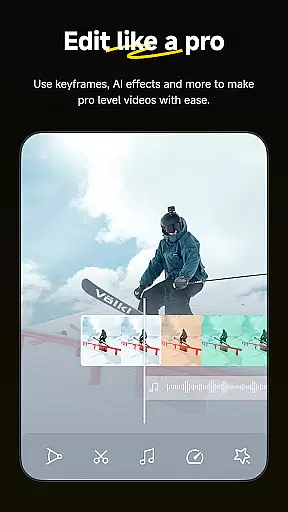
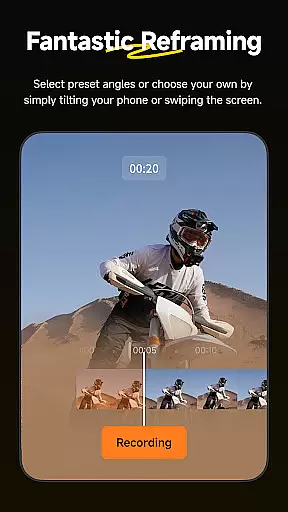
Reframing tools allow users to adjust perspectives dynamically by adding keyframes, while Deep Track ensures subjects remain centered in the frame. Hyperlapse functionality lets users stabilize and speed up footage with adjustable speeds. Additionally, the new Album Page Layout uses smart thumbnails for easier file management.
Download-Free Editing is another highlight, letting users edit and share directly to social media without consuming device storage. These features collectively make Insta360 an indispensable tool for modern content creators.
Insta360 app stands out with its extensive video format compatibility, ensuring that creators can work with a wide range of file types without any hiccups. The app supports formats from standard MP4 to more specialized 360-degree video files, making it versatile for various content creation needs.
The application's ability to handle these formats is crucial for seamless editing and sharing experiences. Whether you're shooting with an Insta360 camera or using footage from other devices, the app ensures that your videos are recognized and ready for editing instantly.
For users, this means no more worrying about converting files or dealing with unsupported formats. You can focus on creating and sharing stunning videos across social media platforms without the need for preliminary technical adjustments.
This level of compatibility not only saves time but also expands creative possibilities, allowing users to experiment with different types of video content while maintaining high-quality output.
At the heart of Insta360's appeal are its AI-powered editing features, which revolutionize how users interact with their video content. Tools like AI Edit and Shot Lab harness artificial intelligence to automate complex editing tasks, making professional-quality edits accessible to everyone.
With AI Edit, the entire reframing process is handled automatically, detecting subjects and action highlights faster than ever before. This feature simplifies the editing workflow, enabling creators to produce engaging clips in record time without sacrificing quality.
Shot Lab offers over 25 AI-powered templates such as Nose Mode, Sky Swap, AI Warp, and Clone Trail, turning ordinary footage into viral sensations with just a few taps. These innovative tools democratize content creation, empowering users to explore new creative avenues effortlessly.
By leveraging these advanced AI capabilities, Insta360 not only enhances the editing experience but also inspires users to push the boundaries of their creativity, resulting in unique and captivating visual stories.
AI-powered editing
Real-time subject tracking
25+ creative templates
Effortless hyperlapse creation
Storage-saving workflow
Requires compatible hardware
Advanced tools may overwhelm beginners
Dependent on internet for some features
Limited offline functionality
Premium templates need subscription

Auto video maker with music & exclusive filters. Video editing made simple.
 4.50
4.50
Save photos and videos from social apps in one tap.
3.60
A Quick and Pro Video Editor
4.70
Play ALL formats in 4K & HD. Video downloader, MP3 player, Chromecast & more.
4.80
HD video maker with no watermark, no ads & vlog maker with music, PIP, text
4.50
Download videos and play them offline
4.70
Flud is a simple and beautiful BitTorrent client for Android.
4.80
Download Hub, easy and private way to download and enjoy your videos offline
4.80
Screen recorder with audio to take live videos & Screenshot in high quality!
4.70
Video Trimmer, Video to MP3 Converter. Extract music from video, Easy & Fast.
4.80
High-Quality USB Camera Viewer & HDMI Display
4.70
Video Player - Unlimited features, 30 days money back guarantee.
4.60
?100% FREE! Download & save videos? safely in this app. All formats supported.
4.60
Snaptubè Video Downloader app allows to download videos and music in Snaptube. .
4.60
Browser for Fire TV to stream webvideos, online movies, livestreams in HD
4.40
Video Downloader is an utility that can save videos and music from web sites
4.20
LumaFusion: The Ultimate Storytelling Experience for Video Editing
4.10
Connect 2 UVC devices for recording and broadcast video/audio stream
3.90
This app is an emulator of some specific IPTV boxes
3.50


User Reviews